Simple Jobsite App for Crews & Foremen
Big, easy buttons for clocking in, logging loads, and snapping photos, so the crew can get in, get out, and get back to work.
- Clock in the whole crew in just a few taps
- Log loads, materials, and equipment in seconds
- Snap photos and notes tied to the right job

The Reality for Crews on the Jobsite
The crew is there to move dirt, pour concrete, run pipe, or pull wire — not fill out paperwork. But every day somebody still needs hours, loads, and photos from the field.
The Usual Headaches
- Paper time cards that get dirty, lost, or turned in late
- Texts and photos scattered between everyone’s phones
- Having to remember loads, materials, or equipment hours at the end of the day
- Using apps that are slow, confusing, or built for the office, not the field
- Getting blamed when hours or counts do not match what the office expects
What You Actually Need
- A simple way to clock in the crew in just a few taps
- Quick buttons to log loads, materials, and equipment during the day
- An easy way to snap photos and notes that go straight to the right job
- Screens that are big, fast, and easy to use with gloves or in bright sun
- A few minutes at the end of the day instead of a new “desk job”
How SimplySub Keeps Crews Moving, Not Typing
SimplySub is built for the field first. Big buttons, simple screens, and just the handful of things crews actually need to log during the day.
Clock In the Crew Fast
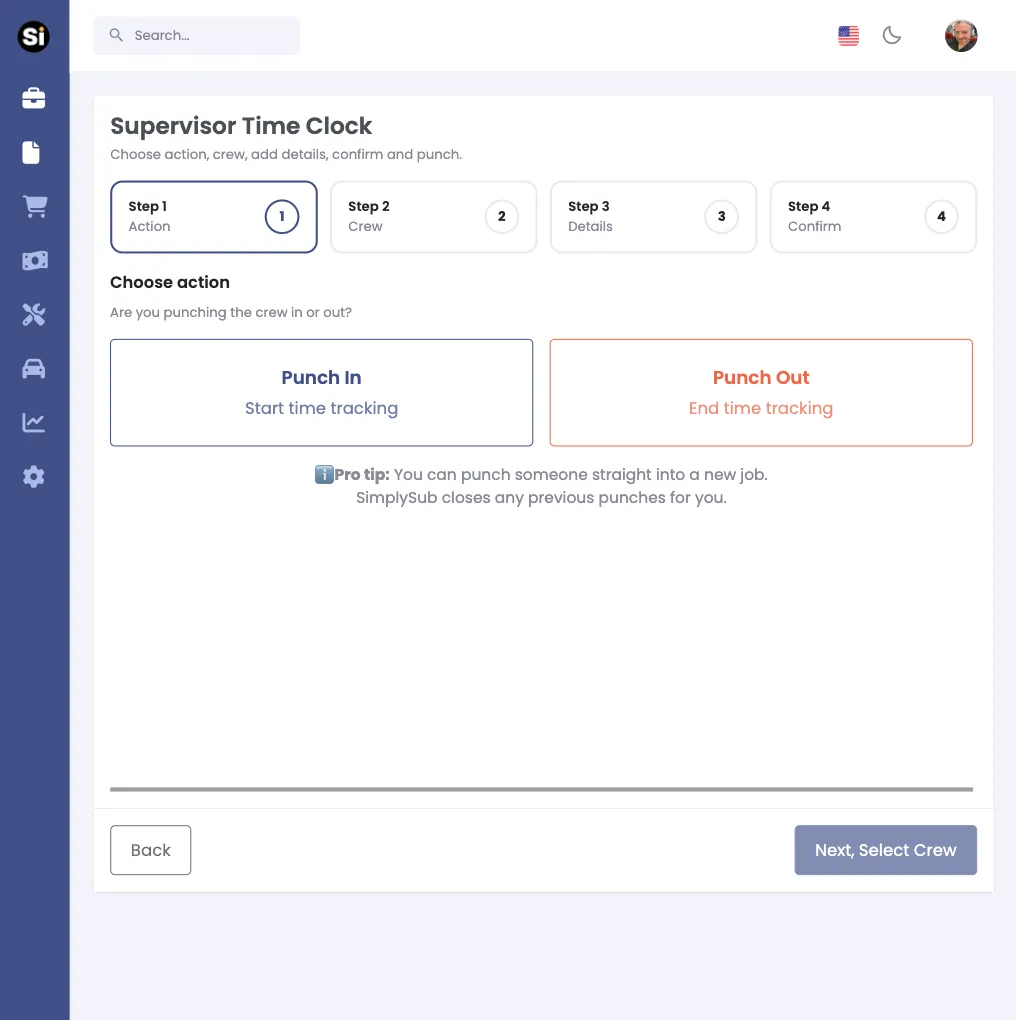
Foremen clock in everyone on the crew in a few taps, so hours are recorded correctly without each person fumbling through an app.
Log Loads & Materials in Seconds
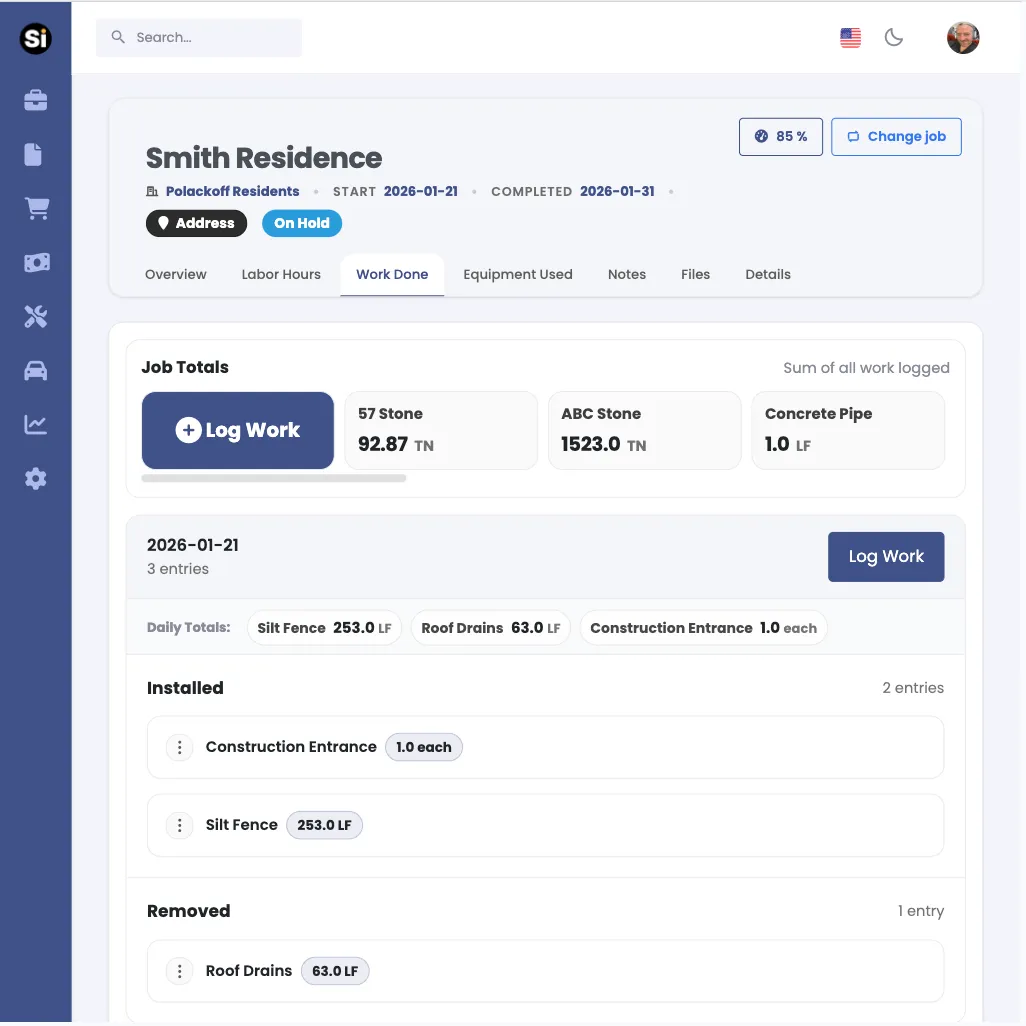
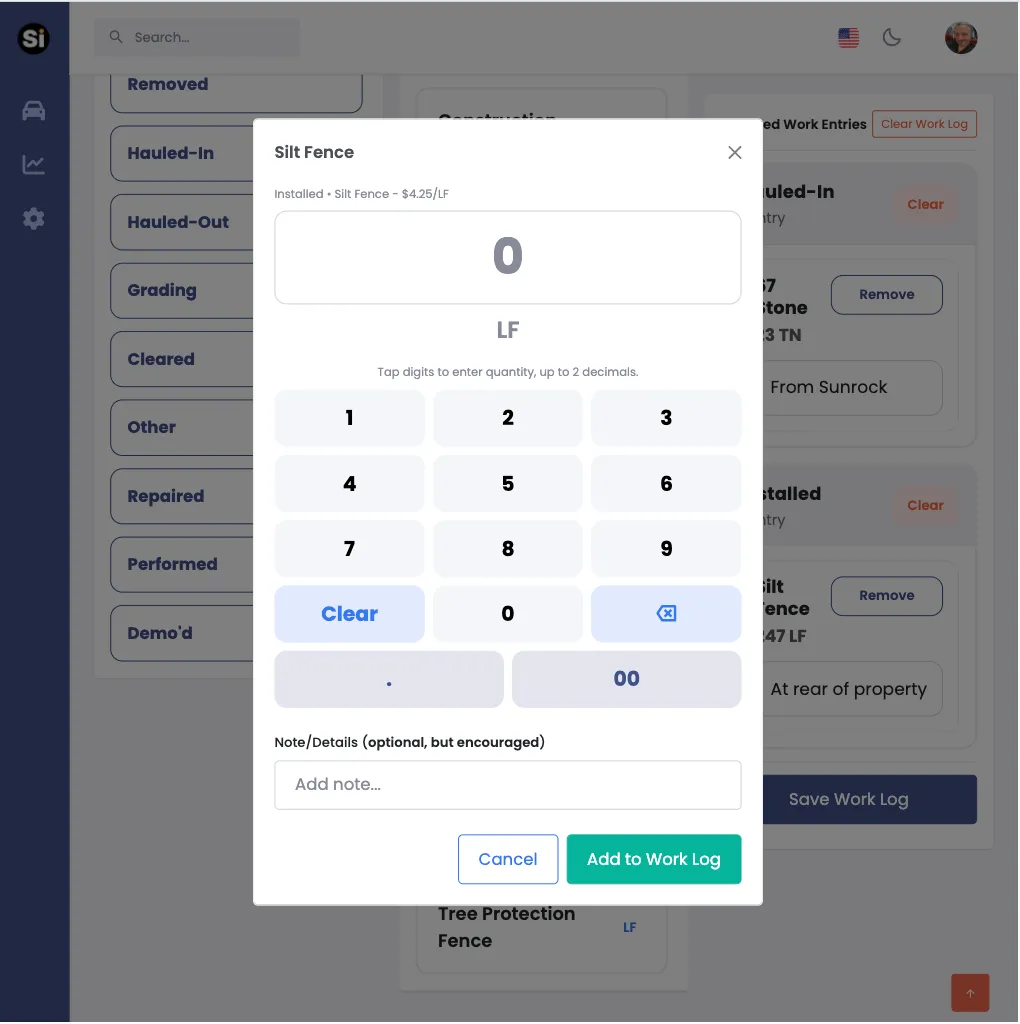
As trucks roll or materials get placed, it only takes a couple taps to record the count. No more trying to remember everything later.
Snap Photos & Notes for the Day
Take pictures of progress, issues, or site conditions and add a quick note. Everything is sent to the right job so the office and owner see the same story.
Everyday Jobsite Workflows for Crews & Foremen
SimplySub fits into the normal rhythm of the day. A few quick check-ins, not a long list of forms or fields that slow everyone down.
Morning: Clock In & Assign Jobs
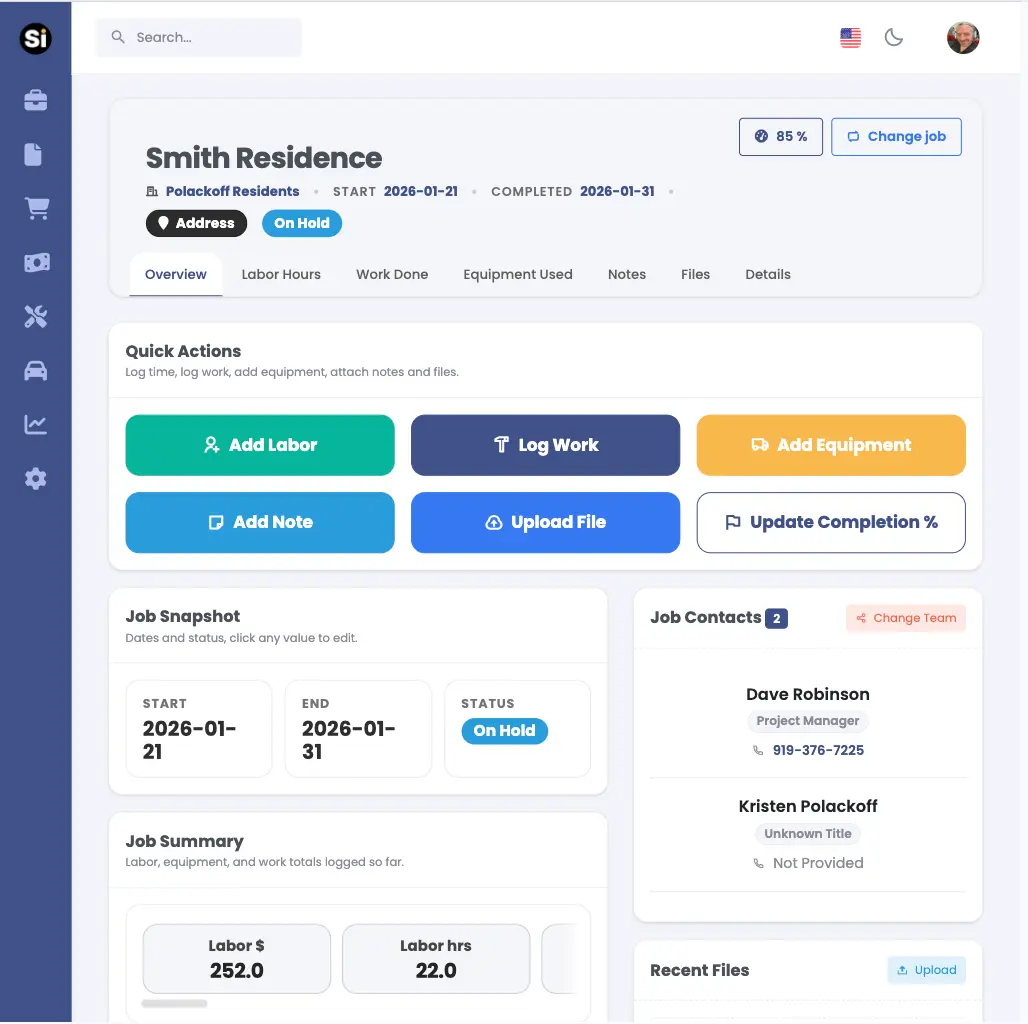
Start the day by clocking in the crew and confirming which job they are on. Everyone’s time is tied to the right place from the start.
During the Day: Log Loads & Activity
When loads move, materials get placed, or equipment is running, a few taps record what happened. No long forms, no tiny text boxes.
End of Day: Quick Wrap-Up
Add a short note about what got done, what changed, and what is in the way. Snap a couple photos, clock out, and the day is done.
Incidents & Issues
When something goes wrong, log it with a few taps and photos. The office and owner see it immediately, without a long phone call.
Equipment Hours & Location
Log which machines were on site and roughly how long they ran, helping the office keep up with costs, fuel, and maintenance.
Daily Safety Talks
Log quick daily safety or toolbox talks so there is a clear record for OSHA and GCs. Pick the job, note the topic, and capture who was there in under a minute.
Access Job Docs & Plans
Quickly pull up site plans, PDFs, job details, and GC documents so crews always know exactly what needs to be done without making a call to the office.
Daily Materials Check
Review the materials needed for the day and confirm what is on hand at the jobsite. Helps prevent delays and unnecessary trips back to the yard.
Site Conditions & Hazards Check
Quickly note site conditions, blocked access, underground utility issues, and other hazards so the crew and office stay aligned before work begins.
What Crew Leaders and Field Workers Say About SimplySub
SimplySub was built alongside real subcontractors who were tired of trying to use overbuilt tools like Procore and BuilderTrend or relying on paper time cards, scattered photos, and endless text threads. Here’s how it feels once everything is running through one simple app.
Ready to Give Your Crews a Simple App They Will Actually Use?
Make it easy for field teams to clock in, log work, and send photos — without slowing them down. The office gets clean data, the crew gets less hassle.
Up and running in minutes. 100-day money back guarantee. Free training & support.