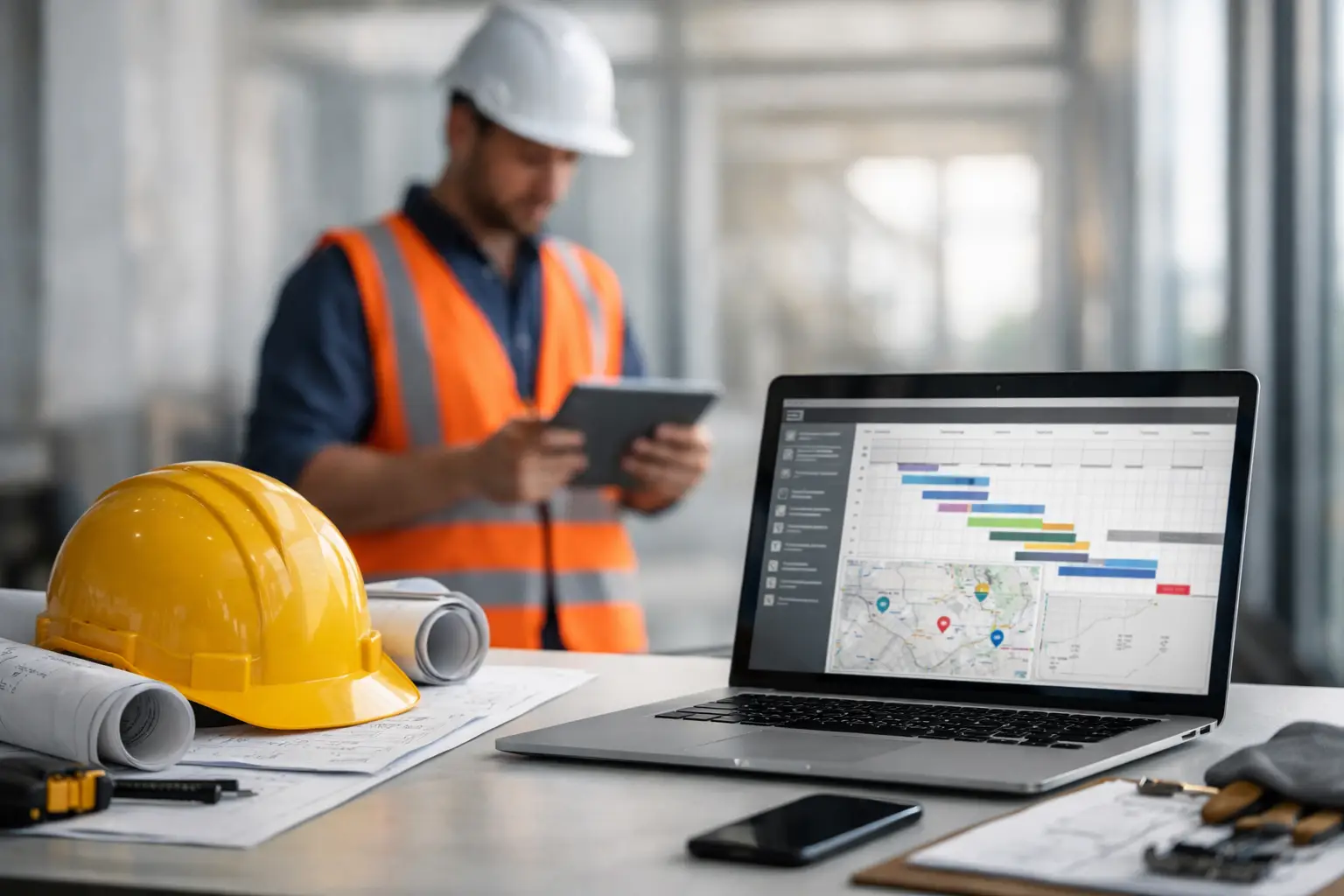
A foreman is 20 minutes from the yard, one crew is already unloading at Job A, and the office is still waiting on text messages to figure out who started where. That is usually the moment the question comes up: can crews clock in remotely? The short answer is yes, and for a lot of subcontractors, they should. But whether it works well depends on how you set it up, how much control you need, and how easy it is for crews to use in the field.
For subcontractors running multiple jobs at once, remote clock-ins are less about convenience and more about control. If your crews leave from home, move between sites, or start work before anyone from the office is on location, paper timecards and end-of-day calls create too much guesswork. Remote time tracking fixes that only when the process is simple enough that crews actually use it and reliable enough that the office trusts the hours.
Can crews clock in remotely without losing control?
Yes, but only if remote clock-ins come with accountability. If employees can clock in from anywhere with no job selection, no location data, and no approval process, you are just replacing one bad system with a faster bad system.
What most subcontractors actually need is a way for crews to clock in from the field while still tying that time to the right job, the right employee, and the right start time. That usually means mobile clock-ins paired with GPS location, crew-based time entry, or foreman-managed attendance. The goal is not to monitor every move. The goal is to stop losing time, stop chasing corrections, and stop finding payroll errors after the week is over.
There is also a practical side to this. Different trades work differently. A landscaping crew may leave directly for the site every morning. A masonry contractor may have labor split across two pours in one day. An electrical subcontractor may send service techs to several locations before lunch. Remote clock-ins make sense in all of those cases, but the rules should match the way your crews really work.
When remote clock-ins make the most sense
If your crews always start at a shop, yard, or fixed location, remote clock-ins may not change much. But if your business runs field-first, they can save a lot of time.
The biggest win usually comes when employees start work at the jobsite instead of checking in through the office. That removes the morning bottleneck and gives the office visibility earlier in the day. Instead of waiting for a supervisor to drop off timecards or send photos of handwritten notes, you can see who is on site, when they started, and what job they are charging time to.
Remote clock-ins also help when crews move during the day. If someone starts on a retaining wall install in the morning and finishes the afternoon on another property, that time should follow the work. Otherwise, labor costs get buried in the wrong job, and your production numbers stop meaning much.
This is where many subcontractors get stuck. They know remote time entry would help, but they worry it will create more disputes. That concern is fair. If the system is too loose, people forget to switch jobs, clock in too early, or miss breaks. If it is too rigid, crews stop using it. The right setup sits in the middle - easy in the field, clear in the office.
What a good remote clock-in process looks like
A workable process usually starts with mobile access. Crews need to be able to clock in from a phone without a long login process, extra screens, or training videos. If it takes too many taps, people will skip it or wait until later, which defeats the point.
From there, job selection matters. Every clock-in should be tied to a specific project, phase, or cost code if you track at that level. That is what turns time data into job cost data. Without that step, remote clock-ins may help payroll, but they will not help production tracking or estimating.
Location verification is also worth having, especially for owners and admins who need confidence in the record. GPS-backed clock-ins do not solve every problem, but they give context. If an employee clocks in at a jobsite at 6:58 a.m., that is different from a manual entry added later from somewhere else.
Approval still matters too. Remote does not mean automatic. Foremen, project managers, or office staff should be able to review hours, fix obvious mistakes, and approve time before payroll runs. That keeps small field errors from turning into larger office problems.
Can crews clock in remotely if one person manages the whole team?
Yes, and for many subcontractors, that is the best option.
Not every crew wants individual employees pulling out phones at the start of the day. In some trades, it is faster for a crew leader or foreman to clock in the whole team at once, assign them to the job, and make adjustments as needed. That approach can reduce missed punches and keep the workflow moving, especially when laborers are not comfortable with apps or when hands are full as soon as they arrive.
The trade-off is accuracy versus speed. Foreman-led clock-ins are fast and often easier to enforce, but they depend on the supervisor paying attention. Individual clock-ins create stronger employee-level records, but they require more participation from the field. Many subcontractors use a mix. Crew leaders handle standard starts, while individuals clock themselves when they split off, transfer jobs, or work overtime separately.
That flexibility matters. Software should match the jobsite, not force the jobsite to match the software.
Common concerns about remote clock-ins
One of the biggest concerns is time theft. Owners worry that if employees can clock in remotely, they will do it from the truck, from home, or before they are actually ready to work. That risk is real, but it is not unique to remote systems. Paper cards, texted hours, and verbal reports are often easier to abuse because there is less documentation.
Another concern is adoption. Some crews are comfortable with mobile tools, and some are not. If the app is cluttered or built like office software, field use drops fast. That is why simplicity matters more than feature count. A field time tracking tool does not need to impress anyone in a demo if it slows down the start of the workday.
Connectivity comes up too. Jobsites do not always have perfect service. A good field setup should handle low-signal conditions and let data sync when coverage returns. Otherwise, the crew gets blamed for missing records that were really system limitations.
Then there is payroll cleanup. Some companies assume remote clock-ins will eliminate every correction. They will not. People still forget things. Jobs still change. But with live records, the office can catch issues the same day instead of after the week closes. That alone can save hours of back-and-forth.
What subcontractors should look for in a system
If you are evaluating whether crews can clock in remotely in a way that actually helps the business, look past the sales language and focus on daily use.
Can a worker clock in in seconds? Can a foreman manage a whole crew from one screen? Can hours be tied to the right job without office re-entry? Can the office see labor in real time? Can managers correct errors before payroll? Those are the questions that matter.
It also helps when time tracking is connected to the rest of your operation. Labor hours are more useful when they sit alongside daily logs, job photos, materials, and production notes. That gives owners and office managers a clearer picture of what happened on site, not just what got entered on a timesheet. For subcontractors using a field-first platform like SimplySub, that kind of visibility is often the real payoff. Time tracking stops being a standalone chore and starts supporting job costing, billing, and accountability.
The real answer to can crews clock in remotely
They can, and for many subcontractors, they should. But remote clock-ins only work when the process is built for real jobsites - fast in the field, clear in the office, and strict enough to trust without turning into a daily fight.
If your current system depends on handwritten cards, Friday corrections, and too many phone calls, remote clock-ins are probably not the risk. They are the fix. Start with a process your crews will actually use, set the rules early, and make sure the office can see what is happening while the day is still in motion. That is when time tracking starts doing its job. To learn more, schedule a demo or review pricing and start your 100 day risk free account.