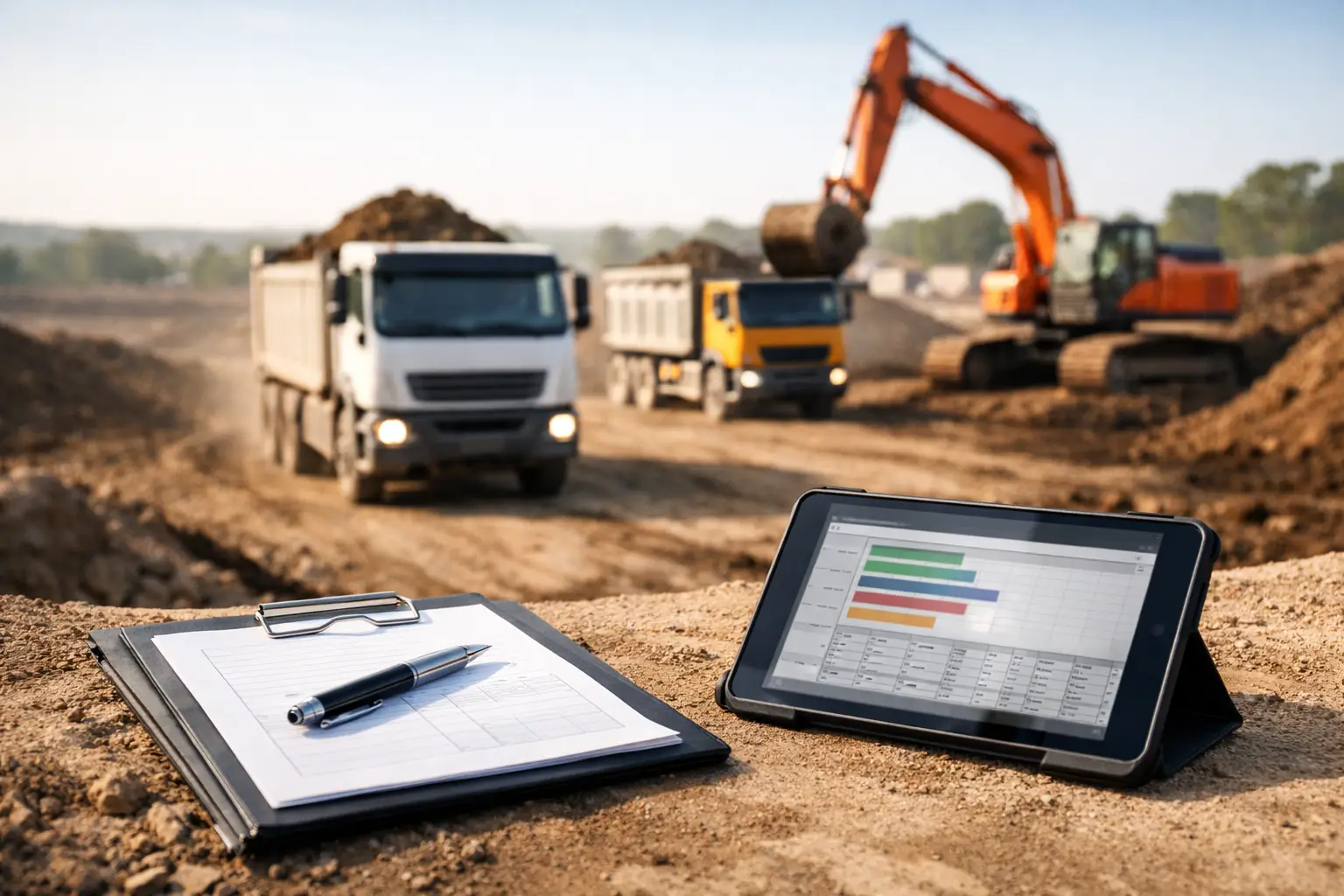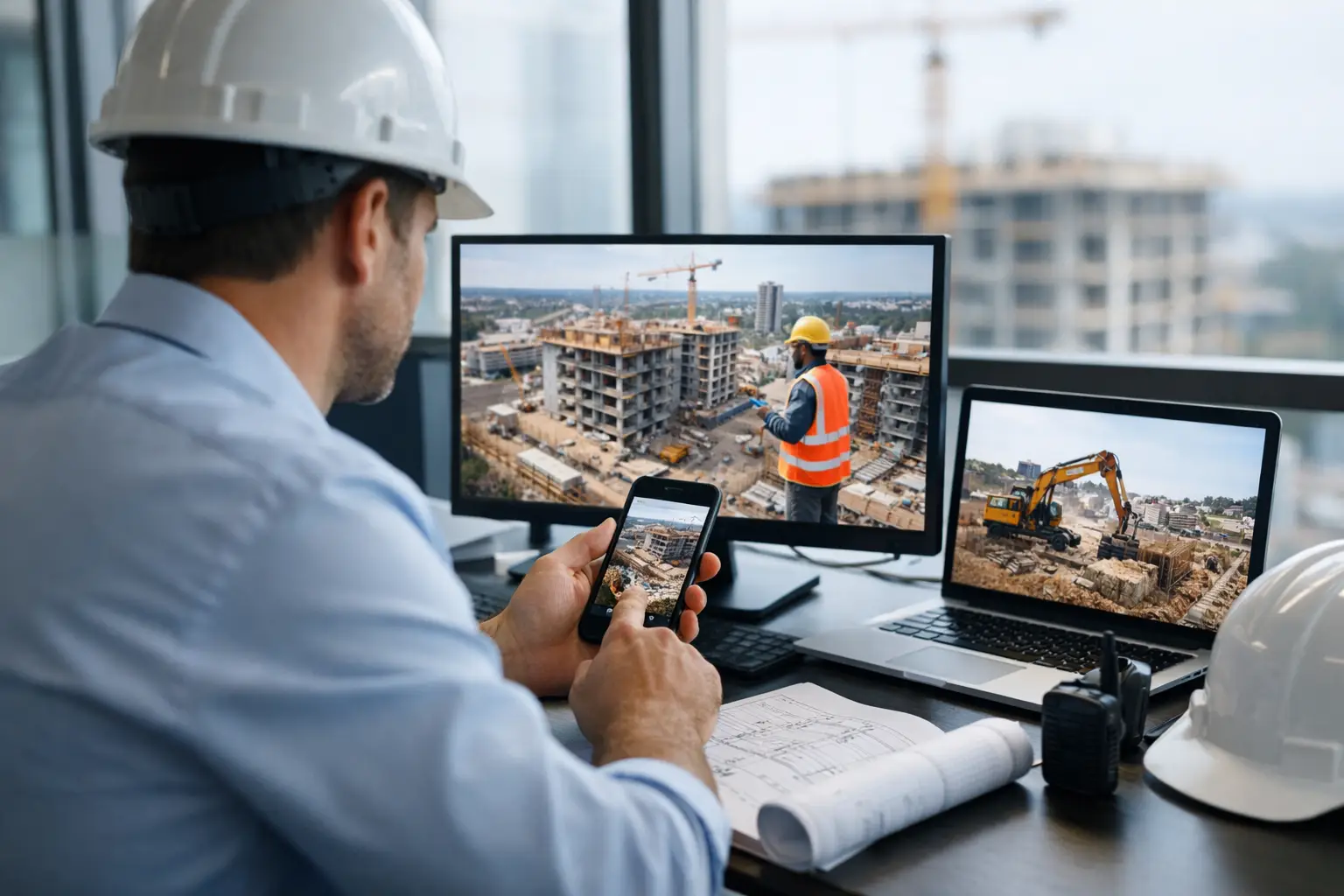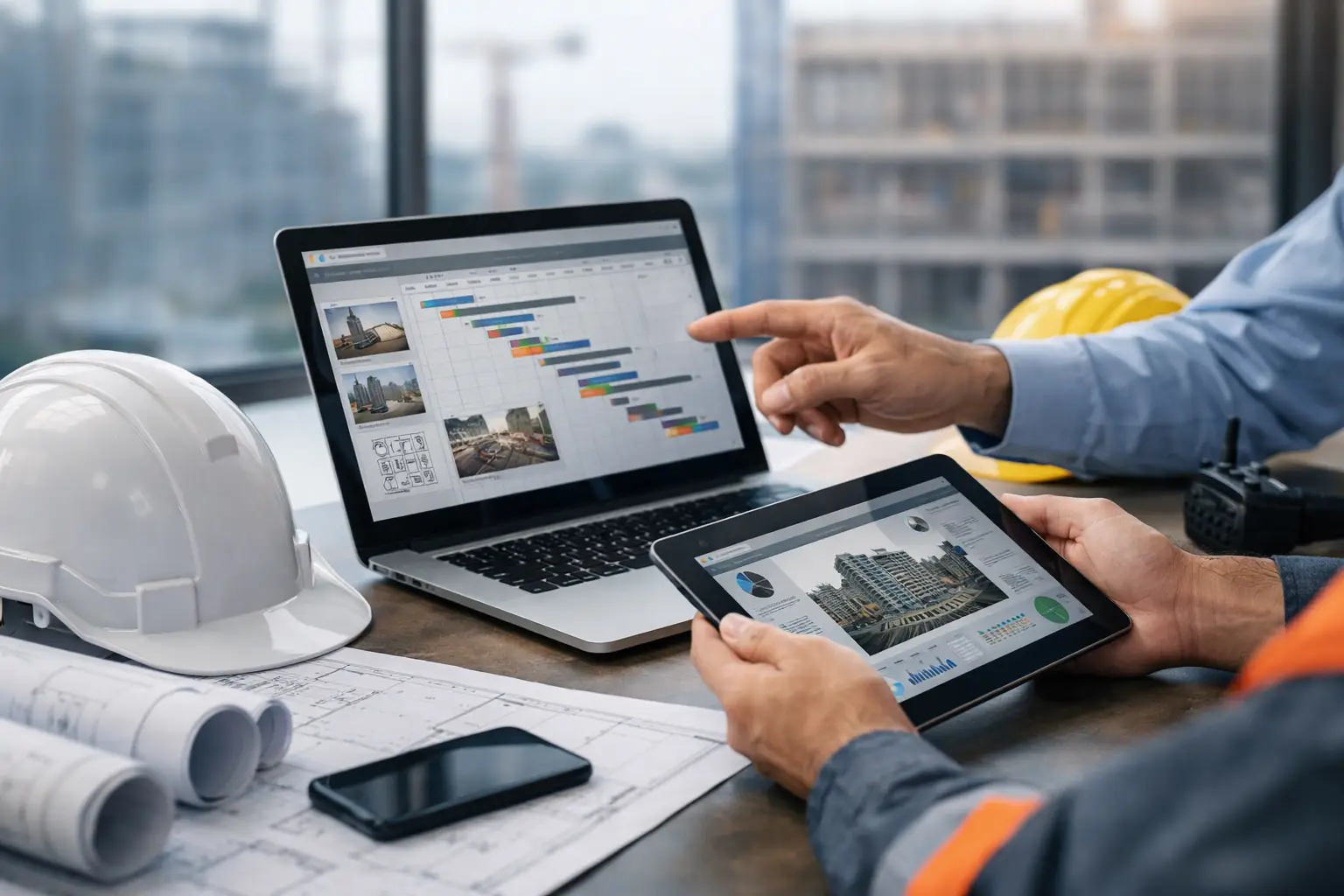
Most construction management software companies say they help contractors stay organized. That sounds good until your foreman still texts crew hours at 8 p.m., your office is chasing missing tickets, and your estimator is working off numbers that are already out of date. For subcontractors, the real issue is not whether software has features. It is whether the software fits how your crews actually work.
That is where a lot of buying decisions go sideways. Many platforms are built for general contractors managing owners, RFIs, and top-down coordination across a full project team. Subcontractors need something different. They need labor tracking, production visibility, equipment and material accountability, daily documentation, and invoicing that does not create more office work than it saves.
Why many construction management software companies miss subcontractors
A subcontractor runs jobs from both the truck and the office. One person may be pricing work in the morning, checking labor by lunch, and dealing with a missing delivery before the day ends. Software has to keep up with that pace. If it takes six screens to log hours or a week of training to teach a crew leader how to use it, adoption falls apart fast.
That is the gap many subcontractors run into when comparing construction management software companies. A lot of systems look polished in a demo, but they are too broad, too slow to set up, or too focused on general contractor workflows. You end up paying for tools you will never use while still relying on spreadsheets, paper timecards, and text messages to run the work.
The trade-off is real. Bigger platforms may offer deep reporting, complex permissions, and enterprise controls. For some large firms, that makes sense. But for small to mid-sized trade contractors, complexity often becomes the cost. If your field team avoids the app, your data is late, incomplete, or wrong. At that point, the software is not improving operations. It is just another subscription.
What subcontractors should expect from construction management software companies
The first thing to look for is field usability. Not "mobile access" as a checkbox, but something crews can use without a long rollout. A foreman should be able to clock a crew in, attach job photos, note installed quantities, and submit a daily log while standing on-site. If that workflow is clunky, the system will break down where it matters most.
The second is real operational visibility. Owners and office staff need to know what happened today, not next Tuesday after paperwork gets dropped off. That includes labor hours by job, who was on-site, what equipment was used, what materials were delivered, and whether any issues need follow-up. Fast visibility helps with scheduling, billing, and job cost control. It also cuts down on guesswork, which is where margin gets lost.
The third is connected workflows. Time tracking alone is helpful, but it goes further when it ties into estimating, job costing, invoices, and accounting. The same goes for photos, daily reports, and field notes. When those pieces live in separate apps, someone in the office has to stitch everything together. That manual handoff is expensive, and it creates mistakes.
Good software should also fit the way subcontractors bid and perform work. A concrete contractor has different needs than a roofer. A landscaper tracks different production details than an electrical crew. You do not need a niche tool for every trade, but you do need software flexible enough to support real field conditions instead of forcing every company into a generic process.
How to compare software without getting sold on the wrong things
Start with your daily headaches, not the feature sheet. If payroll is delayed because hours come in late, ask to see exactly how a foreman enters time on a phone using a simple crew hours workflow. If invoices are slow because backup is missing, ask how job photos, tickets, and daily logs get attached and shared. If equipment disappears between jobs, ask how the system tracks where assets are assigned.
This matters because software demos can hide friction. Everything looks easy when a sales rep clicks through a perfect account filled with sample data. Your real test is simpler: can your team use it on a live job, under normal pressure, with mixed levels of tech comfort?
Ask how long setup takes. Ask whether onboarding is included. Ask what happens if your crews need help in week one. A system that promises a lot but needs months of implementation may not be a fit for a subcontractor trying to get control this quarter.
Price also needs context. The cheapest system is not always the lowest-cost option if it creates extra admin work. On the other hand, paying enterprise rates for capabilities you will never touch is just as wasteful. Look at cost against labor savings, billing speed, fewer missed items, and better job visibility. That is where software earns its keep.
The features that usually matter most in the field
Subcontractors usually get the most value from a tight set of practical tools. Crew time and attendance is near the top because labor is one of the biggest costs on any job. If you cannot track who worked, where they worked, and for how long, it is hard to price the next job or protect margins on the current one.
Daily logs and job photos matter for a different reason. They create a clean record of progress, site conditions, delays, and completed work, especially when they are captured in daily work logs. That helps with customer communication, billing support, and disputes. When a GC or owner questions what happened, documentation beats memory every time.
Material and equipment tracking become more important as companies grow across multiple jobsites. Lost tools, double-ordered materials, and unclear delivery records can quietly drain profit, which is why many teams replace spreadsheets with materials tracking. The right system gives the office and the field one place to see what is where and what has already been used.
Estimating and invoicing matter too, especially when connected to actual field data. If estimated labor and material assumptions never get compared to what happened on the job, the same pricing mistakes repeat. If invoices are delayed because paperwork is scattered, cash flow takes the hit.
That is why simpler platforms can outperform larger ones for subcontractors. When the core workflows are connected and easy to use, more data actually gets entered. Better data leads to better decisions.
Signs a software company is a better fit for subcontractors
The best-fit vendors usually talk less about enterprise transformation and more about day-to-day control. They understand that a subcontractor needs to know whether Job 241 is on budget, whether the framing crew showed up on time, whether materials hit the site, and whether the invoice can go out this week.
They also know adoption is not optional. If software is built for real jobsites, the field should not need a manual to use it. That usually shows up in a few ways: fast setup, simple mobile workflows, clear screens, and support that does not disappear after the sale.
Another good sign is pricing that matches how subcontractors operate. Companies with shifting crew counts, multiple jobs, and seasonal swings do not want to get punished every time they grow. Straightforward plans are easier to budget and easier to trust.
SimplySub is one example of this subcontractor-first approach. Instead of trying to be everything for everyone in construction, it focuses on the daily work trade contractors actually need to manage - jobs, crews, time, materials, equipment, photos, documents, estimating, invoices, and accounting visibility without the usual software drag, using tools like equipment time tracking and photos, files, and notes.
It depends on your size, trade, and pain points
There is no single winner among construction management software companies for every contractor. A specialty sub with ten employees and a handful of active jobs does not need the same system as a multi-division contractor operating across several states. A plumbing company focused on service and small projects may prioritize dispatch and quick invoicing. A sitework contractor may care more about production tracking, equipment usage, and daily quantities.
That is why the right question is not "Which platform has the most features?" It is "Which platform solves our biggest problems with the least friction?" If your current process is costing time, creating blind spots, or slowing billing, software should remove those bottlenecks, not add another layer to manage.
A smart buying decision usually comes down to three things. Your field team has to use it. Your office has to trust the data. And the system has to make the business easier to run within the first few weeks, not someday after a long rollout.
When you evaluate your options that way, the field clears up fast. The best software is not the one with the flashiest presentation. It is the one your crews will actually use on Monday morning, and the one that helps you see the job clearly enough to protect your profit by Friday afternoon—especially after you see a real workflow demo and compare the numbers against straightforward pricing.