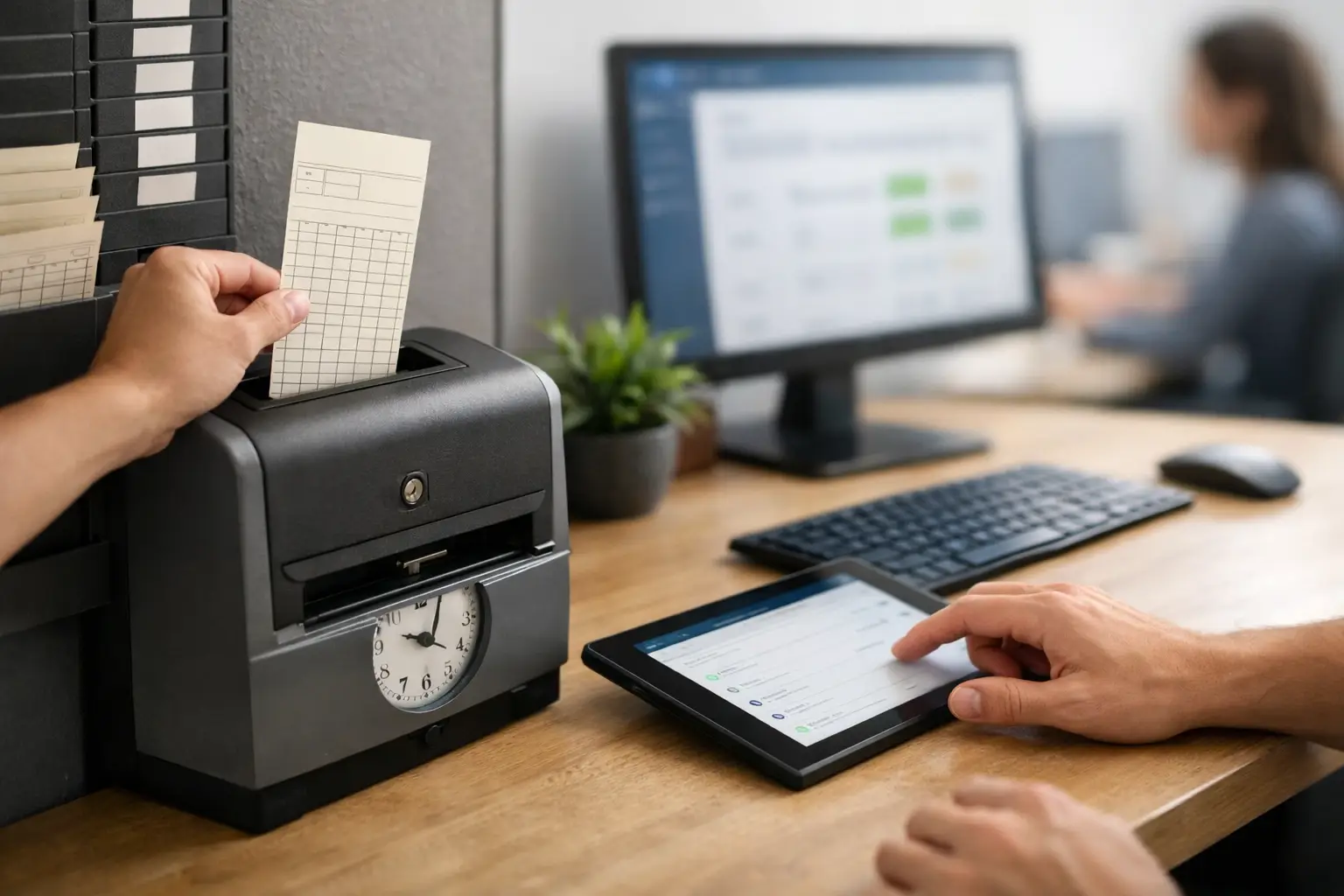
Paper timecards usually fail at the worst possible moment - payroll is due, a foreman is missing two cards, one crew wrote down the wrong job number, and the office is left guessing. If you're figuring out how to replace paper timecards, the goal is not to add more software. The goal is to get accurate hours from the field without slowing down the crew or creating more work in the office.
For subcontractors, that matters more than it does for almost any other kind of business. Crews move between jobs, labor costs change fast, and one bad time entry can throw off payroll, job costing, billing, and production tracking. Paper looks simple until you have to chase it, read it, fix it, and explain it, which is why many companies switch to mobile time tracking software.
The good news is that replacing paper timecards does not have to be a big system overhaul. In most cases, the best switch is a simple mobile process that matches how your crews already work.
Why paper timecards break down in the field
Paper timecards are familiar, but familiar is not the same as efficient. On active jobsites, they create delays and blind spots that hit both the field and the office.
The first problem is timing. Most paper cards are filled out at the end of the day or the end of the week, which means crews are relying on memory. That is when start times get rounded, lunch breaks get missed, and hours end up assigned to the wrong job or cost code.
The second problem is handling. Cards get wet, lost, left in trucks, turned in late, or handed to the wrong person. Even when they make it back to the office, someone still has to read them and enter the data manually. That adds labor on the admin side and creates another chance for mistakes.
The third problem is visibility. With paper, owners and office managers do not know today's labor picture until after the work is already done. If one job is burning hours too fast, you find out later instead of fixing it now, especially when managing multiple construction jobsites.
How to replace paper timecards without slowing crews down
If you want a system people will actually use, keep it simple. The biggest mistake subcontractors make is replacing paper with a complicated app that asks field crews to do office work.
A better approach is to build around the basics. Each employee should be able to clock in from a phone in a few taps. The foreman or crew lead should be able to confirm the right job, the right hours, and who was on site. The office should be able to review time daily instead of waiting for a stack of cards on Friday.
That is the real answer to how to replace paper timecards - not just digitizing the form, but removing the delays that paper creates. A digital time system should make it easier to capture time at the source, while the work is happening.
For most subcontractors, the transition works best when the process looks like this: workers clock in on mobile, time is tied to the correct job, supervisors review exceptions quickly, and payroll exports from one clean source. If the platform also ties labor to job tracking, photos, daily logs, or invoices, even better, especially when connected to daily job tracking and documentation.
What a good replacement system needs
Not every time tracking tool fits construction, and not every construction platform fits subcontractors. That matters. A system built for office staff or general contractors can create just as much friction as paper.
Look for a setup that works in the field with mixed tech comfort levels. Crews should not need long training sessions. If a new employee cannot learn it in a few minutes, adoption will be a problem.
It also needs job-level accuracy. That means employees can be assigned to the correct project, and office staff can see labor by job without rebuilding reports in spreadsheets later. If your crews split time across tasks, equipment, or phases, the system should handle that without becoming a burden, which is why tools that support tracking crew hours accurately are so valuable.
Approval workflows matter too, but they should stay light. You need accountability, not bottlenecks. Foremen should be able to review time quickly, and office staff should be able to catch missing punches or wrong job selections before payroll is processed.
Finally, mobile usability is not optional. Field crews are not sitting at desks. If the timecard replacement does not work well on a phone, it will fail in real conditions.
A practical rollout plan for subcontractors
The easiest way to replace paper timecards is to treat it like an operational change, not an IT project. Start with one clear rule: all hours must be entered in the new system every day. If paper stays available as a backup forever, the switch never really happens.
Pick one or two crew leads to start. Choose people who are steady, respected, and running active jobs. This gives you a real test in field conditions without trying to change the whole company at once.
During the first week, keep the process tight. Make sure every employee can log time, every job is set up correctly, and one person in the office is checking entries daily. Most early issues are simple - wrong job selected, forgotten clock-out, or uncertainty about who approves time. Those get fixed quickly when someone is watching the data in real time.
After that, expand crew by crew. The point is not a long pilot. The point is to prove the process, remove confusion, and then standardize it across the company.
It also helps to explain the change in plain language. Crews do not need a speech about digital transformation. They need to hear this: clock in on your phone, choose the job, make sure your time is right, and we do not have to chase paper anymore.
Common pushback and how to handle it
Some field teams will say paper is faster. Sometimes that feels true because paper hides the extra work in the office. The worker writes it once, but then someone else has to decipher it, enter it, correct it, and file it. Digital time tracking shifts the record to the point where the work happens, which is where it belongs.
Others worry that older employees will not use it. That depends almost entirely on the system. If it takes too many steps, yes, adoption will be rough. If it is simple to learn and built for real jobsites, most crews adjust faster than expected. The key is choosing a tool that respects how field teams actually work.
There is also the issue of weak cell service. That is a real concern on some jobs, and it is one reason construction businesses should avoid generic apps that assume perfect connectivity. You need something practical for the field, not a polished office tool that falls apart on a remote site.
The payoff goes beyond payroll
Replacing paper timecards saves admin time, but the bigger value is control. Once labor data is captured correctly each day, you can see where hours are going before the week is over.
That changes how you manage jobs. If a masonry crew is over hours by Wednesday, you can react. If a concrete job is understaffed, you can spot it sooner. If employees are regularly clocking time to the wrong project, you can correct the habit before job costing gets distorted.
It also tightens up billing and documentation. When labor records are organized, it is easier to support change order work, verify who was on site, and back up what happened on a given day. The office spends less time cleaning up paperwork and more time managing the business, especially when paired with job cost tracking systems.
For subcontractors using an all-in-one field and office system like SimplySub, this gets even more useful because time tracking does not live on an island. Labor connects to the rest of the job record, which cuts down on double entry and gives owners a clearer picture without stacking more software on top of the problem.
How to know you're ready to make the switch
If payroll week feels like a scramble, you are ready. If supervisors are texting hours, office staff are chasing missing cards, or job costs always seem a week behind, you are ready. If your current process depends on someone remembering what happened three days ago, you are definitely ready.
The best time to replace paper timecards is before another busy stretch, not after another round of mistakes. Start with a system your crews can use fast, your office can trust, and your managers can actually see in real time.
Paper timecards do not just waste time. They keep you from seeing the job clearly while it is still possible to do something about it. The right replacement gives you cleaner payroll, tighter labor control, and fewer end-of-week surprises - which is exactly what a growing subcontracting business needs, and if you want to see how it works in practice you can always watch a demo.