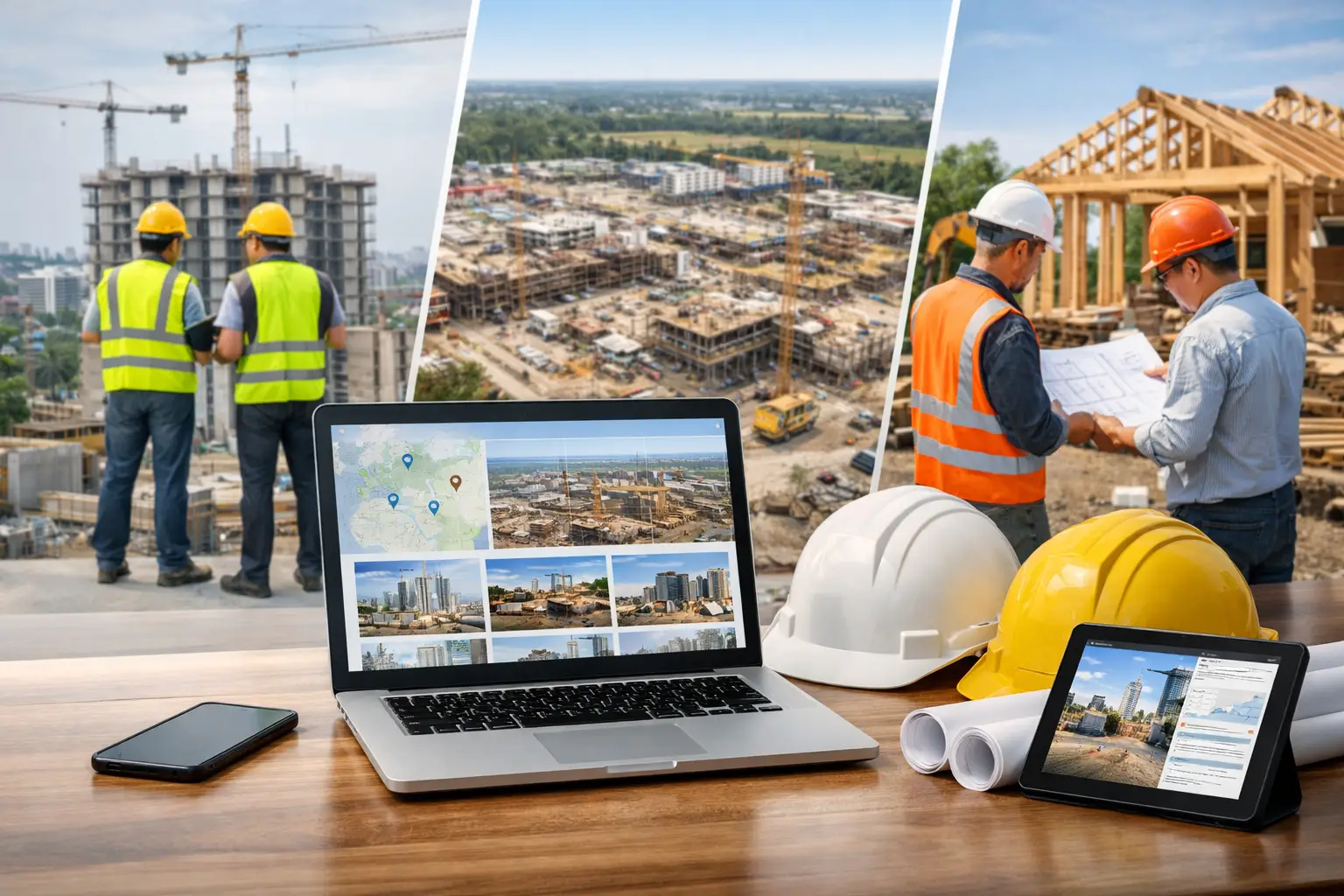
Running three jobs at once can feel manageable. Running eight is where cracks start to show.
That is usually the point when subcontractors start looking for software for multiple construction jobsites. Not because they want more technology, but because the old system stops holding up. Timecards come in late, photos live on someone’s phone, materials get billed to the wrong job, and the office spends half the day chasing updates instead of moving work forward.
If that sounds familiar, the issue is not a lack of effort. It is that spreadsheets, texts, paper logs, and separate apps do not scale well when crews, equipment, and job costs are moving across several sites at the same time, which is exactly why many contractors move away from spreadsheets for construction tracking.
What software for multiple construction jobsites should actually do
A lot of construction software promises visibility. That sounds good, but subcontractors need something more specific. You need to know who is on each site, what got done today, what was delivered, what is delayed, and whether the job is still making money.
Good software for multiple construction jobsites gives you that without adding extra office work. It should help foremen enter information fast from the field and give owners or admins a clean view of every active job from one place, especially when using construction project management software.
That means one system for labor tracking, daily logs, job photos, equipment, materials, paperwork, and billing. If those pieces live in different places, you still end up doing manual cleanup at the end of the day instead of relying on all-in-one construction software.
Why most tools break down for subcontractors
This is where a lot of teams get frustrated. Many platforms were built with general contractors in mind, not trade contractors managing rotating crews across multiple sites.
A GC may care most about high-level coordination across many subs. A subcontractor needs tighter control over labor, production, and job cost details. The owner of a concrete company or electrical shop needs to see where every crew is, whether hours are landing on the right cost code, and what work is ready to invoice, which is why tracking crew hours across jobs becomes critical.
That difference matters. Software can look polished in a demo and still create headaches in the field if it takes too many taps, too much setup, or too much training. If your foremen avoid using it, the system fails no matter how many features it has.
The signs you have outgrown your current setup
You do not need a disaster to justify a better system. Usually the warning signs show up first in small losses.
One supervisor is texting updates, another is sending photos, and a third is turning in handwritten notes. Payroll has to call three people to confirm hours. Equipment gets moved between jobs with no record. An invoice goes out late because backup documentation is scattered. None of those problems seem huge on their own, but together they eat margin, especially without proper time tracking systems.
If your office has to rebuild the day after the field has already finished it, your process is too dependent on cleanup. That is exactly where better jobsite software pays off, especially tools like daily work logs that centralize field activity.
The core functions that matter most
Subcontractors managing multiple sites do not need bloated software. They need the basics to work well, every day.
Crew time and attendance
This is usually the first pain point. Hours need to be tied to the right job, the right worker, and ideally the right task or cost bucket. When crews float between sites, clean time tracking matters even more.
The best systems let field leaders handle this quickly on mobile without slowing down the morning. If time entry feels like paperwork, it will be skipped, guessed, or fixed later in the office, which is why mobile time tracking software is essential.
Daily job tracking
A short daily log tells you more than a long meeting. What got done, what held things up, who was on site, what materials arrived, and what needs attention tomorrow. Across multiple jobs, that daily visibility keeps small issues from turning into schedule or billing problems, especially when using construction daily log software.
Photos and documentation
Photos are not just for progress reports. They protect against disputes, support billing, and help the office understand what is happening without driving to every site. The key is attaching them to the correct job so they are easy to find later, which is why jobsite photo documentation tools matter.
Materials and equipment
When materials and tools move across jobs, tracking gets messy fast. Even a simple record of deliveries, usage, and equipment location can prevent missed charges and wasted time, especially with equipment tracking software and materials tracking systems.
Estimating and invoicing
There is real value in having the front end and back end connected. If estimating lives in one place and invoicing in another, details get lost. A connected workflow makes it easier to compare estimated versus actual and bill faster with better backup, which is why construction estimating and invoicing software is so important.
How to choose software for multiple construction jobsites
The right choice depends on how your crews work, not just on a feature checklist.
Start with adoption. Can a foreman use it on day one without a long training session? If not, expect problems. Field software should be simple enough for mixed-comfort teams, including workers who are not especially tech-focused, which is why solutions built for field teams tend to perform better.
Next, look at job visibility. Can the office open one dashboard and see all active jobs, labor activity, documentation, and open issues? If each site still has to be checked separately through calls and texts, the software is not solving the core problem.
Then check how well it handles subcontractor reality. Can you move employees between jobs easily? Can you track multiple crews in different locations on the same day? Can you connect labor, materials, and photos to the right job without extra steps? Those are the details that matter more than flashy reporting.
Finally, consider setup and pricing. Some systems look affordable until you add users, modules, or support. Others take months to configure before they are useful. For small to mid-sized subcontractors, speed matters. You need software that starts helping now, not after a long rollout, especially with transparent construction software pricing.
When simple usually beats complicated
There is a common mistake in software buying: assuming more features mean more value. In the field, the opposite is often true.
If your team only uses 20 percent of a platform because the rest is too confusing, you are paying for friction. Simpler software tends to win when it covers the daily essentials, works well on mobile, and gives the office clean real-time information.
That does not mean every company needs the same setup. A larger subcontractor with dedicated project management staff may want deeper workflows. But for many trade contractors, especially those growing from a handful of jobs to dozens, ease of use has a direct impact on profit. Better data entered consistently beats perfect data entered late.
A better system changes more than reporting
The real benefit of software for multiple construction jobsites is not that it gives you nicer screens. It changes how work gets managed.
Foremen spend less time answering routine calls because updates are already in the system. The office spends less time chasing paperwork. Owners stop relying on gut feel and start seeing labor, progress, and job issues as they happen. Invoicing gets faster because the supporting details are already attached to the job, especially when using construction invoice software.
That kind of control helps in practical ways. You can spot a labor overrun before payroll week is over. You can answer a customer question with photos instead of opinions. You can move crews with more confidence because you know where each job stands.
For subcontractors, that is the difference between staying busy and staying organized while busy.
What to look for in a field-first platform
If you are comparing options, keep the standard simple. The software should be easy for crews, useful for the office, and built around the way subcontractors actually run work.
That means mobile time tracking, job-based organization, photos and daily logs tied to the right site, straightforward estimating and invoicing, and visibility across unlimited jobs without making you buy a bigger system every time you grow. It also helps when onboarding is fast and support does not leave you figuring it out alone.
Platforms like SimplySub are built around that field-first approach. Instead of forcing subcontractors into bloated workflows, the goal is to keep daily operations organized with one system that crews can use immediately and owners can trust, all within one connected platform.
The best software choice is usually the one your team will actually use every day. If it makes the field faster, the office cleaner, and every job easier to track, you do not need much more than that, and you can always see it in action.
When your jobs are spread out, your software should bring the work back into one clear view.