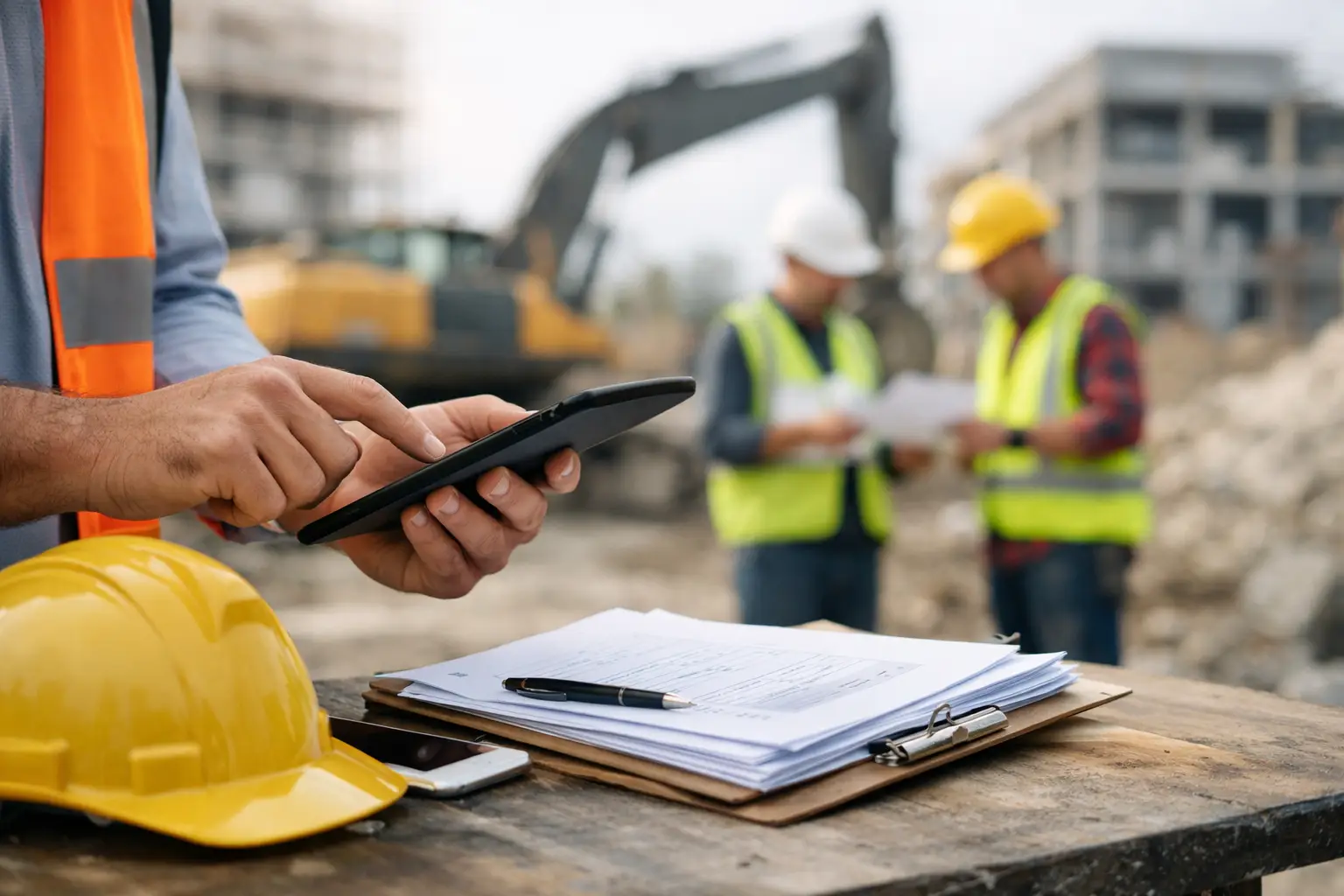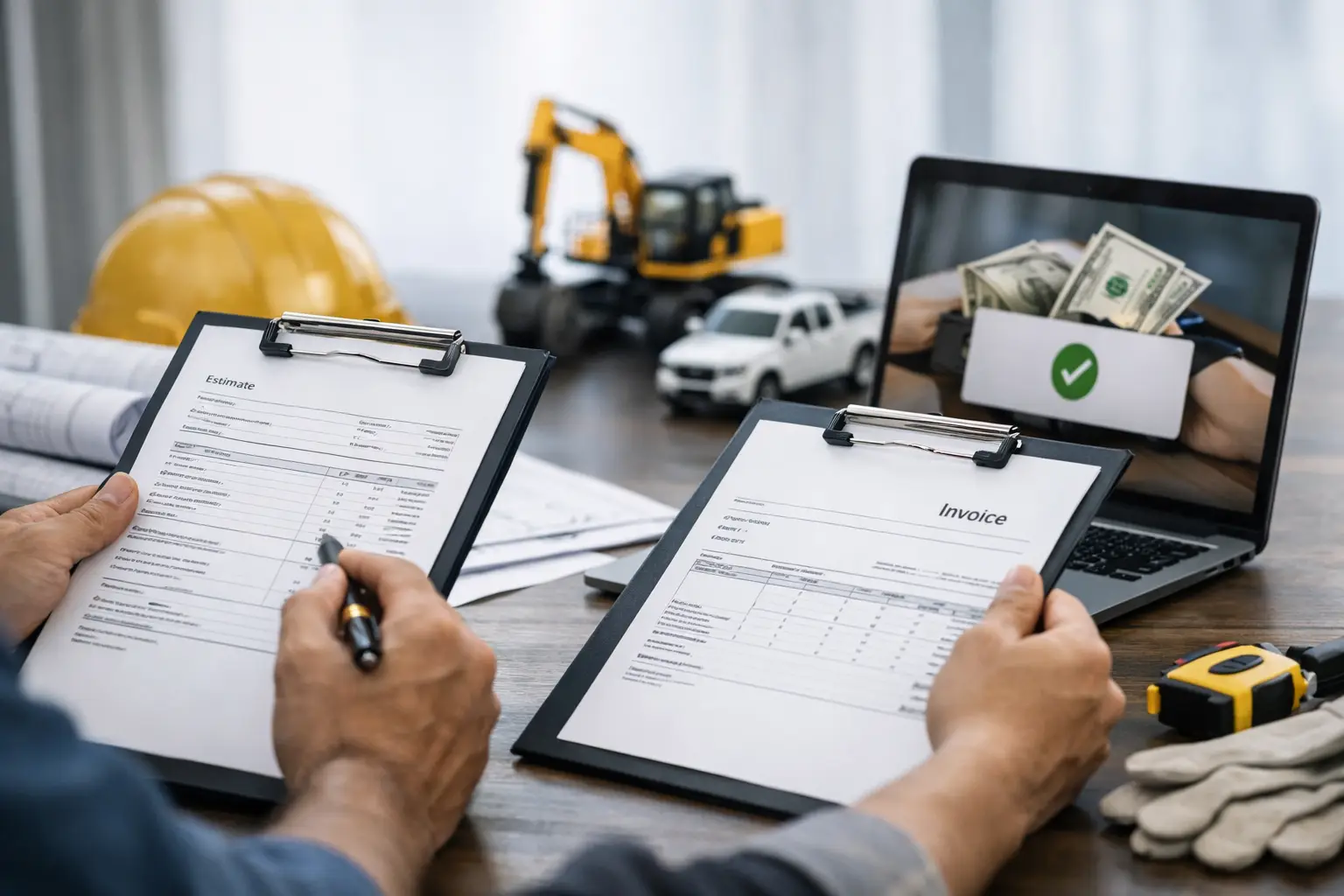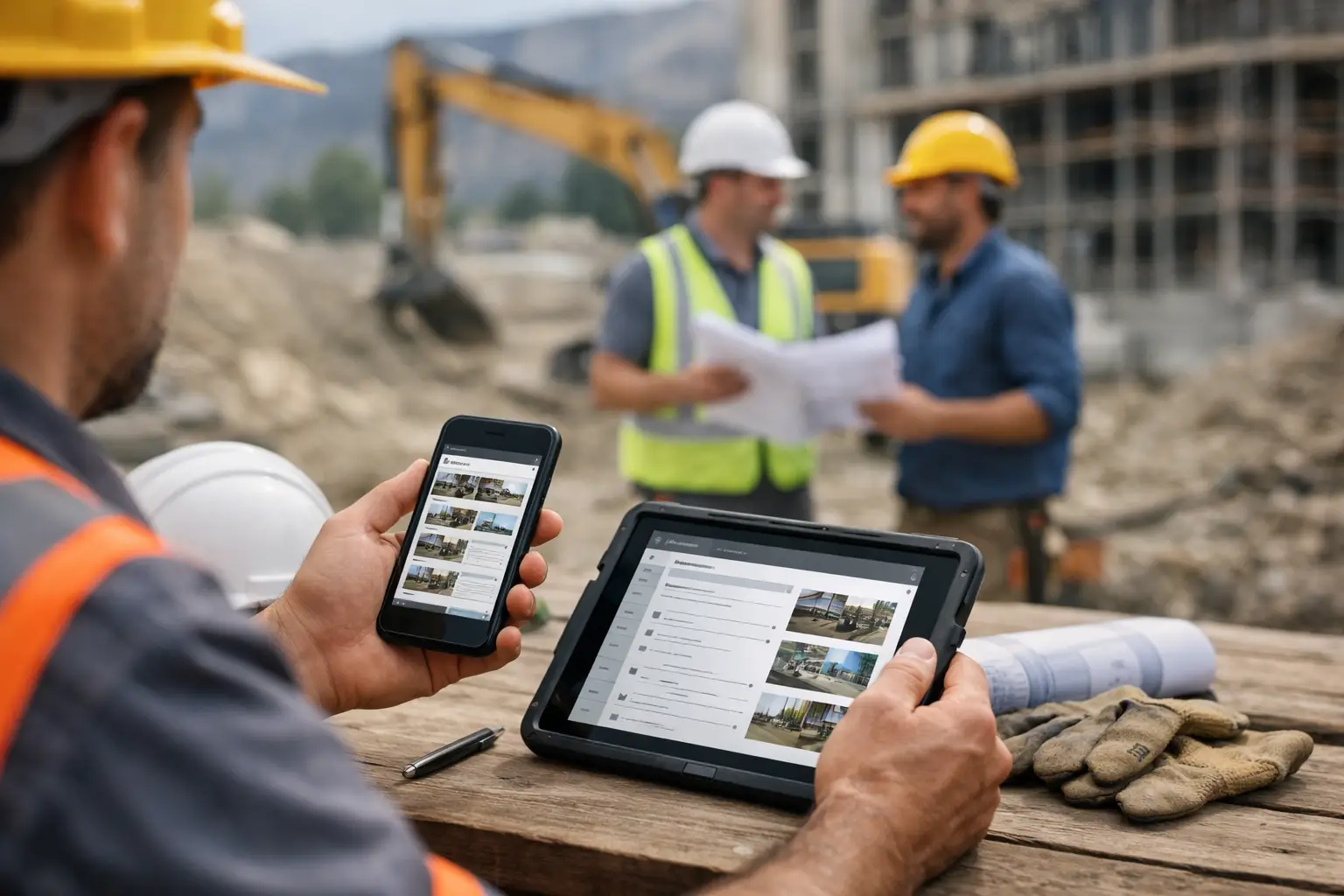
A missed delivery at 7:00 a.m. can turn into a billing dispute by Friday if nobody writes it down clearly. That is why a construction daily log app matters more than most subcontractors expect. It is not just a digital notebook. It is the record that explains what happened on the job, who was there, what got installed, what slowed the crew down, and why the day did or did not make money.
For subcontractors, the problem is usually not whether daily logs are useful. The problem is getting them done consistently. Paper logs get lost in trucks. Spreadsheet templates sit half-filled in someone’s inbox. General-contractor software often feels bloated, slow, and built for people who live behind a desk. A good app fixes that by making daily reporting fast enough for the field and clear enough for the office.
What a construction daily log app should actually do
At a basic level, a construction daily log app should capture the facts of the day without turning the foreman into a data-entry clerk. That means labor, production notes, jobsite conditions, delays, materials used, equipment on site, and photos all need to be simple to record from a phone.
The best apps do more than replace paper. They connect the daily log to the rest of the job. If a crew leader enters hours, those hours should support payroll or job costing. If someone records materials delivered, the office should be able to see it without chasing texts. If there is a weather delay or a site access issue, that note should be attached to the job record where it can help later during billing, scheduling, or dispute resolution.
That is where many tools fall short. Some are fine for note-taking but weak on accountability. Others are packed with features but too cumbersome for a superintendent or foreman who has five minutes between tasks. For subcontractors, easy adoption matters as much as feature depth.
Why subcontractors need a different kind of construction daily log app
Subcontractors work with tighter crews, faster schedules, and thinner margins than most software companies seem to understand. The office needs clean information quickly, but the field does not have time for long forms and complicated workflows.
A masonry contractor may need to document labor by building elevation, weather conditions, scaffold issues, and pallet counts. A landscaping crew may need to track plant material, irrigation parts, and rework caused by another trade. An electrical subcontractor may need to note rough-in progress, inspections, and missing access from the general contractor. The details vary by trade, but the need is the same: fast daily records that protect profit.
That is why the right app should feel built for real jobsites, not for enterprise reporting. It should work for mixed-skill teams, including crew leaders who are great builders but not software people. If the app takes training sessions and hand-holding just to enter a basic report, adoption drops and the data becomes unreliable.
The real jobsite problems daily logs help solve
Most subcontractors do not go looking for software because they love software. They go looking because something is breaking. The office is chasing timecards. Foremen are sending photos in text threads no one can find later. Extra work is hard to prove. Delays are remembered differently by each person involved.
A construction daily log app helps clean that up. It creates one source of truth for each day on each job. That has practical value in places that matter.
It helps with labor visibility. Owners and project managers can see who was on site, how many hours were worked, and whether crew size matched the plan.
It helps with documentation. If the site was muddy, access was blocked, or another trade caused a delay, there is a time-stamped record instead of a vague memory two weeks later.
It helps with billing support. When daily logs include work completed, materials used, and supporting photos, invoices are easier to back up.
It also helps with internal discipline. Crews tend to get more consistent when they know each day is being tracked in a simple, visible system.
What to look for before you choose an app
The first thing to check is how fast someone in the field can complete a log. If it takes ten screens to finish a daily report, your team will avoid it. A good app should let foremen enter the essentials in minutes, not at the end of a long day when details are already fuzzy.
Second, look at mobile usability. Some software claims to be mobile-friendly but still feels like a desktop tool squeezed onto a phone. Buttons should be clear, photo capture should be easy, and the workflow should make sense in the field.
Third, pay attention to whether the app stands alone or connects to the rest of your operation. Daily logs are more valuable when tied to time tracking, job costing, photos, materials, and invoices. Otherwise, your team may still be double-entering the same information across multiple systems.
Fourth, think about adoption across your whole company. The owner wants visibility. The office wants cleaner records. The field wants less hassle. If the tool only works for one group, it will create friction for the others.
There is also a trade-off to consider. Some subcontractors want a specialized daily log tool with a narrow purpose. That can work if daily reporting is the only gap in your process. But if you are also dealing with disconnected timecards, scattered job photos, and invoice backup issues, a standalone app may solve one problem while leaving three others untouched.
Features that matter most in the field
Not every feature is equally useful. For most subcontractors, the daily log app needs to handle a short list of core tasks really well.
Crew time should be quick to record and easy to review. Photo capture should tie directly to the job and the day. Material and equipment tracking should support what actually happened on site, not force generic categories that mean nothing later. Notes on delays, safety issues, visitors, inspections, and completed work should be simple enough to enter while the day is still moving.
Weather tracking can also matter, but it depends on the trade. For concrete, grading, roofing, and landscaping, weather records can be critical. For interior trades, they may matter less unless site conditions were affected.
Templates can help, too, as long as they do not box crews into rigid reporting. The best setup gives structure without slowing people down.
Why simplicity usually beats feature overload
Construction software buyers often get sold on long feature lists. On paper, that sounds like value. On the jobsite, it often becomes clutter.
If your foreman has to scroll past forms they never use just to submit a daily log, that is not efficiency. If the office needs a manual export every time it wants to compare labor against production, that is not control. More features do not always mean better results.
For subcontractors, simple usually wins because simple gets used. And if the team actually uses it every day, the information becomes useful enough to improve scheduling, billing, accountability, and profitability.
That is one reason platforms built specifically for subs tend to work better than broad construction systems aimed mainly at general contractors. They are more likely to reflect how subcontractors track labor, document work, and move information from the field to the office without extra admin work.
One system beats disconnected tools
A daily log is strongest when it is part of the bigger job record. If your company is already using one tool for time, another for photos, another for production notes, and spreadsheets for invoices, your documentation is fragmented before a problem even starts.
Using one field-friendly system can cut that friction down fast. A platform like SimplySub puts daily logs alongside crew tracking, job photos, materials, documentation, invoicing, and office visibility in one place. That matters because subcontractors rarely have the time or staff to babysit multiple apps.
The best software is not the one with the flashiest dashboard. It is the one your crews will actually use on Monday morning, your office can trust by Monday afternoon, and your owner can rely on when a job starts slipping.
How to tell if your current process is costing you money
If foremen submit logs late, if hours need constant correction, if extra work is hard to prove, or if job photos live in personal phones and text threads, your process is already leaking money. Maybe not in one dramatic hit, but in small losses that pile up across every job.
A better construction daily log app will not fix bad field management by itself. It will not make weak estimators accurate or solve every scheduling problem. But it does give your team cleaner information, faster. And better information usually leads to better decisions.
For most subcontractors, that is the real value. Not more software. Better control with less paperwork.
If your daily logs still depend on memory, paper note-pad, texting or disconnected tools, that is usually the sign to change the system before the system costs you another job, another invoice, or another argument you could have documented clearly.