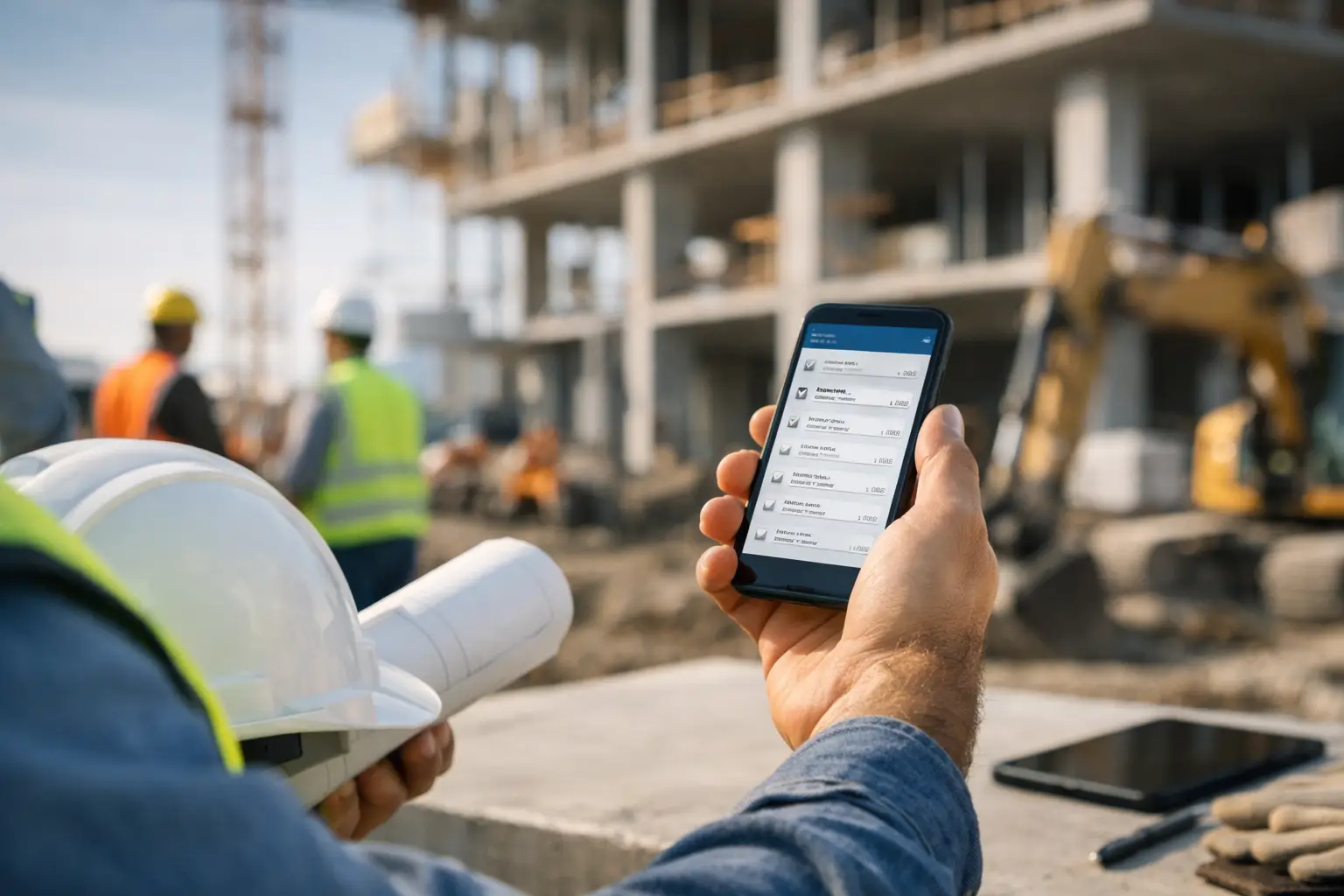
A crew can finish great work on Friday and still wait weeks to get paid if the invoice is missing labor details, material receipts, approved changes, or the right job documentation. That is why top construction invoicing solutions need to do more than create a professional-looking bill. For subcontractors, they need to turn completed field work into accurate invoices before paperwork, memory, and cash flow start slipping.
The right choice depends on how your company bills. A small electrical contractor sending simple service invoices has different needs than a concrete crew billing progress draws with retainage. But every subcontractor should expect one thing: invoicing should take less time, reflect what actually happened on the job, and give the office confidence before it goes out the door.
What subcontractors need from invoicing software
Generic accounting tools can send an invoice. The problem starts when the invoice has to match a job. Your office may need to confirm crew hours, equipment use, delivered material, signed tickets, job photos, change work, and previous payments. When that information lives in texts, paper timecards, spreadsheets, and separate apps, billing becomes a monthly scavenger hunt.
Construction invoicing software should connect the invoice to the work behind it. At a minimum, look for job-based billing, labor and material tracking, clear invoice status, and a clean handoff to accounting. Mobile access matters too. If a foreman can document work from the field on the day it happens, the office is not chasing details at the end of the week.
Do not buy more system than your team will use. A platform built for a national general contractor may have deep controls, but it can also create extra setup, training, and daily steps for a 15-person subcontractor. The best fit is the one your field team will actually keep current.
How to compare top construction invoicing solutions
Start with your billing process, not a feature checklist. Write down what triggers an invoice in your business. It may be a completed service call, a weekly time and materials ticket, a percentage of work completed, or a scheduled draw. Then follow the information backward. Where do labor, materials, approvals, and job notes come from now?
Match the software to your invoice type
For fixed-price work, you may only need schedules of values, progress billing, change order tracking, and retainage. Time and materials contractors need a stronger connection between daily labor, equipment, material usage, and invoice line items. Service contractors often care most about fast estimates, customer approvals, and payment collection.
If you bill against a purchase order or prime contract, make sure the system can keep original work, approved changes, and billed-to-date amounts separate. An invoice that looks right but misses retainage or bills the wrong cost code can create an avoidable back-and-forth with the GC.
Check the field-to-office handoff
Ask a simple question during every demo: How does a foreman's daily entry become an invoice?
The answer should be clear. If the process requires someone in the office to retype timecards, hunt down material receipts, and interpret handwritten notes, the software has not removed the real bottleneck. Look for tools that keep job records organized by project and let the office review, correct, and bill from one place.
Protect your accounting workflow
Most subcontractors do not want to replace accounting software just to improve invoicing. They want job information to flow into it cleanly. Confirm what data syncs, how customers and invoice numbers are handled, and whether payments, taxes, and account codes stay accurate.
QuickBooks integration can save time, but integration alone is not the answer. A bad invoice sent automatically is still a bad invoice. Your job tracking has to be accurate first.
Consider adoption before advanced features
A platform can look impressive in a sales demo and still fail on Monday morning. If crews need lengthy training or have to work through complicated screens to log a few hours, adoption will drop. For most subcontractors, simple mobile time entry, job photos, daily logs, and clear job selection are more valuable than features nobody touches.
6 construction invoicing options worth considering
There is no universal number-one platform. These options serve different kinds of contractors and billing workflows.
1. SimplySub for subcontractor job-to-invoice control
SimplySub is built around the daily work of subcontractors rather than a broad general contractor workflow. It brings job tracking, crew time and attendance, equipment and materials, photos, documentation, daily logs, and invoices into one field-friendly system. That makes it a strong fit for trade contractors that want invoices backed by current job records without forcing crews into complicated software.
It is especially practical when the office is losing time collecting details from multiple jobsites. The trade-off is straightforward: companies needing highly specialized enterprise controls or owner-side project administration may need a different type of platform.
2. QuickBooks Online for accounting-first billing
QuickBooks Online is often the starting point because many small businesses already use it for accounting. It works well for straightforward customer invoices, payment tracking, and financial reporting. For a subcontractor with a limited number of simple invoices each month, that may be enough.
The limitation is jobsite detail. Labor entries, field documentation, equipment use, and material tracking may still happen somewhere else. That can leave the office manually assembling the support for every invoice.
3. Buildertrend for residential construction workflows
Buildertrend is commonly considered by residential builders and contractors managing customer selections, proposals, schedules, and client communication alongside billing. It can make sense for contractors whose invoices are tied closely to homeowner-facing project management.
For a trade subcontractor working across many GC-led jobs, it may be more software than necessary. Evaluate whether its workflow matches how your crews report production and how your office actually bills.
4. Procore for larger project requirements
Procore is a major construction platform used across commercial projects, particularly where documentation, collaboration, financial controls, and GC requirements are extensive. A subcontractor may encounter it because a GC requires project participation.
That does not automatically make it the best internal invoicing system for your company. It can be a good fit for larger operations with dedicated administrative staff, but smaller trade contractors should weigh the cost and complexity against the work they need done every day.
5. Jobber for service and recurring work
Jobber is geared toward service businesses that need quoting, scheduling, customer communication, invoicing, and payment collection. Plumbing, electrical, landscaping, and fencing companies with smaller jobs or recurring service work may find that workflow useful.
It is less suited to detailed commercial progress billing, retainage, and multi-phase job cost tracking. If your work is mostly completed in a day and billed directly to a customer, that trade-off may not matter.
6. Bill.com for invoice approval and payment processes
Bill.com is primarily useful on the accounts payable and payment side, helping businesses organize bills, approvals, and vendor payments. It can reduce office friction, especially when multiple people approve expenses or payments.
It is not a field-to-invoice construction management system by itself. Use it when payment controls are the problem, not when your team needs better labor, material, and job documentation before creating customer invoices.
Build a billing process your team can repeat
Software works best when the process is just as clear as the screen. Set a billing cutoff, decide who reviews field records, and identify what must be attached or verified before an invoice goes out. For example, a masonry contractor may require weekly crew time, material tickets, job photos, and approved change work to be entered by Friday afternoon. The office can review Monday and invoice without guessing.
Make invoice status visible. Your team should be able to tell the difference between work completed, work ready to bill, invoices sent, invoices approved, and invoices paid. That visibility matters when cash gets tight. It tells you whether the issue is production, billing speed, customer approval, or collections.
Also keep change work separate from the original scope. Small extras are easy to lose when they are buried in daily notes. Capture the work, get approval, and make sure it reaches the invoice. A few missed changes can erase the margin on an otherwise profitable job.
The best invoicing system is not the one with the longest feature list. It is the one that helps your crews document the work, helps your office bill it quickly, and helps you see what has not been paid before it becomes a problem.