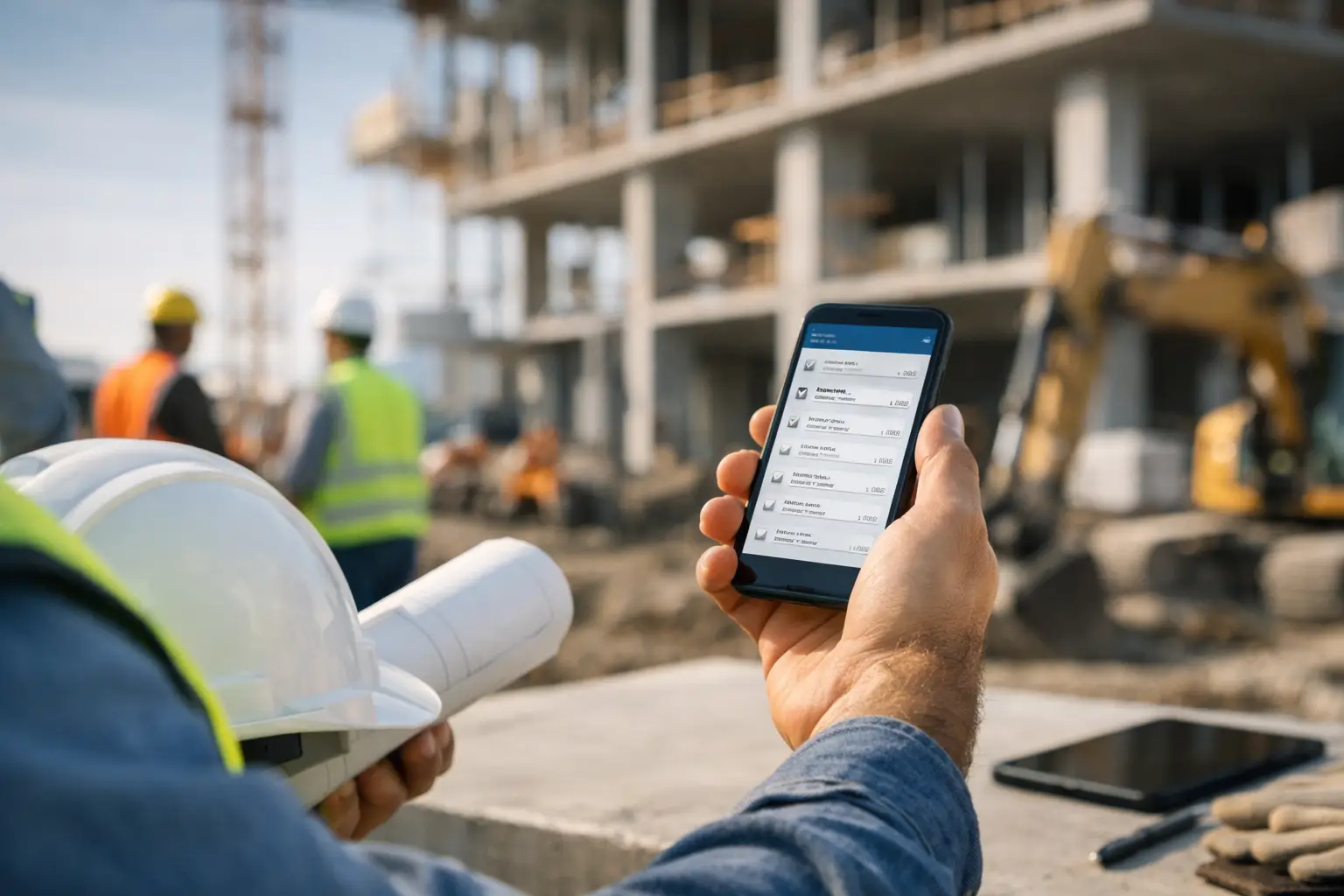
If your foreman is still texting updates, snapping photos into his camera roll, and trying to remember who was on site three days later, a construction daily log app review is not a nice-to-have. It is a practical way to stop losing job details that affect billing, scheduling, back charges, and customer trust.
For subcontractors, daily logs are not just paperwork. They are the record of labor, materials, delays, equipment use, site conditions, and progress. When that record is incomplete, the office ends up chasing answers, and the field gets blamed for missing information they were never given an easy way to capture in the first place.
That is why most app reviews miss the mark. They talk about feature counts, dashboards, and broad construction workflows. Subcontractors need something simpler. The real question is whether a daily log app helps a crew document the day fast, from the field, without creating more admin work at night.
What a construction daily log app review should actually judge
A good review should start with adoption, not features. If your crew will not use it consistently, nothing else matters. The best daily log app for a subcontractor is the one a superintendent, foreman, or crew lead can open on a phone and complete in a few minutes without training.
That sounds basic, but plenty of construction apps still feel like office software squeezed onto a mobile screen. They may look powerful in a sales demo, but they fall apart on a muddy jobsite where someone needs to log manpower, note a delay, attach a few photos, and move on.
A useful review should also look at whether the app matches subcontractor workflows. General-contractor-focused platforms often assume your team is managing the whole site, every trade, and layers of approvals. That creates extra steps and extra fields that do not help a concrete, electrical, plumbing, roofing, or landscaping crew finish the day’s report.
In short, the right daily log app should help you capture what happened today, prove it later, and keep the office up to speed without duplicate entry.
The features that matter most in a construction daily log app review
Daily logs live or die on speed. Your crew should be able to record labor by job, note who worked, enter quantities or installed progress, document delays, and attach jobsite photos without hunting through menus. If it takes too long, people skip it or fill it out from memory later, which defeats the whole point.
Photo capture matters more than many owners realize. A log with timestamped photos tied to the job tells a much clearer story than a written note alone. If a crew runs into weather delays, damaged materials, blocked work areas, or completed phases ready for billing, those photos save arguments later.
The app should also connect daily logs to the rest of the operation. This is where many stand-alone tools come up short. If your daily log sits in one app, timecards in another, job costs in a spreadsheet, and invoices somewhere else, you still have a broken process. The office ends up re-entering information, and field data loses value because it is disconnected from payroll, billing, and production tracking.
Searchability is another big one. A daily log is only useful if you can find it fast. When a general contractor questions manpower, a customer disputes a change, or your office needs backup for an invoice, you should be able to pull up the right day, job, crew, and photos without digging through email chains.
Where many daily log apps fall short
Most weak apps fail in one of three ways. They are too complicated, too generic, or too isolated.
Complicated apps ask field teams to enter far more than they need. That usually happens when the software is built for enterprise workflows or for general contractors managing every moving part on site. Subcontractors do not need a daily report system that feels like they are running a whole project management office from a pickup truck.
Generic apps have the opposite problem. They are simple enough to use, but too light to support real job documentation. You might be able to type a few notes and attach a photo, but not tie labor, materials, equipment, or progress to a specific job in a way the office can actually use.
Isolated apps create yet another login and another data silo. They may handle daily logs fine, but they do not connect to time tracking, job costing, estimating, invoicing, or accounting. That means your team still spends time moving information by hand.
For a subcontractor, that trade-off matters. A cheap app that only solves one small part of the problem can end up costing more in admin time than a broader system that keeps field and office operations in one place.
How subcontractors should compare options
A practical construction daily log app review should be based on your real jobs, not the vendor’s feature sheet. Start by asking who will complete the logs every day. If the answer is foremen or crew leads, the mobile workflow needs to be dead simple. If the answer is office staff filling in the blanks later, you are not fixing the problem. You are just relocating it.
Next, look at what your business actually needs to capture. A framing contractor may care most about manpower, installed progress, site delays, and photos. A landscaping contractor might also need equipment use, delivered materials, and weather conditions. A plumbing or electrical contractor may need stronger documentation around rough-in progress, inspections, and change work. The best app is the one that supports your trade without forcing a bunch of extra process around it.
Then look at how the daily log connects to the rest of your workflow. Can labor hours flow into payroll or job costing? Can photos stay attached to the job record? Can production notes support billing? Can the office see the update the same day without waiting for paper or a text recap? Those are the questions that affect profit, not just convenience.
It is also smart to pay attention to setup time. Some systems take weeks of configuration before anyone can use them properly. That may work for large firms with dedicated admins. It is a bad fit for most small to mid-sized subcontractors that need to get crews active quickly and keep the learning curve low.
Construction daily log app review: what good looks like for subs
For most subcontractors, a strong daily log app has a few common traits. It works well on a phone. It does not require much training. It captures the day in real time. It keeps labor, notes, photos, and job activity organized in one place. And it gives both the field and the office the same clear view of what happened.
That is also why all-in-one subcontractor software often makes more sense than a stand-alone logging tool. If daily logs sit alongside crew time, job photos, equipment, materials, invoices, and accounting workflows, you get more than documentation. You get usable job data.
SimplySub is one example of that approach. Instead of treating daily logs as an isolated feature, it puts them inside a subcontractor-focused system built for real field use. That matters when you want crews to actually complete logs, office staff to trust the information, and owners to see job activity without chasing updates across multiple apps.
The value is not that a platform has more screens. The value is that one entry from the field can support several parts of the business at once. A daily log can help verify labor, explain delays, support billing, and back up customer communication without anyone retyping the same details later.
The trade-offs to weigh before you decide
There is no perfect app for every subcontractor. A very small team with only one or two active jobs may be able to get by with a basic logging tool for a while. But once crews multiply, jobs overlap, and paperwork starts slipping, disconnected apps usually show their limits fast.
On the other hand, some larger platforms offer every possible workflow but bury simple daily reporting under too many layers. If your crew needs a training session just to submit a log, expect spotty adoption.
The better choice usually sits in the middle. You want enough structure to standardize reporting and protect your business, but not so much that the field avoids using it. That balance is what separates software that looks good in a demo from software that helps on Tuesday afternoon when the job is running behind and the office needs answers now.
A daily log app should make the workday easier, not longer. If it helps your crew document what happened while they are still on site, and helps your office turn that information into cleaner billing, better records, and fewer surprises, it is doing its job. That is the standard worth using when you review any option. To see how SimplySub handles field documentation, you can schedule a demo or review pricing.