The right crew. The right job. Right on schedule.
Plan who's working where, spot scheduling conflicts, and keep your crew assignments connected to the right jobs. Less whiteboard chaos. More clarity for the office and field.
A simple crew calendar, not another complicated scheduling system.
Your crew schedule, without the guesswork
See assignments by crew member or by job, plan work across multiple days, and make changes without rebuilding a spreadsheet.
- Switch between Crew and Job views
- Drag and resize scheduled work
- Catch overlapping crew assignments
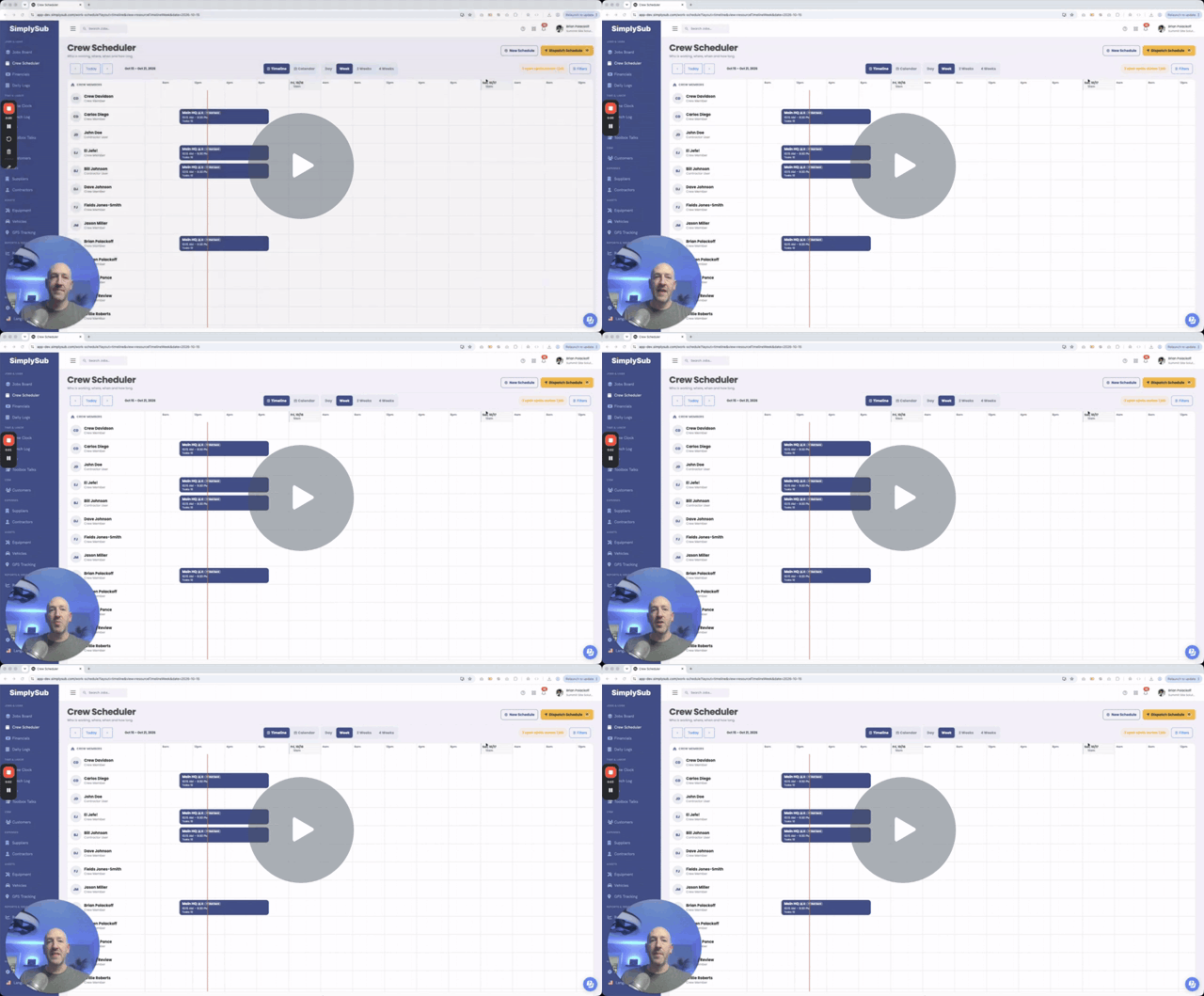
Know who's going where. Before the day begins.
Replace scattered schedules and last-minute calls with a shared plan your team can understand.
Plan with a visual calendar
Schedule crews across jobs and days in a clear, easy-to-read calendar.
See it from either side
View the schedule by crew member or by job, depending on what you need to know.
Avoid double-booking
Conflict checks help prevent assigning the same person to overlapping work.
Built around the way subcontractors schedule work
Plan a single shift or a multi-day assignment. Move work when plans change, assign multiple people, and keep the schedule tied to the job.
- Day and week scheduling views
- Crew-based and job-based calendars
- Drag-and-drop changes and resizing
- Multi-day and overnight scheduling
- Crew requirements and unfilled assignments
- Optional job task templates during scheduling
See each person’s assigned work.
See who is scheduled on each job.
Plan short visits or multi-day work.
Scheduled crew members can be added to the job team.
From planning to dispatch
Make the schedule clear before the work starts.
Change plans quickly
Move and adjust scheduled work directly on the calendar with ease and precision.
One Click Dispatch
Track whether crew assignments have been changed since last dispatch.
Spot staffing gaps
Keep a schedule block even when all needed crew positions are not filled.
Prevent overlap
Get conflict protection when assigning people to overlapping shifts.
Prepare job tasks
Apply one or more task templates when setting up scheduled work.
Keep jobs connected
Crew scheduling stays associated with the correct job record.
How crews actually use it
Real scheduling situations, handled without extra complexity.
Monday morning planning
See which crew members are assigned to each job before the week gets underway.
A job runs longer than expected
Move or extend a schedule block instead of rewriting the whole plan.
Two jobs need the same person
Catch overlapping assignments before the crew gets double-booked.
A job needs more hands
Record the number of resources needed, even if the schedule is not fully staffed yet.
The plan changes after dispatch
Keep track of assignments that have changed or need cancellation communication.
Crew scheduling & dispatch FAQ
Straight answers about planning and dispatching your crews.
A better crew schedule means fewer surprises.
You do not need a giant CRM or another office headache. Just start with one customer list and one team, and see how much easier follow-up becomes.
Built to support your business, not take it over.