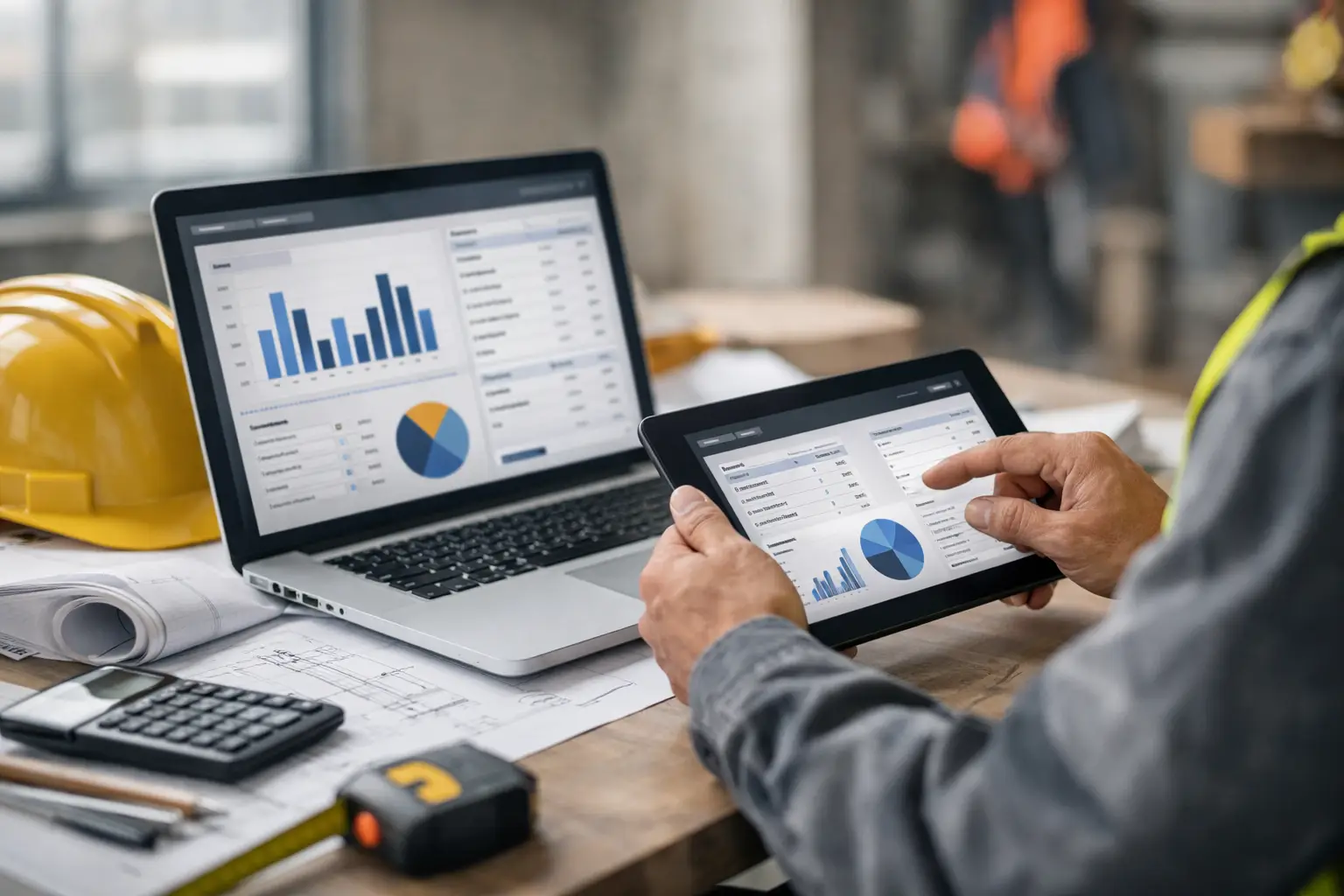
Margins usually do not disappear all at once. They leak out through bad labor tracking, missing material receipts, late field updates, and invoice delays. That is why a smart job costing software comparison matters for subcontractors. If the system cannot keep up with how your crews actually work, the numbers will always be late, incomplete, or flat-out wrong.
Most software in this category claims to help you track costs, improve visibility, and tighten operations. Fair enough. But for a subcontractor, the real question is simpler: can this tool show you what a job is costing while the job is still in motion, not two weeks after payroll runs?
What a job costing software comparison should actually measure
A lot of buyers start by comparing feature lists. That is not enough. Two platforms can both say they offer job costing, but one may require office staff to clean up timecards, re-enter receipts, and chase down foremen before any report is useful. The other may collect labor, equipment, materials, photos, and daily production from the field in real time using daily work logs.
That difference matters more than a long list of modules.
For subcontractors, job costing only works when the system connects the office to the field without creating more admin work. If the software is too complex for crews to use, your cost data will be incomplete from day one. If it is built mainly for general contractors, you may end up paying for workflows you do not need while still missing the basics your team uses every day.
Start with labor, because that is where jobs are won or lost
In most trades, labor is the biggest moving target. A bid can look solid on paper, then get wrecked by extra hours, weak crew tracking, or poor visibility across multiple jobsites. Any job costing software comparison should look closely at how each system handles labor in the field with time and attendance.
The key question is whether crews can clock time to the right job, cost code, and task without confusion. If that process takes too many taps, requires heavy training, or depends on one person entering everything perfectly at the end of the day, errors will pile up fast.
Good labor tracking should make it easy for a foreman or crew lead to record who worked, where they worked, and what they did, especially when you are trying to track crew hours across multiple jobs. Better systems also help owners and office teams see labor burn against the estimate while there is still time to correct it. That matters when one concrete crew is beating budget and another is falling behind on a similar scope.
Materials and equipment cannot stay on separate islands
A lot of subcontractors know their labor numbers better than their materials and equipment costs. That is understandable. Time gets tracked every day. Receipts and equipment usage often do not.
But if your software only handles labor well, your job costing will still be incomplete.
Materials should be easy to assign to the right job as they are purchased or used, especially if you are following a jobsite material tracking process. Equipment should be tied back to jobs without requiring a pile of manual updates from the office using equipment time tracking. If those costs live in separate apps, spreadsheets, or notebooks in trucks, you are not comparing estimated cost to actual cost in a useful way. You are reconstructing history after the fact.
That is why field-friendly input matters so much. If a superintendent can snap a photo of a delivery, tag a material usage, or log equipment on-site in seconds with photos, files, notes, your cost picture gets sharper. If they have to wait until the end of the week or call the office to handle it, it usually does not happen.
The best system is the one your crews will actually use
This is where many software comparisons go sideways. Buyers sit through polished demos, hear about dashboards and reporting, and assume adoption will take care of itself. It will not.
Subcontractors need software that works for mixed-tech teams. Some people in your company are comfortable with apps. Some are not. If the platform needs long onboarding, constant troubleshooting, or a thick training manual, the field will resist it. Then the office gets stuck filling gaps, and your job costing goes right back to guesswork.
Simple matters. Mobile matters. Fast setup matters.
In a practical job costing software comparison, ease of use should rank right next to accounting integration and reporting, especially for field teams. A simpler system with strong field adoption will usually give you better cost control than a more advanced system nobody uses correctly.
Reporting is only helpful if it leads to action
Every platform says it has reports. The problem is that many reports arrive too late or say too little.
Subcontractors do not need twenty versions of the same spreadsheet. They need a clear read on whether labor is over budget, whether production is matching plan, whether materials are creeping up, and whether change-related costs are being tracked before they get lost.
The best reporting gives you answers you can act on this week. Can you see job cost by phase or cost code? Can you compare estimate versus actual without exporting data into another system? Can an owner, PM, or office manager spot a problem quickly and drill into the source using job views?
If the answer is no, the system may look good in a demo but still leave you blind where it counts.
Integration matters, but not at the expense of usability
Accounting integration is a real factor in any software decision. If your team uses QuickBooks, you want job costs, invoices, and payroll-related data to move cleanly between systems, whether through integrations or the right workflow. That reduces double entry and helps keep your books aligned with field activity.
Still, integration alone should not decide the purchase.
Some software sells itself on back-office connectivity while making daily field use harder than it needs to be. That is a bad trade for subcontractors. Clean books matter, but clean books built on weak field data do not solve the real problem. The front end of the system has to be strong first. Then the accounting connection adds value.
Beware software built for someone else
A lot of construction software is built with general contractors in mind. That usually shows up fast. The workflows are heavier, the terminology is broader, and the feature set covers every stakeholder on a project whether you need it or not.
For subcontractors, that can create two problems. First, you pay for complexity that slows your team down. Second, the software still may not fit how trade contractors manage crews, production, equipment, and billing across multiple active jobs.
That is why software built specifically for subs often has an advantage. It tends to focus on crew accountability, field reporting, labor visibility, simple job tracking, and faster invoicing - the daily work that actually drives profit, especially compared to construction software built for GCs.
A platform like SimplySub fits that lane by keeping the workflow practical for subcontractors instead of burying them in enterprise tools they will never use.
How to judge value in a job costing software comparison
Price matters, but subscription cost is only part of the equation. Cheap software gets expensive fast if it creates extra admin time, misses field data, or takes months to roll out. More expensive software can still be the wrong choice if your crews avoid it.
The better way to think about value is simple. How quickly can the system start producing accurate job cost data? How much office cleanup does it remove? How much faster can you invoice with estimates and invoicing? How much sooner can you catch a bad job before it gets worse?
That is real return.
When comparing options, look at setup time, training requirements, mobile adoption, and whether key functions are included or sold as add-ons. Also pay attention to whether pricing scales reasonably as you add employees and jobs. Subcontractors should not get punished for growing.
The shortlist should be smaller than you think
You do not need to compare every construction platform on the market. You need a short list of systems that fit subcontractor operations, support field use, and give you cost visibility without extra layers of complexity.
That means filtering hard. If a platform feels built for a GC, cut it. If it takes too long to explain how a foreman enters labor, cut it. If materials, equipment, daily logs, and invoices all live in different places, cut it. If you cannot tell whether a job is making money until the month is over, cut it.
The right software should help you run tighter jobs with less chasing, less paperwork, and fewer surprises.
A good buying process is not about finding the most software. It is about finding the system your team can use every day, from the office to the field, without slowing the work down.
If you are serious about improving margins, do not just ask which platform has job costing. Ask which one gives you usable job costs in real time, with the fewest steps, from the people doing the work. That is where better decisions start. To learn more, schedule a demo or review pricing and start your 100 day risk free account.