A missed photo, a handwritten note nobody can read, and a timecard turned in two days late - that is how small jobsite problems turn into billing delays, back charges, and finger-pointing. The best tools for field documentation fix that by making it easy for crews to capture what happened while the work is happening, not after the fact.
For subcontractors, field documentation is not just about keeping records. It is how you protect margin, back up change orders, track production, verify labor, and keep the office from chasing paperwork. If the tool is too complicated, crews will not use it. If it only works for office staff, it will fail in the field. That is why the right setup usually looks less like a giant software stack and more like a handful of practical tools that work together.
What the best tools for field documentation actually need to do
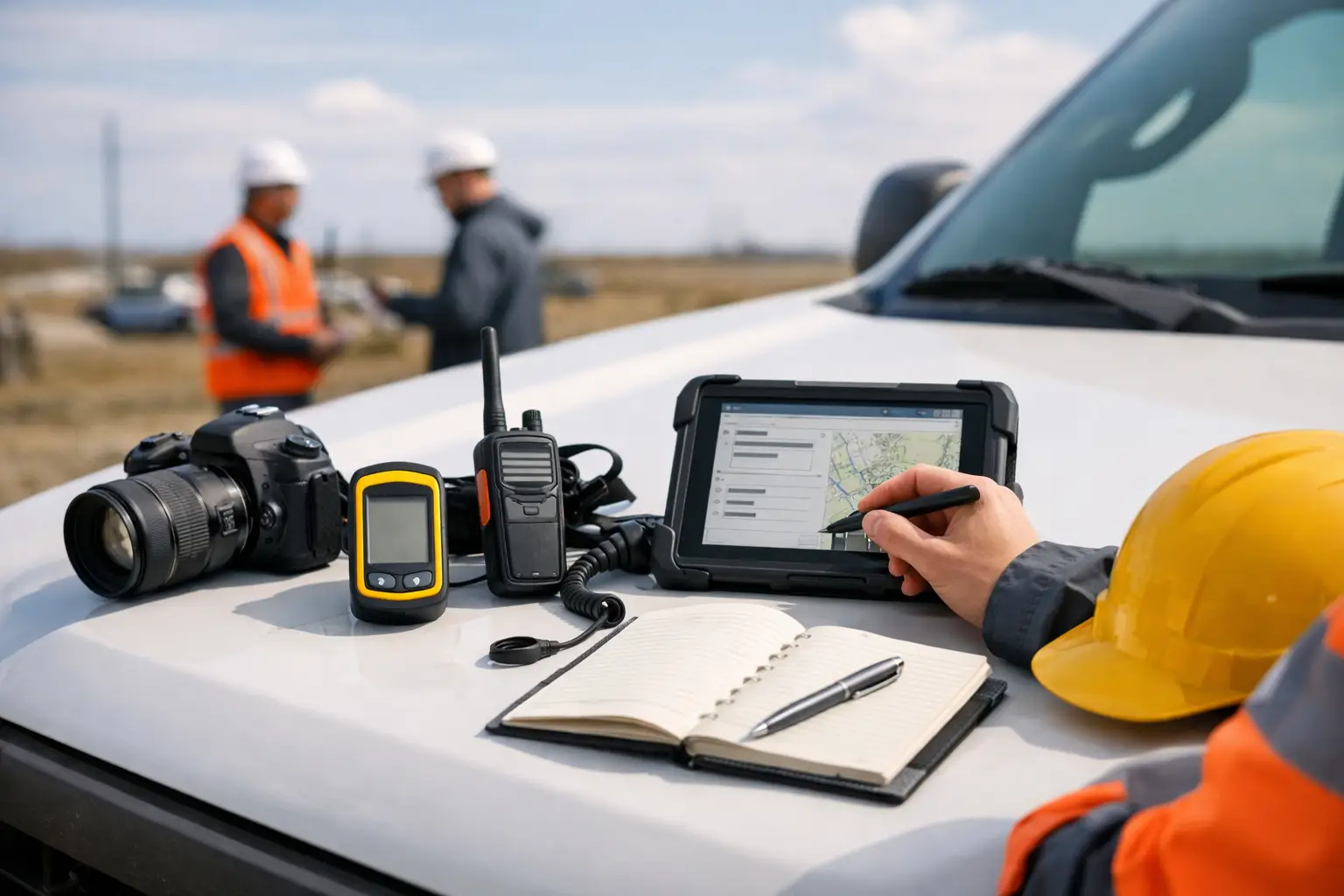
Most subcontractors do not need more software. They need fewer gaps. Good field documentation tools should help crews record labor, photos, notes, materials, equipment usage, and job progress from the phone in their pocket. Office staff should be able to find that information fast, without digging through text threads, email chains, and paper folders.
The best tools for field documentation also need to fit real crews. That means simple mobile use, quick entry, clear timestamps, and a system that does not require a training session every time you hire someone new. A roofing foreman, concrete superintendent, or plumbing crew lead should be able to use it on a live job without stopping production.
1. Mobile daily log software
If you only fix one part of your documentation process, start here. Daily logs create the backbone of the record. They show who was on site, what work was done, what problems came up, what the weather looked like, and what delayed progress.
The strongest daily log tools are fast enough to use from the field and structured enough to keep records consistent. That matters because a daily log only helps if crews actually fill it out. A system with too many fields and too many screens usually gets abandoned by week two.
For subcontractors, the best daily log software should connect labor, photos, notes, and job status in one place. If your office has to combine five sources to understand a single day on the project, the tool is not saving time, which is why many contractors rely on daily work log software.
2. Job photo and video capture tools
Photos win arguments. They prove site conditions, document completed work, support change orders, and show whether another trade created the issue before your crew arrived. But random camera-roll photos are not a documentation system.
A good photo tool should tag images by job, date, and ideally location or activity. It should be easy for field teams to add a quick note so the office knows what they are looking at. A picture of a trench, wall layout, or damaged material only helps if it can be tied to the right job and the right moment, which is why contractors increasingly use jobsite photo documentation software.
There is a trade-off here. Some advanced photo tools offer markups, annotations, and detailed organization, which can be useful for larger or more technical projects. But for many subcontractors, speed matters more. If taking and filing a photo feels like office work, the field will skip it.
3. Time tracking tied to jobs and crews
Time tracking is often treated as payroll only. That is a mistake. It is also field documentation. When labor is tied to the right job, cost code, or activity, you get a clean record of who worked where and when.
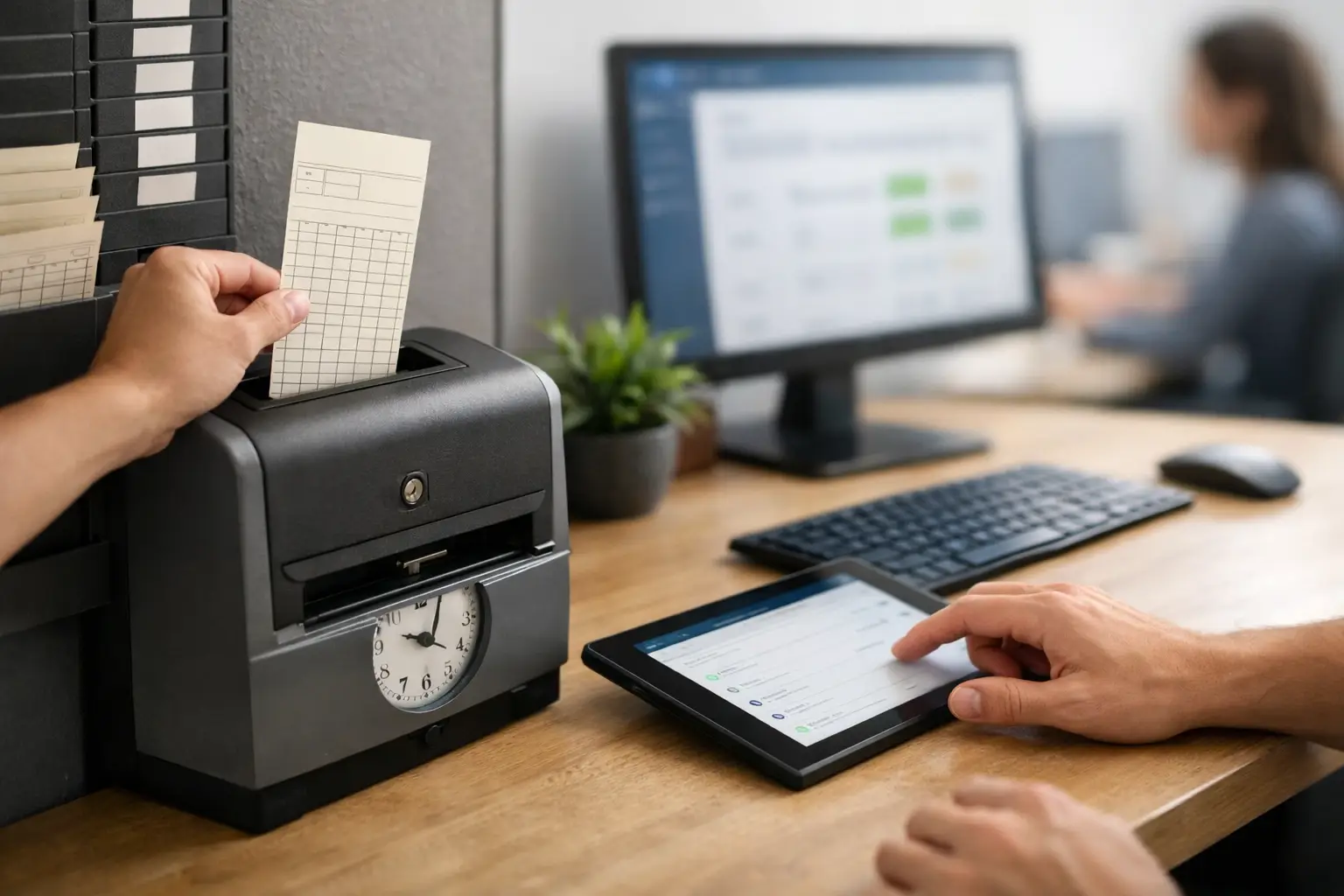
That matters when an owner disputes manpower, when a GC questions whether your team was on site, or when your office is trying to understand why labor burned faster than estimated. A paper timecard might get hours into payroll, but it usually does not give you useful job records.
The best time tracking tools for field documentation are simple for crews to clock in and out, but detailed enough for managers to see labor by project. If a tool gets accurate hours but does not help you track job performance, it is only doing half the job. That is why many contractors adopt mobile time and attendance tracking.
4. Field note and issue tracking tools
Not every jobsite problem needs a formal RFI, but plenty of field issues still need to be recorded. Missing material, blocked access, damaged work by others, weather delays, and customer requests all affect cost and schedule. If they live only in phone calls and memory, they are easy to lose.
A solid field note tool lets foremen or project leads log what happened in plain language, attach a photo if needed, and assign it to the right job. The value is not in creating more admin. The value is in creating a usable record before details get fuzzy.
This is one area where too much complexity can hurt. Some platforms are built for large enterprise workflows with layers of approvals and formal issue routing. That may work on major commercial projects. For a sub managing multiple active crews, a faster and simpler note system is usually the better fit.
5. Material and equipment tracking tools
Field documentation is not only about labor and photos. Materials delivered, equipment used, and quantities installed all affect billing and job cost. If your office does not know what showed up on site or where equipment was used, it gets harder to invoice accurately and harder to spot waste.
Material and equipment tracking tools help close that gap. A crew can note what was delivered, what was installed, and what equipment was on site that day. For trades like grading, concrete, landscaping, and fencing, that record can be just as important as labor hours.
The best setup depends on your operation. Some subcontractors need detailed quantity tracking by phase. Others just need a clean daily record of deliveries and usage tied to the job. The point is not to collect every possible detail. The point is to capture enough information to support billing, cost control, and accountability, especially when paired with materials tracking software and equipment tracking tools.
6. Cloud storage that keeps records organized
Even with good field tools, documentation falls apart when files are stored in too many places. Photos on phones, signed tickets in text messages, notes in email, and reports in separate folders create confusion fast.
That is why centralized storage matters. The right system keeps records organized by job so office staff, project managers, and owners can find what they need without chasing people down. Searchability matters here. So does consistency.
General-purpose cloud storage can work, especially for smaller teams, but it often depends on everyone following the same naming rules every time. That is where many companies break down. A field-first platform that automatically ties records to the right job is usually a better long-term move because it reduces human error.
7. An all-in-one subcontractor platform
At some point, separate tools start creating their own problems. One app for photos, one for time, one for notes, one for daily reports, and another for invoicing sounds manageable until the office has to reconcile everything.
That is why many subcontractors get the best results from an all-in-one platform built around daily field operations. When job photos, daily logs, crew time, materials, and documentation live in one system, you spend less time entering the same information twice and less time trying to connect the dots later.
This is especially true for small to mid-sized subcontractors. Most do not need enterprise software built for general contractors. They need something field-friendly, simple to learn, and fast enough for crews to use without pushback. That is where a platform like SimplySub fits naturally - it brings field documentation together with project management, job tracking, and office visibility in one place.
How to choose the right tool without overbuying
The best tools for field documentation are not always the ones with the longest feature list. They are the ones your crews will use every day. That means the buying decision should start with your field process, not a sales demo.
Ask a few practical questions. Can a foreman log a full day in a minute or two? Can the office pull job photos and labor records without making calls? Can you prove completed work, site conditions, and extra costs when a dispute shows up? If the answer is no, the tool may look good on paper but still miss the mark.
It also helps to look at where your current process breaks first. If payroll is clean but photos are a mess, fix photo capture. If you have photos but no reliable daily records, fix daily logs. If the bigger issue is disconnected systems, move toward a platform that combines them.
There is no perfect setup for every subcontractor. A two-crew fencing company and a multi-crew concrete contractor will not document work the same way. But both need tools that are fast in the field, clear in the office, and simple enough to stick.
Good documentation should not feel like extra work. It should make billing easier, protect your crew, and give you a cleaner picture of every job while the job is still moving. That is the standard worth holding onto when you choose your next tool, and if you want to see how it works in practice you can always watch a demo.