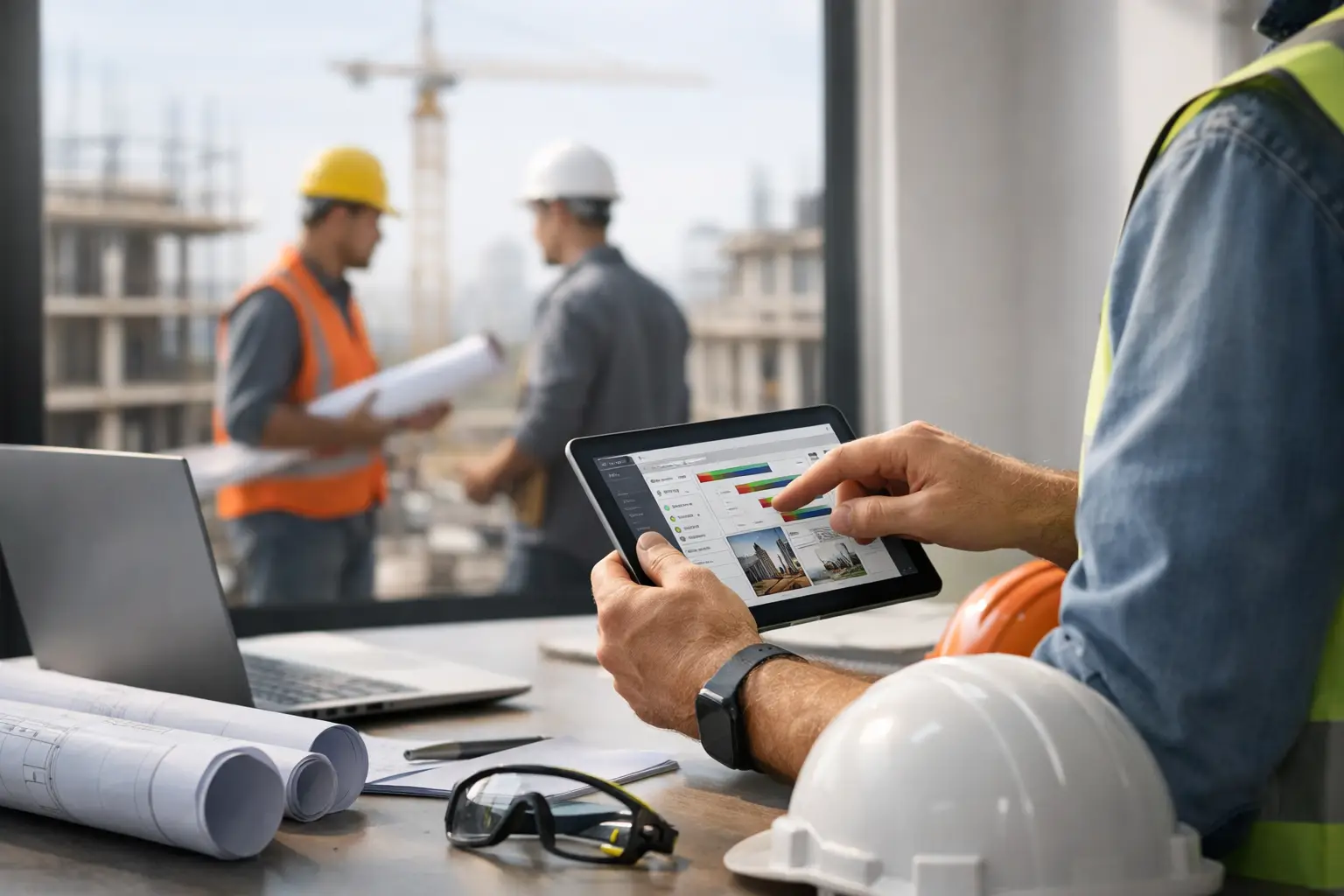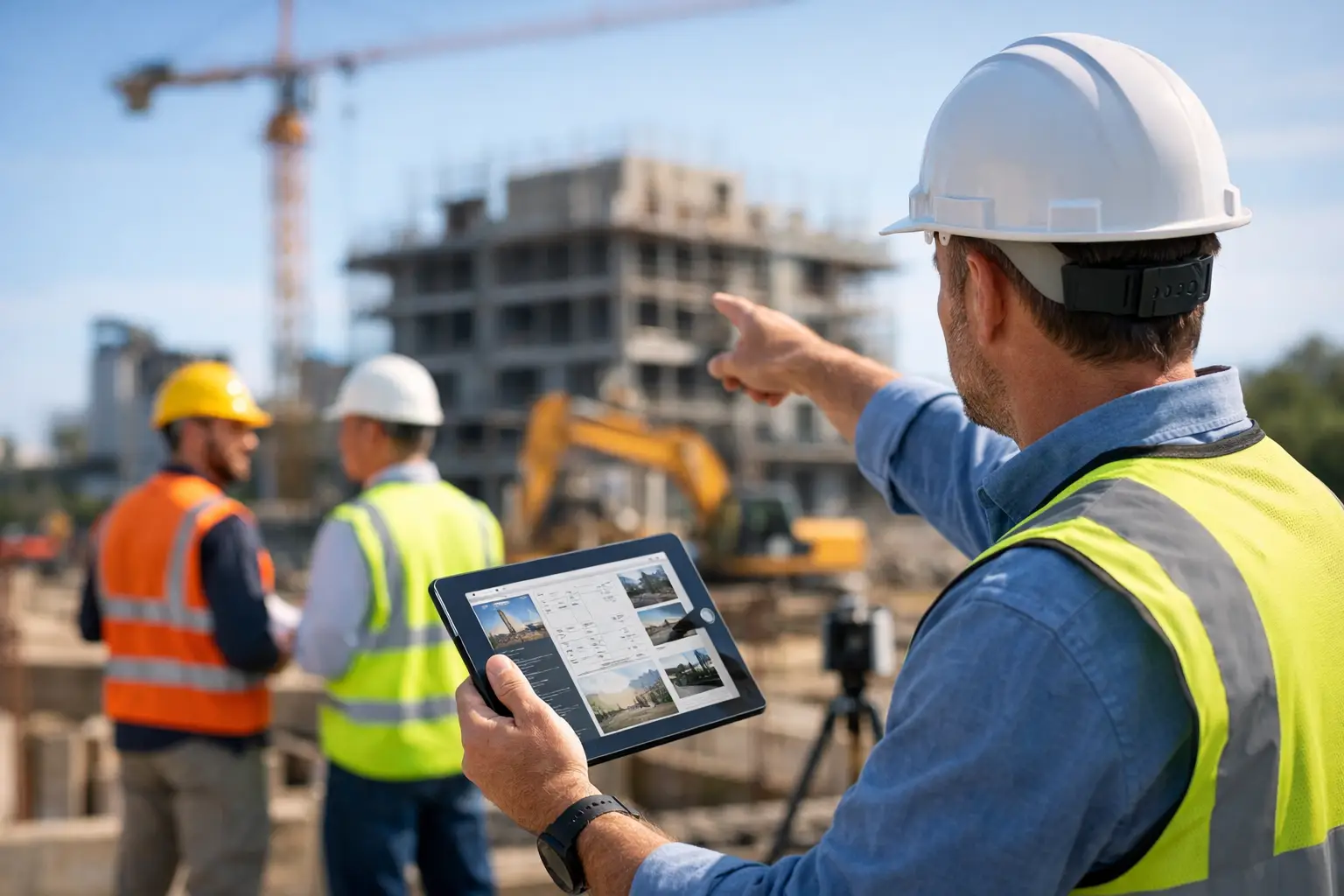
A missed photo, an incomplete daily log, or a text thread nobody can find later can turn a routine job into an expensive argument. That is why jobsite documentation software matters so much for subcontractors. When crews are moving fast across multiple jobs, you need a clean record of what happened, who was there, what was delivered, and what the site looked like that day.
For subcontractors, documentation is not just office paperwork. It protects revenue, speeds up billing, backs up change requests, and gives owners and field leaders a real picture of job progress. The problem is that a lot of contractors are still piecing this together with paper logs, phone photos, spreadsheets, and scattered messages. That system works right up until it doesn’t.
What jobsite documentation software should actually do
At its core, jobsite documentation software should make it easy to capture job activity while the work is happening. That sounds obvious, but plenty of systems miss the mark. If a foreman has to tap through six screens just to upload a few photos or enter a daily note, adoption falls apart fast.
Good software should let field teams record photos, notes, and files, labor activity, equipment usage, material deliveries, and daily progress from the jobsite without slowing them down. It should also tie that information to the right job automatically, so the office is not wasting time sorting through uploads later.
Just as important, the software should give office staff and owners one place to see the full story. If payroll is in one system, photos are in a shared drive, timecards are on paper, and daily work logs are buried in texts, nobody has real visibility. Documentation works best when it is connected to the rest of job operations.
Why subcontractors need a different kind of system
A lot of construction software is built around the general contractor workflow. That usually means more complexity, more setup, and more screens than a subcontractor actually needs. For a trade contractor managing labor, materials, and production across several active jobs, the priority is speed and clarity.
A concrete crew leader does not want a bloated reporting tool. A roofing foreman does not need a platform built mainly for owner updates and master schedule coordination. They need something simple enough to use from the field and structured enough to give the office reliable records.
That difference matters. Subcontractors deal with tight margins, smaller admin teams, and fast-moving field conditions. They need documentation that supports real work, not software that creates more of it.
The real problems jobsite documentation software solves
The biggest win is accountability. When labor hours, job photos, weather conditions, deliveries, and daily notes are captured in one system, it becomes much easier to answer basic questions quickly. Did the crew show up? Was the area ready? Were materials on site? What changed between Tuesday and Friday?
That kind of record helps in everyday operations, but it becomes even more valuable when there is a dispute. If a general contractor questions progress, a customer pushes back on an invoice, or a scope issue turns into a blame game, clean documentation gives you facts instead of guesswork.
It also improves billing. Many subcontractors lose time and money because documentation is incomplete when it is time to submit invoices or support extra work. If the field is logging work as it happens, the office can bill faster and with more confidence.
Then there is time savings. Chasing down crew notes at the end of the week, sorting camera roll photos, and rebuilding job history from memory eats up hours that nobody has. Documentation software cuts that cleanup work down when it is done right.
What to look for in jobsite documentation software
The first thing to look at is field usability. If your crews cannot use it on a phone without training, it is probably too complicated. The best systems feel obvious right away. Open the app, pick the job, add the photo, note, or time, and move on.
Second, look for job-based organization. Every record should live under the right project so nothing gets lost. Photos, logs, labor entries, and materials should not be floating around as separate items with no clear connection.
Third, make sure it supports both field and office needs. Field crews need speed. Office staff need clean records, searchable history, and visibility across jobs. One side should not get a good experience at the expense of the other.
Fourth, think about integration with everyday operations. Documentation is stronger when it connects to crew time, job costing, invoices, and reporting. A standalone photo app may solve one problem, but it often leaves the bigger workflow broken.
Finally, keep an eye on setup time. Some systems promise a lot but take months to configure. Most subcontractors do not have time for that. Faster rollout usually means faster adoption and faster return.
Jobsite documentation software in the field
The field is where good documentation either happens or gets skipped. That is why mobile use matters more than feature volume. A foreman should be able to document site conditions before work starts, add progress photos during the day, note delays or extra work, and submit a daily log without calling the office for help.
For example, a masonry contractor can use daily photos and notes to document wall progress, site access issues, and material shortages. A landscaping crew can log equipment time, delivered materials, and weather-related delays from the same job record. An electrical subcontractor can attach photos to completed rough-in areas and keep a dated trail of what was installed before walls are closed up.
Those details matter later. The best record is usually the one captured in real time, not the one recreated three days later from memory.
Why simple beats feature-heavy
There is a trade-off here. Bigger systems may offer more customization, more reporting layers, or more administrative controls. For some large organizations, that can make sense. But for many subcontractors, those extras come with slower setup, lower field adoption, and more frustration.
Simple software is often the better business decision because crews will actually use it. If your team is mixed when it comes to tech comfort, ease of use is not a nice bonus. It is the whole game.
That is where contractor-first platforms stand out. A system built around real jobsite behavior usually gets better data because it asks less from the user. SimplySub fits that approach by giving subcontractors one straightforward system for photos, logs, time and attendance, materials, and office visibility without loading teams down with enterprise software clutter.
Common mistakes when choosing a system
One common mistake is buying based on feature checklists instead of daily workflow. On paper, a platform can look impressive. In practice, if your foremen avoid it, nothing else matters.
Another mistake is solving only one piece of the problem. A photo management app may help organize images, but if daily logs, labor, and invoices still live elsewhere, you are still stitching the story together by hand.
It is also easy to underestimate training and setup. If software needs a champion to constantly push people into using it, adoption usually fades. The better fit is a tool that crews can start using with little explanation.
Price can be another trap. Cheap software that creates admin work is not really cheap. On the other hand, the most expensive platform is not automatically the best choice either. The right value comes from time saved, cleaner records, and better control over jobs.
How to know if your current process is breaking down
If your office is constantly asking for missing photos, missing timecards, or missing job notes, that is a sign. If invoices get delayed because backup is incomplete, that is another one. If project history lives in text messages and people’s memory, you do not have a reliable process.
A strong documentation system should reduce phone calls, reduce guesswork, and reduce end-of-week cleanup. It should also make it easier to answer questions fast. When was the crew there? What got installed? What delayed the work? What did the site look like that morning?
If those answers are hard to find, your process is costing more than it seems.
What better documentation does for the business
Better records do more than protect you in disputes. They help you run tighter jobs. Owners can see progress without waiting for scattered updates. Office teams can bill faster. Field leaders spend less time handling paperwork after hours. Everyone works from the same job record.
That kind of control matters when you are trying to grow. As jobs and crews increase, disorganized documentation does not stay manageable. It gets expensive. The right software gives you a repeatable process that holds up as the business scales.
The best jobsite documentation software is not the one with the longest feature list. It is the one your crews will use every day, your office can trust, and your business can rely on when the details matter most—especially if you already need a better way to track job progress fast and want to see what a cleaner workflow looks like with a SimplySub demo.