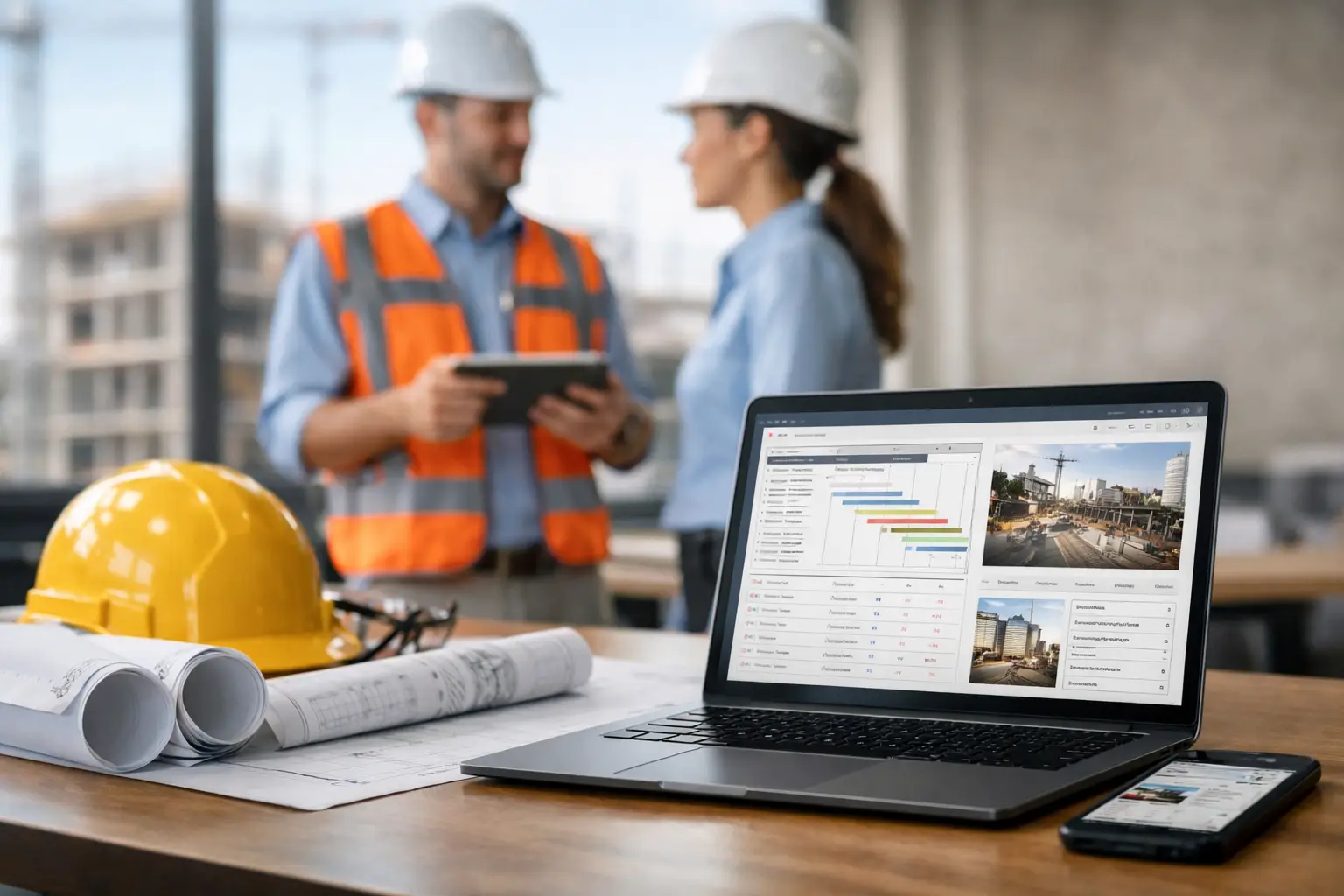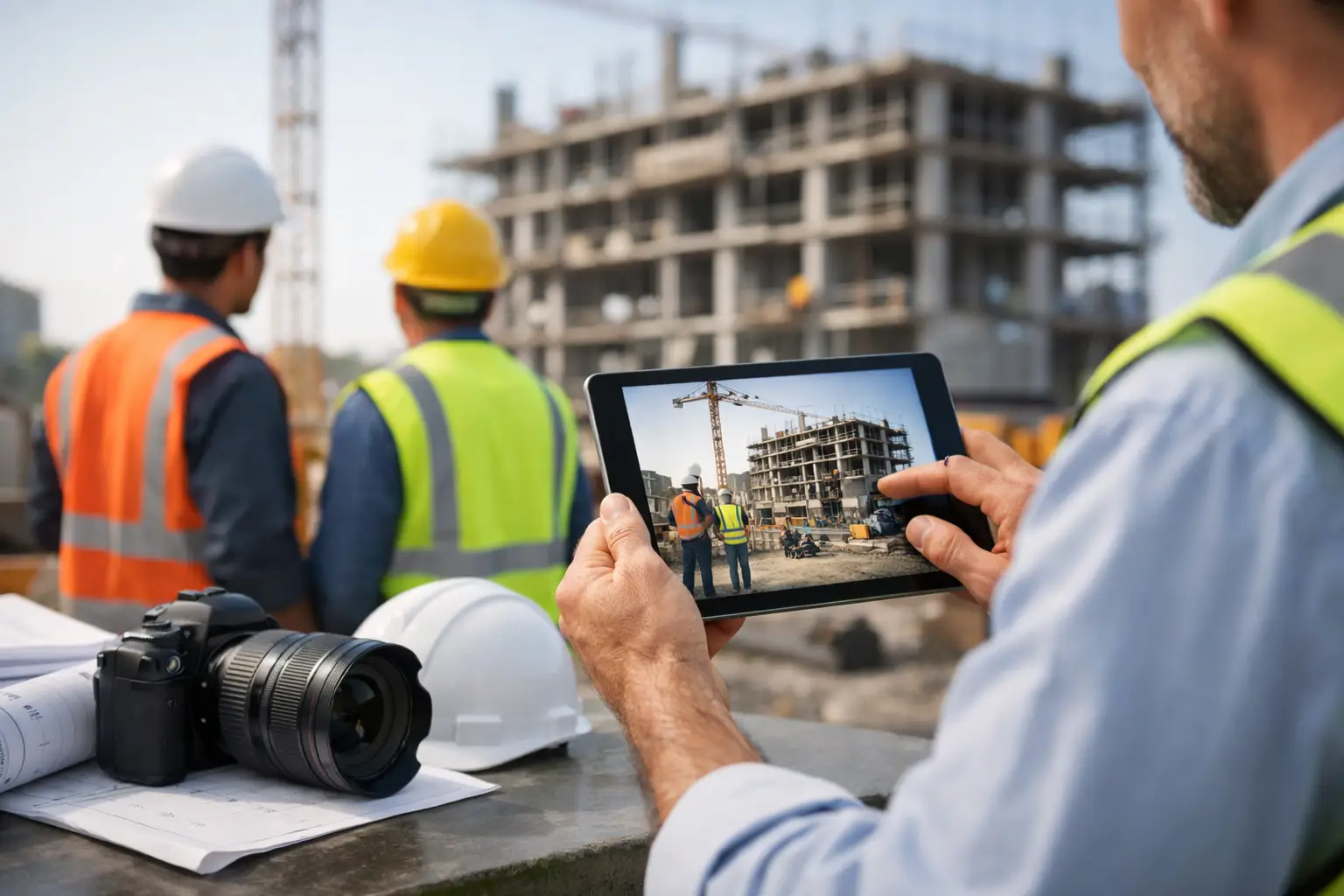
A superintendent says the punch list item was already fixed. Your foreman knows it was not. The owner wants proof of progress before approving a draw. Your office needs dated photos tied to the right job, phase, and crew. This is where jobsite photo documentation software stops being a nice extra and starts being part of how subcontractors protect their time, cash flow, and reputation.
For most subs, the real problem is not taking photos. Crews already do that. The problem is what happens after. Pictures sit on personal phones, get texted around, lose context, or never make it back to the office in a way anyone can use later. When that happens, photos do not help much in a dispute, a billing review, a warranty claim, or a simple question about what happened on Tuesday at 2:00 p.m.
Good photo documentation software fixes that by turning random images into job records. It puts photos in the right place, attaches them to the right job, and makes them easy to find when someone needs answers fast.
What jobsite photo documentation software should actually do
A lot of construction software treats photos like an add-on. That is usually where the frustration starts. If crews have to tap through five screens, upload one image at a time, or remember a bunch of office-style steps, adoption falls apart.
For subcontractors, jobsite photo documentation software needs to work the way the field works. A foreman should be able to snap photos, add a short note, and move on. The office should be able to pull up those images by job, date, area, or issue without chasing people down. If your team has to think too hard about the process, it is already too complicated.
At a minimum, the software should store photos by job, keep timestamps, allow short descriptions, and make mobile use easy. Beyond that, the best systems connect photos to daily logs, labor activity, materials, and production notes. That context is what turns a picture into documentation.
Why subcontractors need more than a phone camera
A phone camera captures an image. It does not create accountability by itself.
If you run concrete, framing, roofing, plumbing, electrical, fencing, or landscaping crews, you know how often questions come up after the fact. Was rebar in place before the pour? Were rough-ins completed in the correct rooms? Did the crew receive the materials that were supposed to be on site? Was weather a valid reason for delay? Did damage exist before your team arrived?
Without organized photo records, those answers depend on memory. Memory is slow, and in construction it is expensive.
This matters even more when you are working multiple jobs at once. Once crews bounce between sites, the photo count piles up fast. A few dozen images become hundreds. Then someone in the office has to sort through camera rolls, texts, and shared folders just to find one photo from three weeks ago. That is wasted time on both sides.
The real value is speed during the moments that matter
Most owners do not buy software because they want better photo storage. They buy it because they want fewer problems.
The right system helps when billing is delayed and you need proof of completed work. It helps when a GC questions whether your crew finished a scope item. It helps when a customer calls back months later and says something was missed. It helps when you need clean records for internal reviews, safety follow-up, or employee accountability.
There is also a simple operational benefit that gets overlooked. When photos are organized from the start, your office spends less time cleaning up field communication. That means fewer calls to foremen after hours, fewer missing details in daily reporting, and fewer jobs where the paper trail breaks down halfway through.
That is the difference between taking pictures and documenting work.
What to look for in jobsite photo documentation software
The best fit depends on how your crews work, but a few things matter for almost every subcontractor.
Mobile-first use is non-negotiable. If the photo process only works well from a desktop, field adoption will be weak. Crews need to capture, label, and submit photos from the jobsite with minimal steps.
Photos should live inside the job record, not in a separate tool your office has to reconcile later. When job photos sit next to daily logs, labor hours, and notes, your team gets the full story in one place.
Searchability matters more than most software demos show. It is one thing to upload photos. It is another to find the exact wall condition, delivery issue, or completed install you need six months later.
Simple permissions also matter. You may want owners, PMs, and office staff to see everything, while field users only need access to their assigned jobs. Too much complexity here becomes a headache. Too little control can create confusion.
And then there is setup. A lot of platforms promise job documentation but require too much configuration before anyone can use them. For smaller subcontractors, that is a deal breaker. If it takes weeks to roll out, most teams will never fully adopt it.
Where a lot of software misses the mark
Construction software is often built with the general contractor in mind first. That sounds fine until a subcontractor tries to use it day to day.
Subs do not need bloated workflows built for giant project teams and layers of approval. They need something fast enough for the field and clear enough for the office. If your foremen are juggling manpower, deliveries, production targets, and last-minute changes, they are not going to spend ten minutes organizing every photo set.
That is why simple software usually wins in the real world. Not basic. Not limited. Simple. There is a difference.
A simple system reduces taps, keeps records tied to the right job, and gives owners visibility without turning every photo into admin work. That is especially important for teams with mixed tech comfort levels. If one crew leader is great with apps and another avoids them, your process has to work for both.
Photo documentation works better when it connects to the rest of the job
Photos by themselves help. Photos connected to the rest of the project help a lot more.
If a foreman logs labor, notes a delivery issue, and attaches photos in the same workflow, your office gets a clear record without piecing things together from multiple apps. If a PM reviews a delay, they can see hours, notes, and images in one job file instead of bouncing between systems.
That connection also improves billing and change order support. A picture of completed work is stronger when it is paired with the date, crew activity, and job note that explain what happened. The same goes for back charges, rework discussions, and closeout questions.
This is where an all-in-one field and office platform has an advantage over a standalone photo app. It cuts down on duplicate entry and keeps documentation tied to the actual work.
A practical standard for choosing the right tool
If you are evaluating jobsite photo documentation software, do not start with the feature list. Start with a real field scenario.
Take one active job and ask how your team would document a concrete pour, underground rough-in, wall layout, material delivery, or completed punch work. How many steps does it take? Can the foreman do it from the field in under a minute? Can the office find those records later without calling the field? Can you show proof fast if a question comes up?
That test usually tells you more than any sales pitch.
For subcontractors, the right tool is the one your crews will actually use every day. That usually means fast mobile photo capture, easy job-level organization, and direct connection to logs and production records. It should help the office stay ahead without creating more work for the field.
Platforms built specifically for subcontractors tend to understand that balance better. SimplySub is one example of that approach, with job photos tied into daily logs, crew tracking, and job records in a system designed to be simple to learn and easy to use in the field.
The goal is not to create more documentation for the sake of it. The goal is to keep jobs organized, protect your company when questions come up, and give everyone a clearer picture of what is happening across the board.
If your photo process still depends on personal phones, text threads, and memory, the cost is probably showing up already - in delays, missed details, and time your team cannot get back. Better documentation does not make the work easier. It makes the work easier to prove, track, and manage when it counts.
The best system is the one your crews can use without slowing down, and your office can trust without chasing paperwork.