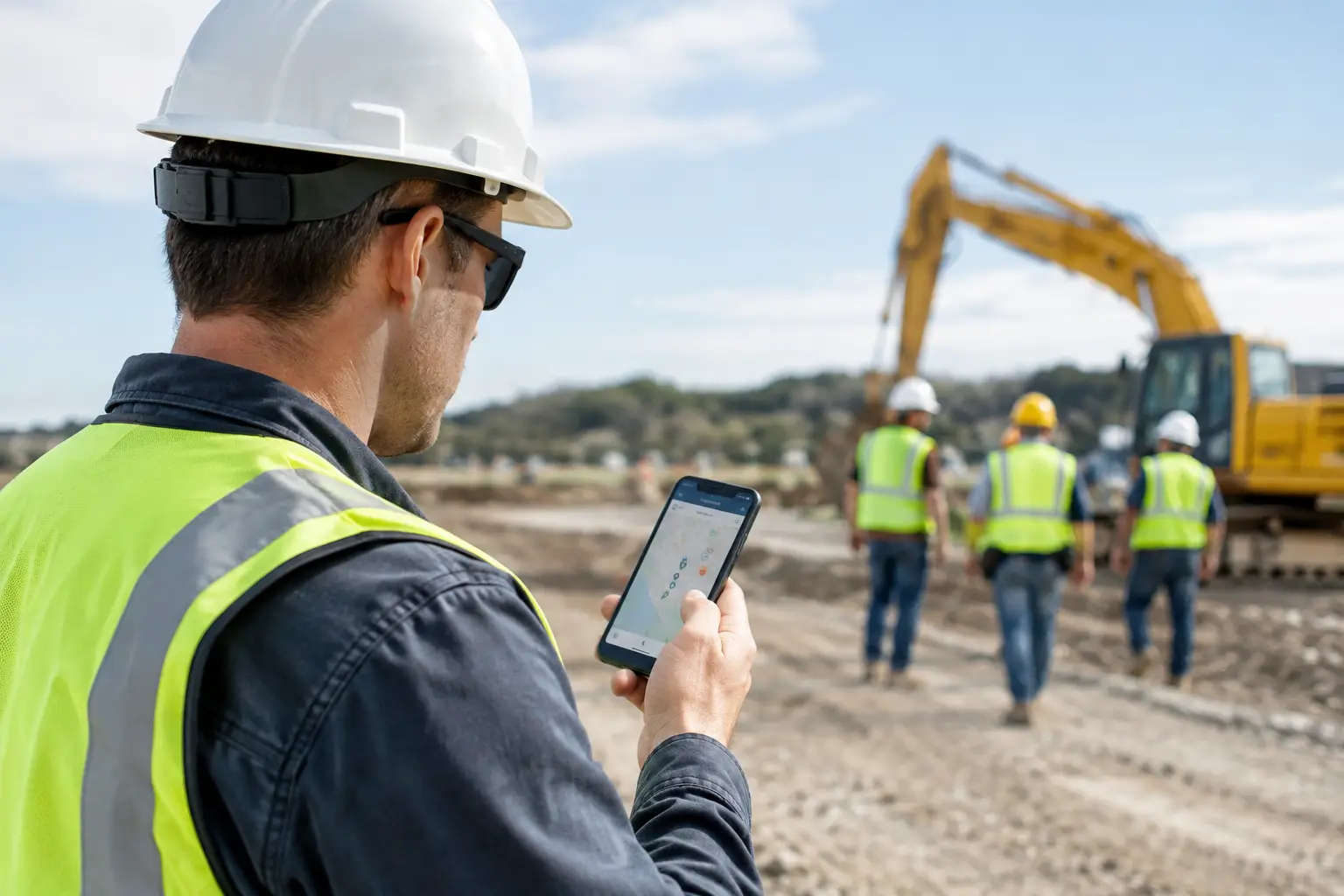
A foreman gets a text at 6:40 a.m.: “Where is the crew?” Then another: “Did the concrete truck show?” By the time he has called three people, checked a paper timecard, and driven across the site, the morning is already behind.
So, can foremen track crews from phones? Yes. The right mobile system can show who is on the job, where labor hours are going, and what work is getting done without turning the foreman into a full-time dispatcher. But the best approach is not about watching every move a worker makes. It is about getting reliable job information when it matters.
For subcontractors, phone-based crew tracking should make the field easier to manage and the office easier to run. If it adds more tapping, more calls, or more confusion, it is not solving the problem.
Can Foremen Track Crews From Phones Without Micromanaging?
They can, and that distinction matters. Most subcontractors do not need a dot moving around a map every second of the day. They need answers to practical questions: Who clocked in? Which job are they assigned to? Did the crew arrive? How many hours went to the footing crew versus the punch-list crew? What equipment or materials are on site? Is the work documented?
A phone gives foremen a fast way to collect and share those answers from the jobsite. Crew members can clock in and out against the right job. A foreman can review attendance, assign work, add daily notes, capture photos, and report progress while the details are still fresh.
That is very different from using location tracking as a replacement for field leadership. A map may tell you a phone is near a jobsite. It will not tell you whether the crew has layout complete, whether the trench passed inspection, or whether the next material delivery needs to be moved up. Good tracking gives a foreman better information so he can manage the work, not just monitor people.
What Phone-Based Crew Tracking Should Actually Do
The most useful setup connects time, job activity, and documentation in one place. Otherwise, the office still has to piece together texts, handwritten cards, photo folders, and spreadsheet entries at the end of the week.
At a minimum, a foreman should be able to confirm attendance and job assignments from a phone. That gives the office current labor information without waiting for paper timecards to come back on Friday. It also helps catch simple mistakes early, such as a crew member clocking time to the wrong project or a worker being assigned to a job that ended last week.
Beyond time, the phone should support the rest of the daily record. A masonry foreman may need to document wall progress and material shortages. A grading crew leader may need to record equipment use, weather delays, and loads moved. A plumbing foreman may need photos before walls are closed. Each trade has different details, but the need is the same: record job facts once, at the source, while the work is happening.
When that information is tied to the job, owners and office staff can see the bigger picture. They can compare labor hours against the estimate, review job photos, prepare invoices faster, and address issues before they become expensive surprises.
Start With Time and Job Visibility
Trying to track everything on day one is how a simple field process becomes another abandoned app. Start with the information that has the clearest operational value: who is working, where they are assigned, and how long they are on the job.
For many subcontractors, that means mobile clock-ins tied to specific jobs. The foreman can verify the crew roster at the start of the day and correct issues before hours pile up. If a two-person electrical crew gets pulled from a rough-in job to handle a service call, that change can be recorded right away instead of guessed at later.
The payoff is bigger than cleaner payroll. Accurate job costing depends on knowing where labor went. If labor costs are over on a concrete project, you need to know whether the issue was extra forming, weather downtime, rework, or simply time posted to the wrong job. Phone-based time tracking gives you a better starting point for that conversation.
Location data can help confirm a jobsite clock-in, but it should support the process, not create friction. GPS accuracy varies, especially in remote areas, inside large buildings, or around dense structures. Make sure your team knows what the system checks and what it does not. A crew should not lose time arguing with an app when there is real work to do.
Set Clear Rules Before You Track
The fastest way to damage trust is to roll out phone tracking with no explanation. Workers need to know what information is collected, when it is collected, and why. They also need a simple way to handle exceptions, such as a dead phone, a bad signal, or a worker moving between jobsites during the day.
Keep the policy practical. Explain that the purpose is accurate time, better job records, and fewer disputes over hours and assignments. Be clear about whether location is captured only during a clock-in event, during scheduled work hours, or in another limited way. Avoid vague language like “we may track company activity at any time.” That creates unnecessary concern and can create compliance problems.
State and local rules around employee monitoring can vary, particularly when workers use personal phones. Check your employment policies and get legal guidance when needed. A written policy, employee acknowledgment, and a process for correcting mistakes are common-sense protections for everyone.
Foremen should also be trained on what not to do. Do not use a location ping as proof that someone was not working. Do not rely on a phone record instead of addressing a performance issue directly. And do not use crew tracking to create a culture where every five-minute delay needs an explanation. The goal is accountability, not suspicion.
Make It Easy Enough for the Field to Use
A crew tracking process only works when people can use it at 6:00 a.m. in a muddy parking lot with gloves on and a truck waiting to unload. That means the mobile workflow has to be simple to learn and quick to complete.
The best systems use familiar actions: choose the job, clock in, add a note, take a photo, and move on. Foremen should not have to search through long job lists or enter the same information twice. The office should not need to retype field notes into another program later.
This is where subcontractor-focused software matters. General contractor platforms often come with layers of permissions, forms, and workflows that make sense for a large project team but slow down a trade contractor. A framing company with five crews needs clear job visibility, not an enterprise rollout.
SimplySub is built around that reality. It brings crew time and attendance, job tracking, daily logs, photos, equipment and material records, and office reporting into one field-friendly system. The point is not to add another screen to the day. It is to replace the disconnected tools that already cost time.
Give Foremen Information Back
Tracking cannot be a one-way flow of information from the field to the office. If foremen only feel like they are feeding data into payroll, adoption will suffer. Give them useful information in return.
A foreman should be able to see the current crew roster, job notes, recent photos, planned work, and records from prior days. If a superintendent asks why a crew is short on material, the foreman should have the delivery notes and job photos available without calling the office. If the owner asks how many hours have been used on a change order, the answer should not require a Friday afternoon spreadsheet hunt.
This also improves handoffs. A foreman covering another crew can open the job record and see what was completed, what remains, and what problems were already identified. That prevents the familiar jobsite routine of asking three different people for the same information.
Measure Whether It Is Helping
After a few weeks, look at the results. Are timecards coming in faster? Are fewer hours being coded to the wrong job? Is the office spending less time chasing missing paperwork? Can you answer basic job-cost questions before the project is over?
If the answer is no, do not assume the crew is the problem. Review the workflow. The job list may be confusing, the clock-in process may have too many steps, or foremen may not understand what information they are expected to enter. Fix the process before adding more rules.
The right phone-based tracking system should create fewer phone calls, fewer missing records, and fewer end-of-week surprises. A foreman still needs to lead the crew, solve field problems, and keep work moving. Good technology gives him the facts to do that faster, then gets out of the way. To see how SimplySub supports field crews, schedule a demo or review pricing.