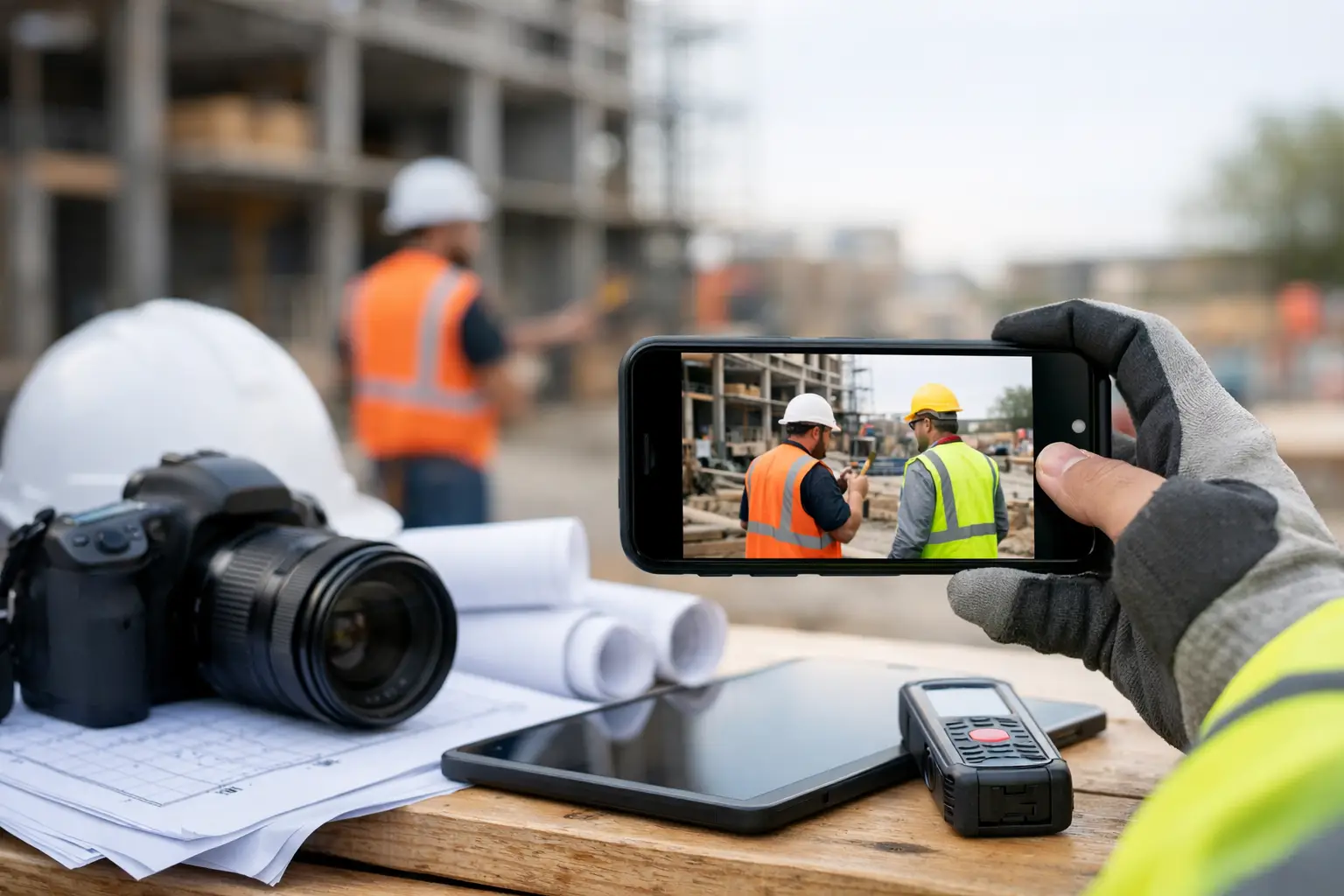
A missing progress photo can cost you twice - once in wasted time, and again when a customer, GC, or inspector asks for proof you know you had. That is why the best jobsite photo apps are not really about taking pictures. They are about protecting your crews, backing up your billing, and keeping the office out of the weeds.
For subcontractors, the right app has to work fast in the field. If it takes too many taps, needs constant babysitting, or buries photos in a folder nobody can find later, crews will stop using it. Then you are back to random camera rolls, text messages, and job folders that never match what actually happened on site.
What makes the best jobsite photo apps worth using
Most photo apps can capture an image. That is the easy part. The hard part is tying that photo to the right job, date, crew activity, and issue so someone can find it three weeks later when there is a dispute, a change order, or a simple question from the office.
For subcontractors, a good photo app needs to do four things well. It should be fast enough for foremen and crew leaders to use without slowing down the day. It should keep photos organized by job instead of by phone. It should make those photos useful by connecting them to notes, daily logs, or documentation. And it should help the office see what happened without chasing people down after hours.
That last part matters more than most software companies admit. A lot of tools look fine in a demo but fall apart in real field use because they were built for project managers, not trade crews. If your team frames houses, pours concrete, lays pipe, installs fencing, or runs electrical rough-in, they need something simple to learn and hard to mess up.
Best jobsite photo apps: what to compare before you choose
If you are looking at options, start with workflow, not features. Ask how a foreman actually takes photos on a live job, how those photos get labeled, and how quickly the office can pull them up later.
1. Job-based organization
This is non-negotiable. If photos are not attached to the right job automatically or with one quick selection, you will end up with a mess. The best systems sort by project first, not by device gallery.
2. Daily logs and notes
A photo without context only tells half the story. You want the ability to add notes, tie pictures to daily reports, and document delays, conditions, deliveries, and completed work. That gives photos real value when questions come up later.
3. Field speed
The app should be simple enough that a crew leader can use it while moving. Too many steps, extra menus, or complicated tagging will kill adoption fast. In the field, simple wins.
4. Office visibility
Photos should not sit on one person’s phone until the end of the week. Owners, admins, and project leads need quick access to see progress, verify work, and handle paperwork without waiting on texted screenshots.
5. Proof and accountability
Good jobsite photo apps help with more than progress tracking. They can support billing, document existing conditions, capture safety and toolbox talks, and provide backup when there is a disagreement about damage, completed scope, or material delivery.
The main types of jobsite photo apps
Not every app solves the same problem. That is why some contractors get frustrated after picking a tool that technically takes job photos but does not actually fix their process.
The first category is basic photo management apps. These are better than a phone gallery because they give you folders, timestamps, and sometimes annotations. They can work for very small teams, but they usually leave a gap between field photos and office operations.
The second category is broader construction management platforms with photo capture built in. These are stronger when you need photos connected to photos, files, and notes, daily logs, labor, materials, invoices, or job tracking. For subcontractors, this is often the better fit because photos are rarely a standalone need.
The trade-off is simple. A dedicated photo app may be lighter and cheaper if all you need is organized images. A broader field management system can save more time overall if your current problem is not just photos, but the pileup of disconnected tools around them.
Who needs the best jobsite photo apps most
If you run one crew on a handful of short jobs, you may be able to get by with a simple setup for a while. But once you have multiple jobs moving, different foremen taking photos, or office staff trying to match images to billing and documentation, the cracks show up fast.
Concrete contractors need clean proof before pours, after placement, and during cure stages. Landscapers and grading crews need visual records of site conditions, underground work, and completed phases. Roofers need before-and-after proof for customers and insurance-related questions. Electrical and plumbing subs often need in-wall or in-slab documentation before close-up. In each case, the issue is not just capturing the work. It is being able to find it later without digging through phones and texts.
Where some photo apps fall short for subcontractors
A lot of construction software is built with the general contractor in mind. That usually means more layers, more setup, and more features than a subcontractor actually needs. On paper, that can sound impressive. On the jobsite, it often turns into one more thing crews avoid.
The most common problems are slow mobile use, confusing permissions, overbuilt workflows, and poor adoption in the field. If your team needs training just to upload a few progress shots, the tool is already working against you.
There is also the issue of disconnected records. Some apps store photos well enough, but they do not tie them to labor hours, material use, daily activity, or invoices. That means the office still has to piece together the full story from multiple systems. You save a little time on storage, then lose it again in admin cleanup.
How to choose the best jobsite photo apps for your crew
Start by looking at your current pain. If the main problem is lost photos, poor organization, and no clear record of progress, then a simple job-based photo tool may help. If the real problem is broader - scattered field records, weak accountability, slow office follow-up, and constant back-and-forth between crews and admins - then you should look at a system that includes photos as part of a bigger workflow.
It also helps to be honest about who will use it. Owners often shop software based on reporting, but field adoption decides whether the tool works. If your foremen are busy and your crews have mixed tech comfort, pick the option that feels obvious on day one.
For many subcontractors, that means choosing software that keeps job photos in the same place as daily logs, time, materials, and documentation. That is where a platform like SimplySub fits naturally. Instead of adding another app to the stack, it gives crews one place to capture what happened on the job and gives the office real-time visibility without extra chasing.
A practical test before you buy
Before committing to any app, run a real-world trial. Have a foreman use it across a normal week, not in a clean demo environment. Ask them to document a delay, capture installed work, note a material delivery, and send the office what they need to answer a billing or customer question.
Then check what happened on the back end. Were the photos easy to find by job? Did the office get enough context without making calls? Did the crew actually keep using it after day one? Those answers matter more than any feature list.
The best jobsite photo apps should reduce friction, not add another layer of admin. If your team has to think too hard about where photos go or how to label them, the process is too complicated.
The real payoff
When job photos are handled the right way, small problems stop turning into expensive ones. You have backup for invoices. You have proof of completed work. You have cleaner communication with customers, GCs, and your own office. And your crews spend less time explaining what happened because the record is already there.
That is the standard worth aiming for. Not more software. Just a simpler way to capture the work, organize the proof, and keep the whole job moving. To learn more, schedule a demo or review pricing and start your 100 day risk free account.