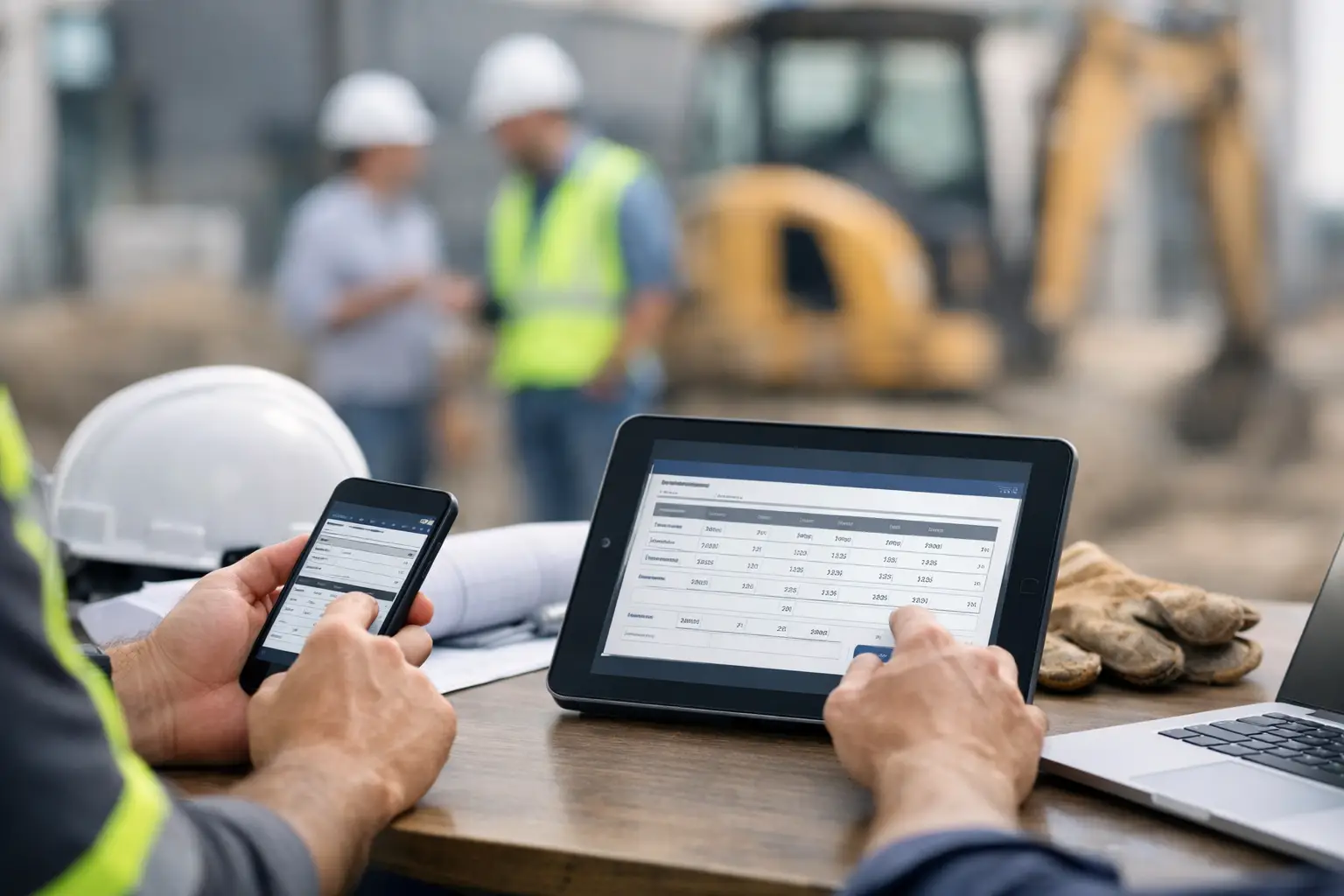
The concrete truck is waiting, two installers have questions, and the office wants to know whether the crew started on time. That is exactly where a mobile workflows for foremen guide earns its keep. A foreman should not have to stop the job, search through texts, and fill out paperwork at the end of a long day just to keep everyone informed.
The right mobile workflow puts the key job records in the foreman’s hand while the work is happening. It captures crew time, progress, photos, material use, and job issues before details get lost. The office gets a clearer picture of the job, and the foreman spends less time chasing paperwork.
What a Mobile Workflow Should Do for a Foreman
A mobile workflow is not about making field crews stare at phones all day. It is about replacing the small, repeated admin tasks that slow a job down: paper timecards, scattered job photos, missing daily notes, and calls to the office for information that should already be available.
For a subcontractor, the workflow needs to work at the pace of the field. A framing foreman may need to clock in a crew at a new site before unloading tools. A landscaping crew leader may need photos of completed irrigation work before backfilling. A concrete foreman may need to record a delivery delay that affected labor hours.
Each action should take seconds, not a training session. If the process is too complicated, people will work around it. That leaves the office with late or incomplete information and puts the foreman back at the center of every status question.
A useful workflow gives foremen three things: a clear view of today’s job, a fast way to record what happened, and a dependable handoff to the office. Everything else is secondary.
Start With the Daily Job Plan
A good mobile process starts before the crew begins work. The foreman should be able to open the day’s job and see the basics without sorting through texts or printed folders: job location, assigned crew, planned work, key notes, and any documents that matter that day.
This step is especially valuable when crews move between jobsites. It cuts down on wrong-site arrivals, unclear assignments, and the familiar morning call: “What are we supposed to be doing here?” When the foreman has the right job information in one place, the crew can get moving faster.
Keep the morning check-in simple. Confirm the job, confirm the crew, and flag anything that could affect production. That might be a missing material, access issue, weather concern, inspection, change in scope, or equipment problem. The goal is not to create a lengthy report. It is to make sure the day begins with the same facts in the field and the office.
Match the Workflow to the Trade
Not every subcontractor needs the same daily fields. A roofing crew may need a weather note and delivery photos. An electrical crew may need room or phase details. A grading contractor may need equipment hours and load counts. Trying to make every trade use the same oversized form creates busywork.
Build around the information that affects labor, production, billing, and accountability for your business. Start small, then add a field only when someone can explain how the office will use it. If nobody uses the information later, do not make the crew collect it.
Make Crew Time Part of the Mobile Workflow
Time tracking is often the first place subcontractors feel the impact. Paper cards get turned in late. Hours are guessed after the fact. Employees are assigned to the wrong job. By payroll time, the office is trying to reconstruct a week from memory and text messages.
Mobile time tracking gives the foreman a cleaner process. The crew clocks in under the correct job, hours are visible as the day moves along, and the foreman can review exceptions before they become payroll problems. The office does not need to wait until Friday to learn a crew spent two extra days on a job that was budgeted for one.
The trade-off is accountability. Some foremen may initially see mobile timekeeping as another task or assume it means the office does not trust them. Handle that directly. The purpose is not to watch every minute. It is to make sure their crew’s work is credited to the right job, their hours are accurate, and job costs are not based on guesses.
Set one clear rule: time gets entered at the start and end of the shift, not in a pile at the end of the week. A foreman can fix a missed punch much more easily when the day is fresh.
Capture Photos and Daily Notes When They Matter
Job photos are only useful when someone can find them and understand what they show. A camera roll full of unlabeled images does not help much during a billing dispute, punch-list discussion, or customer question.
Have foremen save photos directly to the job as work progresses. A few well-timed photos can document existing conditions, material delivery, completed work, hidden work before it is covered, site damage, or a safety concern. Add a brief note when the image needs context. “Water line exposed before backfill” is more useful than a photo with no explanation.
Daily logs should follow the same approach. Do not ask the foreman to write a novel at 6 p.m. Record the facts that could affect the job: work completed, crew count, delays, visitors, equipment issues, material deliveries, and changes in conditions. A short log entered from the jobsite is usually more accurate than a detailed one written days later.
This is where mobile workflows protect profit. If a general contractor questions a delay or an owner disputes extra work, dated notes and photos are far stronger than “we remember it happening.”
Record Materials and Equipment Before Costs Drift
Foremen are close to the activity that drives job costs. They know when the crew used extra gravel, rented a lift, moved a skid steer, or waited on a material delivery. The office may not see that cost until an invoice arrives, and by then it can be hard to connect it to the right job.
Use the mobile workflow to record material and equipment activity as it occurs. The entry can be simple: what was used, where it was used, and whether it was planned or extra. For equipment, track the piece, its hours or usage, and the job it supported.
Do not turn this into a second full inventory system unless your operation truly needs one. Small to mid-sized subcontractors usually benefit more from timely job-level visibility than from complicated warehouse controls. The point is to spot cost changes early enough to act, not create another spreadsheet for someone to maintain.
Build a Mobile Workflow Foremen Will Actually Use
The best system fails if it asks too much of the people doing the work. Foremen need a workflow that makes their day easier, not one that adds ten screens between them and the job.
Start with four required habits:
- Review the assigned job and crew before work begins.
- Enter or verify crew time at the start and end of the shift.
- Add photos and notes when work, conditions, or problems change.
- Close the day by confirming progress, materials, and any issue the office needs to know about.
That is enough for most crews to begin. Once those habits are consistent, you can decide whether your business needs more detail for equipment, production quantities, inspections, or change work.
Avoid rolling out a mobile process with a thick manual and a long meeting. Show foremen the exact actions they need for one normal workday. Then let them use it on a real job. Field adoption improves when people see an immediate payoff, such as fewer payroll corrections, fewer calls from the office, or faster answers when a customer asks for proof of completed work.
SimplySub is built around this kind of field-first approach, giving subcontractors a simple place to track jobs, crews, photos, daily logs, materials, and more without forcing them into software designed around a general contractor’s process.
Give the Office Visibility Without Pulling Foremen Off the Job
Mobile workflows work best when the office knows what information it can expect and when. If foremen are entering daily activity, office staff should not also ask for the same update by text, email, and phone call. Duplicate requests teach crews that the system is optional.
Set a clear handoff. The foreman records field activity in the mobile system. The office reviews the information for payroll, job costing, invoicing, scheduling, and customer communication. When something is missing, address the specific gap instead of creating more forms for everyone.
Real-time visibility also changes the conversation between office and field. Instead of asking, “What happened today?” an owner can ask, “I saw the delivery was late. Does that put tomorrow’s work at risk?” That is a more useful conversation, and it gives the foreman a chance to solve problems before they become expensive.
Watch for the Gaps That Cause Rework
After two or three weeks, review the records from a few active jobs. Look for missing time entries, photos sitting outside the job record, vague daily logs, or material costs that appear without a field note. Those gaps show where the workflow needs adjustment.
Do not assume every missed entry is a people problem. Sometimes the job setup is unclear, the required field is poorly named, or the foreman lacks a practical moment to enter the information. A crew working in a trench or on a roof may not update records at the same times as a crew doing interior finish work. Build reasonable timing into the process.
The strongest mobile workflows are not the most detailed. They are the ones a foreman can use consistently while keeping the crew productive. Give your field leaders a simple system that respects the jobsite, and they can deliver the timely information your office needs to protect every job’s margin. To see how SimplySub can support that workflow, schedule a demo or review pricing.