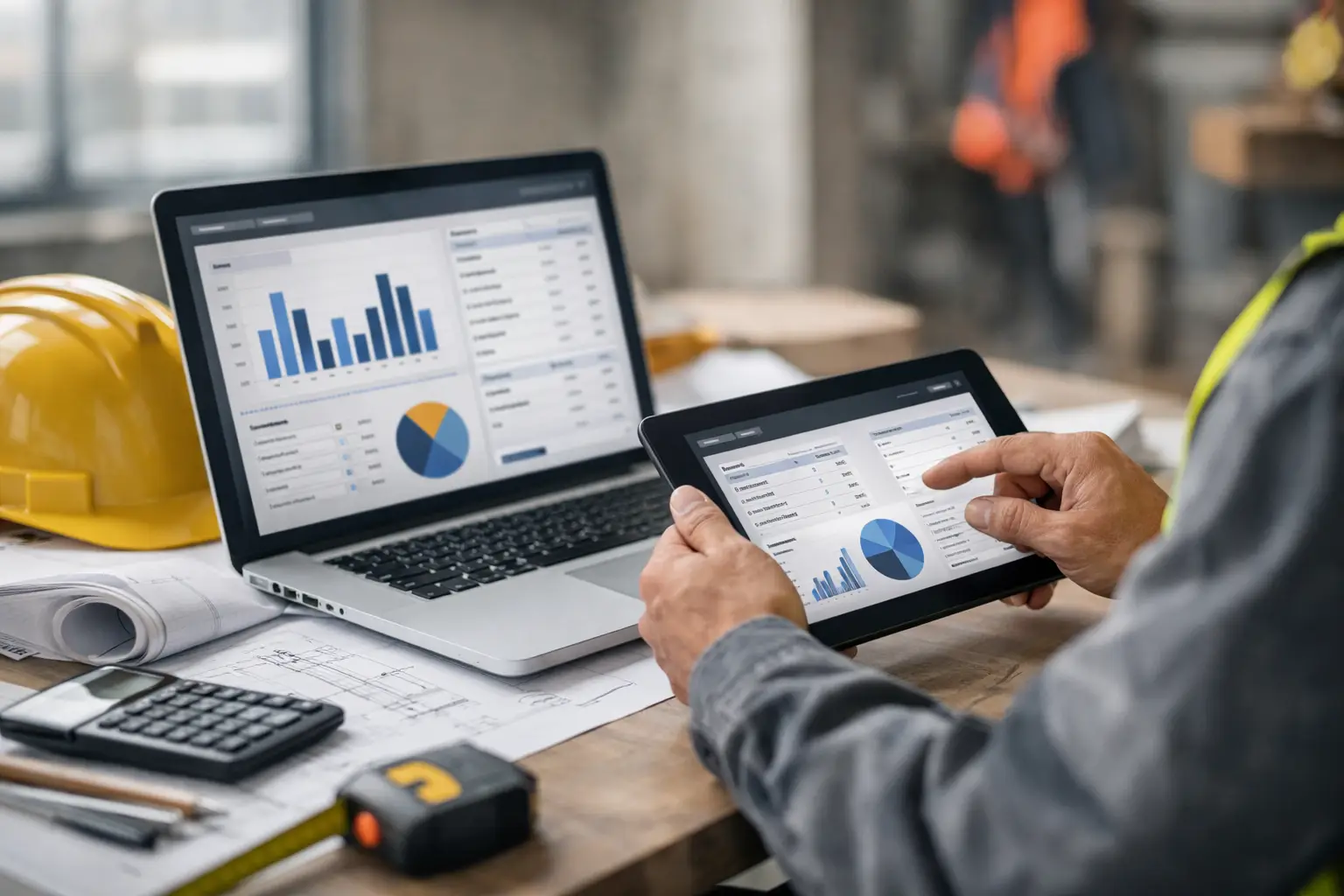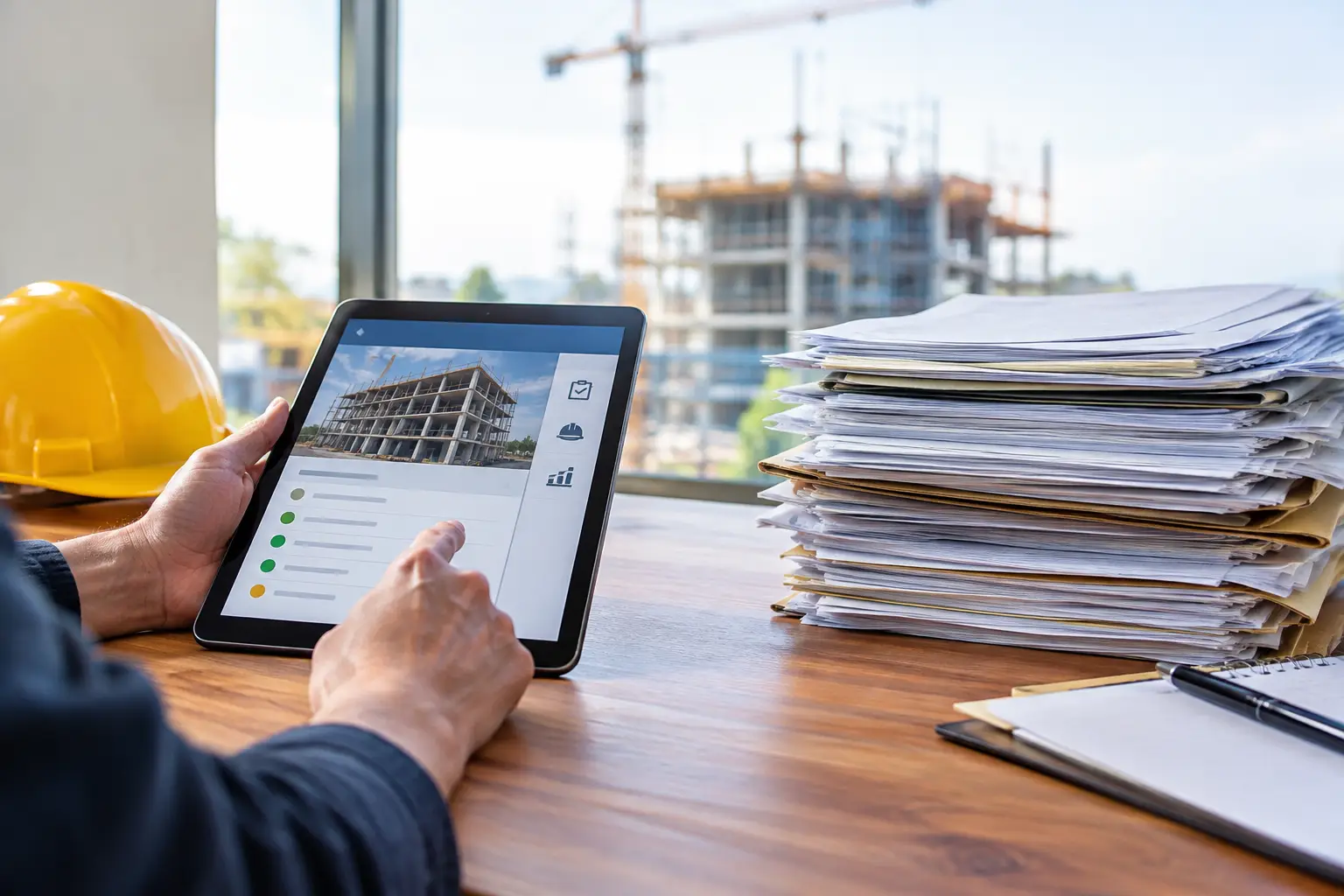
A foreman finishes a 10-hour concrete pour, stuffs handwritten timecards into the truck, and plans to turn them in tomorrow. By the time the office sees them, a few details are missing, the job number is unclear, and payroll is already waiting. That is the real construction app versus paperwork decision. It is not about replacing a clipboard because technology looks better. It is about whether your business can see what happened on a job while there is still time to act on it.
For subcontractors, paperwork usually works until it does not. A crew grows, jobs overlap, material receipts pile up, or a customer asks why an invoice does not match the work completed. Then a system built on paper, texts, and spreadsheets starts costing more than its supplies.
Construction App Versus Paperwork: Start With the Jobsite
Paper has one clear advantage: everyone already knows how to use it. A crew member can write down hours, a foreman can sketch a note, and a daily log can live in the truck. For a small crew on one simple job, that may be enough.
The problem is what happens after the writing is done. Someone has to collect the paperwork, read it, enter it, check it, file it, and find it again later. Every handoff creates a delay and another chance for an error. If the office cannot read a timecard or a foreman forgets to include a job code, payroll and job costing become a guessing game.
A field-friendly construction app puts the information where the work is happening. Crews clock in to the right job from their phones. Foremen can record daily progress, labor, equipment, materials, and photos before leaving the site. The office sees the update without waiting for a truck to return or a stack of forms to be sorted.
That does not mean every job needs a complicated software rollout. In fact, overly complex systems are one of the main reasons construction teams go back to paper. If it takes ten screens to enter a daily report, crews will not use it consistently. The right system should be simple to learn, fast in the field, and built around the work subcontractors actually do.
The Hidden Cost of Paperwork Is Rework
Paper forms are cheap. Reconstructing missing information is not.
Consider a roofing crew that records hours on paper. One employee writes 8.5 hours, another writes 9, and the foreman cannot remember whether both worked on the same repair call all day. The office either spends time chasing answers or assigns the cost based on an assumption. Neither option gives the owner a clean view of labor on that job.
The same issue shows up with materials and equipment. A receipt may be left in a truck, a piece of equipment may move between jobs without being recorded, or a delivery may be noted on a pad that never makes it to the office. Small misses add up. When the estimate says a job should be profitable but the numbers say otherwise, the cause is often incomplete field information, not just bad estimating.
A construction app reduces that rework by connecting the record to the job as it happens. Instead of entering a receipt days later, the team can attach it to the job. Instead of searching photo folders after a customer dispute, the office can pull up dated job photos and daily documentation. Instead of building invoices from scattered notes, completed work and tracked costs are already organized.
The value is not just fewer forms. It is fewer phone calls, fewer corrections, and fewer hours spent trying to understand last week.
Labor Tracking Changes the Speed of Decisions
Labor is one of the biggest costs a subcontractor controls. It is also one of the easiest costs to lose sight of when time is tracked on paper.
With manual timecards, owners often learn about a labor problem after payroll is processed. A job may have burned through its budget two weeks ago, but nobody could see it because hours were still sitting in a foreman's truck or waiting to be entered into a spreadsheet.
Digital time tracking gives managers a more current picture. They can see who is on which job, compare actual labor against the plan, and ask questions before the overage becomes permanent. A framing contractor, for example, can spot that a crew is spending too many hours on a phase and move experienced help before the schedule slips further.
There is a trade-off. A digital record is only useful if people enter it correctly. That is why simple workflows matter more than a long feature list. Crews need clear job names, quick clock-ins, and a process that takes seconds, not a second job at the end of the day. Accountability improves when the system makes the right action easy.
Paperwork Can Slow Billing and Hurt Cash Flow
Many subcontractors do excellent work and still wait too long to get paid. The delay often begins with paperwork.
If work tickets, change details, photos, and completed quantities are spread across texts, folders, and paper forms, invoicing becomes a scavenger hunt. The office has to confirm what was done, ask the field for backup, and hope the documentation is complete. Meanwhile, the invoice goes out late and the payment clock starts later.
A construction app gives the office a cleaner handoff from field work to billing. Daily logs show activity. Photos support completed work. Labor, materials, and job records are connected to the right project. When invoicing tools and accounting systems work together, the office spends less time re-entering the same information.
This does not eliminate the need for review. A good office process still checks that billable work matches the contract, approved change orders, and customer requirements. But review is much faster when the information is organized from the start.
Documentation Protects the Work You Already Did
A paper daily log can be useful evidence, but it is easy to misplace and hard to search. A phone photo can help too, but not if it lives in one employee's camera roll with no job name or date attached.
When a customer questions site conditions, a completed scope item, weather delays, or damage that was already present, documentation matters. The strongest record is timely, specific, and tied to the job. It should show what happened, when it happened, and who recorded it.
This is where digital tools earn their place even for contractors who prefer paper. Job photos, daily notes, and activity records make it easier to respond with facts instead of memories. They also keep critical job history with the company rather than scattered across personal phones and filing cabinets.
When Paper Still Makes Sense
Going digital does not require treating paper as the enemy. A printed plan, a signed delivery ticket, or a customer-required form may still be part of the job. Some crews also need a practical transition period while they build new habits.
The goal is not to force every field conversation through an app. The goal is to stop relying on paper as the only record for information that affects payroll, job costs, billing, and customer documentation.
Start with the workflows that create the most office chasing. For many subcontractors, that means crew time, daily logs, job photos, and material tracking. Once those records are consistent, estimating, invoicing, and job-cost review become more reliable because they are working from better field data.
Choose a System Your Crew Will Actually Use
The best construction app is not the one with the longest feature page. It is the one your foremen and crews will use on a busy jobsite without needing constant help.
Look for mobile workflows that make sense at the end of a long day, not just from a desk. Make sure jobs, employees, labor, materials, equipment, photos, and invoices can stay connected. Confirm that the office can get real-time visibility without turning every foreman into an administrator.
SimplySub is built around that subcontractor reality: simple field records, clear job tracking, and one place for the details that used to get lost between the jobsite and office. The point is not more software. It is better control with less chasing.
Paperwork feels familiar because it is familiar. But familiar is not always efficient, especially when your crews are running multiple jobs and your margins depend on accurate details. Put the next critical job record in a system your team can use right away, then let the results show where the paper was holding you back. See how SimplySub works by scheduling a demo.