Most subcontractors do not lose money because they cannot do the work. They lose money in the handoff between the field and the office. Timecards come in late. Photos stay on one foreman’s phone. Materials get used with no clean record. Billing waits on missing job details. That is exactly where construction software for subcontractors needs to earn its keep.
If your current setup is a mix of spreadsheets, texts, paper tickets, whiteboards, and a few apps that do not talk to each other, you already know the problem. The issue is not a lack of data. It is that your job data lives in too many places, and nobody sees the full picture fast enough to make good decisions.
What construction software for subcontractors should actually fix
A lot of software sounds good in a sales demo because it shows big dashboards, polished reports, and every feature under the sun. But subcontractors do not need more buttons. They need fewer gaps between what happens on the jobsite and what shows up in the office.
Good software should make it easier to answer simple but critical questions. Who was on site today? What equipment was used? What materials were delivered? Is the job on track? Do we have the documentation to back up a change, delay, or invoice? If your system cannot answer those questions without chasing texts and paperwork, it is not helping enough.
That matters even more when you are running multiple crews across multiple jobs. A concrete contractor, landscaper, roofer, or electrical subcontractor may have ten active jobs moving at once. Small misses add up fast. One missing daily log might delay billing. One bad time entry might distort job costing. One undocumented issue can turn into a dispute you cannot cleanly defend.
Why general contractor software often misses the mark
A common mistake is buying software built for general contractors and trying to force a subcontracting business into it. On paper, that can seem like the safe choice. In practice, it often creates extra steps, more training, and workflows that do not match how trade contractors actually operate.
General contractor platforms are usually built around owner reporting, bid packages, RFIs, and broad project controls across many stakeholders. Subcontractors need jobsite speed. They need crew time, production visibility, equipment tracking, photos, documentation, and billing support that works at the crew level, not just the project executive level.
That does not mean broader platforms are always wrong. Larger specialty contractors with dedicated admins and complex compliance requirements may still prefer them. But for many small to mid-sized subcontractors, they create a familiar problem: the office may use the system, while the field avoids it. Once that happens, the software becomes another layer of work instead of a better way to run jobs.
The best construction software for subcontractors is easy in the field
This is where most buying decisions should start. If your foremen and crew leaders will not use it from the jobsite, the rest does not matter.
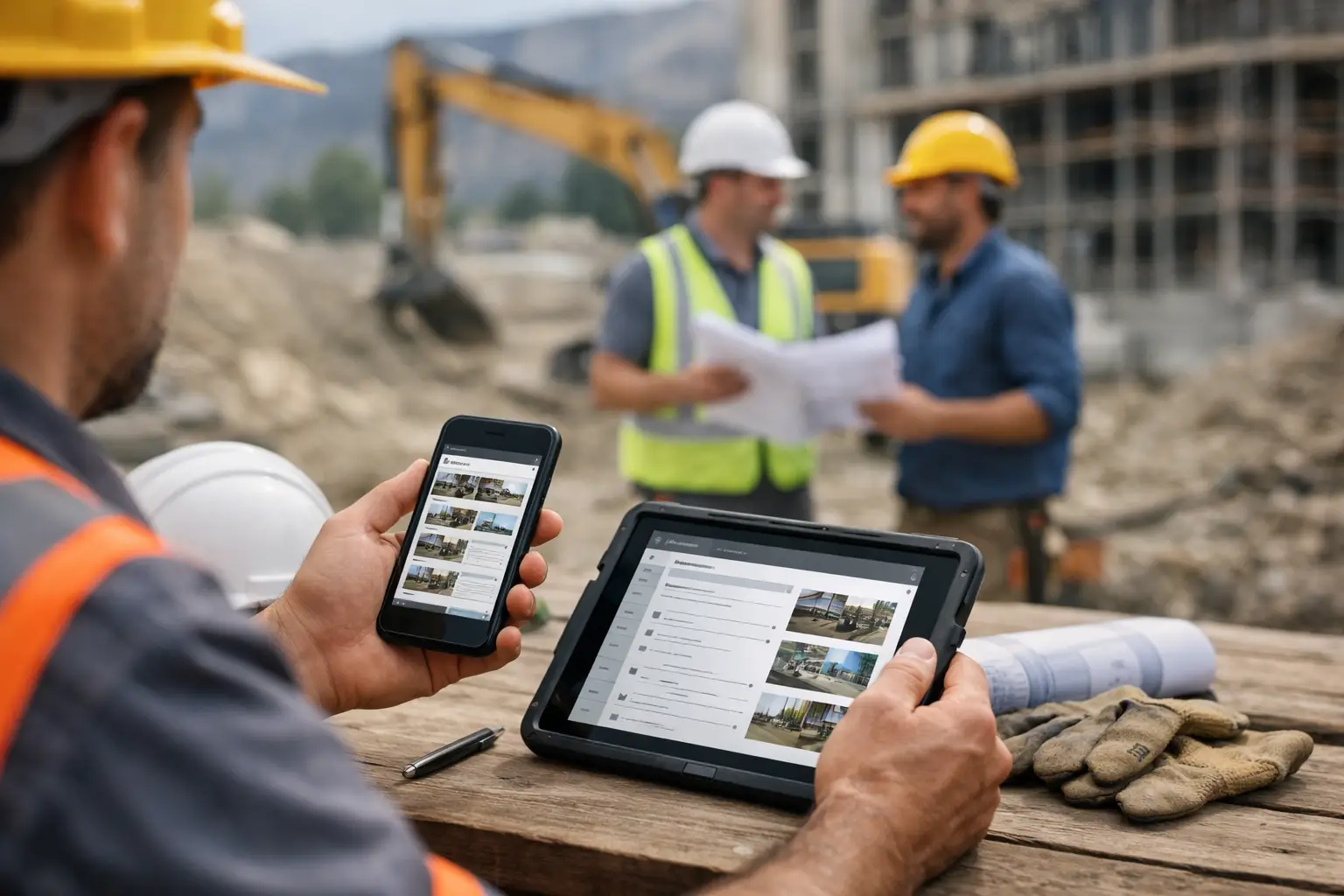
Field adoption depends on simple mobile workflows. Can a foreman clock a crew in without a long setup? Can they attach job photos in seconds? Can they log materials, equipment, and daily notes while the work is happening, not hours later in the truck? Can someone with low tech comfort figure it out on day one? Those are not minor details. They decide whether your records are timely and accurate or late and incomplete.
Ease of use also affects accountability. When daily logs, time, and photos are entered on the spot, it becomes much harder for labor hours to drift, for missing materials to go unnoticed, or for job issues to disappear into memory. The office gets cleaner information, and owners get a clearer picture of what each job is really costing.
That is why simpler software often beats more advanced software. More features do not help if crews skip them. A smaller feature set that gets used every day usually delivers better results than a bigger system that sits half empty.
What to look for before you buy
Start with the daily work, not the feature list. Think about the moments that slow your team down right now. Maybe payroll takes too long because timecards are inconsistent. Maybe invoices go out late because nobody has complete backup. Maybe superintendents are constantly calling the office for job status because information is scattered.
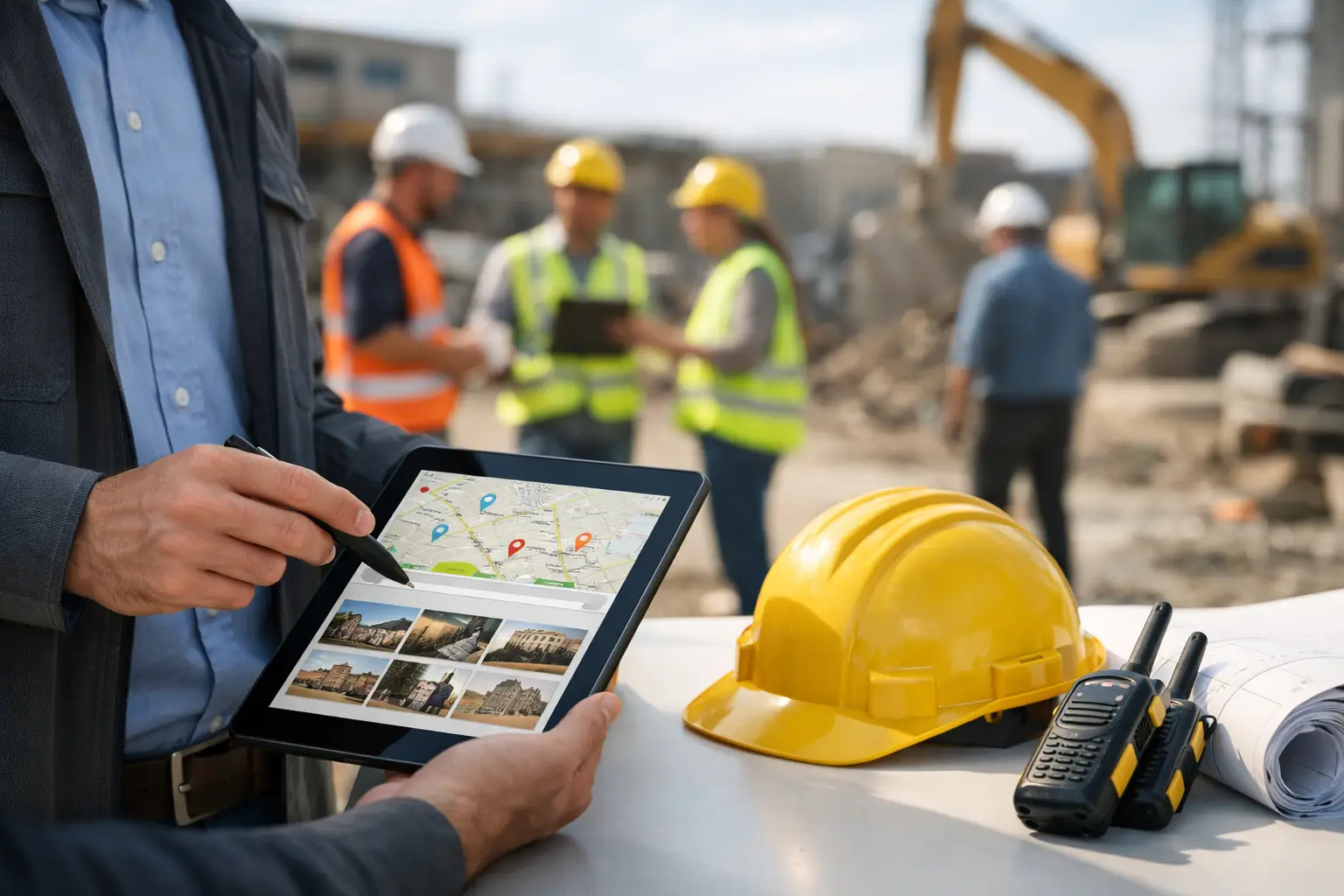
The right system should bring a few core functions into one place. Crew time and attendance matters because labor is usually your biggest cost. Daily logs matter because they create a record of work performed, job conditions, delays, and progress. Job photos matter because they support communication and protect you in disputes. Materials and equipment tracking matter because small costs leak profit when they are not tied back to the job.
Estimating and invoicing also matter, but the value depends on how your business runs. Some subcontractors want one system from estimate to invoice. Others are fine keeping estimating separate if field reporting and accounting flow cleanly. It depends on where your biggest operational bottleneck is.
Integration with accounting is another big one. If your office is retyping invoices, payroll data, or job costs into a second system, you are still paying a paperwork tax. A strong QuickBooks connection can remove a lot of duplicate entry and reduce mistakes, especially for smaller subcontractors that need clean books without a full back-office staff.
Watch for these trade-offs
There is no perfect platform for every subcontractor. A company with five crews has different needs than a company with fifty. A masonry contractor working long-duration commercial jobs may care about documentation depth more than a fencing contractor doing fast-turn residential work. The best choice depends on your crew size, job volume, and how much process your team will realistically follow.
Price matters, but so does adoption. Cheap software that nobody uses is expensive. Expensive software that takes months to implement is also expensive. The better question is how fast the system starts saving time, improving visibility, and helping you bill accurately.
Unlimited users can be more important than a low entry price. Many subcontractors get burned by per-user pricing because they want every foreman, PM, and office admin in the system, but they hesitate to add seats once costs climb. That usually leads to partial adoption, which weakens the whole setup.
Training is another area where buyers misjudge risk. Deep training programs can sound impressive, but they often signal a product that is harder to use than it should be. For subcontractors, fast setup and low training demands are not just nice to have. They are often the difference between rolling software out this month or pushing it off again.
A better way to evaluate software
Do not buy based on a feature grid alone. Ask the vendor to show your actual workflow. Have them walk through one real job from start to finish. Set up the job, assign a crew, track time, upload photos, enter materials, create a daily log, and show how that information reaches the office and supports invoicing.
That kind of demo tells you more than a long product tour. You will see quickly whether the software fits the pace of your work or slows it down. You will also see whether the system was built with subcontractors in mind or just adapted for them.
If you are comparing options, keep the standard simple. Can this help the field enter information fast? Can the office trust what comes in? Can ownership see job status without chasing people down? If the answer is yes, you are close. If the answer depends on workarounds, custom setup, or heavy training, keep looking.
Some platforms, including SimplySub, focus specifically on that middle ground between field simplicity and office control. That matters because subcontractors do not need software that tries to run the entire construction industry. They need software that helps crews and admins stay organized, accountable, and profitable on real jobs.
The best software choice is usually the one your team will use by the end of the week, not the one that promises everything by next year. If it helps your foremen capture the day, your office bill faster, and your owners see the truth of each job in real time, it is doing its job. And if it cannot do that without friction, it is probably one more system your team will work around instead of with.
For subcontractors, better software is not about adding complexity. It is about clearing the path between the work getting done and the business getting paid.