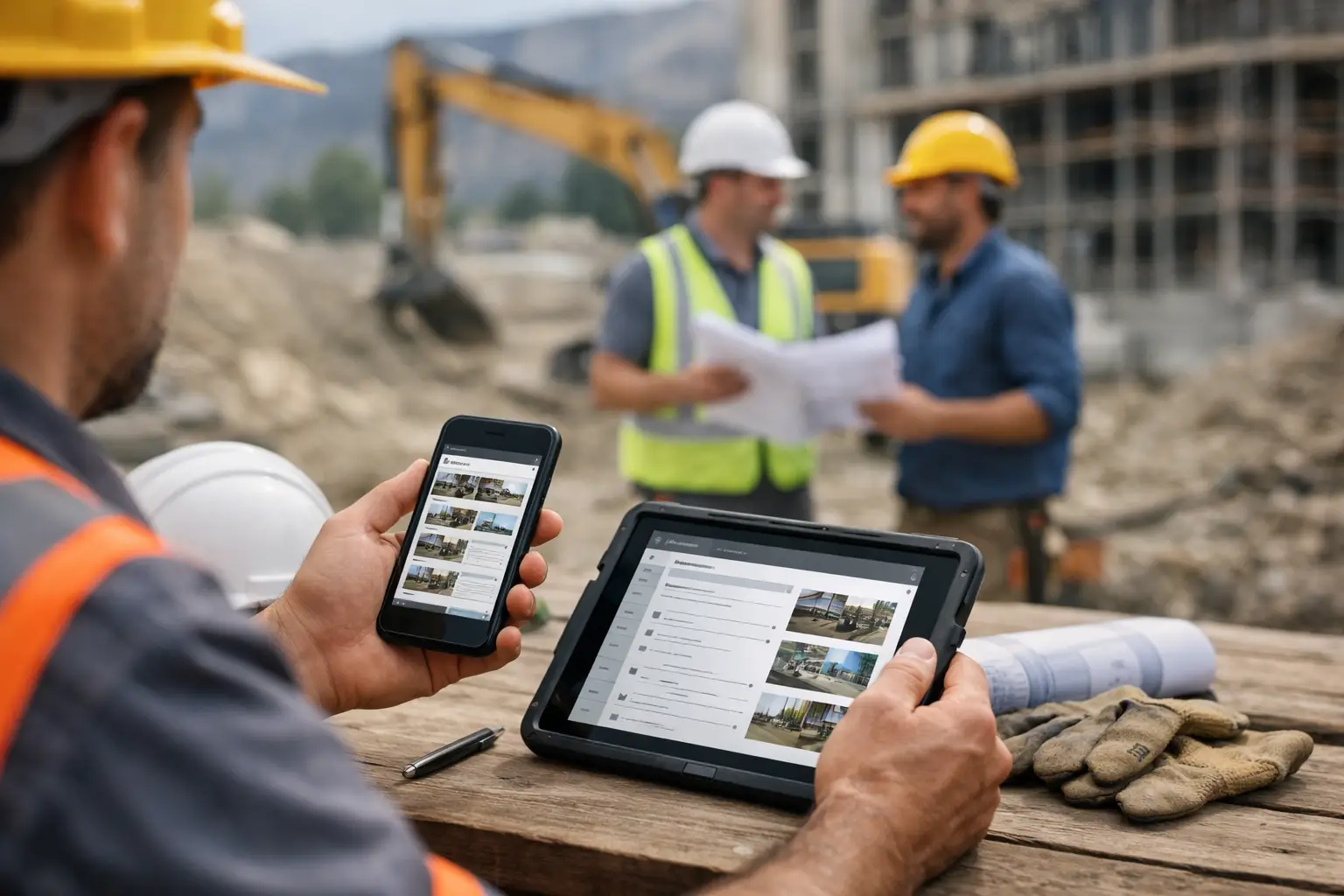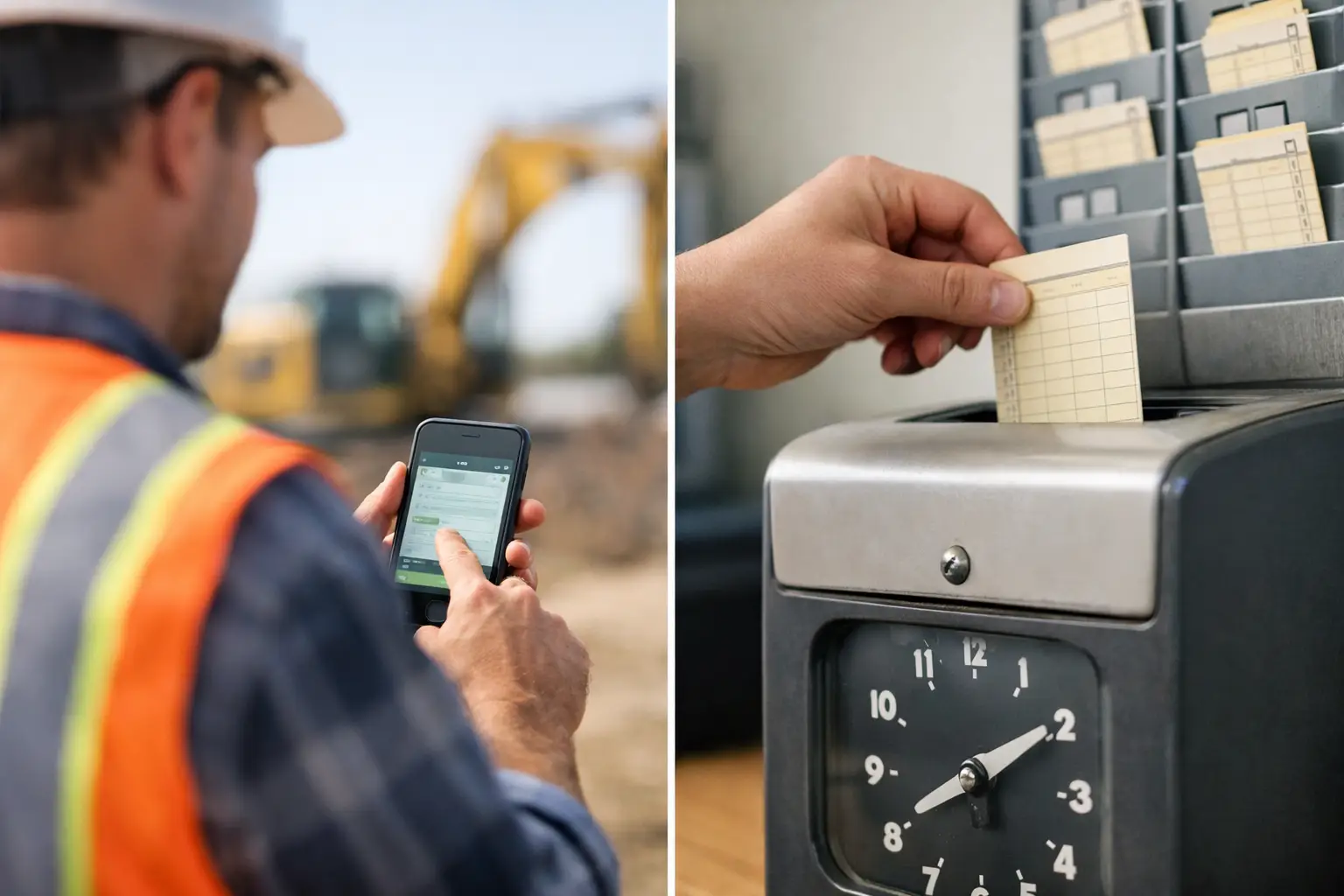
A foreman should not have to reconstruct a week of labor from muddy paper cards, text messages, and memory on Friday afternoon. A construction timesheet app gives subcontractors a cleaner way to capture crew hours where the work happens, assign that time to the right job, and get the office the information it needs before payroll becomes a scramble.
For trade contractors, time tracking is not just an HR task. It is the foundation of payroll, job costing, billing, crew accountability, and knowing whether a project is making money. If labor hours are late, incomplete, or assigned to the wrong job, every number after that gets harder to trust.
What a construction timesheet app should fix
Paper timecards are familiar, but they create delays. A crew lead may fill them out at the end of the day, hand them in days later, and leave the office to chase down missing job names, break times, or employee hours. Spreadsheets can organize the data, but they do not solve the problem of collecting accurate information from the field.
A good construction timesheet app puts time entry in the hands of the people who know where the crew worked. Employees or foremen clock in from a phone, select the job, and record hours as the day moves. The office can see submitted time without waiting for a stack of paperwork to come back.
That matters most when your crews move between jobs. A concrete crew might pour at one site in the morning and handle a small repair at another in the afternoon. A plumbing crew may split between a rough-in, a service call, and a punch-list job. One total number for the day does not show where labor actually went. Job-level time does.
The real value is better job costing
Payroll is usually the first reason a subcontractor looks for time tracking software. Faster payroll is a real benefit, but it is only part of the picture.
When employee time is tied to the correct job and task, you can compare actual labor against the hours you estimated. That is how you spot a job that is burning labor before it becomes an expensive surprise at closeout. You can see whether a crew is losing time to rework, material delays, poor site access, or a scope that was priced too tight.
The detail needs to match the way you run work. Some contractors only need hours by employee and job. Others need labor separated by cost code, phase, or task. A framing contractor may want to separate wall framing, trusses, and backing. A landscaping contractor may need to separate grading, irrigation, plantings, and hardscape work.
More detail is not always better. If the system takes too long to use, crews will rush entries or skip them altogether. Start with the job-cost information you will actually review each week. Add more tracking only when it helps you make a better decision.
Clean time data improves estimates, too
Accurate time records give you a practical history of how long work really takes. Over time, that helps you bid with more confidence.
If your estimate assumed 120 labor hours for a masonry wall and your crews consistently need 150, you have a decision to make. You may need to adjust your production assumptions, change the crew setup, or price future work differently. Without reliable field time, that decision is based on guesswork.
Features that matter on a real jobsite
Construction software can pile on features that look good in a demo but never get used by the field. For a timesheet app, the basics need to work quickly and consistently before anything else matters.
Look for a system that makes it easy to record clock-in and clock-out times, assign hours to jobs, and let foremen submit time for the crew. Mobile access is essential because the jobsite is where the information starts. If workers have to wait until they get home to enter hours on a desktop, the record is already less reliable.
You also need a clear review process. Office staff should be able to catch missing entries, review submitted hours, and approve time before it moves into payroll or job-cost reporting. That does not mean every employee needs a complicated approval workflow. It means the right person can quickly see what needs attention.
The most useful features typically include:
- Mobile time entry that works for field crews and foremen
- Employee, crew, and job-based time tracking
- Job and task or cost-code assignments when needed
- Daily visibility for office managers and owners
- Simple approval and correction controls
- Reports that show labor hours by job, employee, and date range
- Payroll and accounting connections that reduce duplicate entry
GPS and geofencing can be useful, especially when crews start from different locations or you need stronger location accountability. But they are not a substitute for clear expectations. Use them when they solve a real issue, not because more tracking automatically means better operations. For some smaller crews, a foreman-led daily timesheet is all that is needed.
Make adoption easy for the field
The best time tracking process is the one your crew will use every day. That means it should take minutes, not a training session and a field manual.
Set the process before rollout. Decide who enters time, who checks it, when entries are due, and how corrections are handled. For many subcontractors, the foreman enters or verifies crew hours at the end of each day. That keeps the responsibility close to the work while giving the office a consistent cutoff.
Keep job names clear. If your app shows three nearly identical job labels, the field will pick the wrong one. Use names your crew recognizes, such as the customer name, site name, or a simple job number paired with the location. Archive completed jobs so workers are not sorting through old work to find the current project.
Then give your crew a reason to care. Explain that accurate time protects payroll, keeps job costs honest, and prevents the office from calling them days later with questions they should not have to answer. The message is not, “Here is another app.” It is, “This is how we stop wasting time fixing timecards.”
Connect time to the rest of the job
Time tracking is most valuable when it does not live in its own disconnected system. Your labor hours should sit alongside daily logs, job photos, materials, equipment use, invoices, and project documentation.
That connection changes the conversations you can have. If a job goes over labor, you can look at the daily record and see what happened. Maybe the crew lost a day to weather, waited on another trade, returned for a change order, or worked around missing materials. Hours tell you there was a problem. Job records help explain why.
It also reduces office re-entry. When time, job data, and accounting workflows are connected, your team spends less time moving the same information from a paper card to a spreadsheet and then into payroll. That is time better spent on billing, scheduling, customers, and the next bid.
For subcontractors that want one field-friendly place to manage crew time alongside jobs and documentation, SimplySub is built around that practical workflow rather than a general contractor process.
Questions subcontractors should ask before choosing an app
Before committing, test the app with the people who will use it in the field. Can a foreman enter a full crew's time without fighting the screen? Can the office see hours by job before the week is over? Can you correct a mistake without creating confusion? Those answers matter more than a long feature list.
Also ask how the system handles your specific setup. A five-person roofing crew has different needs than an electrical contractor with several service technicians, or a grading contractor running equipment across multiple sites. Some teams need individual clock-ins. Others need a crew leader to enter time for everyone. The right fit depends on who is accountable for the record and how often people move between jobs.
Finally, look at setup and support. If job lists, employees, and payroll processes are difficult to configure, the software can become another office project that never fully launches. A system should be simple enough to start using quickly, then flexible enough to grow with your operation.
A construction timesheet app should give you more than digital versions of paper cards. It should give your field team an easy daily habit and give you a reliable view of where labor is going. Start with a process your crews can follow without friction, review the data every week, and let the numbers show you where the next improvement is waiting. To learn more, schedule a demo or review pricing and start your 100 day risk free account.