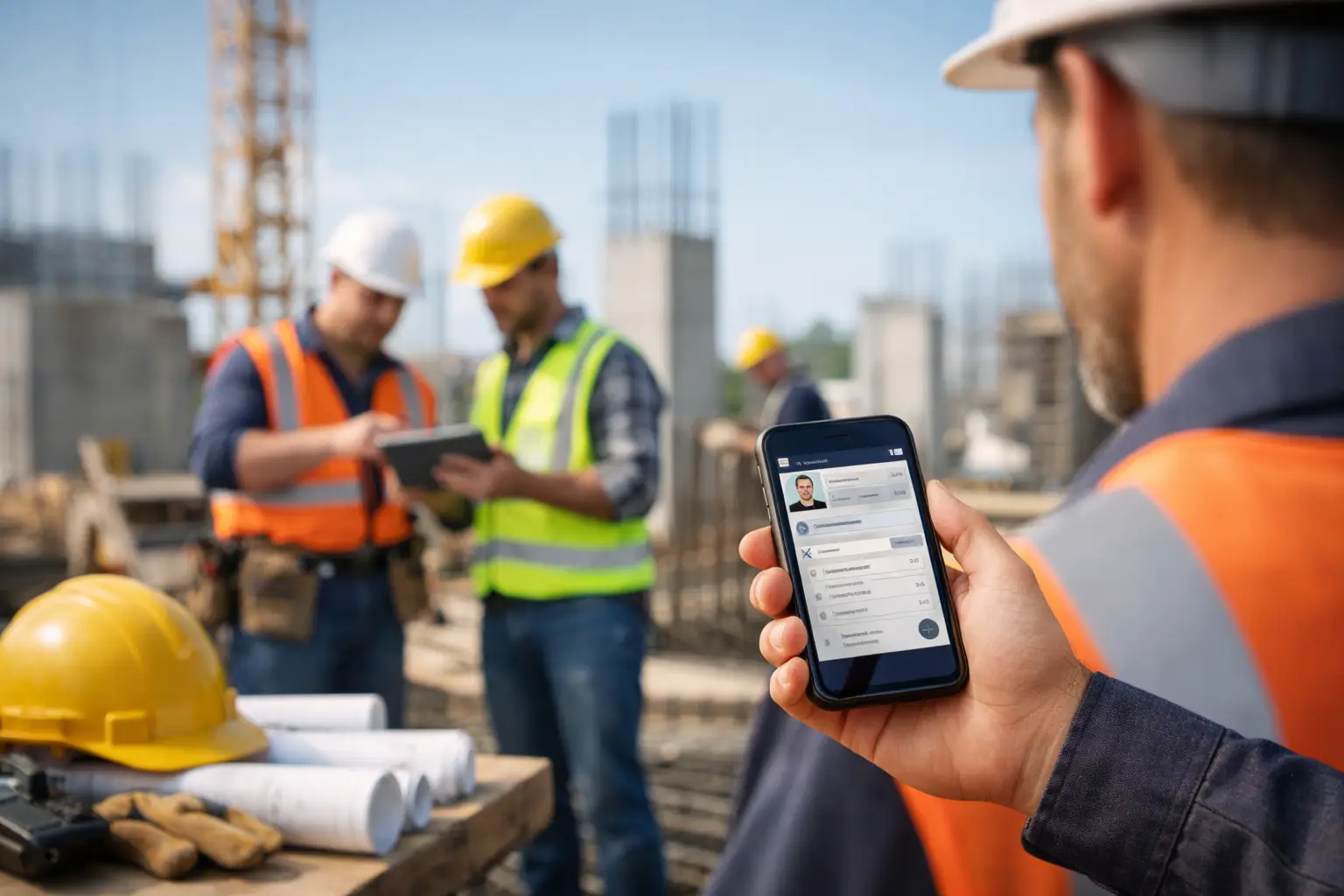
Monday morning payroll gets expensive fast when three foremen text in hours, one paper timecard is missing, and nobody agrees which crew was on which job after lunch. That is exactly where a crew time tracking app construction companies can rely on starts to matter. Not because it sounds modern, but because labor is your biggest variable cost, and bad time data hits payroll, job costing, billing, and crew accountability all at once.
For subcontractors, this problem is rarely just about clocking in and out. It is about knowing who was on site, what job they worked on, how many hours hit each cost bucket, and whether the office can trust what came in from the field. If the app only solves one piece of that, you still end up cleaning up the rest in spreadsheets.
What a crew time tracking app construction teams need
A lot of software talks about time tracking like every company works from one office and one schedule. Subcontractors know better. Crews move between jobs, supervisors handle mixed responsibilities, and production rarely follows a neat eight-hour block. That means the right app needs to match jobsite reality, not force your team into office-style workflows.
The first requirement is simple field use. If a crew leader cannot open the app and record time in seconds, adoption drops immediately. The best systems do not need a training manual. Workers should be able to clock in, switch jobs, add notes, and clock out without guessing what button to hit.
The second requirement is job-level visibility. Hours without a job attached are barely useful. You need labor tied to the right project, and often to the right phase, task, or cost code if your company tracks work that way. Otherwise payroll may get processed, but estimating, project tracking, and invoicing stay messy.
The third requirement is office trust. If time data arrives late, incomplete, or inconsistent, the office still spends hours chasing corrections. A good app reduces back-and-forth. Foremen submit time once, managers review it quickly, and payroll runs from data that actually matches what happened in the field.
Why basic time apps usually fall short in construction
A generic mobile time app may look fine in a demo. Then real jobs start. One employee works at two sites in one day. A rain delay changes the schedule. Equipment and material deliveries affect labor allocation. Someone forgets to clock out. Another worker has no interest in learning a complicated interface.
That is where general-purpose tools start to show gaps. They may track hours, but not in a way that supports construction job costing. They may store labor data, but not alongside photos, notes, daily activity, or production records. They may work for office teams, but they slow down field crews.
This is a big reason subcontractors get frustrated with software built for general contractors or broad industries. The workflow is wrong from the start. Subs need speed, clean reporting, and field-first entry. They do not need layers of setup just to record today’s hours on the correct job.
The real business impact of better crew time tracking
Time tracking affects more than payroll. For a subcontractor, it touches nearly every part of the business.
Accurate labor hours improve job costing. When hours are assigned correctly by crew and job, owners can see whether a project is staying on track before it is too late to fix. That matters just as much for a concrete contractor pouring foundations as it does for an electrical crew roughing in multiple tenant spaces.
It also improves billing support. If your customer asks how much labor went into a change, or why a certain phase took extra time, you have a record instead of a guess. That can protect margins on disputed work and speed up invoice approvals.
It strengthens accountability too. A clean system helps field leaders manage attendance, late starts, long breaks, and job transfers without turning every issue into an argument. When the data is clear, conversations get shorter.
Then there is the office side. Admin teams should not have to rebuild timesheets from texts, phone calls, and photos of paper cards. A strong app cuts payroll prep time and reduces avoidable errors. That saves labor in the office while helping protect labor costs in the field.
Features that actually matter on the jobsite
Construction companies can get distracted by long feature lists. Most of those lists are written for software buyers, not for the people who have to use the system every day. The better way to evaluate a crew time tracking app construction businesses are considering is to ask what makes life easier by Friday afternoon.
Mobile clock-in and clock-out are table stakes, but the details matter. Can a foreman enter the whole crew quickly? Can workers be assigned to the correct job without extra steps? Can time be edited with clear approval controls when mistakes happen? Those are practical questions that affect whether the app saves time or adds it.
Job and cost tracking matter just as much. If your team works one small service job at a time, simple job assignment may be enough. If you run larger projects with multiple phases, you may need labor split by task or cost code. Neither approach is universally better. It depends on how you estimate, manage production, and bill customers.
Field reporting is another overlooked piece. Time data becomes more useful when it connects with daily logs, material tracking, notes, photos, and equipment use. That gives office staff and owners context around labor instead of just numbers on a screen.
Approvals and visibility round out the picture. Managers need a quick way to review submitted time, catch issues early, and see labor across jobs without waiting until payroll day. Fast visibility helps you correct overruns while the job is still active.
How to choose the right crew time tracking app for construction
Start with your actual bottlenecks, not software jargon. If payroll prep is the pain point, focus on speed of entry, review workflow, and reporting. If job costing is weak, focus on how labor is coded and how easily hours roll into job-level reporting. If adoption is the problem, field usability should be your top filter.
Next, think about who has to use it. Owners want visibility. Office admins want clean timesheets. Foremen want something they can manage without babysitting. Crews want a process that does not slow them down at 6:30 a.m. If the system only works for one group, it will create friction somewhere else.
This is also where trade-offs come in. A highly customizable platform may look powerful, but it can take longer to set up and maintain. A simpler system may have fewer layers, but if it matches the way your crews already work, it often produces better data in real conditions. For many subcontractors, simpler is not a compromise. It is the reason the software gets used.
You should also look at how the app fits the rest of your workflow. Time tracking should not live on an island. If you still need separate systems for job notes, photos, invoices, and labor reporting, you may just be moving your spreadsheet problem into multiple apps. A connected platform usually gives you better control with less administrative drag.
That is why platforms built specifically for subcontractors tend to make more sense than broad construction software. A system like SimplySub is designed around real field workflows, not enterprise complexity. That means faster setup, easier crew adoption, and one place to manage labor alongside the rest of the job.
Signs your current process is costing more than you think
Some companies wait too long to fix time tracking because the current process still technically works. Payroll goes out. Jobs keep moving. But underneath that, the waste adds up.
If your office spends hours every week correcting timecards, that is a cost. If foremen submit hours late and managers cannot see labor until days later, that is a cost. If estimated labor and actual labor rarely line up because job coding is inconsistent, that is a cost too.
The same goes for missed documentation. When labor records are disconnected from daily job activity, you lose backup for billing, claims, and internal review. That weakens decision-making and chips away at margin in ways that are easy to miss until the month is over.
A better process does not need to be complicated. It needs to be dependable, fast in the field, and clear in the office. That is the standard worth aiming for.
The best crew time tracking app is not the one with the longest feature list. It is the one your field team will actually use, your office can trust, and your business can grow on without adding more paperwork. When time tracking matches the way subcontractors really work, you get cleaner payroll, sharper job costing, and fewer surprises where they hurt most - on the bottom line.
If your crews are still piecing together hours through texts, paper cards, and memory, that is your signal. The fix is not more chasing. It is a system simple enough to use on a real jobsite and strong enough to give you control the same day.