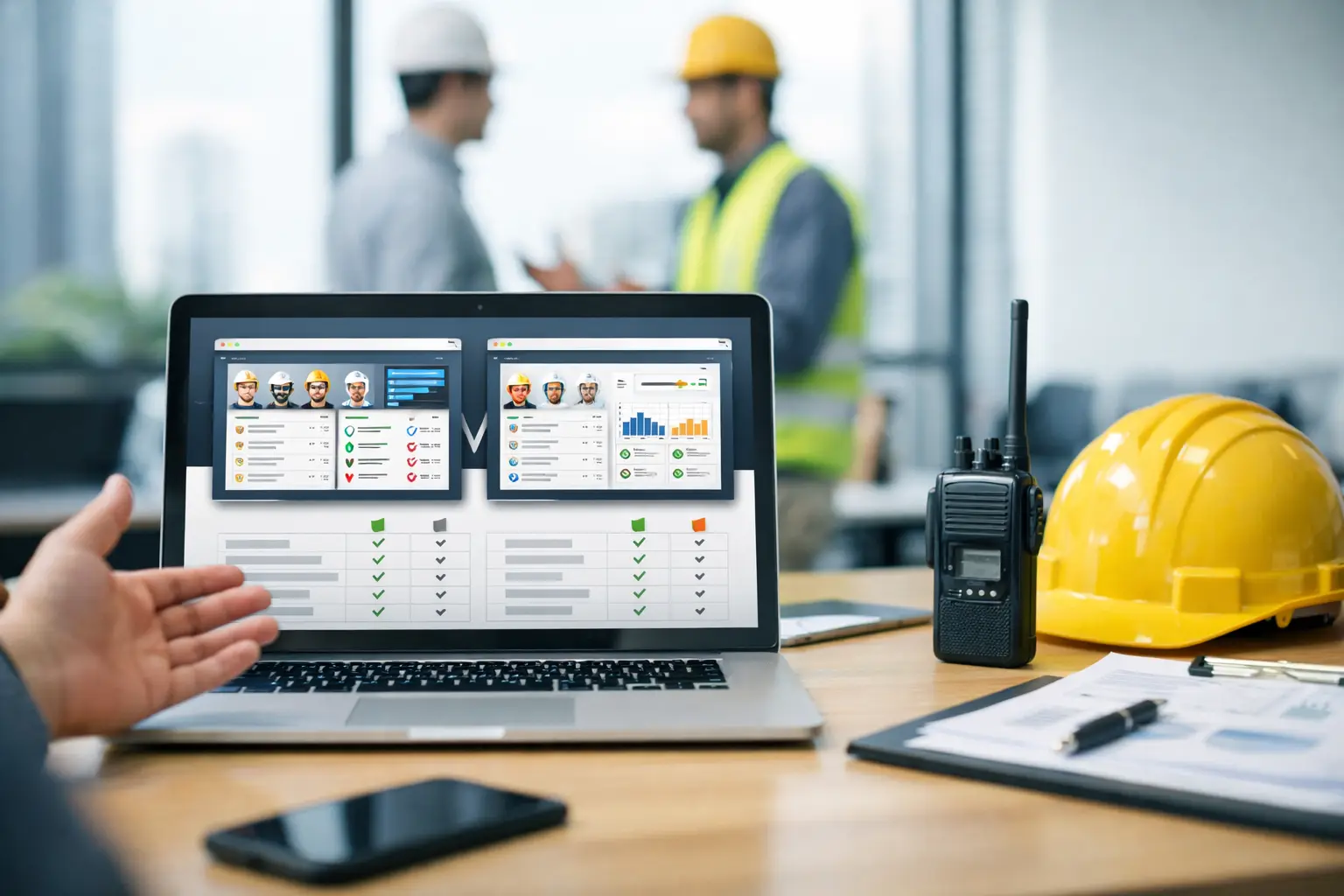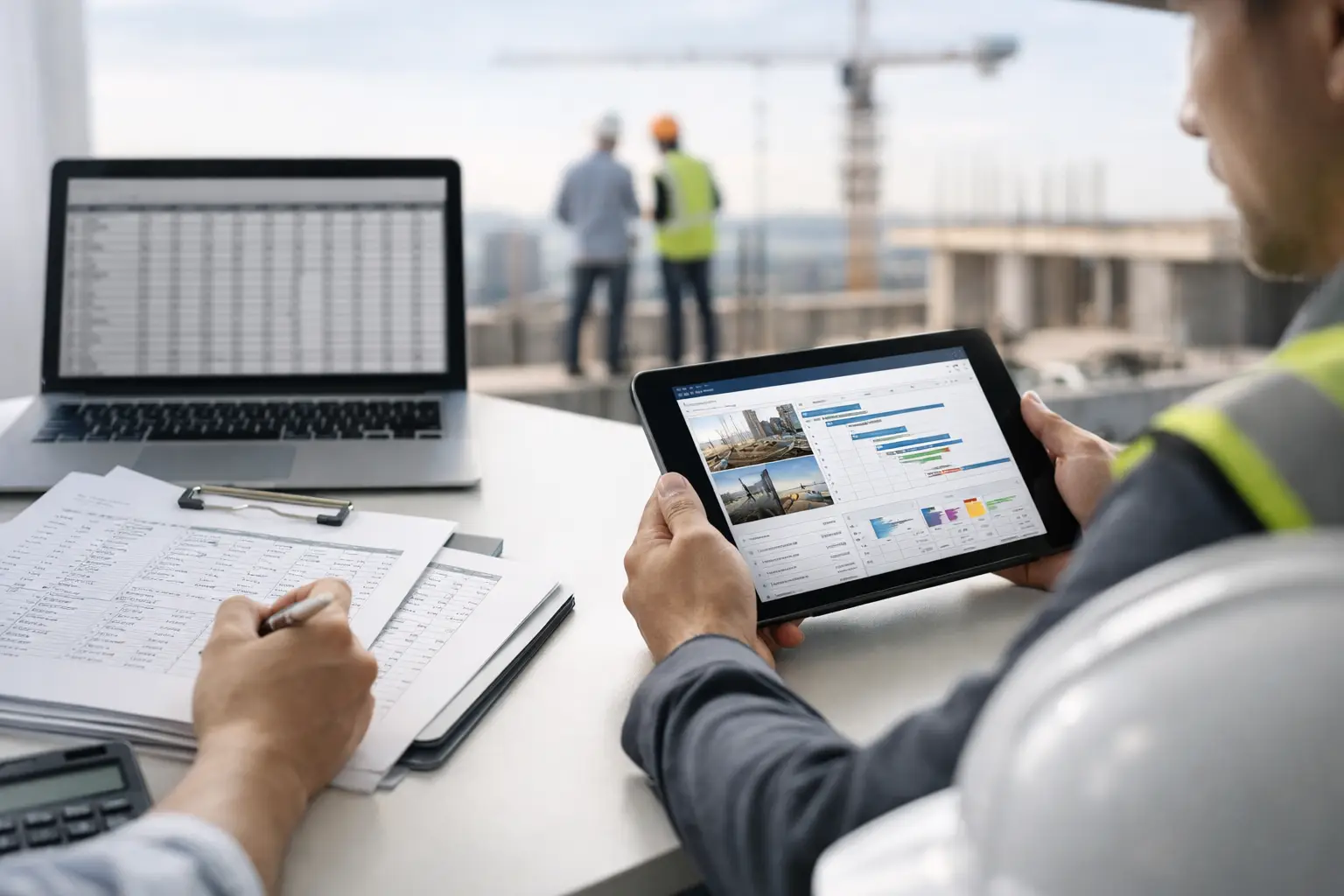
Every subcontractor has that one spreadsheet nobody wants to touch. It lives on a desktop in the office, gets emailed around, breaks when someone sorts the wrong column, and somehow still decides payroll, billing, and job status. If you're trying to replace spreadsheets for construction tracking, the real issue is not just software. It's control.
Spreadsheets work - until the business grows past what one person can keep in their head. Once you have multiple crews, several active jobs, equipment moving around, and customers asking for updates, a spreadsheet stops being a tracker and starts becoming a risk. Hours get missed. Materials get double-entered. Photos sit on somebody's phone. Daily logs show up late, if they show up at all, which is exactly why construction daily log apps for subcontractors have become essential.
Subcontractors feel this harder than anyone because most construction software is built for general contractors, not trade businesses trying to keep crews productive and cash flow moving. What you need is not more complexity. You need a better way to see labor, job progress, costs, and documentation without chasing paperwork, which is where construction software built for subcontractors starts to stand out.
Why subcontractors replace spreadsheets for construction tracking
Most spreadsheets are trying to do too many jobs at once. One tab tracks labor, another tracks materials, another tracks billing, and none of them talk to each other unless someone manually updates everything. That creates delay, and delay gets expensive fast.
Take labor tracking. A foreman texts crew hours at the end of the day. Someone in the office enters them the next morning. Then payroll uses that number, and project managers use a different version for job costing because a correction came in later. Now you have two records for the same day and neither feels trustworthy, which is why time and attendance software is often the first upgrade subcontractors make.
The same thing happens with equipment, change work, production quantities, and field notes. The information exists, but it is scattered. Spreadsheets give the appearance of organization while hiding how much work it takes to keep them accurate, especially compared to construction project management software that keeps everything connected.
That is usually the tipping point. Owners and office managers do not wake up one morning wanting software. They get tired of asking basic questions they should already know the answer to. Who was on site yesterday? What did that crew finish? Did we bill that extra work? Where are the job photos? Are labor costs tracking the estimate or not?
What a better system needs to do
If you want to replace spreadsheets for construction tracking, do not start with a long feature checklist. Start with the daily work that keeps slipping through the cracks.
A useful system should let field crews enter time from the jobsite without needing a training session. It should tie labor to the right job and cost code so the office is not fixing it later. It should make it easy to capture materials, equipment use, photos, notes, and daily progress while the work is happening, not hours after the fact, especially when using jobsite photos, files, and notes tools built for the field.
Just as important, it should give the office one place to see what is going on across all active jobs. Not five apps. Not a spreadsheet plus paper timecards plus text messages. One system, like all-in-one construction software features designed for subcontractors.
That does not mean every subcontractor needs a giant platform with twenty modules they will never use. In fact, that is where a lot of software purchases go wrong. Bigger software often brings more setup, more admin work, and more resistance from the field. For many trade contractors, the best fit is a simpler platform built around how subcontractors actually operate.
The hidden cost of staying in spreadsheets
The cost of spreadsheets is rarely the monthly price, because spreadsheets look cheap. The real cost shows up in lag time, rework, and bad decisions.
When hours come in late, payroll turns into a scramble. When job costs are updated once a week instead of daily, managers miss problems before they become losses. When documentation is stored in texts and camera rolls, disputes take longer to resolve, which is why jobsite photo documentation software is such a major upgrade.
When invoicing depends on someone piecing together field data from multiple places, billing slows down and cash flow follows, which is why many subcontractors move to construction invoice apps that connect directly to job data.
There is also a people cost. Good office staff burn time cleaning up information instead of pushing the business forward. Foremen get frustrated because they are asked for the same information twice. Owners end up doing detective work at night just to understand where each job stands.
Spreadsheets are fine for simple estimating templates or one-off reports. They are a weak foundation for live construction operations.
When spreadsheets still make sense - and when they don't
There is a trade-off here. Not every spreadsheet needs to disappear.
If you use a spreadsheet for a specialty calculation, a quick material comparison, or a rough planning worksheet, that can still be practical. The problem starts when spreadsheets become the system of record for time, job status, production tracking, documentation, billing support, and field communication.
That is the line to watch. Once the spreadsheet becomes mission-critical, it is no longer flexible. It is fragile.
A good replacement does not need to eliminate every spreadsheet in your company. It needs to eliminate the ones that are causing delays, errors, and blind spots.
How to make the switch without slowing down your crews
The biggest fear around changing systems is simple: no one wants to lose a week of productivity to software rollout.
That is why the switch has to be practical. Start with the work that creates the most pain, usually crew time, daily logs, job photos, and basic job cost visibility. If your field team can clock time, attach it to the right job, add notes, and upload photos from their phone, you remove a huge amount of office cleanup immediately, especially when using crew time tracking apps built for construction.
From there, bring in materials, equipment, and invoices. The goal is not to force a dramatic all-at-once change. The goal is to move the business off disconnected tracking and into one clear operating rhythm.
This is where software built for subcontractors matters. General-contractor platforms often assume layers of admin staff, long setup periods, and workflows that do not match self-performing trades. A subcontractor needs speed. The foreman needs to use it on day one. The office needs to trust the numbers. The owner needs visibility without chasing people, which is why owner and project leader solutions need to stay simple.
If the platform feels like office software pretending to be field software, adoption will stall. If it feels natural on a phone and matches how crews already work, adoption gets much easier.
What to look for in a spreadsheet replacement
The right system should be simple enough for mixed-tech crews and strong enough to give management real visibility. That means mobile time tracking, daily logs, job documentation, photos, material and equipment tracking, estimating support, invoicing, and accounting integration all matter - but only if they are easy to use.
Ease of use is not a soft benefit. It is the difference between accurate field data and fake adoption. If a foreman avoids the app and sends texts instead, the office is back to patching together records. If the crew can use it without hand-holding, the data gets better fast.
A strong replacement should also let you scale without punishing growth. Unlimited jobs and employees, fast setup, and a clean dashboard matter more to a subcontractor than a pile of enterprise extras, especially when supported by clear construction software pricing that does not add complexity.
That is why platforms like SimplySub resonate with trade contractors. They are built around the real daily needs of subcontractors - labor, materials, equipment, logs, photos, invoices, and visibility - without burying crews in software overhead.
Better tracking leads to better margins
Replacing spreadsheets is not an admin project. It is a margin project.
When labor is tracked daily and tied to the right job, you spot overruns earlier. When materials and equipment usage are recorded in the field, job costs get clearer. When photos and notes are attached to the job as the work happens, documentation improves. When invoices go out faster because the backup is already organized, cash flow improves.
None of that is flashy. It is just better control, and better control is what helps subcontractors protect profit.
The best systems do not make your operation feel more complicated. They make it feel lighter. Less chasing. Less double entry. Less guesswork. More confidence in what happened today and what needs attention tomorrow.
If your crews are working hard and your office is still rebuilding the day from texts, paper, and broken formulas, that is your sign. You do not need another spreadsheet. You need a system built for real jobsites and the people running them, and the easiest way to see that in action is to view a live demo.