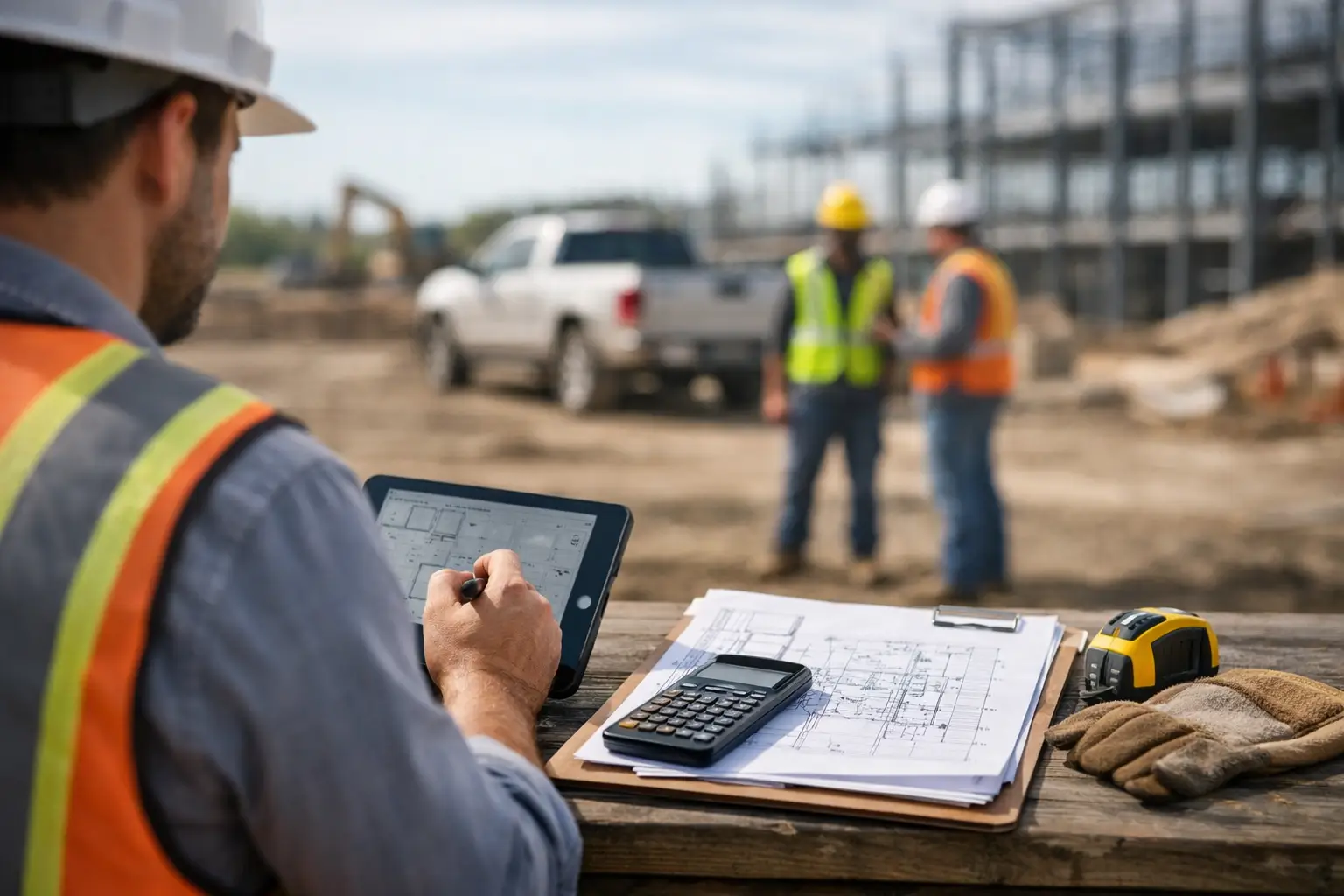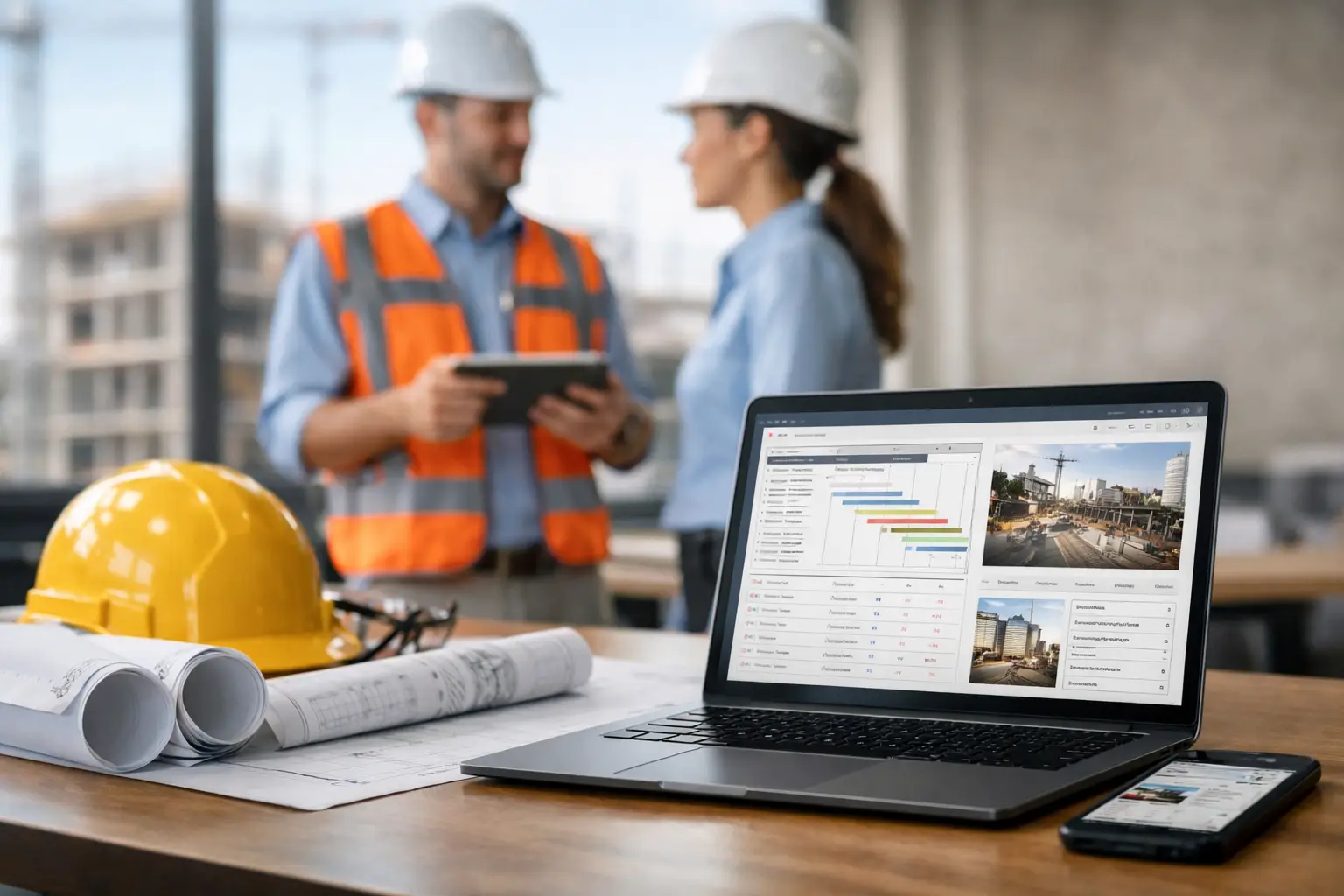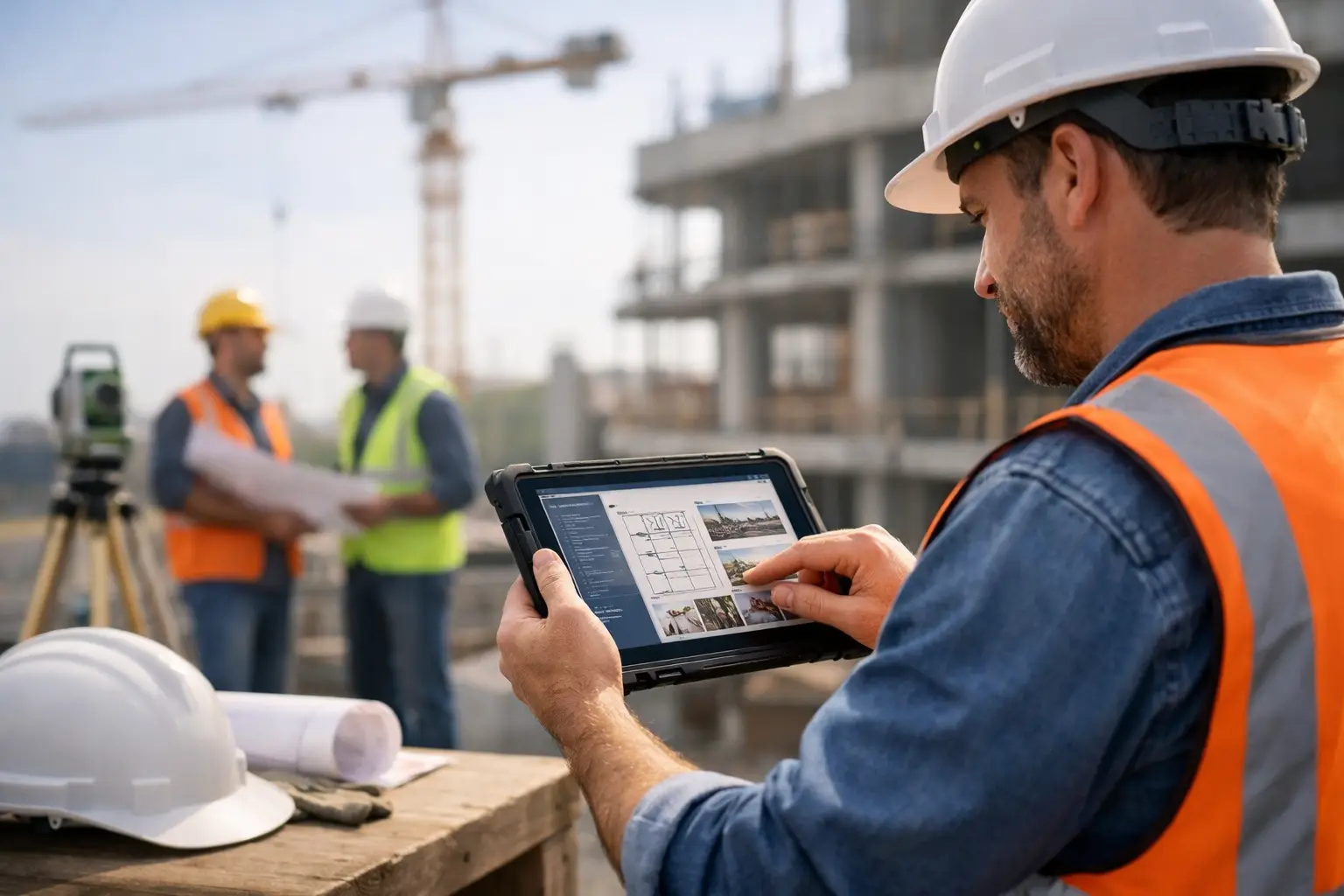
A foreman should not need a phone call, a clipboard, and a spreadsheet just to answer one basic question: who was on the job, what got done, and what did it cost today? That is exactly why a field friendly construction software guide matters for subcontractors. If your crews are moving between jobs, your office is chasing timecards, and your job records live in five different places, the problem is not effort. The problem is the system.
Most construction software was not built for specialty trades trying to run lean crews and keep jobs moving. It was built for bigger organizations, bigger budgets, and workflows that slow down the field. Subcontractors need something different. They need software that works on a phone, makes sense in two minutes, and gives the office real numbers without creating more admin.
What field-friendly construction software really means
Field-friendly does not just mean mobile access. Plenty of platforms have apps that still feel like office software shoved onto a smaller screen. Real field-friendly construction software is built around how work actually happens on a jobsite.
That means a crew leader can clock in a team fast, attach photos without hunting through menus, note materials used, and move on with the day. It means the office can see labor, progress, and missing documentation without waiting until Friday afternoon. It also means the software does not need a long training session before anyone can use it.
For subcontractors, this is where most buying decisions go right or wrong. A system can look impressive in a demo and still fail in the field if your crews avoid it, forget it, or only use half of it. Adoption is not a side issue. It is the whole game.
The biggest problems this guide should help you solve
If you are looking for a field friendly construction software guide, you are probably trying to fix one of a few common pain points.
The first is labor tracking. Paper timecards and text-message check-ins create delays, errors, and arguments. You cannot control job costs if labor hours show up late or incomplete.
The second is job visibility. Owners and office managers need to know what happened today without chasing foremen after hours. Daily logs, crew activity, photos, and notes should be easy to capture while the work is happening.
The third is disconnected information. Estimating lives in one place, invoices in another, photos on someone’s phone, and materials on a notepad in a truck. When data is scattered, billing slows down and accountability gets fuzzy.
The fourth is software resistance. If your field team sees the system as extra work, it will fail no matter how many features it has. Simplicity matters more than a long feature list.
What to look for in a field friendly construction software guide
Start with usability in the field. Can a foreman open the app and handle the day’s basics in under a minute? If the answer is no, keep looking. Crews work under pressure. They are not sitting at a desk with time to click through layers of screens.
Mobile time tracking should be one of the first tests. Good software makes it easy to clock individuals or full crews in and out, tie hours to the right job, and review entries before payroll. Better systems also reduce mistakes by keeping everyone inside one clean workflow instead of mixing texts, handwritten cards, and memory.
Daily job tracking matters just as much. You want a simple way to record what happened on site, what changed, what equipment was used, and what issues need follow-up. This creates a real job record, not just a pile of notes. For trades dealing with extra work, weather delays, inspections, or disputed scope, that record protects margin.
Photos and documentation should be built into the same system, not tacked on as an afterthought. If crews can snap progress photos, attach them to the job, and move on, your documentation gets better overnight. If they have to upload files later from a laptop, most of it never happens.
You should also pay attention to materials and equipment tracking. Not every subcontractor needs deep inventory management, but most need a simple way to know what was used, where it went, and how it affects job cost. The right level depends on your trade. A landscaping company, concrete crew, and electrical subcontractor will not all need the same level of detail.
Why subcontractors need a different standard
General-contractor-focused platforms often push subcontractors into workflows they did not ask for. They can be overloaded with modules, permission layers, and reporting structures that make sense for enterprise teams but not for a trade business trying to run tight jobs and collect fast.
That is why this field friendly construction software guide should be judged through a subcontractor lens. The question is not whether the software can do everything. The question is whether it helps your team do the important things faster and more accurately.
A roofing contractor may care most about crew time, photos, change documentation, and invoicing. A masonry company may need labor tracking, equipment usage, and production visibility across multiple jobs. A plumbing subcontractor may need clean job costing and service documentation. Different trades have different pressure points, but they all benefit from the same core principle: fewer systems, less duplicate entry, and faster visibility.
Red flags to watch before you buy
The first red flag is heavy setup. If implementation sounds like a project in itself, that is a problem. Small and mid-sized subcontractors usually need software they can start using quickly, not a six-month rollout.
The second red flag is feature bloat. More tools are not always better. If the platform is packed with options your team will never touch, the result is confusion. You end up paying for complexity and still going back to spreadsheets.
Another red flag is weak field adoption during the trial or demo phase. If your foremen hesitate, get lost, or say they would rather text the office, take that seriously. Software is only useful if the field actually uses it.
Finally, watch for systems that handle one part well but break the full workflow. A time app without job tracking, a photo tool without reporting, or an invoicing solution that does not connect to field data will leave the office stitching things together again.
How to evaluate software without wasting weeks
Keep your evaluation simple. Pick three real workflows you deal with every week and test those first.
One should be labor. Have someone walk through how a crew clocks in, changes jobs, and submits time.
One should be job documentation. Test photos, notes, daily logs, and any issue tracking you need.
One should be office follow-through. Look at how that field data turns into payroll review, job costing, invoicing, or accounting sync.
This approach cuts through sales talk fast. If a system handles your real work cleanly, you will see it. If it takes too many clicks, needs too much explaining, or leaves gaps between field and office, you will see that too.
It also helps to involve both the office and the field in the evaluation. Owners often care about visibility and cost control. Office staff care about speed and accuracy. Foremen care about whether the app is easy enough to use in the middle of the day. All three perspectives matter.
The best outcome is not more software
The best outcome is fewer workarounds. Good field software should replace the side systems you built to survive. That may mean fewer spreadsheets, fewer end-of-day phone calls, fewer missing receipts, and fewer questions about what happened on site.
For many subcontractors, the real payoff is not just time savings. It is better control. When labor, materials, photos, daily logs, and invoices live in one place, you make faster decisions and catch problems earlier. You can see when a job is drifting before it turns into a margin hit.
That said, there is always a trade-off. Simpler software may not offer every advanced function a large enterprise platform has. For most subcontractors, that is not a drawback. It is the point. Everything you need, nothing you do not, usually wins in the field.
A platform like SimplySub fits that mindset because it is built around subcontractor workflows instead of trying to serve every type of construction company at once. That matters when adoption, speed, and day-to-day usability are what actually determine value.
Field friendly construction software guide for your next decision
If you are replacing paper, spreadsheets, or a system your crews never fully adopted, keep your standards practical. The right tool should help your team enter time fast, track job activity clearly, document work as it happens, and give the office a clean view of labor and progress without extra chasing.
Do not buy based on the longest feature list. Buy based on what your crew will use on a real Tuesday morning. If the software works there, it has a good chance of working everywhere else too.
The right system should feel like less work on day one, not more work with a promise attached. To see how SimplySub supports field-friendly workflows for subcontractors, schedule a demo or review pricing.