Monday morning payroll should not turn into a scavenger hunt. If your office is still collecting crumpled sheets from trucks, trying to read handwriting, and calling foremen to confirm who worked where, the question of paper timecards vs mobile attendance is not really about preference. It is about control. For subcontractors running multiple crews and jobs, time tracking affects payroll, job costing, billing, and how fast problems show up.
Paper timecards still exist for a reason. They are familiar, cheap to start, and easy to hand to a new hire. But familiar does not always mean efficient. Mobile attendance gives you faster information, better records, and fewer payroll surprises - if the system is simple enough for the field to actually use.
Paper timecards vs mobile attendance on real jobsites
The biggest difference between paper timecards and mobile attendance is timing. Paper tells you what happened after the fact. Mobile attendance tells you what is happening while the job is moving.
That gap matters more than a lot of contractors realize. If a concrete crew is burning labor faster than estimated, finding out next week does not help much. If a foreman forgot to note a transfer between two jobs, paper may not catch it until payroll or invoicing. By then, labor costs are already sitting in the wrong place.
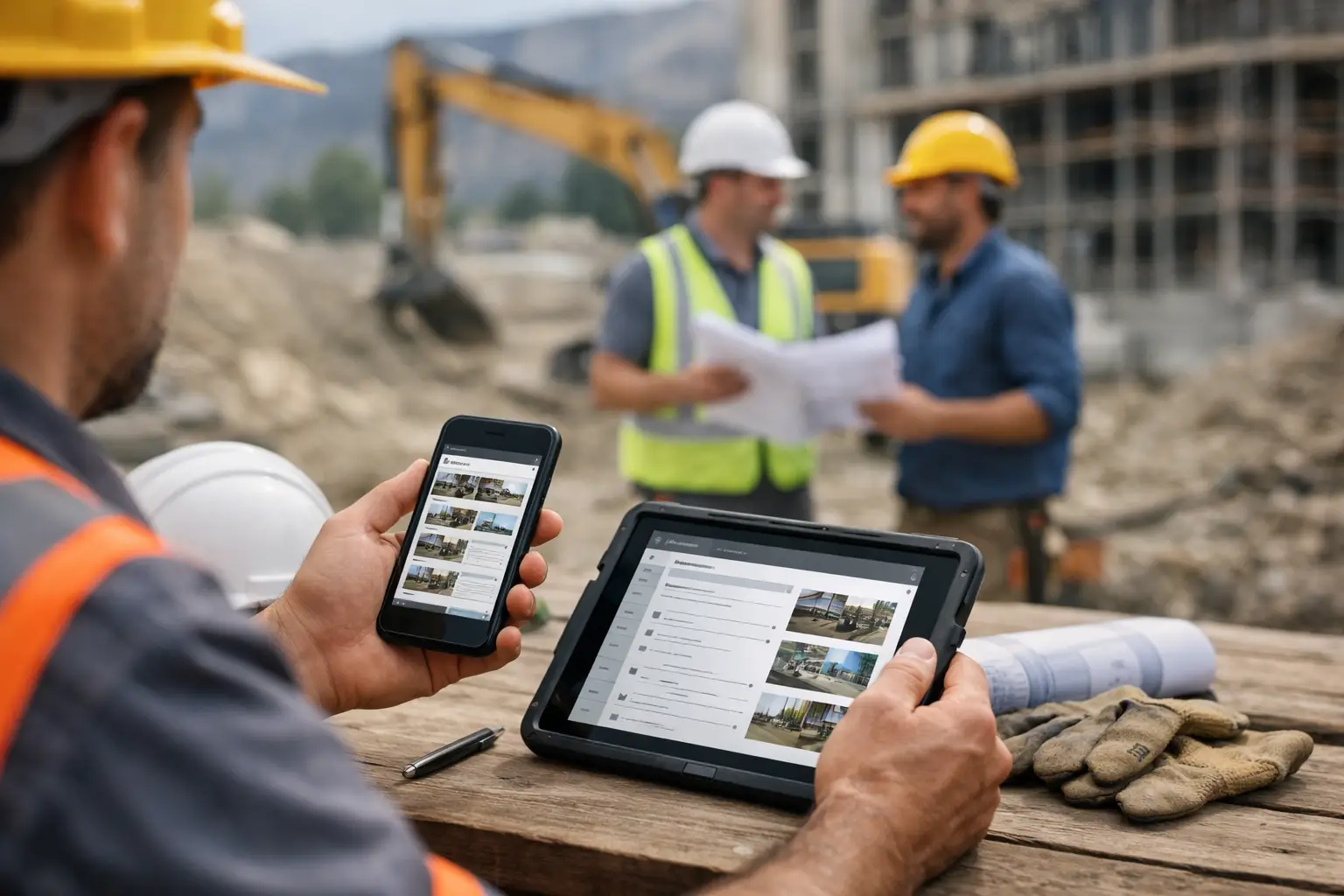
Mobile attendance changes that. Time is logged in the field, attached to the right job, and visible to the office without waiting for someone to drive paperwork back. That does not just save admin time. It gives owners and managers a cleaner picture of labor as the week unfolds.
For a subcontractor, that is the real value. Better time data means better decisions before a job slips.
Where paper timecards still make sense
Paper is not useless. On very small crews with one job at a time, one supervisor, and a tight routine, paper can still work. If the same people report to the same place every day and payroll is simple, the cracks may not show right away.
Paper can also feel safer to teams that are not comfortable with apps. Some owners assume older field workers will push back, or that phones on site will create more trouble than they solve. That concern is fair. Construction crews do not want another system that takes ten steps to clock in or turns every foreman into a data entry clerk.
But that is also where the trade-off starts. Paper works best when operations are simple. The more jobs, crews, cost codes, and schedule changes you have, the more paper starts costing you in missed hours, delayed approvals, and bad job costing.
In other words, paper is not just a timekeeping choice. It is a limit on how much visibility you can have.
The real cost of paper timecards
Most contractors do not keep paper because it is the best option. They keep it because the cost of switching feels bigger than the cost of staying put.
On the surface, paper looks cheap. A stack of forms and a clipboard do not require a monthly subscription. But the actual cost shows up in labor hours spent chasing missing cards, correcting payroll entries, fixing job allocations, and answering disputes after the fact.
A handwritten timecard can create three problems at once. Payroll may be wrong, job costing may be wrong, and invoicing may be delayed. That is not a paperwork issue. That is margin leakage.
There is also the accountability problem. With paper, you usually rely on memory. Did the crew really start at 6:30? Did they leave one site at noon and move to another? Was that equipment operator on the framing job or the site prep job? If details are filled out later, accuracy drops fast.
Most subcontractors do not lose money from one big timecard error. They lose it from dozens of small ones every week.
What mobile attendance improves
Mobile attendance gives field teams a faster way to capture time where the work happens. That alone removes a lot of the lag that causes confusion in the office.
The immediate benefit is cleaner payroll. Hours are entered sooner, supervisors can review them earlier, and the office is not stuck retyping handwritten notes. That reduces mistakes and cuts down on back-and-forth calls.
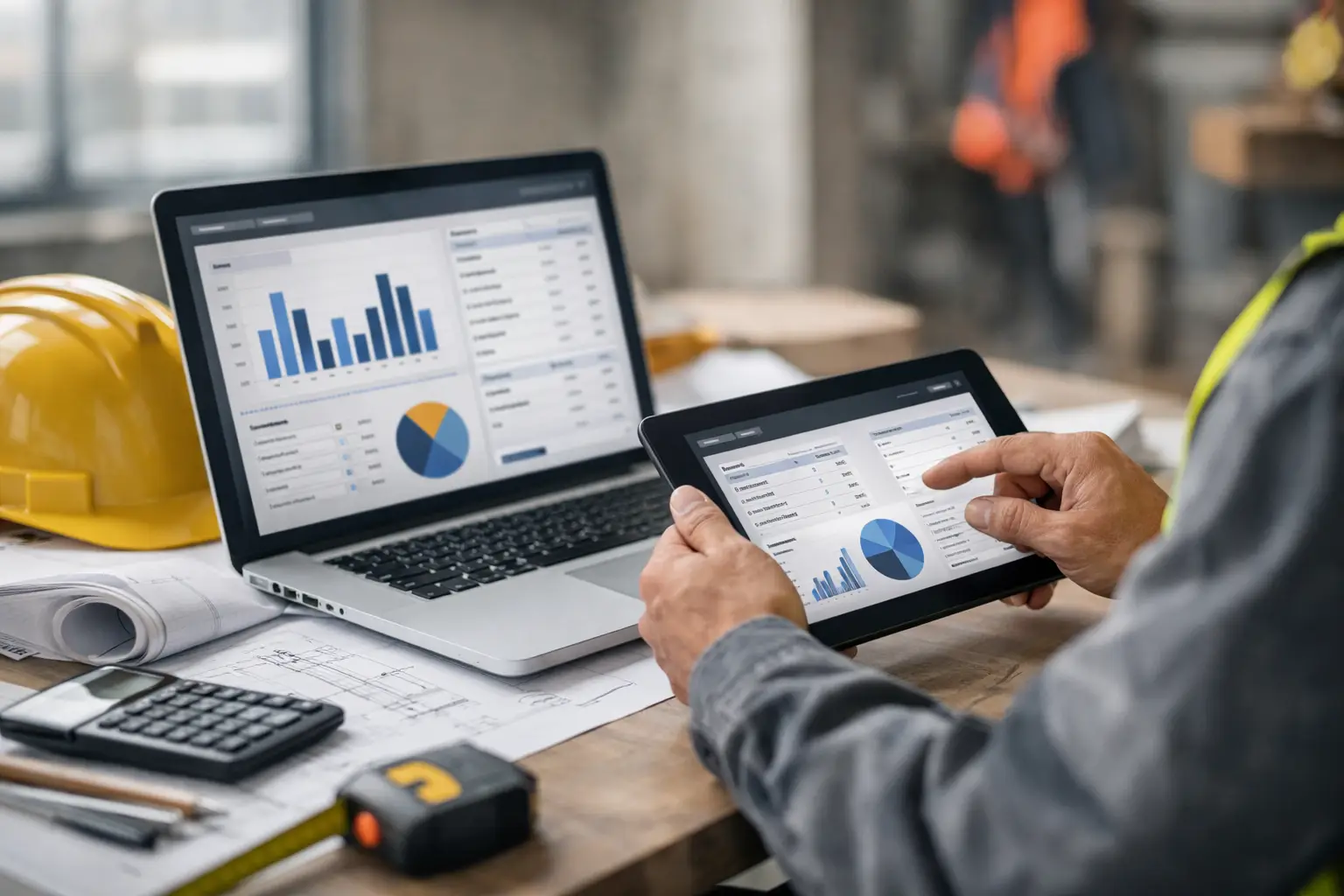
The second benefit is job costing. When time is tied to the right job and crew in real time, labor reports start reflecting reality instead of estimates plus guesswork. If one landscaping crew is overspending hours on a specific phase, you can see it before the job is closed out.
The third benefit is visibility. Owners, office admins, and field managers can know who is on site, who moved, and how labor is stacking up across jobs. That matters when schedules change, weather hits, or another contractor delays your work.
For subcontractors, mobile attendance is not just about replacing a paper form. It is about getting labor information while it can still help you.
Mobile attendance is only better if crews will use it
This is where a lot of software misses the mark.
A mobile attendance system can look great in a demo and still fail on a jobsite if it is built like office software. Foremen do not want extra screens. Crew leaders do not want to train every new worker for an hour. If the app is confusing, people will avoid it, work around it, or text hours to the office anyway.
That is why ease of use matters more than feature count. For subcontractors, the best system is the one a mixed-comfort crew can use on day one. Clock in, choose the job, switch if needed, and move on.
This is also why software built specifically for subcontractors tends to fit better than broad construction platforms made mainly for general contractors. Subs need field-friendly speed, not layers of setup that slow down a foreman before the day even starts.
A simple system like SimplySub makes that shift easier because it is built around how subcontractors already operate - crews in the field, office staff needing clean records, and owners needing visibility without extra admin.
Paper timecards vs mobile attendance for different roles
The office usually feels the pain of paper first. Payroll teams and admins deal with late cards, bad handwriting, and manual entry. For them, mobile attendance means less cleanup and faster approvals.
Field leaders feel a different kind of benefit. Instead of saving details for the end of the day, they can log time while they are already on the job. That reduces the mental load of remembering who worked where, especially when crews split up or bounce between sites.
Owners and managers gain the broadest view. Paper timecards may tell them total hours worked, but mobile attendance helps show where labor is going as the week unfolds. If one job is overstaffed while another is falling behind, that is something you can act on early.
For crews, the win is simple. Fewer disputes. When time is logged clearly, there is less confusion on payday.
When switching from paper to mobile is worth it
If your company is adding jobs, adding crews, or spending too much office time fixing time entries, you are probably past the point where paper makes sense. The tipping point is not headcount alone. It is complexity.
A five-person team on one site may survive on paper for a while. A five-person team moving between three sites, sharing equipment, and billing labor by job phase is a different story. That is where mobile attendance starts paying for itself quickly.
The same goes for companies trying to tighten job costing. If labor is one of your biggest costs, tracking it a week late with handwritten notes is a weak system. Better time data gives you better numbers, and better numbers give you a better shot at protecting profit.
That said, switching only works if rollout is practical. Keep it simple. Start with time tracking, make sure foremen are comfortable, and avoid turning implementation into a side project that drags on for months.
The better question is not paper or mobile
The better question is this: how much visibility do you want while the job is still active?
Paper timecards can record hours. Mobile attendance can help manage labor. That is a meaningful difference. One is a document. The other is an operating tool.
For subcontractors trying to run tighter jobs, speed up payroll, and stop relying on spreadsheets and memory, the shift is less about technology and more about reducing friction. The easier it is for the field to log accurate time, the easier it is for the office to keep everything else on track.
If your time tracking process creates delays, corrections, or blind spots, that is usually your answer. The right system should feel simple in the field and useful in the office - because on a busy jobsite, nobody has time for anything else. To learn more, schedule a demo or review pricing and start your 100 day risk free account.