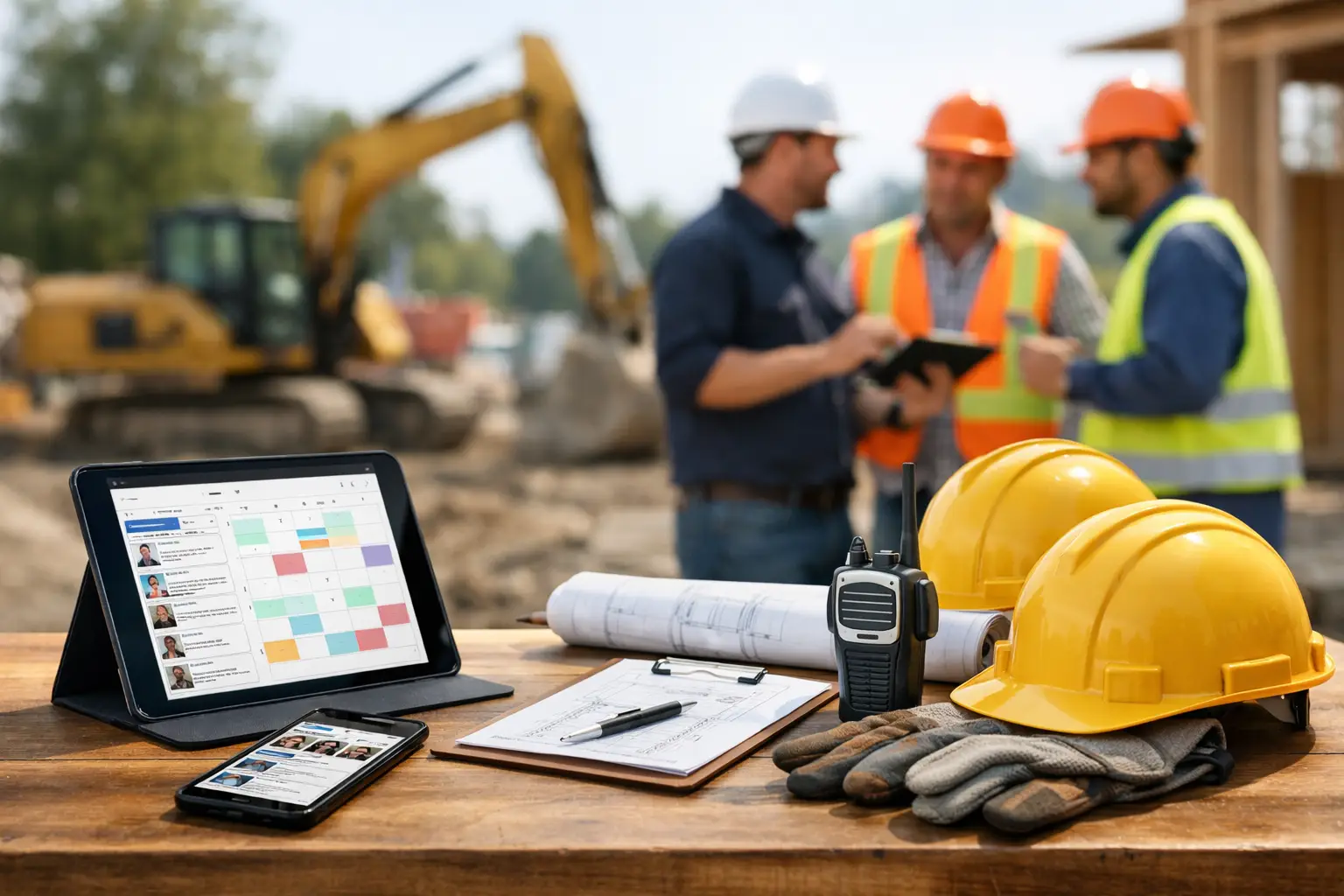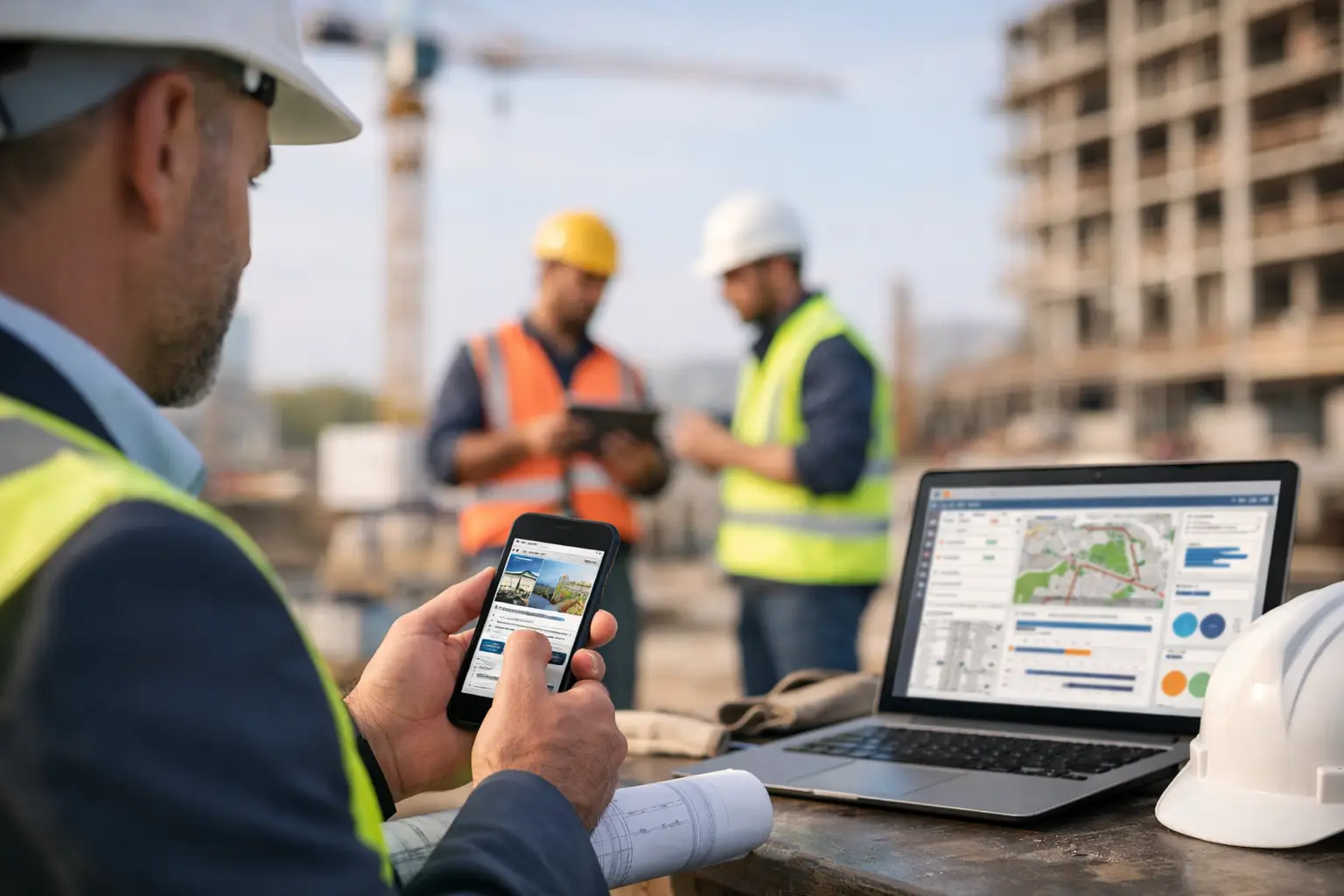
A foreman should not have to wait until 7 p.m. to turn scribbled notes into payroll, job updates, and material records. If your team is still texting photos, filling out paper timecards, and calling the office for basic job info, a mobile construction management app for subcontractors is not a nice extra. It is the difference between running work in real time and cleaning up mistakes after the fact.
For subcontractors, that gap matters more than most software companies admit. Your crews move fast. Your office is chasing labor, invoices, job costs, and paperwork across multiple jobs. And a lot of construction software was built with general contractors in mind, not trade contractors who need simple field tools that actually get used. That is why choosing the right app is less about fancy features and more about whether your people will open it on a live jobsite and get the job done.
What a mobile construction management app should actually solve
The best apps do not just store information. They remove delays between the field and the office.
That starts with time tracking. If crew hours come in late, payroll gets messy, job costing gets fuzzy, and owners lose visibility into whether a job is making money. A good mobile app lets crews clock in, switch cost codes, and log production without extra steps. It should be fast enough that field leaders do not avoid using time and attendance software built for subcontractors.
It also needs to handle daily jobsite documentation. Photos, notes, completed work, delays, safety issues, and delivered materials should all be captured while the crew is standing there, not reconstructed from memory later. When documentation is easy, it happens. When it is buried behind too many screens, it gets skipped, which is exactly why jobsite photo documentation software matters so much in the field.
Then there is the office side. A mobile app only helps if the data flows into something useful. That means labor reports, job progress, invoices, equipment usage, and material tracking should be organized in one place. If your team still has to re-enter everything into spreadsheets, the app is just another layer of work.
Why subcontractors need a different kind of mobile construction management app
Subcontractors do not manage jobs the same way GCs do. You are not trying to run every trade on site. You are trying to keep your own crews productive, your costs accurate, and your billing clean.
That changes what matters in software.
A GC-focused platform may look impressive in a demo, but it often comes with workflows your team will never use. Worse, it can bury the basics under approvals, modules, and admin settings that slow everyone down. For a plumbing, concrete, electrical, roofing, or landscaping contractor, the real question is simple: can the crew use it in under five minutes without calling the office? That is where software designed for field teams starts to separate itself.
That is the trade-off many companies miss. Software with more features is not always better. In the field, more complexity usually means lower adoption. And if the field does not use it, the office does not get clean data.
The features that matter most in the field
A mobile construction management app should feel built for rough conditions and short attention spans. Field teams are not sitting at desks. They are moving between tasks, equipment, and jobsite issues all day.
Start with crew time and attendance. The app should make it easy to clock in by employee, track breaks, assign hours to the right job, and review labor by day. If you need three screens and a manager override just to fix a missed punch, that friction will show up every week, which is why many contractors start by looking for a crew time tracking app for construction.
Job photos and daily logs matter just as much. Crews should be able to take a picture, tag the job, add a note, and move on. That protects you when there is a dispute, backs up billing, and gives the office a clear record of progress, especially when your team is using daily work logs software that is simple enough to use on a live jobsite.
Materials and equipment tracking can be the difference between a profitable job and one that slowly bleeds margin. If a foreman can record delivered stone, pipe, lumber, or rented equipment from a phone, your office gets cleaner cost data and fewer surprises at billing time. The same goes for using materials tracking software for construction teams and equipment time tracking software that keeps the field and office aligned.
What office teams should expect from the same app
The field side gets attention because that is where the data starts. But office teams are usually the ones paying the price when systems are disconnected.
A useful app should give admins and owners immediate visibility into labor, job status, paperwork, and costs without waiting for end-of-day calls. If a crew is burning hours too fast on one phase, someone in the office should be able to see it. If there are missing daily logs, unapproved time, or delayed materials, that should be easy to spot for office admins who are trying to keep jobs and billing moving.
Estimating and invoicing are part of this too. Not every subcontractor needs full preconstruction tools inside the same platform, but there is real value in carrying job information from estimate to execution to invoice without bouncing between systems. That is why many subs look for estimates and invoicing software that keeps everything connected from the start.
Accounting matters as well. Integration with QuickBooks or similar systems saves time, but only if the underlying job data is clean. That is one reason QuickBooks construction software integration becomes far more useful when the field is already entering clean data.
How to tell if an app will get used
This is where a lot of buying decisions go wrong. Owners compare feature lists. Crews care about one thing: is it faster than what I am doing now?
If the answer is no, adoption will be weak no matter how good the reporting looks in a sales pitch.
Ask to see the exact mobile workflow for common tasks. Clocking in a three-person crew. Uploading a job photo. Logging delivered material. Completing a daily report. Approving time. Those are the moments that decide whether your team uses the system or works around it.
You should also pay attention to setup time. Some platforms ask you to build out complicated structures before the first crew can use the app. That may work for large enterprises with dedicated software admins. It is a bad fit for a trade contractor who needs to get organized this month, not next quarter.
Simple to learn is not a soft benefit. It is operationally critical.
Common mistakes when buying a mobile construction management app
The biggest mistake is buying for the demo instead of the day-to-day. A polished dashboard does not matter if foremen avoid entering data because the app is clunky on a phone.
Another mistake is assuming every trade needs the same workflow. A masonry contractor, fencing crew, and excavation subcontractor all need labor tracking and documentation, but the details can vary. Your software should support the way your teams actually run work, not force them into someone else’s process, which is why industry-specific pages like software for concrete contractors can be more useful than generic software pages.
Price can be misleading too. A cheaper app that still requires spreadsheets, duplicate entry, and constant follow-up is not cheaper in practice. On the other hand, the most expensive platform is not automatically the best fit if half the features sit unused, which is why clear construction software pricing matters more than flashy packaging.
And finally, do not ignore support and onboarding. Even simple software needs a clean rollout. Your office needs to know how jobs are set up, your field leaders need a fast path to daily use, and your team needs answers without long delays.
What good looks like for a subcontractor
A good mobile construction management app helps your crew enter information once, in the field, and gives the office immediate visibility without extra admin work. It keeps labor accurate, documentation organized, and job records easy to find. It should work across unlimited jobs without turning setup into its own project.
That is the real standard. Not how many modules it has. Not how impressive the terminology sounds. Just whether it helps your team stay organized, move faster, and protect profit on active jobs.
For subcontractors, that usually means choosing software that was built around crew management, job tracking, field documentation, and billing, not software that treats subs like an afterthought. Platforms like SimplySub are designed around that reality, which is why pages like SimplySub features and SimplySub solutions make more sense for trade contractors who want control without software headaches.
If you are evaluating options, keep the test simple. Put the app in a foreman’s hands, run one real job through it, and see what happens by the end of the week. The right system will not need a big explanation. Your team will use it because it makes the workday easier, especially after you see the demo and compare how it feels in real use.