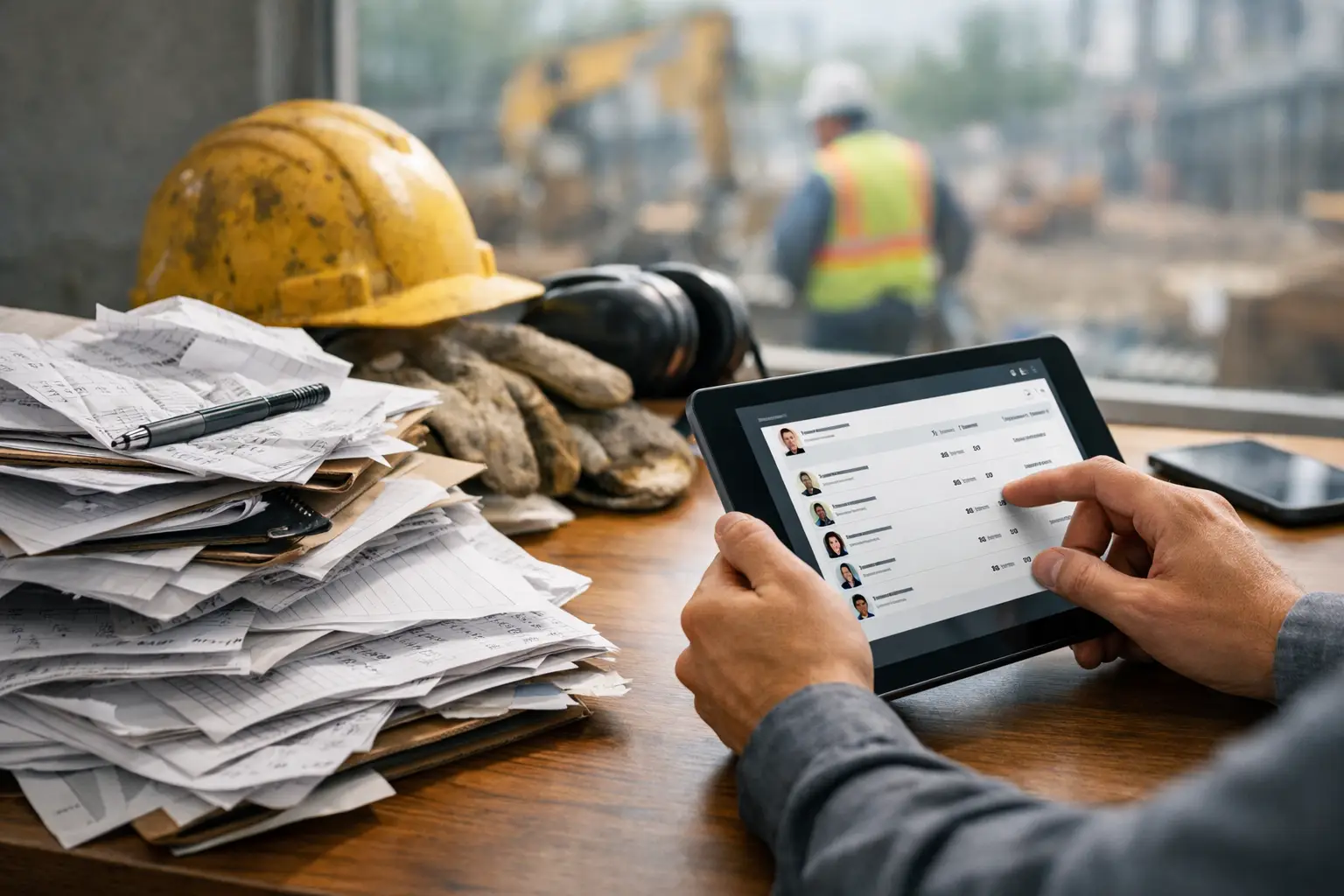
At 4:45 p.m., the crew is packing up, one guy needs tomorrow’s material list, another forgot to clock out, and the office is already asking what happened on Lot 12. That’s the real moment when how foremen submit daily work logs either helps the job run smoother or turns into one more headache at the end of a long day.
For most subcontractors, the problem is not whether daily reports matter. It’s whether the process is fast enough to actually get done right. A foreman who has to chase paper forms, type notes into a spreadsheet later, or send half the information by text and the other half by email is not running a clean process. He’s patching one together.
The best daily reporting systems work the way the field works. They let foremen capture what happened while they’re still on the jobsite, not hours later when details get fuzzy. That means labor, production, delays, materials, equipment, site conditions, photos, and notes all go into one place, from a phone or tablet, in a format the office can actually use.
How foremen submit daily reports on real jobs
In a well-run subcontracting business, the foreman is usually the person closest to the facts. He knows who showed up, what got installed, what slowed the crew down, what materials were delivered, and whether the day stayed on schedule. A daily report is simply the record of that reality.
Most foremen submit daily reports in one of three ways: on paper, by piecing together messages and photos across different tools, or through a mobile field reporting system. Paper still exists because it feels familiar. The problem is that paper is slow, easy to lose, and hard to turn into useful information. A notebook in the truck does not help the office price change orders, verify labor costs, or respond to a dispute quickly.
Text messages and email are a little faster, but they create a different problem. Information gets scattered. Photos sit on one phone, labor counts go to payroll another way, and job notes live in someone’s inbox. When the owner or project manager needs to know what happened last Tuesday, nobody wants to dig through six separate conversations to rebuild the story.
That’s why more subcontractors are moving to mobile reporting. The foreman opens one app, selects the job, fills out the day’s activity, adds photos, logs any issues, and submits it before leaving the site. The office gets the update right away. That is faster for the field and far more useful for the business.
What a daily report should actually include
A good report is not a long essay. It is a clean record of what matters. The exact format depends on the trade, but most foremen need to cover the same core information.
Labor is usually first. That means who was on site, how many hours were worked, and sometimes what cost code or work area the hours apply to. If you’re managing multiple crews across several jobs, this alone can save hours of back-and-forth with payroll and project managers.
Then comes work performed. For a concrete contractor, that may be forming, pouring, and finishing specific areas. For a framing crew, it might be wall layout, sheathing, or truss setting. For electrical or plumbing subs, it could be rough-in progress, fixture install, or service work completed. The point is to tie labor to actual production.
Conditions and delays matter too. Weather, missing materials, site access issues, inspection delays, coordination problems with other trades, and change-related slowdowns should all be documented. This is where many foremen underreport, usually because they are in a hurry. But these notes often become the difference between absorbing a cost and proving why the day did not go as planned.
Photos make the report stronger. A short note that says material was missing is helpful. A photo showing the empty laydown area at 7:00 a.m. is better. The same goes for completed work, damaged conditions, safety issues, or anything that may need to be referenced later.
Some subcontractors also track equipment used, materials installed or received, visitors on site, inspections, and safety observations. Not every job needs every field every day. Simpler is usually better, as long as the report captures the facts your office actually relies on.
Why foremen struggle to submit daily reports consistently
Most foremen are not avoiding reports because they do not care. They are avoiding bad systems.
If reporting takes 20 to 30 minutes at the end of the day, adoption drops fast. If the form asks for too much detail, they rush through it. If they have to repeat information they already entered somewhere else, they get frustrated. And if the office never uses the report for anything visible, the field starts seeing it as paperwork for paperwork’s sake.
There is also the reality that many foremen were promoted because they can run work, not because they like admin. That does not mean they cannot handle reporting. It means the system has to respect their time and fit their routine. Simple to learn is not a nice extra here. It is the whole game.
The companies that get consistent reports usually do three things well. They keep the form short, they make it mobile, and they set a clear expectation that every report is due before the crew leaves or immediately after shift end. That standard removes guesswork. It also keeps reporting tied to the day while details are still fresh.
The best process is built for speed and accountability
If you want to improve how foremen submit daily reports, the answer is usually not more supervision. It is a better workflow.
Start with one system for the whole company. When each foreman reports differently, the office spends too much time translating and cleaning up information. Standardizing the process gives you cleaner data, faster approvals, and fewer missed details.
Next, make the report part of the closeout routine for the day. Just like securing tools or confirming tomorrow’s schedule, reporting should be one of the last steps before leaving the site. If it gets pushed to later that evening, completion rates drop and accuracy goes with them.
It also helps to reduce duplicate entry. If the same platform handles time, job notes, photos, and daily logs together, the foreman is not bouncing between tools. That saves time in the field and gives the office a clearer picture of what happened. For subcontractors, this matters a lot more than flashy software features. Everything you need, nothing you don’t, is usually the better model.
Finally, someone in the office needs to review reports quickly. When foremen see that reports are used to answer customer questions, support billing, track production, or catch job issues early, compliance improves. People stick with systems that clearly help the business run better.
Where daily reports pay off
The obvious benefit is documentation, but daily reports do more than create a record.
They tighten communication between the field and office. Owners and project managers do not have to wait until the next morning to understand what happened. That helps with scheduling, customer updates, billing support, and labor planning.
They also protect margins. If a crew spent half a day waiting on access, working around another trade, or handling extra scope, that needs to be documented while it happens. Too many subcontractors lose money not because they missed the issue, but because they failed to record it clearly enough to act on it later.
Daily reports also improve accountability without creating drama. Instead of relying on memory or gut feel, you have a written record of who was on site, what got done, and what got in the way. That helps with performance conversations, customer disputes, and internal planning.
And yes, they help payroll and billing. When labor, materials, and progress are captured daily, back-office work gets easier. The office spends less time chasing updates and more time keeping jobs moving and invoices going out.
Choosing the right tool for foremen
Not every software platform fits subcontractors. Some systems are built around general contractor workflows and feel heavy in the field. That’s usually where adoption breaks down. If a foreman needs training just to submit a basic report, the tool is too complicated.
The right setup should let a foreman open the app, pick the job, enter crew and production details, attach photos, note delays, and submit in minutes. It should be easy on a phone, because that is what most foremen actually have in hand. It should also give the office real-time visibility without requiring someone to re-enter everything later.
This is where a subcontractor-focused platform like SimplySub can make a real difference. When daily logs, crew time, photos, materials, and job tracking live in one simple system, reporting stops feeling like extra admin and starts becoming part of the job.
There is still some trade-off to consider. A very detailed report may give you more documentation, but it can also slow the field down. A very simple report is fast, but it may miss information needed for claims, billing support, or production tracking. The right balance depends on your trade, your job size, and how much documentation your customers require.
If you strip the process down to what works, daily reporting is not complicated. Foremen need a fast way to record labor, progress, problems, and proof from the field before the day gets away from them. Give them a system built for real jobsites, and they will use it. Make them fight the process, and they will work around it every time.
The goal is not perfect paperwork. The goal is clearer jobs, faster answers, and fewer surprises when the office asks what happened today. To learn more, schedule a demo or review pricing and start your 100 day risk free account.