If your crew is still texting updates, turning in paper timecards, and relying on someone in the office to piece together what happened on each job, the problem is not your people. It is your system. Good trade contractor software should make the day easier for the field, clearer for the office, and more profitable for the business.
That sounds obvious, but a lot of software in construction still misses the mark. It was built for general contractors, loaded with features subcontractors never asked for, and set up in a way that only works if everyone has time for training. Most trade contractors do not have that kind of time. They need something crews can use on day one and owners can trust without chasing paperwork at the end of the week.
What trade contractor software should actually do
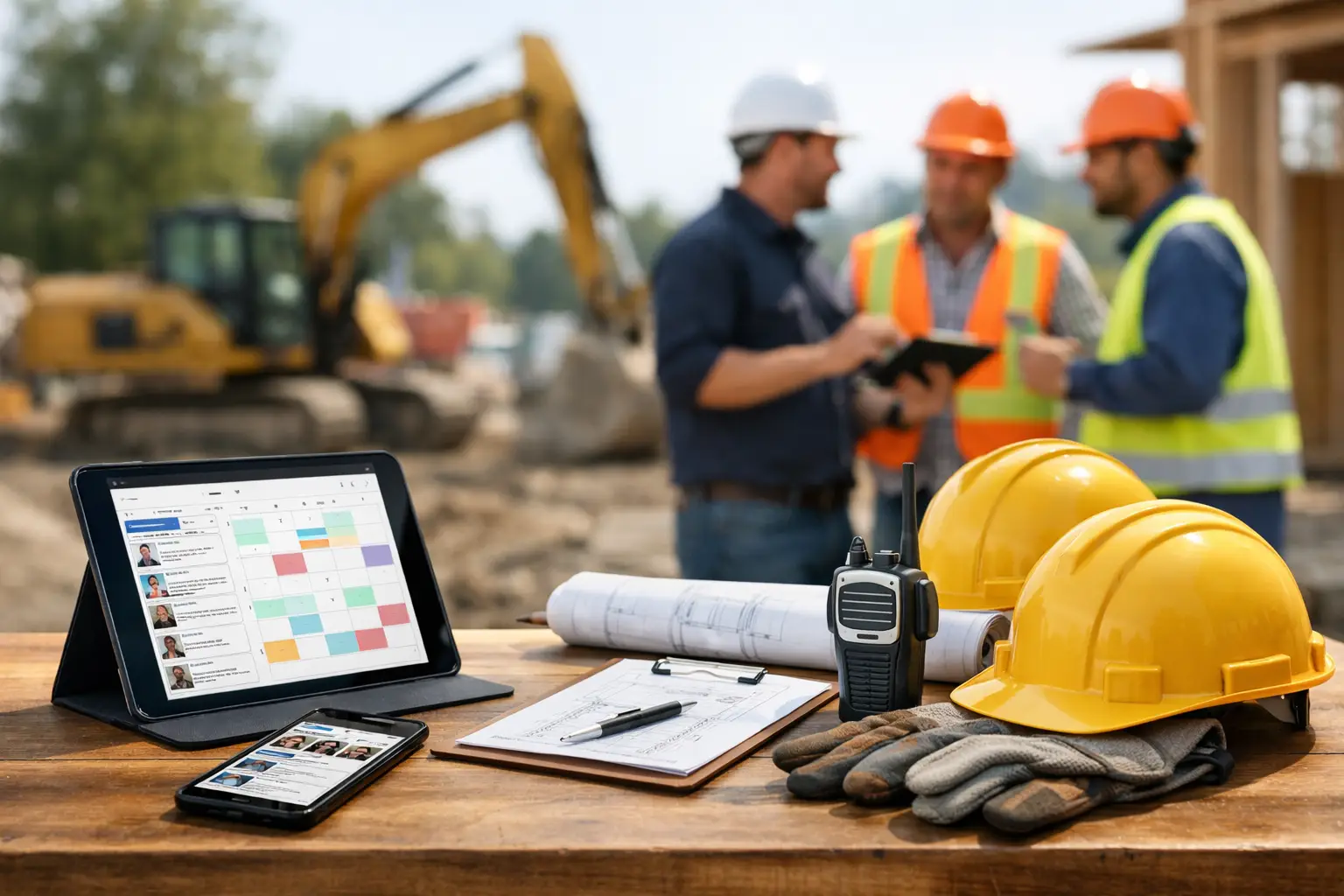
At a basic level, trade contractor software should connect your jobs, crews, costs, and documentation in one place. That means you can see who was on site, what got done, what materials were used, what equipment moved, and whether the job is staying on track.
For a subcontractor, that matters more than having a long feature list. If you are running concrete, framing, electrical, roofing, landscaping, or site work, your software needs to reflect the way subcontractors actually operate. You are juggling labor across multiple jobs, tracking production in the field, protecting margins, and trying to invoice faster without missing backup, especially when using software for multiple construction jobsites.
The right system helps with that by handling the everyday work that usually falls through the cracks. Time tracking, daily logs, job photos, field notes, production details, materials, invoices, and estimating all need to connect. If they live in separate apps or worse, in notebooks and spreadsheets, you are creating extra admin work every single day.
Why many trade contractors outgrow spreadsheets
Spreadsheets work for a while. So do whiteboards, text threads, and paper folders. The problem shows up when the company starts running more crews, more jobs, or tighter schedules.
What used to be manageable turns into rework. A foreman forgets to send hours. Material tickets get lost. Photos stay on someone's phone. The office invoices late because job details are incomplete. Owners cannot tell which jobs are making money until the month is already gone.
That is where trade contractor software earns its keep. It replaces the guessing with real-time visibility. Not because software is magic, but because it gives everyone one system to work from, which is exactly why many contractors replace spreadsheets for construction tracking.
There is a trade-off here, though. Some companies hesitate because they assume software means more process, more screens, and more pushback from the field. That can be true if the platform is too complicated. If a crew leader needs a manual just to enter hours, adoption will stall fast. Simplicity is not a nice extra. It is the deciding factor.
The best trade contractor software is field-first
A lot of software looks good in a sales demo and falls apart on the jobsite. Menus are cluttered. Mobile use is clunky. Basic tasks take too many taps. That may not sound like a big issue from the office, but in the field it is the whole ballgame.
Crews need to clock time, add notes, upload photos, and move on. Foremen need to check job details without calling the office. Field managers need quick visibility into labor, production, and missing information. If the software slows that down, people will work around it.
That is why field-first design matters. The system should be easy enough for mixed-comfort tech users, including the crew member who is not interested in software at all. When it is simple to learn and built for real jobsites, adoption happens faster and data gets cleaner.
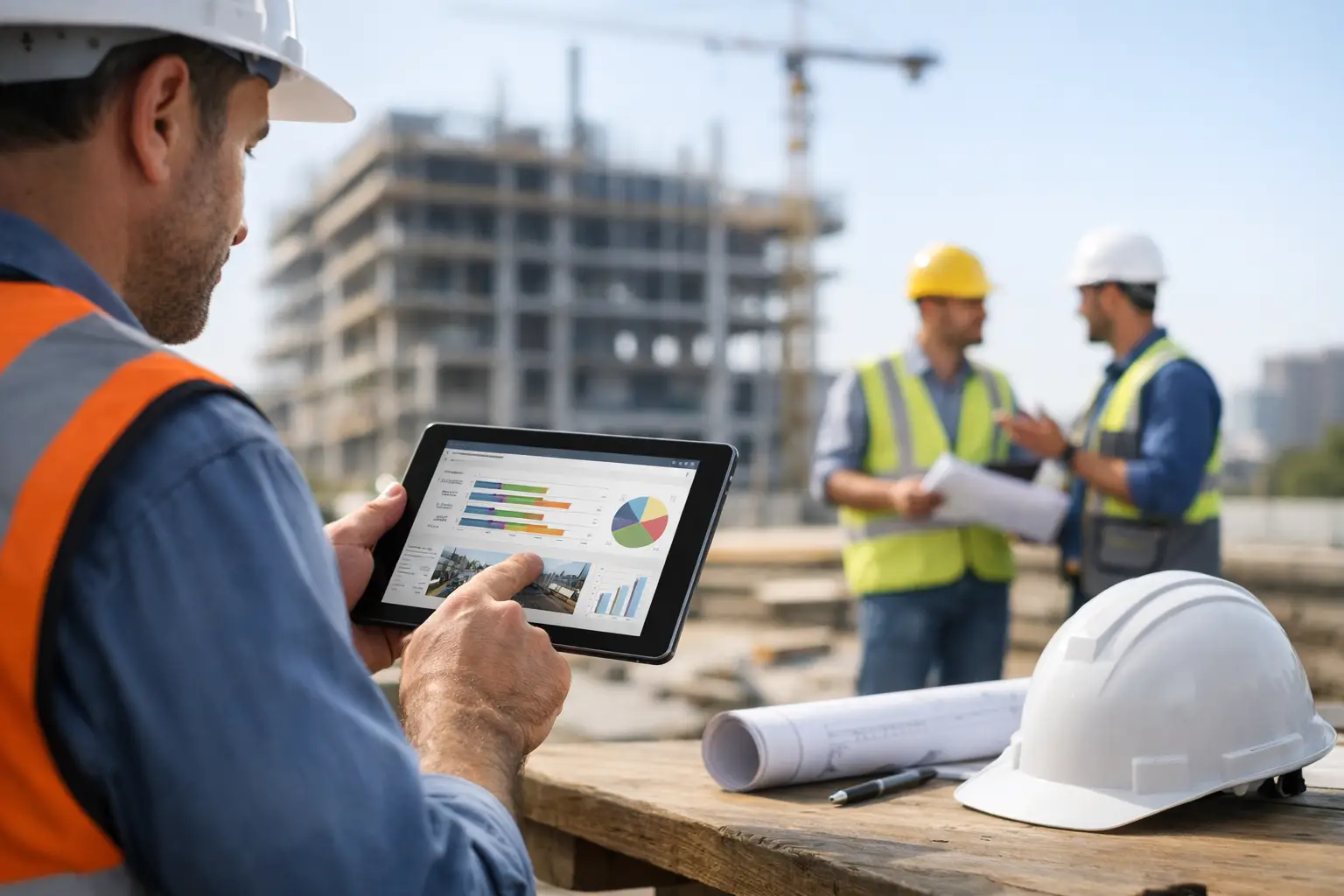
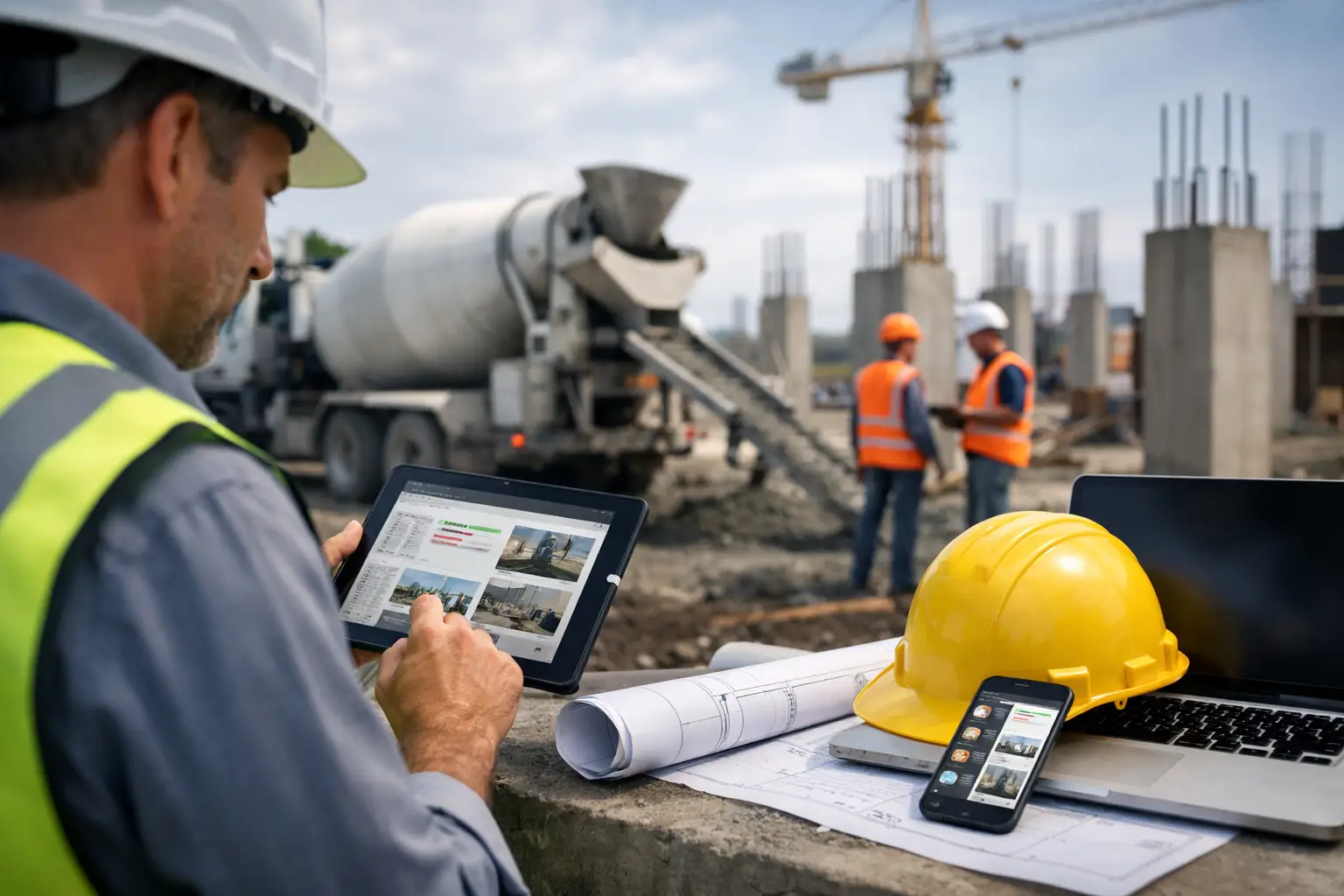
For subcontractors, mobile use is not just a convenience. It is the difference between same-day information and end-of-week cleanup, especially when crews are using mobile time tracking and daily work logs tied directly to each job.
What to look for before you buy
The first question is not how many features the software has. The first question is whether it solves the problems costing you time and money right now.
If labor tracking is messy, start there. You need reliable crew time and attendance tied to the correct job and cost code. If billing is slow, focus on job documentation, daily logs, and invoice support. If jobs are hard to manage across crews, look at scheduling, progress tracking, and real-time visibility.
Most subcontractors need a system that covers the full day-to-day operation, not just one slice of it. That usually includes estimating, time tracking, job costing inputs, photos, equipment and materials tracking, documentation, and invoicing. It also helps if the software connects with accounting, especially QuickBooks, so your office is not entering the same information twice, which is why many contractors look for tools with QuickBooks integration.
Ease of setup matters too. Some platforms require months of implementation and a lot of internal cleanup before you can even start. That may work for larger companies with dedicated admin teams. For small to mid-sized trade contractors, it often creates drag. A faster rollout usually wins because you start seeing value sooner.
Pricing structure matters as well. Watch for software that charges extra for each employee, each module, or each add-on you actually need. Cheap software gets expensive fast when your crew grows.
Why software built for general contractors often misses subcontractors
Subcontractors and general contractors do not run work the same way. That should be obvious, but a lot of construction software still treats everyone like they have the same needs.
General-contractor-focused platforms often center on owner reporting, RFIs, submittals, and top-level project controls. Those are valid functions, but they are not the core of a subcontractor's daily operation. Trade contractors need tight control over crews, production, job costs, documentation, and billing support. They need to know what happened today, what it cost, and what needs attention tomorrow.
When software is built for the wrong user, subcontractors end up paying for complexity they do not use. They also spend more time forcing their process into a system that was never designed for them.
That is why contractor-first software for subs tends to work better. It starts with the field, the foreman, the office manager, and the owner who needs fast answers without chasing six different tools.
The real return is not just time savings
Saving time matters, but the bigger value is control. Better trade contractor software helps you protect margins in ways that are easy to miss until you have them.
You get cleaner labor records. You catch missing job details sooner. You invoice faster because photos, notes, and daily activity are already attached to the job. You reduce the back-and-forth between field and office. You spend less time hunting for information and more time managing work.
It also improves accountability without turning the company into a paperwork machine. Foremen know what needs to be recorded. The office sees what came in. Owners have a clearer picture of what each crew and job is doing.
That kind of visibility helps in both good times and tight ones. When work is booming, it helps you stay organized. When margins get squeezed, it helps you spot leaks before they become losses.
A practical way to choose the right system
Do not buy based on the flashiest demo. Buy based on whether your team can use it fast and whether it fits the way your jobs really run.
Ask to see the mobile experience first. Have someone from the field look at it, not just the office. Check how long it takes to enter time, add a photo, complete a daily log, or find job information. If those basic actions feel slow, the platform will probably struggle in the real world.
Next, look at the full workflow. Can estimating, job tracking, documentation, invoicing, and accounting all connect in a way that reduces duplicate work? Or are you still going to be moving information between systems?
Then ask about onboarding. Good software should not require a giant rollout plan to start working. If the platform is built simply, training should be light and adoption should happen quickly. That is one reason many subcontractors look at tools like SimplySub - the value is in getting organized fast without loading the team down with software overhead.
The best choice is usually not the most advanced platform on paper. It is the one your field will actually use, your office can trust, and your business can grow with. If you want to see how that works in practice, you can always watch a demo.
Trade contractor software should not feel like one more thing to manage. It should take pressure off the day, help your team stay organized, and give you a clearer handle on every job while there is still time to do something with the information.