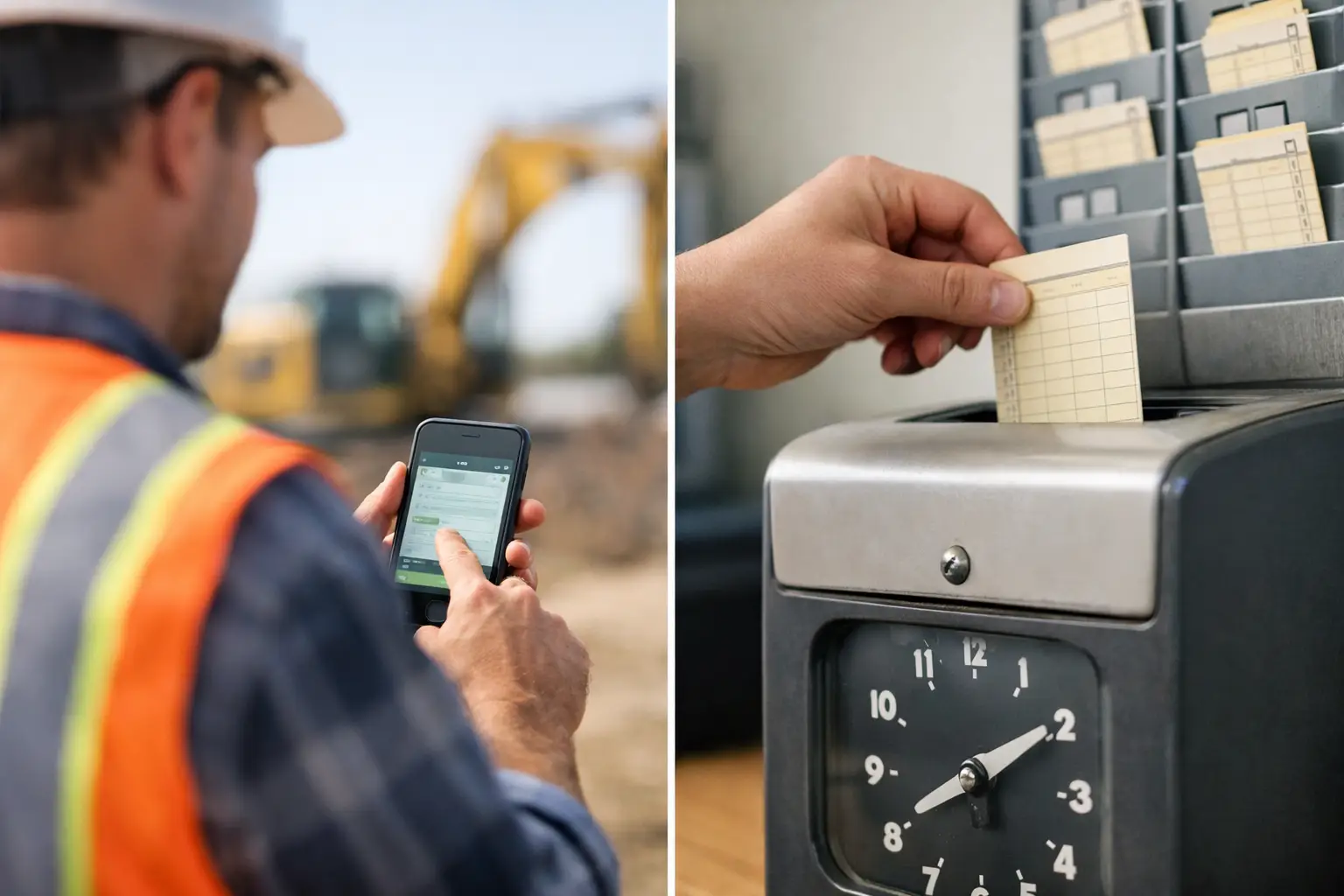
A crew can be busy all day and still lose money for the company. The problem usually is not effort. It is that nobody can clearly see who was on which job, what phase they worked, what got done, or what held them up. Knowing how to track subcontractor crews comes down to capturing that information while the work is happening, not trying to rebuild the day from memory on Friday.
For subcontractors, crew tracking is not about watching people for the sake of it. It is about protecting labor dollars, keeping jobs moving, backing up invoices, and giving foremen and office staff the same version of the truth. The best process is simple enough for the field to use every day and detailed enough to show where a job stands.
How to Track Subcontractor Crews: Start With Job Accountability
Every employee should be tied to a job before the day gets away from you. That sounds basic, but many contractors still have a weekly timecard with only total hours. Those hours might tell you payroll cost, but they do not tell you whether the concrete crew spent eight hours forming, pouring, fixing punch-list work, or waiting on another trade.
Set up every active job with a clear name, job number, customer, and location. Then break work into the level of detail that helps you manage the trade. A plumbing contractor may need rough-in, top-out, and trim. A landscaping company may need grading, irrigation, plant material, and cleanup. A roofing crew may only need tear-off, dry-in, and installation.
Do not create a long list of cost codes nobody can remember. If a foreman has to scroll through 40 choices to clock in, the system will fail in the field. Start with the job phases that affect labor cost, billing, or scheduling. Add detail only when it gives you a useful answer.
Capture Time Where Work Starts
The most reliable time record is created when the crew arrives, not later from a truck note or a text message. Have crew members or the foreman clock in from a phone or shared field device, select the job, and choose the current work phase. When they move to another job or task, they make the same quick update.
This gives the office a live labor record instead of a stack of late timecards. It also makes payroll review faster because supervisors are checking exceptions rather than retyping every hour.
Location verification can help, especially when crews move between multiple jobsites. GPS time stamps or geofencing can confirm that a check-in happened near the right job. But use these tools with common sense. GPS is not perfect around large sites, underground areas, dense neighborhoods, or places with weak cell service. Make room for a foreman to correct an honest mistake and document why the correction was made.
The goal is accountability, not a gotcha system. When crews understand that accurate time protects the job and gets payroll right, adoption is much easier.
Connect Labor to the Work Performed
Time alone does not show productivity. Two eight-hour days can have completely different results. To manage labor well, connect crew hours to completed work.
For example, a masonry foreman might record that a four-person crew spent 28 labor hours laying 1,800 block. A fencing contractor might record 96 linear feet installed. A framing crew might log walls framed, trusses set, or units completed. The exact production measure depends on your trade, but it should be quick to enter and easy to compare against the estimate.
That comparison is where tracking becomes useful. If the estimate allowed 60 hours for a phase and the crew has already used 55 hours with half the work left, you have time to act. You can check for a bad takeoff, missing materials, site access problems, rework, or a crew that needs more direction. Without current job data, you may not find the problem until the job is over and the profit is gone.
Give Foremen a Short Daily Closeout
A foreman should not need an hour of paperwork at the end of a long day. A useful daily closeout takes a few minutes and answers the questions the office will ask tomorrow anyway.
At minimum, the daily record should capture:
- Which crew members worked and their hours
- The job and phase worked
- What was completed or installed
- Delays, changes, safety issues, or rework
- Photos of progress, site conditions, or completed work
Photos matter because they settle arguments quickly. A photo of underground conduit before a trench is covered, completed footings before a pour, or damaged material upon delivery can save hours of back-and-forth later. Attach photos to the right job and date so they are useful when a customer, general contractor, or office manager needs them.
Keep the notes practical. A daily log does not need a long narrative. A line such as crew waited two hours for layout, then installed 14 fence panels tells you far more than a blank report or a vague note that work continued.
Use Crew Tracking to Catch Problems Early
The value of a good tracking process is not the report at the end of the month. It is the decision you can make at 10:00 a.m. because you can see what is happening now.
If one crew has not checked in, a field manager can call before the schedule slips. If labor hours are climbing on a job with little recorded production, the office can ask questions before approving more overtime. If a crew is waiting on materials, you can see the delay, document it, and move people to productive work if another job is ready.
This is especially important for subcontractors running several jobs at once. A small leak on one site may be manageable. The same leak across five jobs can drain a week of profit. Real-time visibility lets you prioritize the jobs that need attention without calling every foreman repeatedly for updates.
Make One System the Source of Truth
Spreadsheets, group texts, paper timecards, and photos scattered across personal phones create gaps. Each tool may work on its own, but someone in the office still has to piece the story together. That is where mistakes, missing hours, and delayed invoices start.
Put time, job progress, photos, materials, equipment, and daily logs in one place whenever possible. SimplySub is built for this kind of field-to-office workflow, giving subcontractors a straightforward way to track crews and jobs without forcing them into software designed around general contractors.
The system matters, but the routine matters more. Decide who creates jobs, who assigns crews, who approves time, and when daily reports are due. Give foremen clear expectations, then make the mobile process easy enough that it becomes part of shutting down the jobsite for the day.
Review the Numbers That Change Decisions
Do not overwhelm yourself with dashboards. Review the information that helps you control labor and keep work moving. For most subcontractors, that means daily hours by job, hours used versus estimated hours, crew attendance, production completed, open delays, and work ready to bill.
Look for patterns, not just one-off issues. Maybe a crew consistently loses time loading material because the yard is disorganized. Maybe one job type always runs over because the estimate misses site prep. Maybe foremen are spending too much time on paperwork because the reporting process is too complicated. Tracking should show you where to improve the operation, not just who to blame.
It also helps to review each job at closeout. Compare estimated labor, actual labor, production, material usage, and change work. Then carry those lessons into the next estimate. Crew tracking is how field information becomes better pricing and better margins over time.
Keep the Process Built for Real Jobsites
The best crew tracking setup is the one your team will actually use on a busy Monday morning. Keep logins simple, use familiar job names, and let people enter information from a phone in a few taps. Train the process at the jobsite, not in a long office meeting, and have one person available to answer questions during the first week.
Expect a short adjustment period. Some crews will need reminders, and some foremen will prefer their old notebook at first. Be consistent. If managers use the data to solve material problems, approve time quickly, and protect jobs from unpaid change work, crews will see that accurate reporting has a purpose.
Good tracking should make the day easier, not add another chore. When your crews can clock in, record progress, document delays, and move on, you get the information needed to run profitable jobs without chasing people for answers after the work is done. To see how SimplySub can support that workflow, schedule a demo or review pricing.