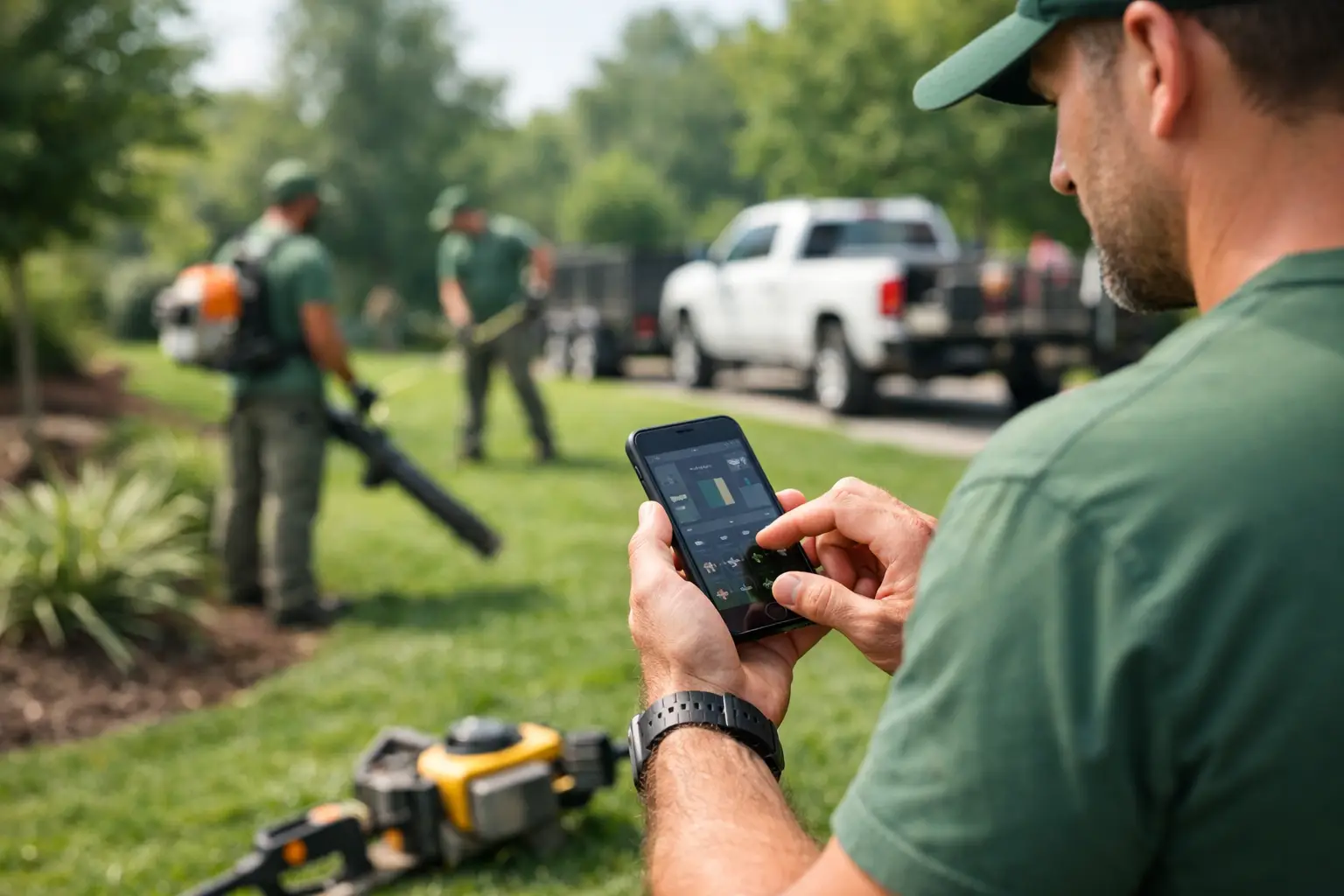
A landscaping crew time app should do more than replace a paper timecard. It should show you who is on each property, how many labor hours the work is taking, and whether the job is still making money before the week is over. For landscape contractors managing mowing routes, installs, hardscapes, irrigation, and seasonal cleanup, labor is usually the biggest moving number on the job.
When crews clock in on paper, the office is left chasing answers. Was the crew at the right property? Did they spend two hours or four? Was that extra labor approved? By the time timecards reach payroll, the job may already be over budget.
Why Landscaping Time Tracking Gets Complicated
Landscaping work rarely happens in one place all day. A maintenance crew may visit six properties before lunch. An install crew may load materials, pick up equipment, work at one site, then help another crew finish a patio before heading back to the yard. Rain delays, customer changes, travel time, and equipment breakdowns can shift the plan fast.
That is why a basic punch-clock app is not enough. If it only records a start and end time, it tells you how long an employee worked but not where the labor went. You still have to sort out job costs manually, guess at crew allocations, and hope the paperwork is accurate.
A better system ties time directly to the job. The foreman selects the property or project, adds the crew, and records time as work happens. The office sees job-level labor without re-entering handwritten cards or decoding notes at the end of the week.
What a Landscaping Crew Time App Should Track
The right app needs to work at the speed of the field. Crews should not have to scroll through complicated menus or enter the same information twice. If the process takes too long, workers will avoid it, and the office will be back to fixing records after the fact.
At a minimum, look for crew time tracking that lets a foreman clock a full crew in and out from a phone, assign time to a specific job, and make corrections when the day changes. Supervisors should be able to see current labor activity without calling every truck.
Job-level detail matters most. A landscape installation estimate may include labor for excavation, base prep, paver installation, planting, irrigation adjustments, and final cleanup. If all labor lands under one broad category, you can see total hours but not where the estimate missed. When time is assigned clearly, you can compare actual labor against what you planned and improve the next bid.
A useful system should also keep a clean approval trail. Employees and foremen make mistakes. The issue is not whether corrections happen. The issue is whether you can see what changed, who changed it, and why. That protects payroll accuracy and gives owners more confidence in the numbers.
Get Answers While the Job Is Still Running
The biggest value of a landscaping crew time app is not faster payroll, although that helps. It is faster job control.
Say your crew is installing a retaining wall estimated at 120 labor hours. By Thursday afternoon, the crew has already logged 105 hours, but the wall is only three-quarters complete. If you do not see that until the following payroll cycle, there is little you can do except absorb the loss.
With current labor data, you can ask the right questions immediately. Is the site access slower than expected? Did rock removal take longer than the estimate allowed? Is a material delay leaving workers waiting? Does the customer keep adding small changes without approval? The answer may justify a change order, a crew adjustment, or a better plan for the remaining work.
The same applies to recurring maintenance work. A property that was profitable in spring can become a problem when growth picks up, access changes, or the scope creeps. Tracking labor by visit and by property helps you spot routes that need a price adjustment before the season is gone.
Make It Easy for the Foreman, Not Just the Office
Software fails in the field when it feels built for someone sitting at a desk. Your foremen need a simple process they can use while loading a trailer, answering a customer question, or moving crews between sites.
The best workflow is usually crew-based. The foreman starts the day, selects the active job, and clocks in the crew. When the crew moves, the foreman changes the job assignment. At the end of the day, the time is ready for review. Workers do not need to manage spreadsheets, and the office does not need to reconstruct a day from texts and paper slips.
There is a trade-off here. More detail gives you better job-cost reporting, but too many required fields will slow adoption. Start with the information you will actually use: employee, job, time, and a short note when something unusual happens. Add detailed labor codes only if your team will consistently use them and your estimates are built to compare against them.
Connect Time to the Rest of the Job
Hours alone do not explain profitability. A job can run over because labor was inefficient, materials were underbid, equipment sat idle, or a customer changed the scope. The clearest picture comes when crew time sits alongside job photos, daily logs, equipment use, materials, and documentation.
For example, a foreman can record that a skid steer was down for two hours, attach a photo of unexpected buried debris, and log the crew time against the affected project. That gives the office a factual record for a customer conversation or change order. It also gives the estimator useful information before bidding similar work again.
This is where a subcontractor-focused platform such as SimplySub can make the process easier. Instead of moving between a time app, spreadsheet, photo folder, and invoicing system, the team can keep the operational record in one place. The goal is not more software. It is fewer gaps between the field and the office.
Signs Your Current Process Is Costing You Money
Paper timecards are not automatically wrong, especially for a very small crew with one job at a time. But they become expensive when the office regularly spends hours entering payroll, fixing missing job names, or asking foremen where labor went.
You likely need a better process if payroll hours and job-cost hours do not match, if foremen submit time late, or if you cannot tell which properties are consuming the most labor. The same is true when you discover overages only after invoicing or when payroll corrections have become normal.
A landscaping crew time app will not fix a weak estimate, unclear scope, or poor crew planning on its own. What it does is give you evidence early enough to act. That is a major difference. You can price the next job better, document a change before it becomes an argument, and put the right crew on the right work.
Start With One Clear Field Process
Before rolling out any time app, decide exactly how your company will use it. Define who starts crew time, when a crew changes job assignments, how lunch and travel time are handled, and who approves edits. Keep the rules short enough that a new foreman can understand them in a few minutes.
Then set up jobs with names your crew recognizes. “Smith Residence - Front Patio” is more useful than an internal number nobody remembers. Test the process with one crew for a week, review the records with the foreman, and remove anything that causes confusion.
The best system is the one your crews will actually use every day. When time is captured at the job, tied to the work, and visible before payroll closes, you stop managing labor by guesswork and start protecting the margin you worked to win. To see the process in action, schedule a demo or review pricing and start your 100-day risk-free account.