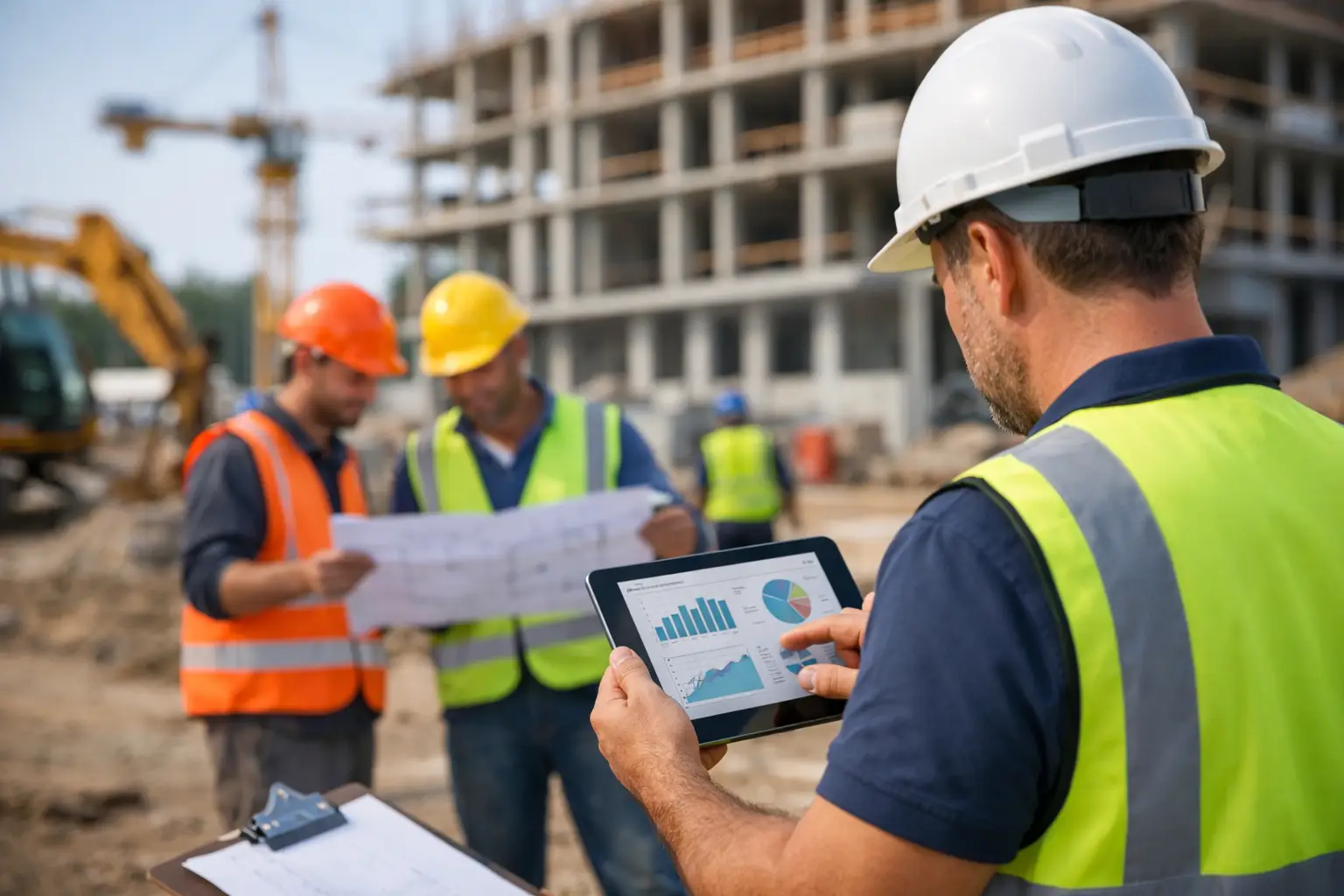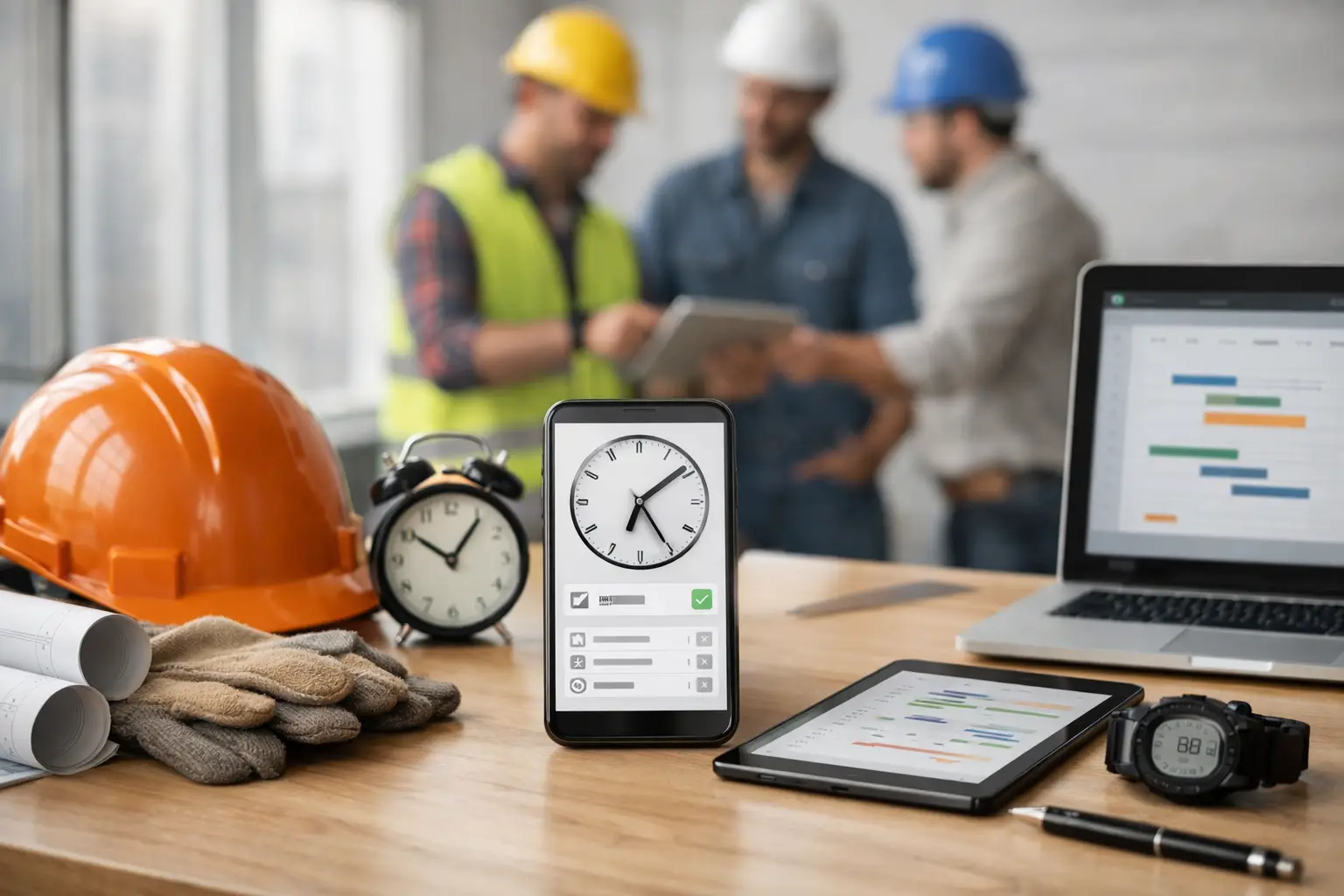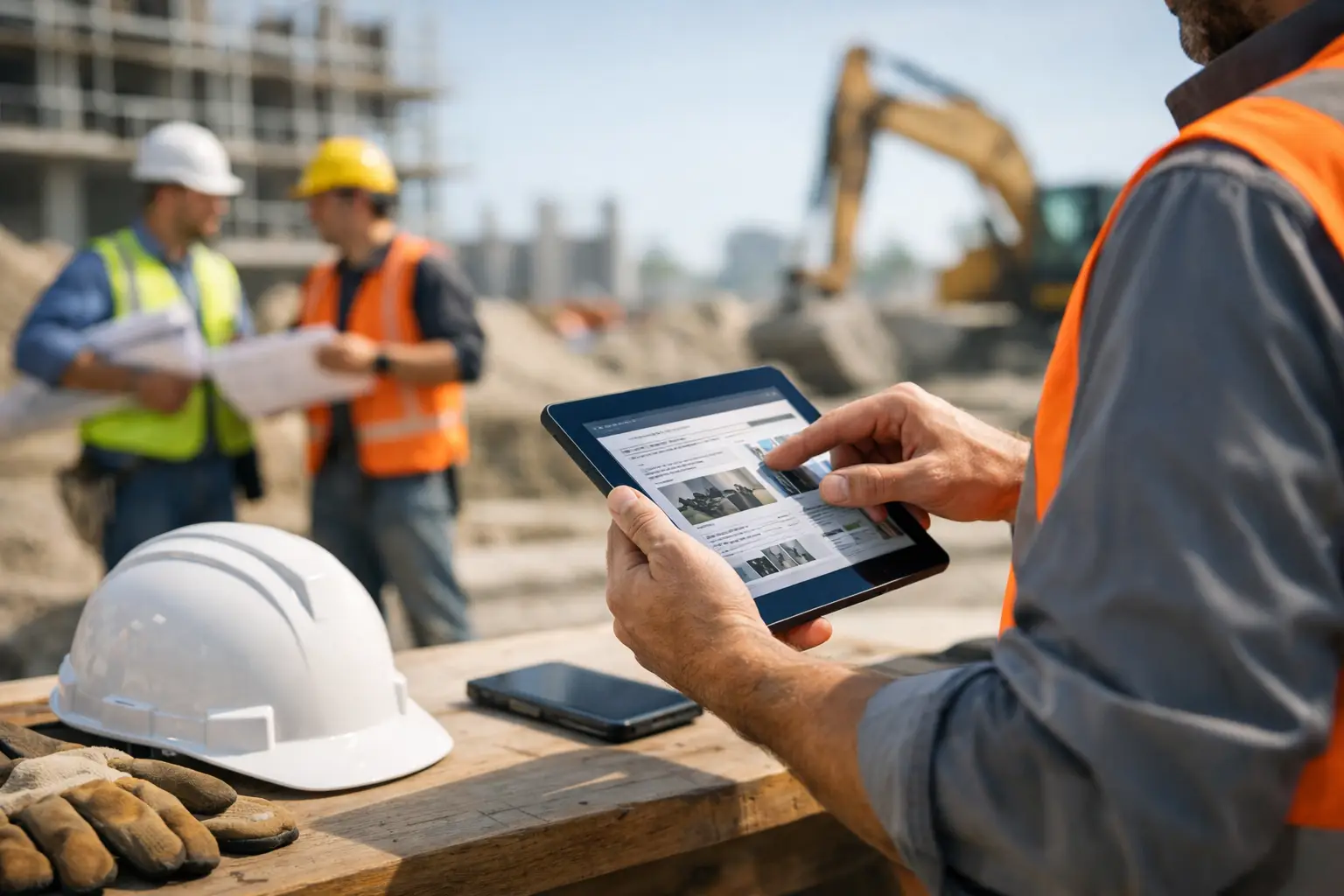
A foreman finishes a 10-hour day, gets back in the truck, and still has one more job to do - remember who was on site, what got installed, what equipment was used, what delayed the crew, and what needs to be documented before tomorrow. That is exactly why digital daily reports for subcontractors matter. They turn jobsite memory into real-time records your office can actually use.
For subcontractors, daily reporting is not about creating more admin work. It is about protecting labor, tracking production, backing up invoices, documenting delays, and keeping owners, project managers, and field leaders on the same page. When those reports live on paper, in text threads, or in a foreman’s notebook, details get missed. When they are digital and field-friendly, the whole company gets faster and more organized.
Why subcontractors need digital daily reports
Most subcontractors are already collecting daily information. The problem is how scattered it is. Hours may be on a paper timecard. Material use might be written on a delivery ticket. Photos sit on someone’s phone. Delay notes get mentioned in a call, then disappear. By the time the office tries to pull everything together, the facts are incomplete.
Digital daily reports for subcontractors fix that by giving the field one place to log what happened each day. Crew hours, work completed, installed quantities, equipment usage, site conditions, safety notes, deliveries, and job photos can all be captured in the same workflow. That means fewer gaps, fewer phone calls, and fewer end-of-week guesswork sessions.
This matters even more for subs because your margin often depends on tight production tracking. General contractors may care about the schedule at a high level. Subcontractors need to know whether Crew A spent eight hours laying block, pulling wire, grading a lot, or waiting on another trade. If you do not capture that daily, you lose visibility fast.
What a good digital daily report should actually include
A daily report should help you run work, not just create a file for later. At minimum, it needs the basics: who was on site, what work was performed, what job cost items were impacted, what materials arrived or were used, what equipment was running, and whether anything blocked progress.
For some trades, that may be enough. A small fencing crew may only need labor, footage installed, photos, and a delay note if utility locates were late. A concrete contractor may need more detail, such as pour location, yardage, finish type, weather conditions, start and stop times, and pump or equipment hours. The right setup depends on the trade and the size of the operation.
That is the trade-off. If your daily reports are too simple, they miss the information you need to protect the job. If they are too detailed, the field stops using them. The best systems keep the process short while still capturing the details that affect schedule, billing, and profit.
Digital daily reports for subcontractors should be built for the field
A report only works if the crew leader can finish it quickly from the jobsite. That sounds obvious, but a lot of construction software is built around office workflows or general contractor reporting needs. Subcontractors need something different.
Field teams need a mobile process that is easy to complete between tasks, from the truck, or before leaving the site. They should not have to open five different screens, type long notes for basic updates, or fight through a system that feels like enterprise software. If it takes too long, adoption drops. If it is confusing, the office ends up chasing missing information anyway.
That is why simplicity matters more than feature volume. A clean daily reporting workflow is better than a bloated one with options nobody uses. For most subcontractors, speed and consistency beat complexity every time.
The business impact goes beyond documentation
The biggest benefit of digital daily reports is not that your files look cleaner. It is that your business runs with better information.
When reports come in daily, the office can see labor as it happens instead of waiting for Friday. Project managers can compare progress against the estimate sooner. Owners can spot jobs that are drifting over budget before the month is gone. If a customer disputes extra work, you have a record. If a crew loses time because another trade was in the way, you have documentation tied to the date, photos, and site notes.
This also improves billing. Many subcontractors do work that is hard to invoice cleanly when records are weak. Time and material work, small change requests, equipment charges, and extra mobilizations all depend on clear daily support. A digital record makes those charges easier to justify and harder to forget.
There is also an accountability benefit, but it should be handled the right way. Daily reports should not feel like surveillance. They should give foremen a simple way to show what got done, what slowed them down, and what resources were used. Good reporting protects the field as much as it helps the office.
Common problems with paper and spreadsheet reporting
Paper is familiar, but it creates delays. A form filled out at 4:30 p.m. still has to make it back to the office, get read, and be entered somewhere else. Handwriting can be unclear. Photos are separate. If a sheet gets lost, the record is gone.
Spreadsheets solve part of the problem, but not all of it. They are better than paper for organizing information, but they still depend on someone entering data after the fact. That means more double entry and more room for error. They also are not ideal for field use, especially for crews moving between jobs or working from phones.
Text messages and group chats are even worse as a reporting system. They are fast in the moment, but they do not create a structured record. Good luck finding the exact note about weather delay, skid steer hours, and material delivery from three weeks ago when a billing issue comes up.
How to roll out digital daily reporting without pushback
The mistake many companies make is trying to overhaul everything at once. Start with the information you truly need every day. For most subcontractors, that is labor, work completed, delays, photos, and any major materials or equipment used.
Then keep the process consistent. If one foreman writes a paragraph, another sends two photos, and another checks a few boxes, the office still has a reporting problem. Set a clear standard for what must be submitted daily and keep it simple enough that every crew leader can follow it.
Training matters, but this should not require a week of classroom time. A field-friendly system should be easy to learn in minutes, not days. If your foremen are not tech-heavy, that is not a reason to avoid digital reporting. It is a reason to choose software that respects how crews actually work.
It also helps to explain the why. Foremen are more likely to buy in when they understand that daily reports reduce callbacks from the office, support payroll accuracy, back up extra work, and help avoid disputes later. When they see that the process saves time instead of adding hassle, adoption gets easier.
What to look for in software for digital daily reports
Not every construction platform is a good fit for subcontractors. Some systems are overloaded with general contractor tools and workflows your crews will never use. Others look good in a demo but slow down the field once real jobs start moving.
Look for software that handles daily reports as part of the bigger picture. The best setup connects daily reporting with time tracking, job photos, production notes, materials, equipment, and documentation. That way, your team is not entering the same information in multiple places.
Mobile usability should be non-negotiable. So should fast setup. If you need months to configure forms, permissions, and workflows, you are already heading toward a complicated rollout. For most small to mid-sized subcontractors, the better choice is software that crews can start using right away and the office can trust from day one.
This is where a subcontractor-focused system makes a real difference. Platforms like SimplySub are built around the way trade contractors already operate, which means less setup, less confusion, and a faster path to consistent reporting.
Better records lead to better jobs
Digital daily reports for subcontractors are not just a nicer version of paperwork. They are a way to run tighter jobs with less guesswork. When labor, production, delays, photos, and field notes are captured daily, you get a clearer picture of what is happening across every crew and every project.
That clarity pays off in small ways every day and big ways over time. Fewer missing details. Faster billing. Better backup. Less chasing the field. More confidence in your numbers. If your current process depends on memory, paper, and end-of-week cleanup, there is a better way to stay organized without making the work harder. To see how this can work for your crews, you can schedule a demo or review pricing and start your 100 day risk free account.