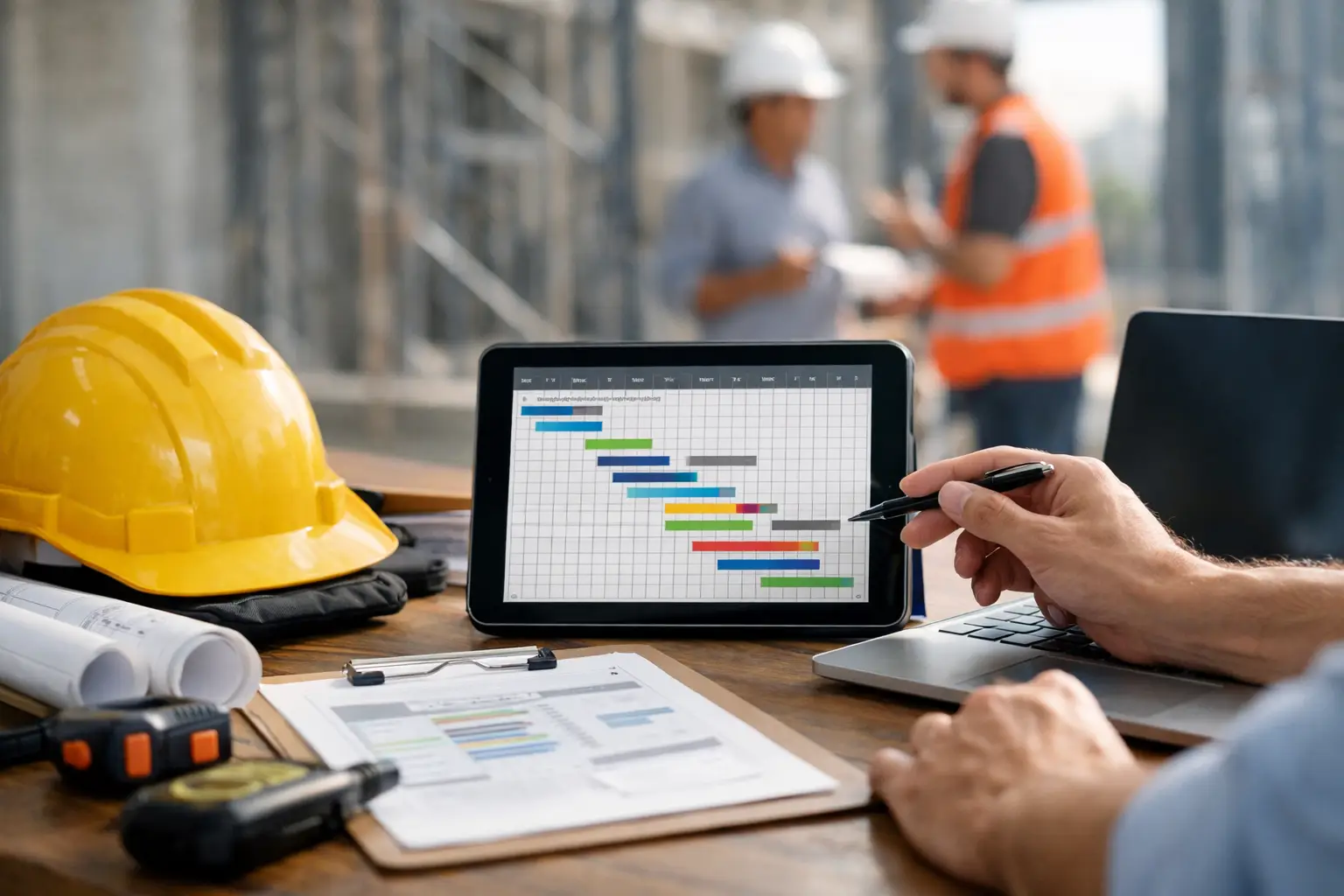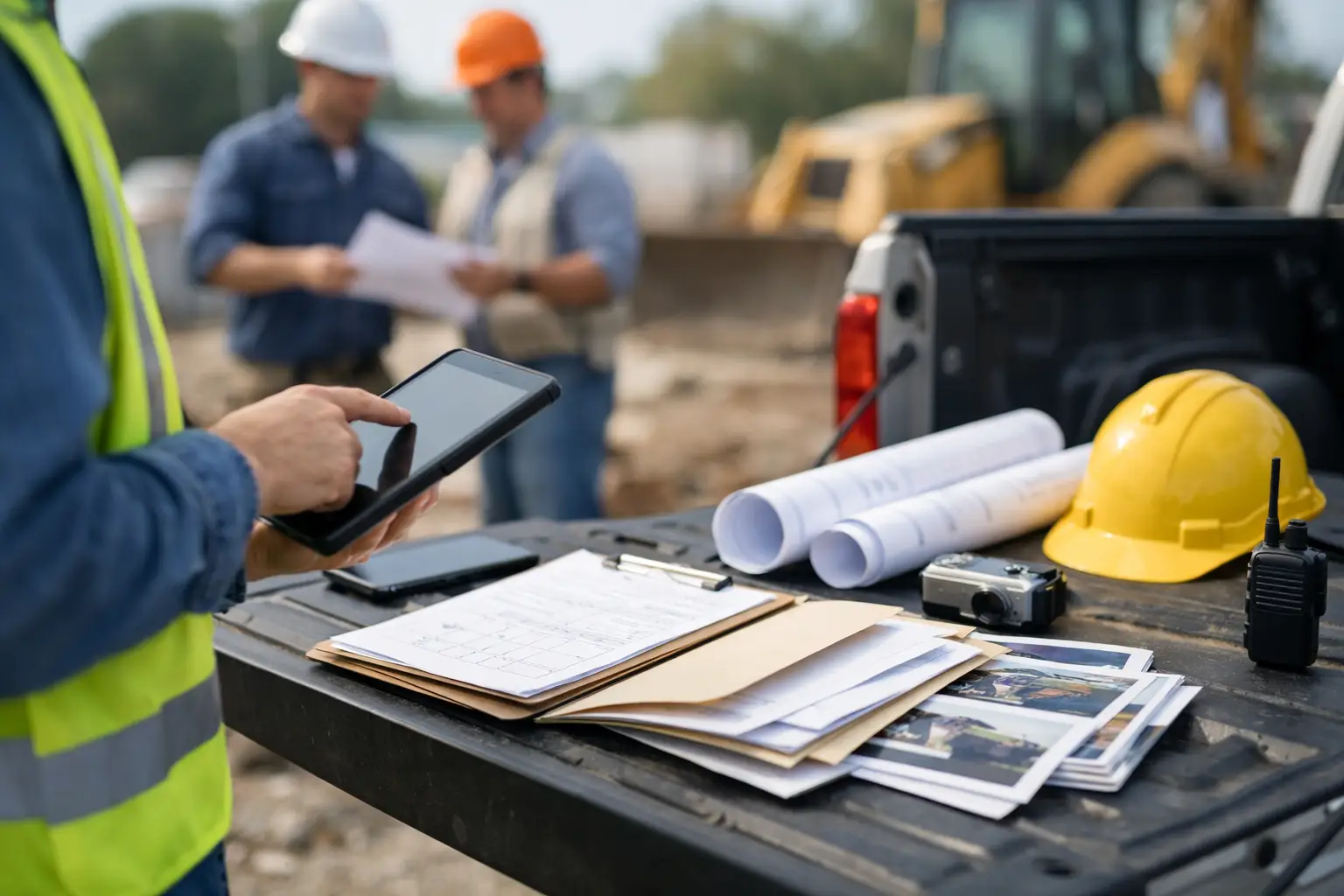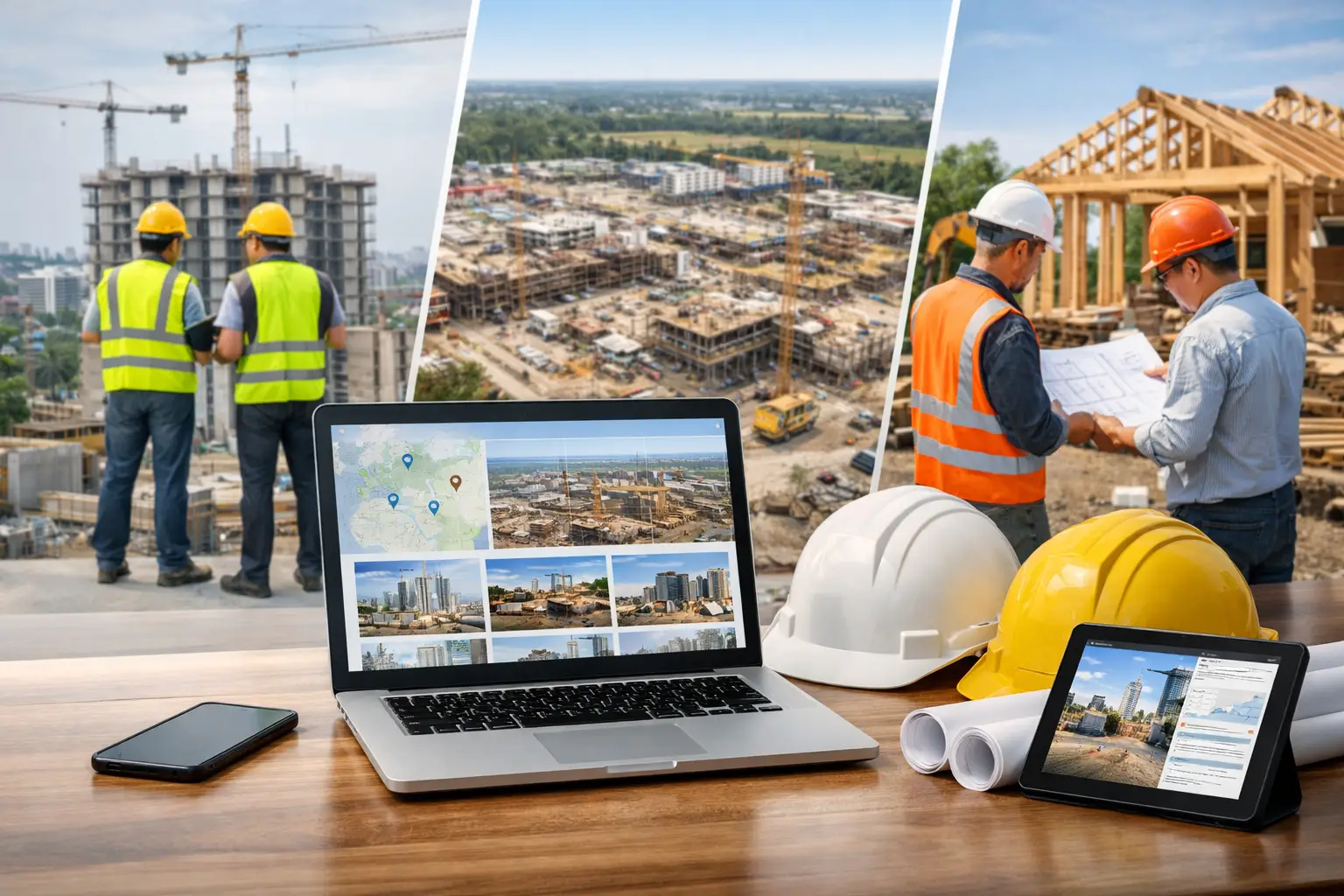
A foreman finishes a long day, gets home, and still has to sort through timecards, material receipts, job notes, and photos on a phone. By the time the office sees the information, the crew has moved on to the next job. That is the real foreman app vs paper logs decision. It is not just about replacing a clipboard. It is about whether your business can see what happened on a job while there is still time to act on it.
Paper logs can get a crew through the day. But for subcontractors juggling multiple jobs, crews, materials, and change work, paper creates a delay between the field and the office. That delay is where missed hours, forgotten details, and profit leaks tend to hide.
Paper Logs Look Cheap Until the Office Starts Chasing Them
A paper daily log has an obvious advantage: everybody knows how to use it. A foreman can write down the weather, crew count, work completed, deliveries, and issues without opening an app or worrying about battery life. On a small job with one crew and a hands-on owner, that may be enough.
The problem starts after the form is filled out. Someone has to collect it, read the handwriting, enter the information into payroll or a spreadsheet, save the photos somewhere, and ask follow-up questions when details are missing. If the log stays in a truck for three days, the office is working blind for three days.
That administrative time has a cost. So does a timecard that lists eight hours for every worker because nobody can remember who left early. So does a missing delivery ticket when a customer questions a material charge. Paper may be inexpensive to print, but it is rarely inexpensive to manage at scale.
The bigger issue is consistency. One foreman writes detailed notes. Another writes “worked on site.” One crew turns in receipts. Another leaves them in the glove box. Owners and office managers end up building their process around chasing information instead of using it.
Foreman App vs Paper Logs: The Jobsite Difference
A good foreman app should not turn a crew leader into an office administrator. It should make routine reporting faster than paper, with the right information captured while the job is still fresh.
Time is recorded where the work happens
With paper logs, time often gets written down at the end of the day or reconstructed later. That leaves room for honest mistakes and rushed guesses. A mobile app lets a foreman review crew time by job, assign hours to the right cost code or task, and send the information to the office without rekeying it.
For a concrete contractor, that can mean separating formwork hours from pour-day labor. For a landscaping crew, it can mean seeing labor against installation work instead of lumping the full day into one job line. The office gets cleaner payroll information, and the owner gets a clearer picture of where labor is going through accurate time and attendance tracking.
Daily reports arrive before the problem gets old
When a crew runs into an access issue, waits on another trade, or loses half a day to weather, that information matters most on the day it happens. A paper note submitted at the end of the week is documentation, but it is not a useful management tool.
A foreman app can capture the delay, attach photos, and make the report visible right away through digital daily work logs. The office can notify the general contractor, document the issue for a change request, or adjust tomorrow’s schedule. The goal is not more reports. The goal is fewer surprises.
Photos have context instead of living in a camera roll
Job photos are valuable when they show what was done, what was delivered, or what caused a delay. They are less useful when they sit in a foreman’s personal phone with no job name, date, or explanation.
With a field-friendly app, photos, files, and notes can be connected to the job, daily report, equipment issue, or work area as they are taken. That gives the office a record that is easier to find when a customer calls months later. It also helps foremen show progress without spending extra time building a separate report.
Materials and equipment stop becoming afterthoughts
Paper logs tend to focus on labor because labor is the most immediate thing to write down. Materials, equipment hours, and small job costs often get captured later, if they get captured at all. That makes job costing less accurate and billing slower.
A digital daily workflow can prompt the foreman to record deliveries, material usage, equipment used, and notes about damage or downtime. This does not mean every crew needs to become a data-entry team. It means the few details that affect cost and billing are recorded once, in the field, instead of hunted down later.
Accountability improves without hovering over the crew
Some contractors worry that a foreman app will feel like micromanagement. That depends on how it is introduced and how hard it is to use. If the app adds ten extra steps to a normal day, crews will resist it. If it replaces paperwork, text-message updates, and repeated calls from the office, most foremen see the value quickly.
The right system gives the foreman a clear, fast way to report the day. It gives the owner visibility without requiring them to call every jobsite at 4:30 p.m. That is accountability built into the process, not another layer of pressure.
When Paper Logs Still Make Sense
Paper is not automatically wrong. A one-day emergency repair, a very small crew, or a jobsite with unreliable service may call for a simple backup form. Some experienced foremen also prefer writing notes by hand, especially during a busy pour, teardown, or service call.
The practical answer is not forcing technology into every second of the day. It is making sure the final job record reaches the office quickly and accurately. A mobile app that works from a phone and is simple enough to use at the end of a shift can handle that without disrupting the work itself.
Many subcontractors keep a paper backup for unusual situations while using digital logs as the standard process. That approach protects the business when connectivity is poor without making paper the permanent system of record.
What to Look for in a Foreman App
Do not buy software because it has the longest feature list. Most subcontractors do not need enterprise tools built around a general contractor’s workflow. They need a system that crews will actually use and that gives the office useful information without extra cleanup.
Start with the daily work. Can a foreman clock a crew in, assign time to the right job, add a quick daily note, upload photos, and record materials from a phone? Can the office see that information immediately? Can it flow into estimating and invoicing or accounting without someone entering it again?
Also look at setup. If the system requires weeks of configuration, custom forms, and a training program before a foreman can submit one report, it may not be a fit for a fast-moving subcontractor. Simple to learn matters because adoption matters. The best app is the one your crews use every day, not the one with the most buttons.
A platform such as SimplySub is built around that reality: job tracking, crew time, daily logs, photos, materials, and office visibility in one place, without making field teams work through software designed for general contractors.
Make the Switch Without Slowing Down the Field
The cleanest rollout starts with one crew or one active job. Set a simple standard for what must be captured: crew time, work completed, photos when needed, delays, and material or equipment notes that affect the job cost. Keep the first week focused on those basics.
Have the office review reports daily and respond quickly when information is missing or a problem is flagged. That shows foremen the reporting is being used, not filed away. It also lets you fix confusion before bad habits set in.
Do not try to digitize every old form on day one. Start with the information that payroll, billing, scheduling, and job costing need most. Once the crew sees fewer calls, fewer lost tickets, and less end-of-week paperwork, expanding the process becomes much easier.
The right move is the one that makes tomorrow’s job easier to manage than today’s. If paper logs are creating delays, guesswork, or repeated calls between the field and office, a simple foreman app can give your team back the time and visibility those jobs are already costing you. You can schedule a demo or review pricing to see how SimplySub fits your field workflow.