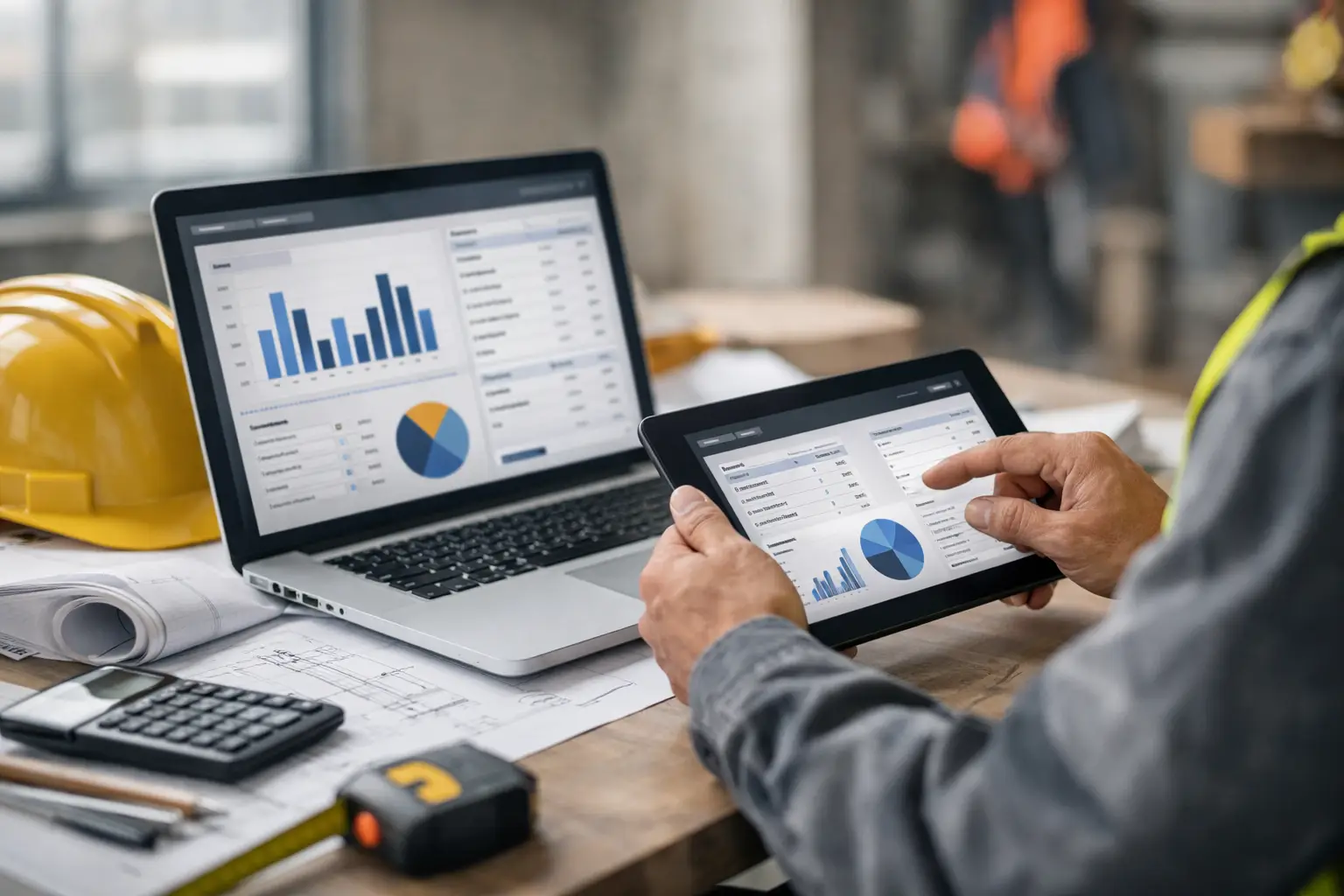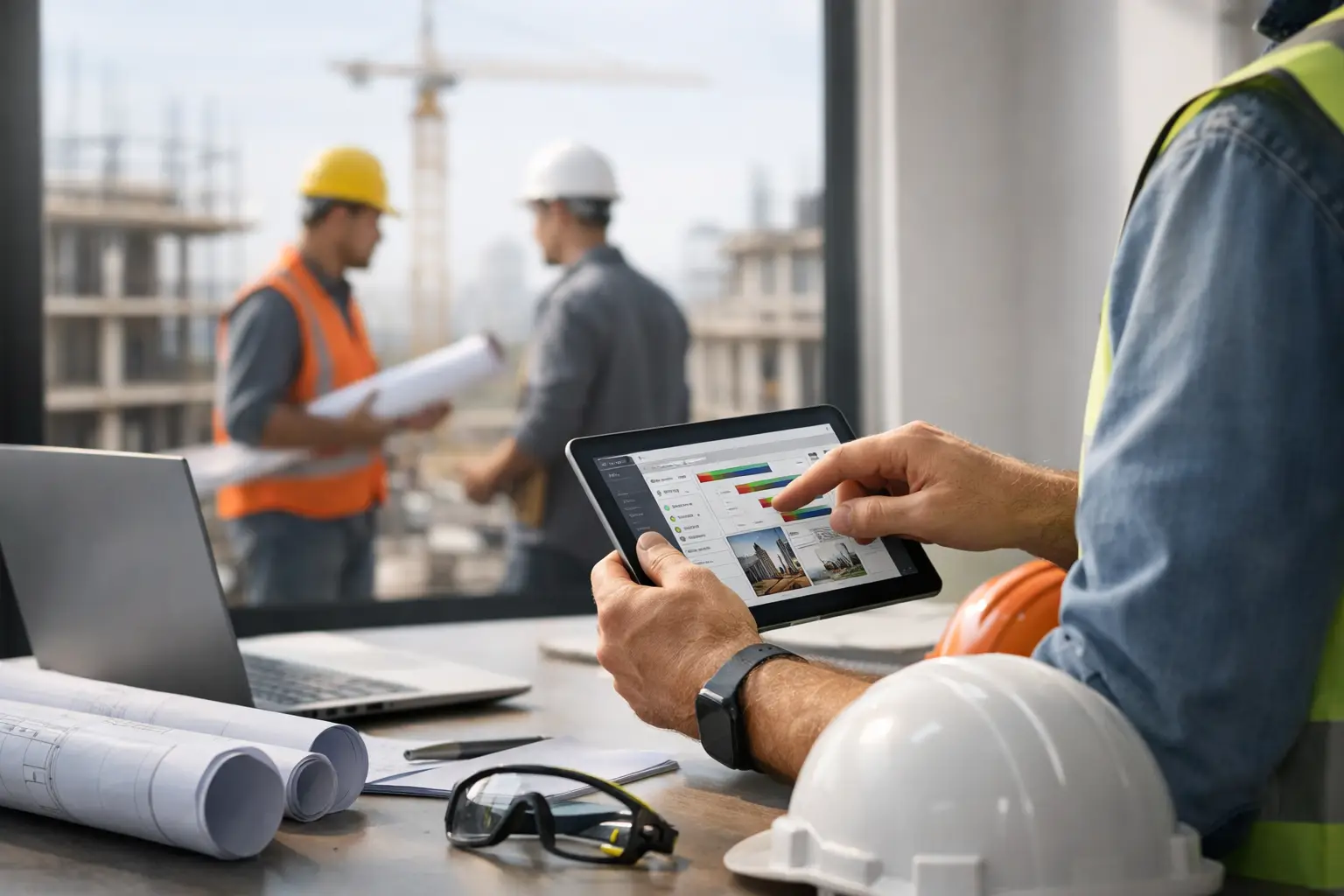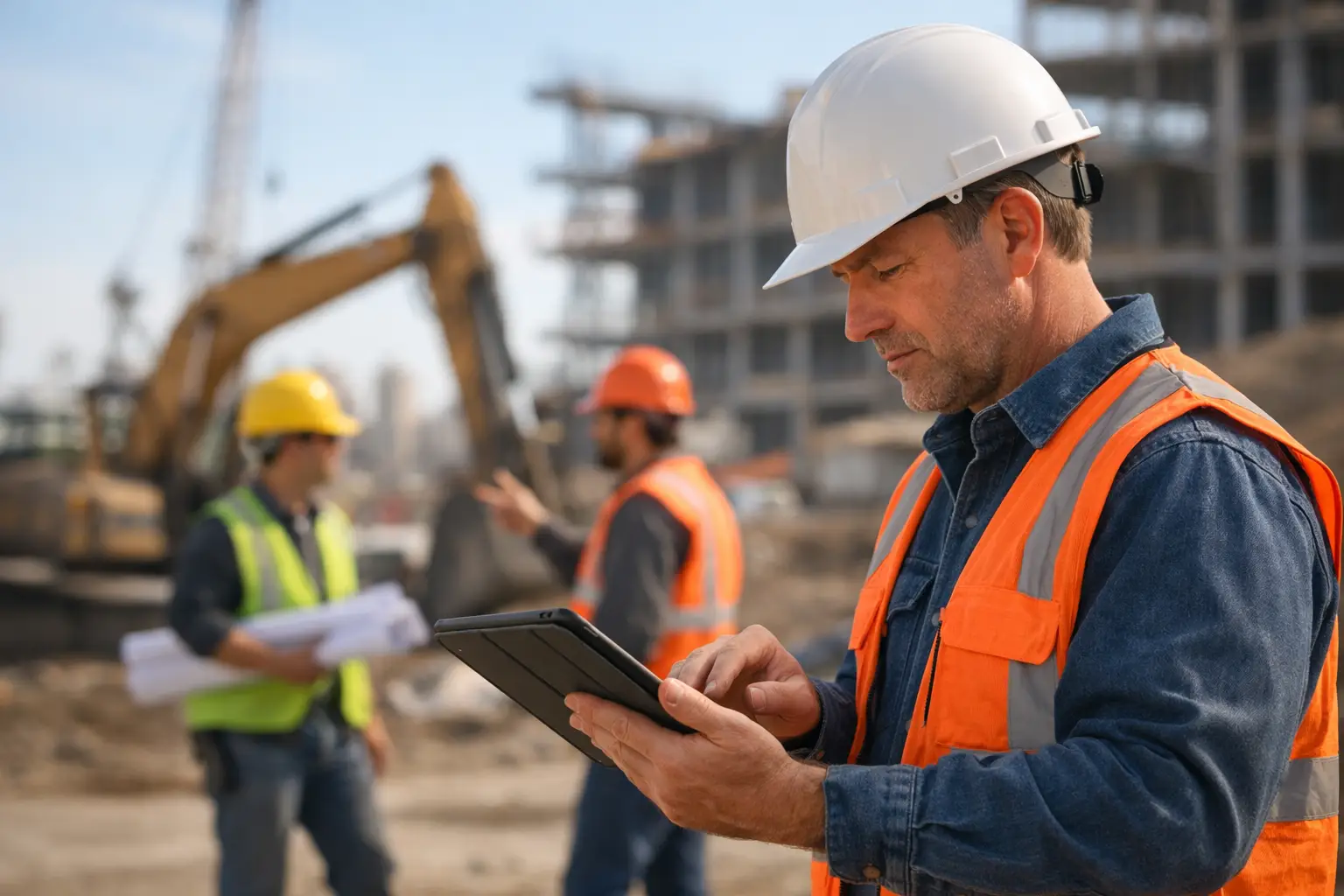
A foreman does not need another app that looks good in a sales demo and falls apart by 9:30 on a muddy jobsite. He needs something that helps him answer basic questions fast: Who is on site, what got done, what showed up, what is missing, and what needs to be documented before the crew moves on.
That is why choosing an ipad app for foremen is less about flashy features and more about whether it actually fits the pace of field work. If the app takes too many taps, needs constant babysitting, or feels like it was built for a general contractor instead of a subcontractor, it will not last. The best option is the one your crew will use without a fight and your office can trust without chasing people down, which is exactly why many contractors start with construction software built for subcontractors.
What an iPad app for foremen should actually do
Foremen are not sitting at a desk managing one clean workflow at a time. They are juggling labor, production, deliveries, safety issues, schedule changes, and calls from the office while trying to keep the job moving. An app has to reduce that pressure, not add to it.
A useful iPad app for foremen should handle the daily basics in one place. That usually means crew time, attendance, daily logs, job photos, material usage, equipment tracking, and field notes. It should also make that information visible to the office quickly, because a foreman should not have to text one update, email another, and then hand over paper timecards later, especially when using time and attendance software designed for the field.
There is also a simple test that matters more than any feature list: can a foreman use it while standing in the field, wearing gloves, with limited patience and spotty service? If the answer is no, the software may be fine in theory, but it is not built for real jobsites.
Why iPad works well in the field
For many crews, the iPad hits the middle ground. Phones are convenient, but the screen can feel cramped when reviewing plans, entering detailed notes, or showing photos to an owner or superintendent. Laptops can do more, but they are slower to carry around and less practical in the field.
An iPad gives foremen enough screen space to manage the day without turning every task into a chore. It is large enough for photos, logs, and crew details, but still portable enough to stay close to the work. That matters when updates need to happen in real time instead of at the end of the day when details get fuzzy, especially when paired with daily work logs software that keeps everything organized.
That said, device choice is only part of the equation. A bad workflow on an iPad is still a bad workflow. The app has to be simple enough that entering time, adding notes, or uploading a few photos takes seconds, not a ten-minute detour.
The biggest mistakes companies make when choosing an ipad app for foremen
The first mistake is buying for the office and hoping the field adapts. Office staff may want detailed reporting, but if the app is too clunky for the foreman, the data will be late, incomplete, or wrong. Good reporting starts with easy field entry, which is why solutions built for construction field teams tend to perform better.
The second mistake is choosing software loaded with features that sound impressive but rarely get used. Most subcontractors do not need a giant platform built around the needs of owners and GCs. They need a practical system that keeps labor, production, documentation, and billing connected, like all-in-one construction software features that actually get used in the field.
The third mistake is underestimating adoption. If the app needs heavy training, long setup, or constant support calls, it becomes one more thing to manage. On most jobs, simple to learn wins over feature-heavy every time.
Features that matter most for foremen
Time tracking is usually the first thing to get right. Foremen need to know who is on site, when they started, whether they moved between jobs, and how many hours should hit each cost code or task. If time entry is confusing, payroll problems show up fast and job costing gets worse, which is why many crews look for a crew time tracking app for construction.
Daily logs matter just as much. A foreman should be able to capture what was completed, who was there, what the weather was, what issues came up, and what delayed the crew. Those notes protect the company later when questions come up about productivity, change orders, or schedule impacts, especially when using construction daily log apps for subcontractors.
Photos are another big one. A strong app makes it easy to attach images to the right job and date without sorting through a camera roll later. That helps with progress tracking, quality control, customer communication, and backup when disputes happen, which is exactly why jobsite photo documentation software has become essential.
Materials and equipment tracking can also make a real difference, especially for trades moving tools and inventory across multiple jobs. Foremen need a quick way to note what arrived, what was used, and what is missing. Without that, the office ends up making decisions from incomplete information, which is why materials tracking software for construction teams and equipment tracking tools matter.
Finally, the app needs to keep communication tight. The field and office should be looking at the same information, not two different versions of the truth.
Simplicity beats complexity on a real jobsite
A lot of construction software tries to solve every possible problem for every type of company. That usually creates more screens, more setup, and more friction. For subcontractors, that can be the wrong fit.
Foremen do better with clean workflows. Start the day, track the crew, log progress, add photos, note materials, and move on. The app should follow the rhythm of the workday. It should not force a foreman to think like an accountant, IT admin, or project executive just to complete basic tasks, which is why software built for owners and project leaders often needs to be simplified for field use.
This is where subcontractor-focused software has an edge. When the product is built around the needs of self-performing crews, the workflows tend to make more sense. You are not fighting through features designed for a different role or business model.
What to ask before you commit
Before picking an app, it helps to look past the demo and ask practical questions. How quickly can a new foreman start using it? Can mixed-tech crews handle it without formal training? Will it work across multiple jobs without creating confusion? Does the office get the information it needs without duplicate entry?
You should also ask how the app handles the handoff from field to office. A foreman may enter time and daily notes, but the real value comes when that same information supports payroll, billing, job costing, and customer documentation, which is why connected tools like estimates and invoicing software become important.
It also depends on your trade. A concrete crew may care deeply about production logs, pour details, and weather notes. A landscaping or fencing company may care more about route-based crew movement, materials, and progress photos. The right app should support your day-to-day work, not force you into someone else’s process, which is why industry-specific solutions like software for concrete contractors can make more sense.
Why adoption matters more than the sales pitch
The best app is not the one with the longest feature list. It is the one your foremen actually use every day. That sounds obvious, but a lot of software decisions miss this point.
If your field leaders avoid the system, forget to enter updates, or keep falling back to texts and paper, the software is not helping. The office still chases timecards. Owners still wait on answers. Billing still slows down. Nothing really changes.
That is why ease of use is not a soft benefit. It is an operational requirement. Fast entry, clear screens, and minimal training are what turn software into a habit instead of a headache.
A practical fit for subcontractors
For subcontractors that want one system instead of a patchwork of spreadsheets, texts, paper logs, and disconnected apps, the right field tool should do more than collect data. It should keep jobs organized, help foremen stay accountable, and give the office real-time visibility without extra admin work.
That is the value of a platform like SimplySub. It is built around subcontractor workflows, not generic construction software bloat. Foremen can handle daily field tasks from an iPad, while the office gets clean information for tracking jobs, labor, materials, documentation, invoices, and more, all within one simple construction platform.
If you are evaluating an ipad app for foremen, keep the standard simple. It should help your crew work faster, keep your records cleaner, and make the office less dependent on chasing updates. If it cannot do that on a busy Tuesday morning, it is probably not the right fit, which is why reviewing construction software pricing alongside usability is important.
The right app should feel like one less problem to manage, and on a jobsite, that goes a long way. If you want to see how it works in practice, you can always watch a live demo.