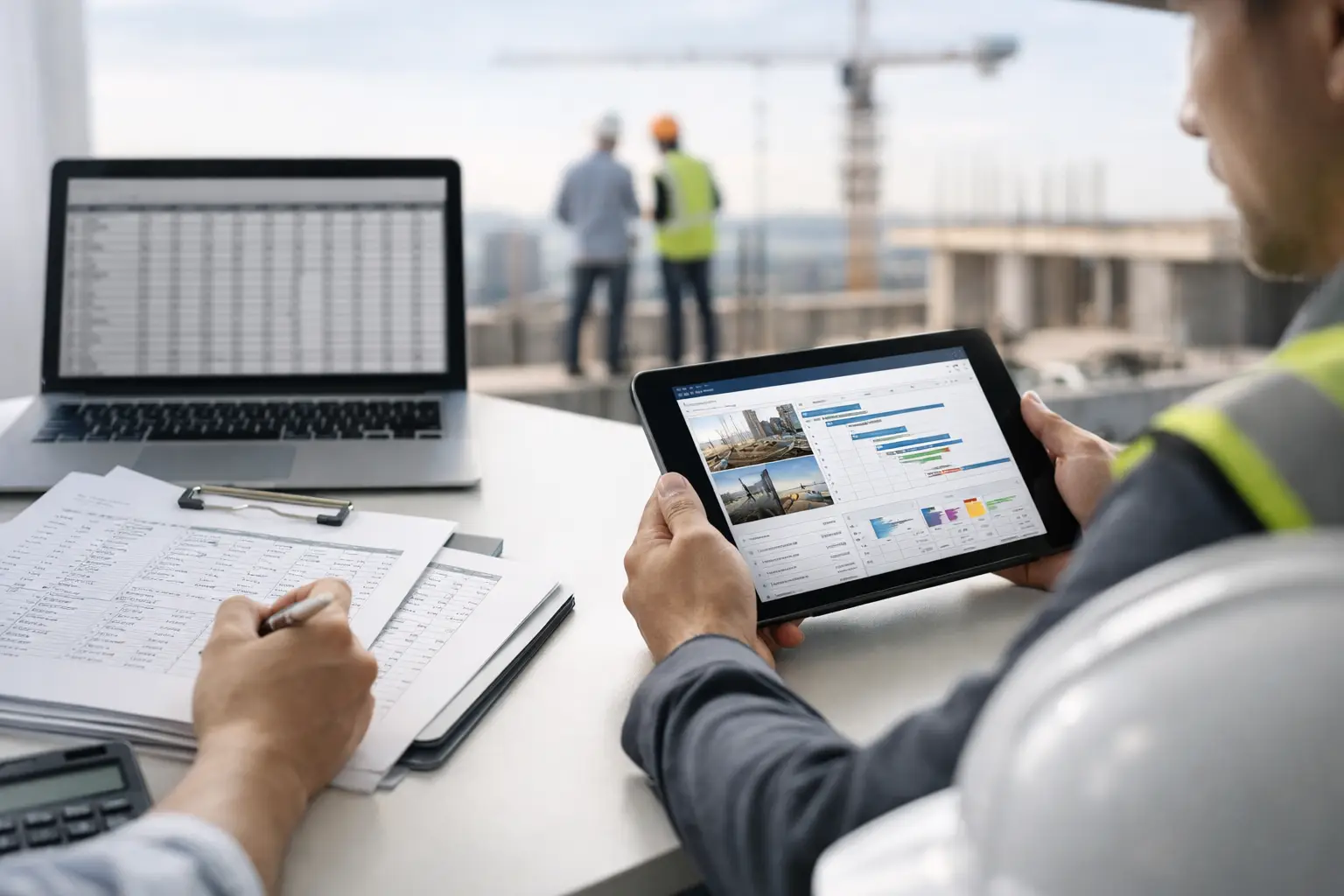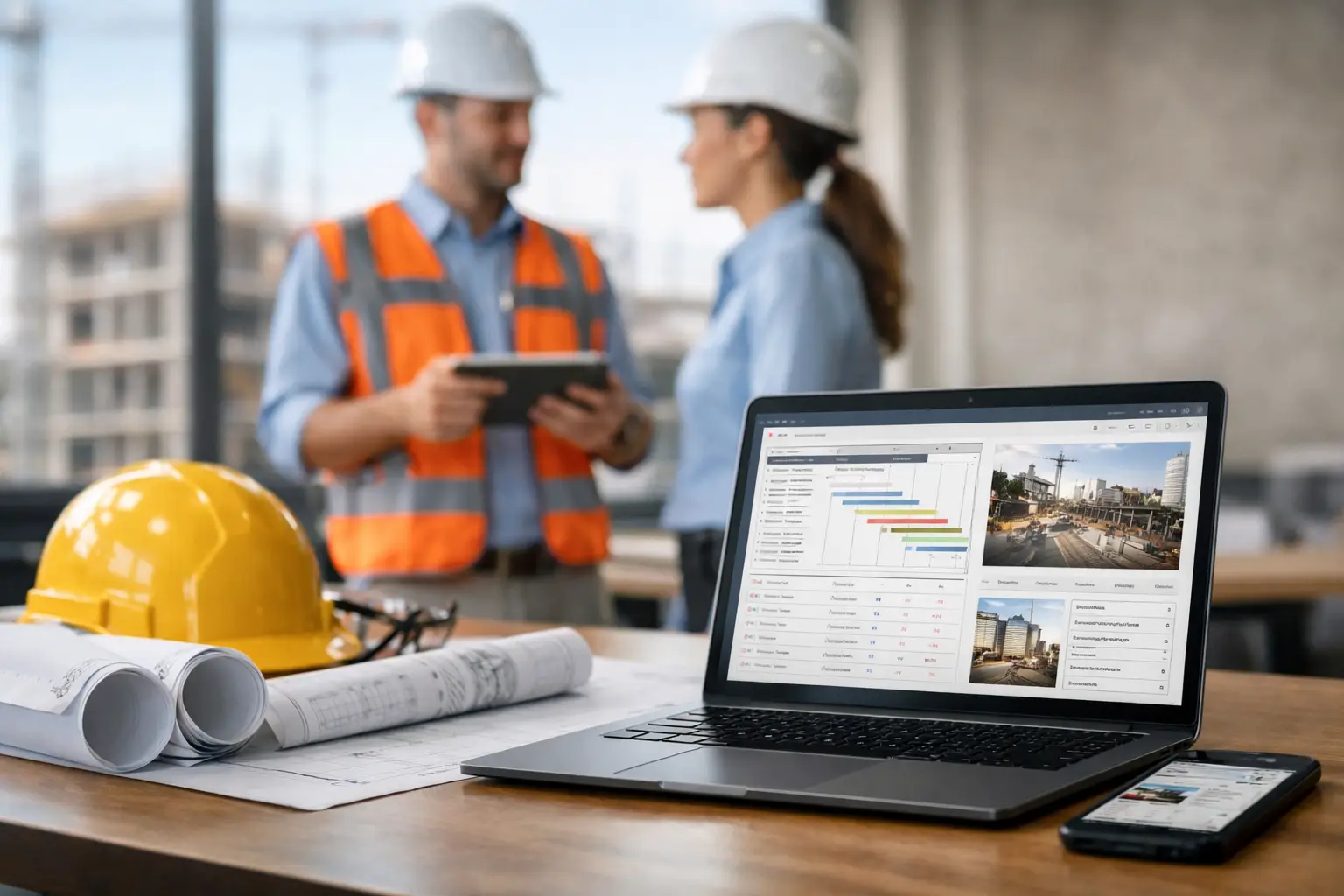
If your foreman is texting job updates, the office is chasing timecards, and invoices wait until someone finds the right paperwork, you already know the problem. What is subcontractor software? It is a system built to help trade contractors run the field and the office from one place, without relying on spreadsheets, paper forms, and disconnected apps.
For subcontractors, that matters because the work does not slow down just because admin gets messy. Crews are moving, materials are arriving, equipment is shared across jobs, and labor costs can get out of hand fast when nobody has a clear real-time picture. Good subcontractor software brings those moving parts together so owners, office staff, and field leaders can see what is happening and act on it.
What Is Subcontractor Software and What Does It Do?
Subcontractor software is construction management software designed specifically for subcontractors rather than general contractors. That distinction matters more than most people think. A GC needs tools for bidding entire projects, managing multiple subs, owner communication, and top-down project controls. A subcontractor needs to know where crews are, what got done today, how many hours hit each cost code, what materials were used, what equipment is on site, and whether the paperwork is ready to bill.
In other words, subcontractor software is meant to support the day-to-day reality of self-performing trade work. It connects the field to the office so information does not get stuck in a truck, on a clipboard, or in somebody's memory.
A solid platform usually handles crew time and attendance, job tracking, estimates, daily logs, photos, field documentation, invoices, and reporting. Some systems also connect to accounting so payroll and billing do not require double entry. The best ones are simple enough for crews to use right away, because software only helps if the field actually uses it.
Why Subcontractors Need Different Software Than GCs
A lot of construction software claims to work for everyone. Usually that means it is built for someone else and adapted later. For subcontractors, that often creates extra screens, extra setup, and workflows that do not match how trade contractors actually operate.
A concrete contractor, for example, is not looking for a tool built around managing architect correspondence or owner change workflows. They need to know which crew poured which slab, how many hours were spent forming and finishing, what equipment was used, what photos document the work, and whether the ticket backup is ready when it is time to invoice.
The same goes for electricians, framers, landscapers, roofers, plumbers, and masons. Their businesses run on field production, labor tracking, documentation, and speed. If the system is too complicated, crews stop using it. Then the office ends up back on spreadsheets, and the software becomes one more thing to manage instead of one less thing to worry about.
The Core Functions of Subcontractor Software
Most subcontractor software is built around one simple goal: get accurate job information from the field into the office fast.
That usually starts with labor tracking. Instead of paper timecards or late Friday phone calls, foremen can log crew hours directly to the right job and task. That gives owners and office managers faster visibility into labor cost, attendance, and production with time and attendance.
From there, job tracking becomes more useful. Daily logs, progress notes, job photos, and field documentation create a running record of what happened on each site. When there is a billing question, a scope dispute, or a customer asking for status, the answer is easier to find.
Materials and equipment tracking matter too, especially for trades running multiple active crews. If a skid steer, trailer, or specialty tool keeps moving between jobs without being documented, costs get blurry. If material usage is not tracked close to real time, estimates and actuals drift apart. Software helps tighten that up, especially with equipment time tracking.
Estimating and invoicing often sit on the same operational chain. If the estimate is built clearly and job costs are tracked consistently, billing becomes faster and cleaner. Some platforms also push invoice data into accounting systems, which saves office staff from entering the same information twice, especially with estimates and invoicing.
What Good Subcontractor Software Looks Like in the Field
The best software for subcontractors is not the one with the most features. It is the one your crew will actually use on a real jobsite, on a busy day, without needing a manual.
That means mobile access matters. A foreman should be able to open the app, clock the crew in, add notes, upload photos, and move on. If every action takes ten taps or depends on perfect cell service, adoption drops fast, which is why tools built for field teams tend to stick.
Speed matters just as much as feature depth. Field teams are not sitting at desks with time to dig through dashboards. Office admins are not interested in spending three weeks setting up workflows they will never use. Simplicity is not a nice extra here. It is the whole point.
There is also a trust factor. Owners need confidence that the data coming in is accurate enough to make decisions. If labor hours are delayed, job notes are incomplete, or invoices are built from scattered records, management is still guessing. Good software reduces that guesswork.
Common Problems It Solves
Most subcontractors do not go looking for software because they want more technology. They start looking because the current system is slowing them down.
Maybe payroll takes too long because timecards come in late or wrong. Maybe job costing is always a week behind. Maybe photos live on different phones, receipts are sitting in trucks, and nobody can find the right paperwork when a customer questions an invoice. Maybe the owner is still the one texting every foreman for updates at the end of the day.
Subcontractor software fixes those problems by centralizing the work. Instead of chasing information, your team captures it as the job happens. That leads to faster payroll, cleaner billing, better accountability, and fewer surprises on job cost.
It can also expose issues earlier. If one crew is burning labor faster than estimated, or a job is falling behind, you have a chance to adjust before the margin disappears. That does not mean software runs the business for you. It just gives you a clearer scoreboard.
What to Look for When Choosing Subcontractor Software
If you are evaluating options, start with fit, not feature count. The right system should match how your trade runs jobs today while giving you better control tomorrow.
Look closely at usability first. Can a foreman use it without training headaches? Can office staff get what they need without building custom reports every day? If the answer is no, the tool will fight your team.
Next, look at the workflows that affect cash flow and labor control. Time tracking, job costing, documentation, estimating, invoicing, and accounting integration usually matter more than flashy extras. A platform that handles those well will do more for your business than one with a long feature list and weak day-to-day execution.
It is also worth asking who the software was built for. Some systems serve enterprise contractors with dedicated admins and IT support. That can work for large organizations, but it is often overkill for a growing subcontractor that needs fast rollout and easy adoption. A tool built specifically for subcontractors will usually make more sense for trade contractors with lean teams and busy crews.
One example is SimplySub, which focuses on the operational side of subcontracting with a simpler setup and field-friendly workflows. That approach fits teams that want better control without adding another complicated system to manage.
Is Subcontractor Software Worth It?
Usually, yes - if the software is simple enough to get used consistently.
The return does not come from buying software. It comes from reducing lost hours, billing faster, catching cost issues earlier, and cutting the admin time spent chasing paperwork. For many subcontractors, even small improvements in labor visibility and invoicing speed can make a noticeable difference in cash flow and margin.
That said, not every company needs the same level of system. A very small crew with one or two jobs at a time may get by with simpler processes for a while. But once you are juggling multiple jobs, multiple crews, shared equipment, and office coordination, the cost of disorganization starts to show up everywhere.
The real question is not whether you can keep running without software. It is how much that patchwork of paper, texts, and spreadsheets is already costing you.
Subcontractor software works best when it feels less like software and more like control - clearer hours, cleaner job records, faster billing, and fewer loose ends at the end of the day. If your team is growing and your current process depends too much on memory, manual follow-up, or one person holding everything together, that is usually your sign. To learn more, schedule a demo or review pricing and start your 100 day risk free account.