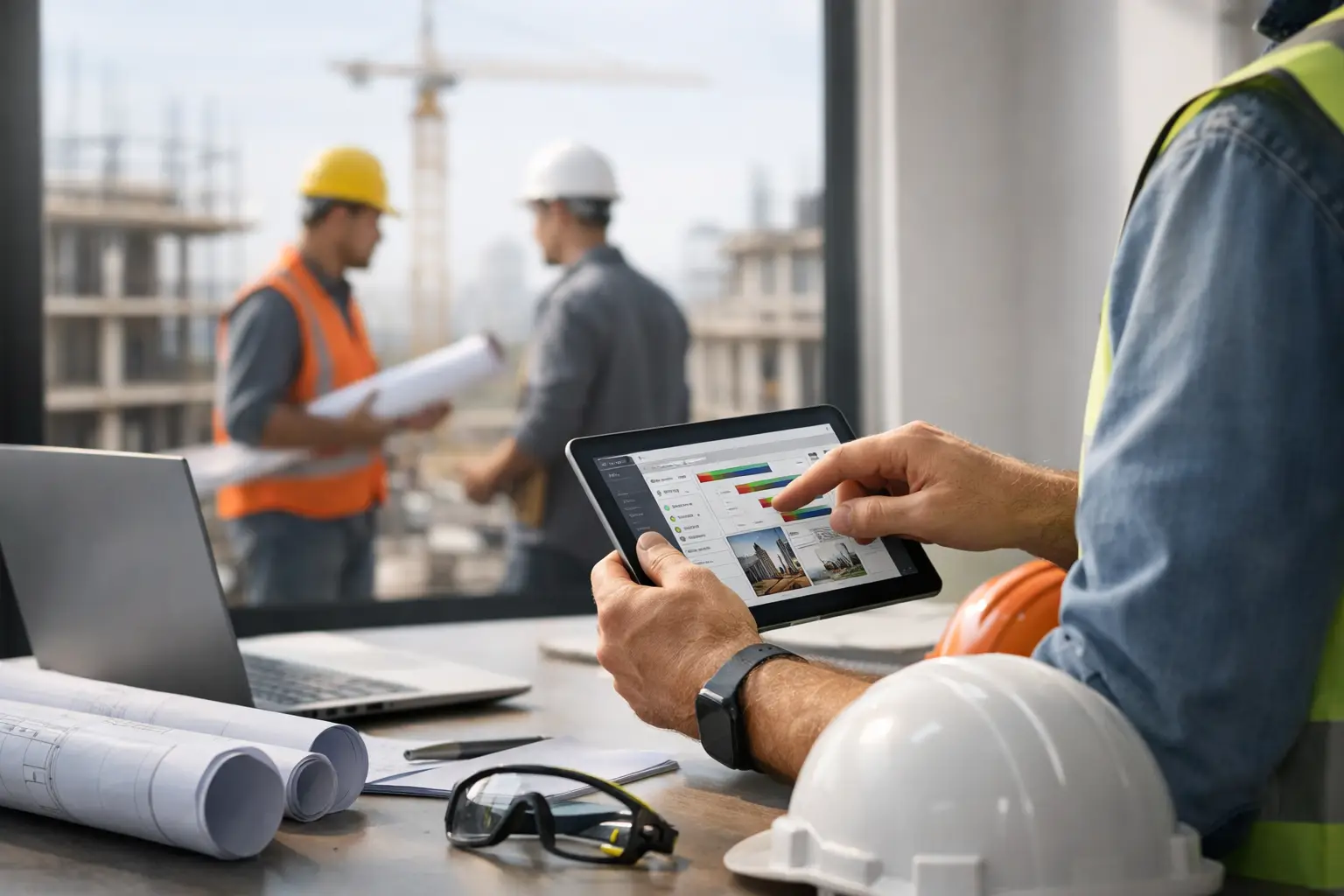
A missed timecard at 4:30 p.m. does not look like a software problem. It looks like a payroll problem on Friday, a job cost problem next week, and a profit problem at the end of the month. That is exactly why subcontractor construction management software matters. For trade contractors running multiple crews, it is not about having more technology. It is about getting clean numbers, faster paperwork, and real visibility without slowing the field down.
Most subcontractors do not need bloated systems built around general contractors, owner reporting, and layers of workflows that never match how a trade business actually runs. They need one place to track labor, materials, equipment, photos, daily activity, and billing. They need something a foreman can use from the truck and an owner can trust from the office.
Why subcontractor construction management software is different
Subcontractors live in a different reality than GCs. A concrete contractor might be pouring on one site, forming on another, and chasing weather on a third. An electrical company may have service calls mixed in with ongoing commercial work. A landscaping crew could be moving labor and equipment daily based on deadlines, change requests, and site access.
That kind of operation creates a simple question: where is the money going today?
Generic construction platforms often answer that question too late or with too much effort. They may be strong at top-level project administration but weak when it comes to crew time, production tracking, job photos, field documentation, and quick invoicing for trade work. They also tend to assume a level of office support and software patience that many subcontractors do not have.
Good subcontractor construction management software is built around field-first accountability. It helps you know who was on site, what they worked on, what equipment was used, what materials were consumed, what changed during the day, and what can be billed now. That is a very different job than simply housing project files.
What the right system should actually help you do
The best software for a subcontractor should reduce admin work, not create another layer of it. If your team has to attend long training sessions just to enter hours or upload a photo, the system is already fighting your operation.
At a minimum, your software should let crews clock time to the right job and cost code, capture attendance without paper, and send that information to the office in real time. It should also make daily logs easy enough that foremen will actually complete them. If they can attach job photos, note delays, and document completed work in a few taps, you are far more likely to get useful records instead of end-of-day guesswork.
Estimating and job tracking should also connect. A lot of subcontractors bid work in one system, manage it in another, and invoice from somewhere else. That split is where things get messy. The office starts reconciling numbers manually, and nobody is fully confident about labor overages until the job is already off track.
Invoicing matters too. When software makes billing hard, invoices go out late. When invoices go out late, cash gets squeezed. A trade contractor does not need a fancy billing workflow if it slows the path from completed work to money collected.
QuickBooks integration is another practical line in the sand. If accounting data has to be retyped, you are paying for the same work twice and increasing the chance of mistakes. The right system should tighten that process, not add more steps.
Signs your current setup is costing you money
A lot of subcontractors stay with spreadsheets, texts, paper tickets, and disconnected apps longer than they should because the pain shows up in small pieces. One missing receipt here. One disputed invoice there. One foreman who tracks everything in his own notebook.
The pattern is what matters.
If payroll takes too long every week, if your office has to chase timecards, if job photos live on personal phones, if equipment use is hard to verify, or if nobody can answer job status without three phone calls, your system is too loose. The same goes if your foremen avoid the software you already bought because it feels built for someone else.
That last point matters. Adoption is not a side issue. A system with a hundred features is worthless if the field only uses two of them. For subcontractors, simple usually beats comprehensive because simple gets used.
How to evaluate subcontractor construction management software
Start with your actual workflow, not a feature checklist.
Think about the moments where work gets lost, delayed, or misreported. Maybe hours are being entered after the fact. Maybe material usage is tracked inconsistently. Maybe your office cannot tell which jobs are ready to bill. Maybe documentation only appears when there is already a dispute.
A good software review should focus on whether the system fixes those bottlenecks quickly.
Field usability comes first
If crews cannot use it on a phone without hand-holding, it is probably the wrong fit. Most subcontractors do not have time for a slow rollout, and many teams have mixed levels of tech comfort. The right platform should feel obvious within minutes. A foreman should be able to add labor, upload photos, note delays, and move on with the day.
Office visibility should improve immediately
The office should not have to wait until the end of the week to understand labor, progress, and missing information. Good software gives owners and admins a live view of what is happening across jobs without calling every crew leader for updates.
The system should match subcontractor math
Trade contractors need job costing that reflects labor, equipment, materials, and production in a practical way. If the platform is strong on document storage but weak on the numbers that drive margin, it may look organized while still hiding the real problem.
Setup time matters more than vendors admit
Long implementations kill momentum. If you need months to configure the basics, that is a warning sign. Most subcontractors need a system they can put to work fast, especially if they are replacing spreadsheets and paper.
The trade-off: simple software vs. all-in-one enterprise platforms
There is a real trade-off here, and it depends on your business.
Larger contractors with complex internal departments, layered approvals, and deep reporting demands may need a heavier platform. But many small to mid-sized subcontractors buy software designed for much bigger organizations and end up paying for complexity they never use.
That complexity has a cost beyond subscription pricing. It slows onboarding, creates resistance in the field, and often pushes teams back into side spreadsheets to get real work done. On paper, the system looks comprehensive. In practice, your operation becomes half digital and half workaround.
For most trade contractors, the better question is not, does this software do everything? It is, does this software handle the things we do every day without friction?
That includes tracking crews, documenting work, managing materials and equipment, keeping job records current, and pushing billing forward. If those pieces are handled well, your business gets tighter fast.
What better software looks like in the real world
For a masonry contractor, it means a foreman can log the crew to the correct job, attach progress photos, note a weather delay, and submit the day without calling the office. For a plumbing company, it means labor and material records stay tied to the job so billing and job cost are easier to trust. For a fencing or roofing contractor, it means owners can see what happened today across multiple sites without waiting for paperwork to show up tomorrow.
The operational win is not just convenience. It is consistency.
When every job is tracked the same way, estimating gets sharper, payroll gets cleaner, billing gets faster, and disputes are easier to handle. You stop relying on memory and start relying on records.
That is where software starts paying for itself.
Choosing a platform your team will actually use
The best subcontractor construction management software is not the one with the longest feature page. It is the one your field team adopts, your office trusts, and your owner can use to make faster decisions.
That usually means mobile-friendly workflows, quick setup, clear job tracking, easy documentation, and accounting connections that reduce double entry. It also means the system should be built around subcontractor operations, not adapted from a GC workflow and sold as close enough.
If you are comparing options, keep your standards simple. Can it replace the spreadsheets? Can it cut down the paper chase? Can it give you job visibility today, not next week? Can your foremen use it without a training headache?
That is the bar.
Platforms built specifically for subcontractors, including SimplySub, tend to stand out because they stay focused on what trade contractors need most: time, jobs, costs, documentation, and billing in one place, without the clutter.
The right system should feel less like buying software and more like finally getting your operation under control. Pick the one that makes tomorrow morning easier, not the one that promises everything by next year.