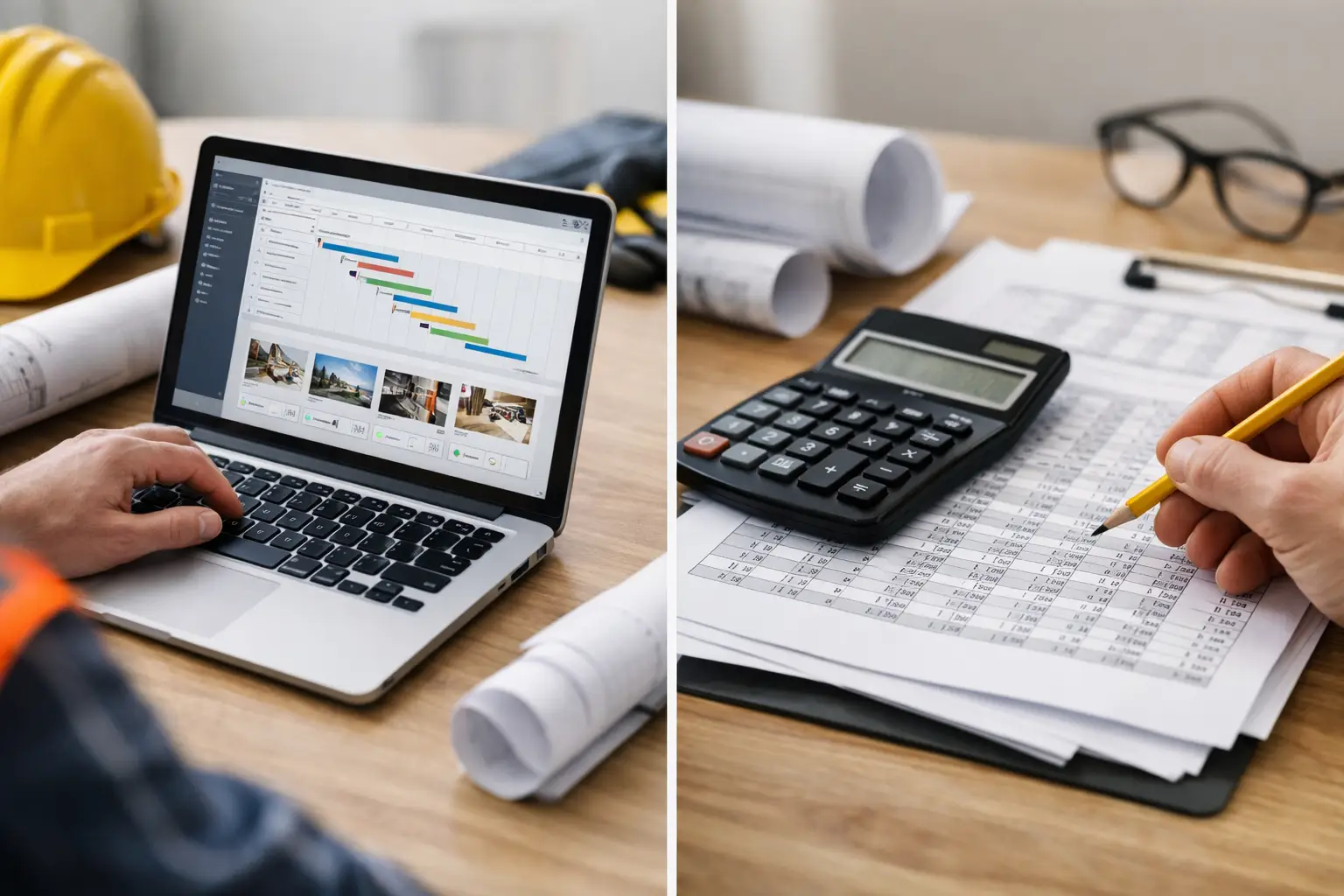
If your foreman is texting hours, your office is updating three different spreadsheets, and you still do not know where a job stands until Friday, you are already feeling the real difference between subcontractor software vs spreadsheets. This is not just about convenience. It is about whether your team can keep jobs moving without wasting time chasing paperwork, fixing errors, and guessing at labor costs.
For a lot of subcontractors, spreadsheets were the first system that worked. They are cheap, familiar, and flexible. You can build a labor tracker, a material log, an estimate sheet, and an invoice template without buying anything new. That makes sense when the company is small, the owner is close to every job, and one person in the office knows how all the files fit together.
The problem starts when the business grows. More crews, more jobs, more change orders, more equipment, more photos, more payroll questions. At that point, spreadsheets do not usually fail all at once. They fail a little at a time. A formula gets overwritten. A file version gets lost. Time is entered late. Job costs are updated after the fact. The office and the field stop working from the same information, especially without software built for multiple construction jobsites.
Where spreadsheets still make sense
There is no need to pretend spreadsheets are useless. They still work for some subcontractors, especially if your operation is simple. If you run a very small crew, handle a limited number of jobs, and do not need real-time visibility from the field, spreadsheets can be enough for a while.
They are also useful for one-off analysis. If you want to compare estimated labor to actual labor on a few finished jobs, build a quick budget model, or review seasonal costs, a spreadsheet is still a practical tool. It gives you freedom to slice numbers however you want.
But that is different from running daily operations on spreadsheets. A spreadsheet is good at storing information. It is not good at collecting it from the field, organizing it by job automatically, or making sure everyone is looking at the same thing at the same time.
Subcontractor software vs spreadsheets in daily operations
This is where the gap gets real. In the field, crews do not work in rows and columns. They clock in on one site, move equipment to another, use materials from the yard, snap progress photos, and call in questions that need answers now. Office staff need clean records from all of that without spending half the day retyping notes from texts, paper timecards, or whiteboard updates.
Spreadsheets create extra handoffs. Someone in the field writes or texts information. Someone in the office enters it. Then someone checks it, fixes it, and sends it somewhere else for payroll, billing, or job costing. Every extra step adds delay and risk.
Software built for subcontractors changes that flow. Time, attendance, job updates, photos, materials, and documentation get entered where the work happens and tied to the right job right away. Instead of waiting for the office to assemble the story later, you get a live picture of what is happening now, especially when using time and attendance software and daily work logs.
That matters most when you are managing multiple jobs at once. A framing contractor with four active projects cannot afford to find out on Monday that Friday's hours were assigned to the wrong cost code. A landscaping company moving crews and equipment all week needs more than a spreadsheet saved on one computer. A concrete subcontractor tracking labor, materials, and production needs job information that stays organized without constant cleanup.
The hidden cost of spreadsheets
The biggest issue with spreadsheets is not the monthly cost. It is the labor around them.
Most subcontractors underestimate how much office time gets burned managing disconnected files. Somebody has to update them, correct them, reconcile them, and follow up when information is missing. That work usually lands on owners, project admins, bookkeepers, or field managers who already have enough on their plate.
There is also the cost of delay. If hours come in late, payroll gets harder. If job costs are not current, estimating suffers. If invoices go out late because backup is incomplete, cash flow slows down. If documentation is scattered across phones, emails, and file folders, disputes take longer to resolve, especially without jobsite photo documentation software.
None of that shows up as a spreadsheet line item. But it shows up in margin.
That is why the real comparison is not free spreadsheets versus paid software. It is manual admin time versus cleaner operations. It is late information versus real-time visibility. It is patching together systems versus running work from one place.
What software does better than spreadsheets
The best reason to switch is not that software has more features. It is that the right software reduces friction.
For subcontractors, that usually starts with crew time. When employees can clock time by job from the field, the office gets cleaner hours faster. From there, job tracking improves because labor is already tied to actual work, especially when using proper crew hour tracking.
Add daily logs, job photos, materials, and equipment tracking, and the job record starts building itself instead of relying on memory after the fact, especially when using materials tracking systems and equipment tracking tools.
Documentation is another big separator. Spreadsheets can reference a file name, but they do not actually manage photos, notes, signed forms, or job history well. On a live project, that matters. When an owner, GC, or customer asks what happened on a certain day, you need answers fast.
Software also helps when the business depends on repeatable processes. Estimating, invoicing, and accounting handoffs are much easier when data is already organized by job, especially when using estimating and invoicing software.
When the wrong software is worse than a spreadsheet
There is a catch. Not every software system is better.
A lot of construction platforms are built for general contractors, not subcontractors. That usually means too many layers, too many fields, and too much setup for crews who just need to enter time, track work, and keep jobs documented. If your team needs training just to use the basics, adoption will stall and people will go right back to texts, paper, and side spreadsheets.
That is why simplicity matters. The right system has to be easy enough for the field to use on day one and useful enough for the office to trust. If it slows people down, it is the wrong tool, even if it looks powerful in a demo.
For subcontractors, the sweet spot is software that handles real jobsite needs without enterprise complexity. That means mobile access, clear job tracking, fast setup, and a layout that makes sense to foremen, admins, and owners alike, especially when built for field teams.
How to know it is time to switch
If you are asking the question, there is a good chance you are already close.
The usual signs are familiar. Your office is spending too much time collecting timecards. Job costs are always a step behind. Crew updates are coming through calls and texts instead of one system. Photos and paperwork are hard to find. Invoices are delayed because records are incomplete. And the owner still has to chase basic answers that should already be visible.
That does not mean you need a giant system overhaul. It means you need fewer moving parts.
A subcontractor-focused platform like SimplySub is built for that middle ground. It gives field crews a simple way to report what is happening, while giving the office real-time visibility into jobs, labor, materials, documentation, invoices, and more without building a system out of spreadsheets and guesswork, all within one connected platform.
The practical answer to subcontractor software vs spreadsheets
If your business is very small and your jobs are simple, spreadsheets can still carry some weight. But once you are juggling multiple crews, multiple jobs, and tighter margins, spreadsheets stop being a system and start being a liability.
The better question is not which tool is cheaper. It is which tool helps you stay organized, bill faster, track labor clearly, and make decisions before a job gets off track.
Good subcontractor software should make the work easier to run, not harder to learn. And when your field and office can finally work from the same information, the day gets a lot simpler, and you can always see how it works in a demo.