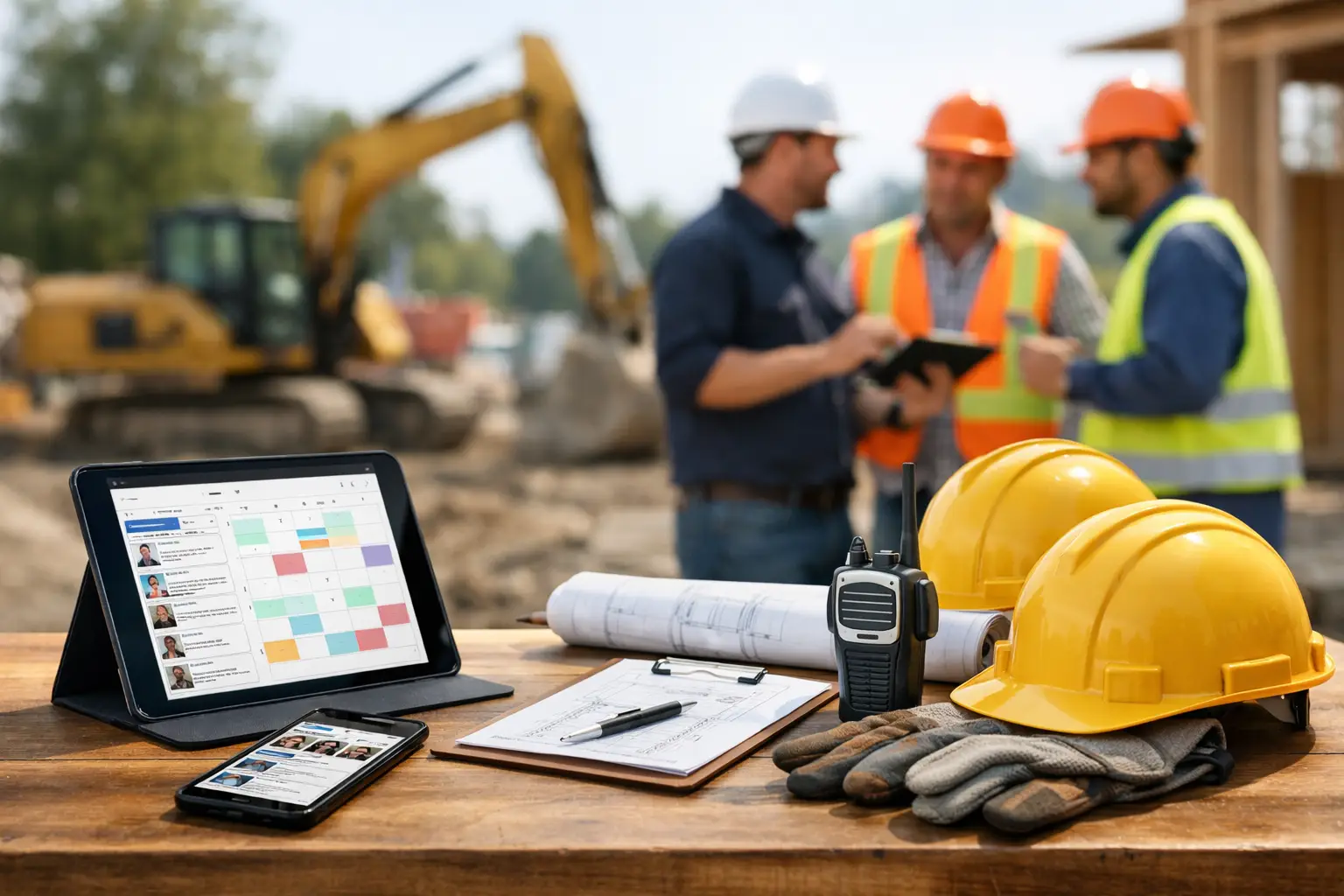
A three-person concrete crew misses a time entry, the foreman texts material counts at 8:30 p.m., and the office is still trying to match labor hours to the right job on Friday. That is exactly where small crew management tools earn their keep. For subcontractors, the issue is not whether work is getting done. The issue is whether the work in the field is being captured clearly enough to protect margins, keep payroll clean, and give the office real answers.
Most small crews do not need bloated construction software built for general contractors. They need a straightforward system that works on a phone, makes sense to a foreman, and gives owners visibility without extra admin. If your current setup is a mix of paper timecards, group texts, spreadsheets, and memory, you already know the cost of disconnected information.
What small crew management tools should actually do
The best small crew management tools are not just digital clipboards. They should help you run the day, not just store data after the fact. That means tracking who was on site, what job they worked on, what equipment or materials were used, what progress was made, and what problems came up.
For a small subcontractor, those pieces are tied together. Labor affects job cost. Materials affect billing. Daily logs protect you when questions show up later. Photos back up completed work and site conditions. If each task lives in a different app, the office spends too much time stitching the story together.
A useful tool should keep field entry simple while giving the back office structure. That balance matters. If the app is easy for accounting but painful for crews, adoption falls apart fast. If it is easy for the field but weak on reporting, the owner still ends up guessing.
Why small crews struggle with the wrong software
A lot of subcontractors buy software that looks impressive in a demo and then stalls out in the first week. Usually the problem is not the crew. It is the fit.
Small crews move fast. The foreman is often doing real production work while also managing labor, answering calls, and keeping the job moving. He does not have time to click through five screens to log hours or build a polished report from the field. If software asks too much, people stop using it or start entering bad information just to get through the day.
The other issue is that many platforms are built around the needs of a GC, not a subcontractor. They focus on top-level project controls, bid packages, and workflows that make sense for larger organizations. A small plumbing, grading, or roofing contractor usually needs something more direct. They need to know where crews are, whether hours are landing on the right jobs, what happened today, and what can be invoiced.
That is why simple beats complicated so often in this category. The right system should reduce admin, not create another layer of it.
The core functions to look for in small crew management tools
Start with time tracking, because that is where most small contractors feel the pain first. Crew time should be easy to enter in the field, tied to the correct job, and visible to the office right away. If your payroll process still depends on chasing texts and handwritten cards, you are wasting time and increasing the odds of errors.
Next, look at job tracking. A crew management tool should make it obvious what jobs are active, who is assigned, and what stage each job is in. This sounds basic, but it matters when you are juggling multiple jobsites with limited labor. Good visibility helps you move people faster and avoid overstaffing one site while another falls behind.
Daily logs and job photos matter more than many small subs realize. They are not just paperwork. They create a record of who was there, what got done, what conditions looked like, and what issues slowed production. That record can help with customer communication, billing disputes, schedule questions, and internal accountability.
Materials and equipment tracking are also worth attention, especially for self-performing trades. If your crews use rented equipment, delivered material, or consumables that hit margin hard, you need those costs tied to the job while the work is happening. Waiting until the end of the week usually means details get missed.
Finally, make sure invoicing and accounting flow are not an afterthought. Small crews do not have room for duplicate entry. The more times someone has to retype job data, labor, or billing details, the more money you lose to office time.
What good adoption looks like in the field
Field adoption is the test that matters. A platform can promise everything, but if your foremen and crew leaders will not use it consistently, the system breaks.
Good adoption usually comes from simple mobile workflows. Clock in, assign labor to a job, snap photos, add a short note, move on. That is realistic. Long forms, confusing menus, and desktop-heavy processes are not.
It also helps when the tool matches how subcontractors already think about the day. Crews think in terms of jobs, hours, production, material used, and what is holding things up. If software makes them translate that into abstract project management language, you get friction right away.
This is where contractor-first design matters. A system built for real jobsites should be simple to learn and hard to mess up. That is especially important when your team has mixed comfort levels with technology.
The trade-off between all-in-one and too many apps
There is a real trade-off here. Separate apps can be good at single tasks. One tool may handle time well, another may be decent for photos, and another may cover invoicing. If you only need one fix, that can work for a while.
But as you grow, disconnected apps create their own cost. Hours live in one place, job notes in another, invoices somewhere else, and nobody has a clean view of the whole job. The office ends up acting as the integration point, which usually means more manual work and more mistakes.
That is why many subs eventually move toward one system for daily operations. Not because they want more software, but because they want fewer handoffs. A practical all-in-one tool can cut down on duplicate entry and make job costing more reliable.
The catch is that all-in-one only works if it stays simple. If the platform tries to do everything for everyone, it becomes just another enterprise system your field team avoids.
How to choose the right fit for your company
Start with your biggest operational leak. For some companies, it is labor visibility. For others, it is missing paperwork, slow invoicing, or poor communication between the field and office. The best choice is the one that fixes the problem costing you the most money now.
Then look at how your crews actually work. A five-person masonry outfit has different needs than a 25-person landscaping contractor running multiple crews and equipment across town. The software should fit your size today but still support the next stage of growth.
Ask practical questions, not just feature questions. How many steps does it take to enter time? Can a foreman update the day from a phone without training? Can the office see labor by job immediately? Are photos, notes, materials, and invoices tied together? Those answers matter more than a long feature list.
If a provider needs weeks of setup before you can use the basics, that is a warning sign for a small subcontractor. Fast setup matters because most subs do not have spare admin capacity for long rollouts. The easier the system is to launch, the sooner it starts paying for itself.
A better standard for small crew management tools
Small crews do not need software with extra layers, extra modules, and extra confusion. They need clear information from the field, fast access in the office, and a simple way to keep labor, job progress, materials, and billing connected.
That is the standard worth using when you evaluate small crew management tools. Not which platform has the longest feature sheet, but which one helps your team stay organized with less effort. SimplySub is one example of that approach - built for subcontractors who want everything they need, nothing they do not.
The right tool should make your day easier by lunch, not six months from now. If your software still creates more chasing, retyping, and guessing than it removes, it is not helping your crew. It is just taking up space. To see how SimplySub can help your crews, schedule a demo or review pricing when you are ready.