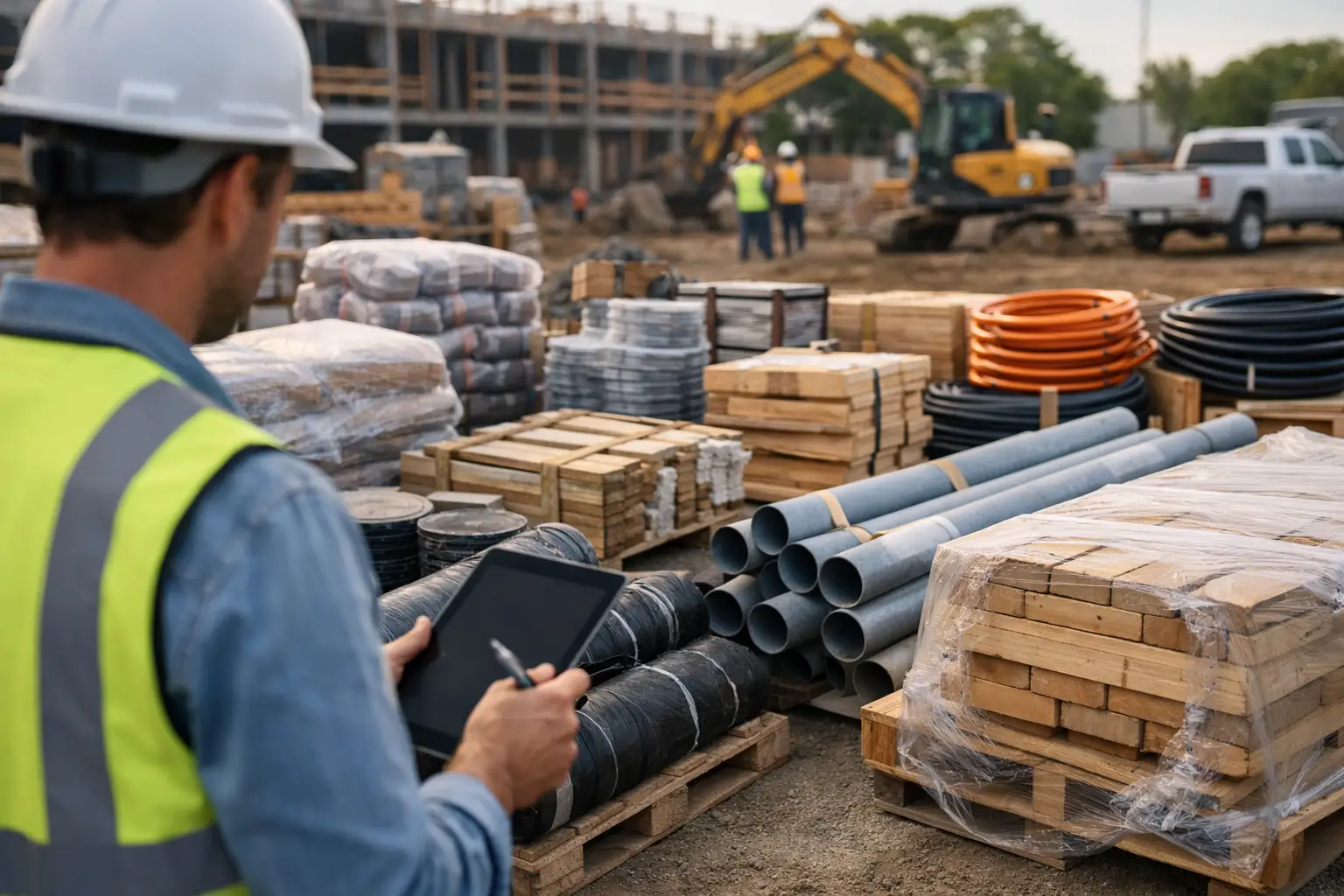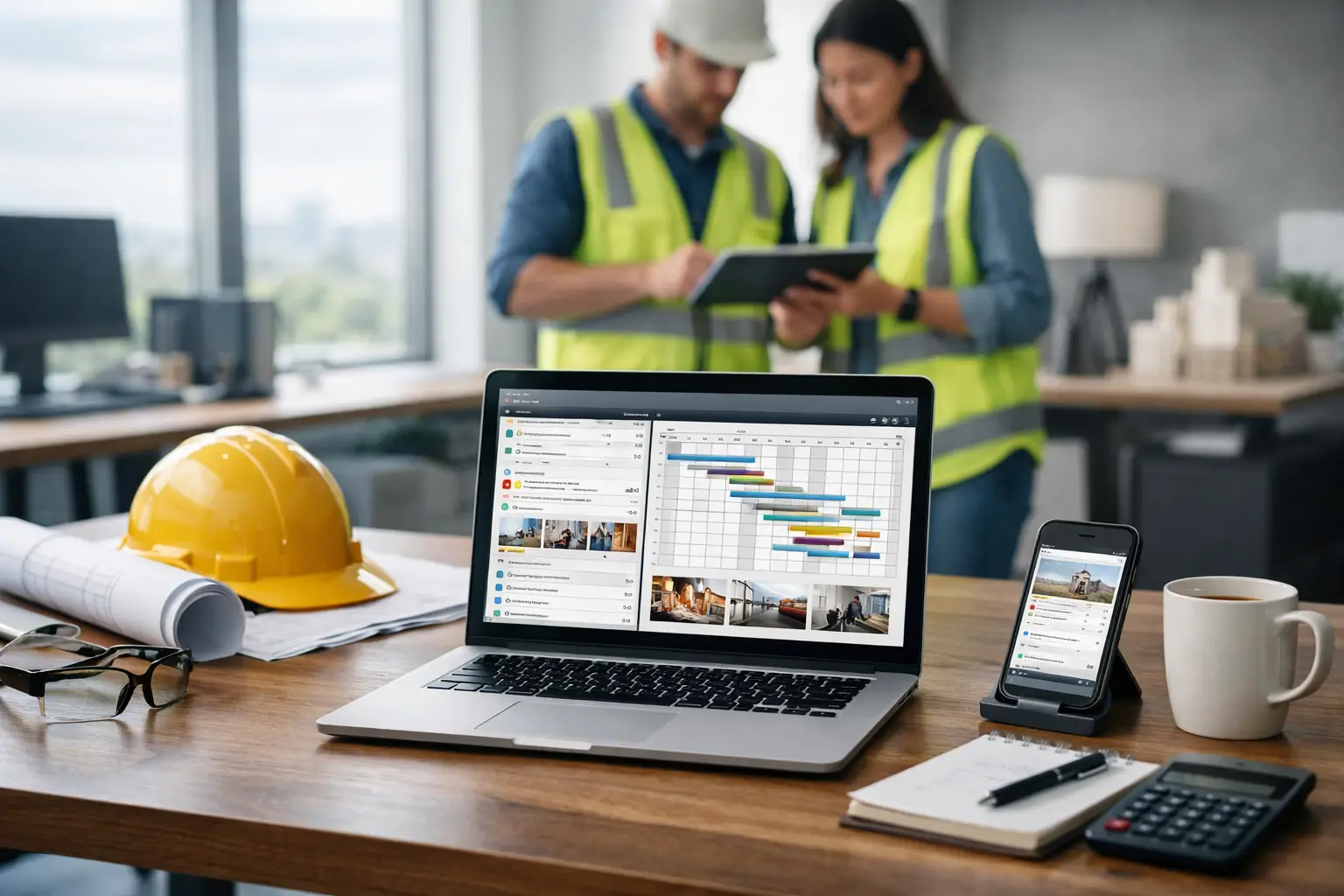
A foreman turns in timecards on Friday. The office tries to match those hours to the right jobs, checks a text thread for material deliveries, hunts down photos for a change order, and realizes an invoice went out without the backup. That is not an office process. It is a weekly scramble.
The best subcontractor office software gives your office and field crews one place to track the work as it happens. It should not force a concrete crew, electrician, roofer, or landscaper to learn a complicated system just so the office can get clean information. The right platform makes job records easier to capture, easier to find, and easier to trust.
What subcontractor office software needs to do
Subcontractors have different needs than general contractors. You are not trying to manage every trade, every owner decision, and every bid package on a giant project. You need to know where your crews are, what they worked on, what equipment and materials were used, whether the job is moving, and whether the work is ready to bill.
That means office software needs to connect the field to the back office. When time, photos, daily notes, and job documents live in separate apps, spreadsheets, and personal phones, the office spends too much time chasing updates. Worse, decisions get made using old information.
A useful system gives the owner or office manager a current view of each job without requiring a dozen calls. It gives foremen a fast way to report what happened before they leave the site. And it gives the person handling invoices the records to bill with confidence.
The best subcontractor office software starts in the field
Office software fails when it is built only for the person sitting at a desk. Your crews are the source of most job information. If the mobile experience is slow, confusing, or packed with fields they do not need, adoption drops fast. Then the office is right back to collecting paper timecards and asking for photos at the end of the week.
Look for tools that let a crew leader complete common tasks in a few taps: clocking in a crew, assigning time to a job, adding a daily log, uploading job photos, and recording materials or equipment. Simple does not mean limited. It means the workflow matches the pace of a real jobsite.
This matters for mixed-tech teams. You may have one foreman who uses every feature on his phone and another who only wants the fastest way to report hours. Good software works for both. It should take little to no training to handle the basics, while still giving the office the detail it needs later.
Time tracking must connect to job costs
Labor is usually your biggest cost and one of the easiest places to lose control. If employee hours are tracked separately from jobs, you cannot see where labor went until someone spends hours entering and sorting timecards.
Choose software that records time by employee, crew, job, and cost code or work type when needed. The office should be able to review hours before payroll, catch missing entries, and compare labor against the work completed. A framing contractor may need to see whether a crew is burning too many hours on a specific phase. A plumbing contractor may need to separate service work from new construction. The software should support that level of visibility without turning every time entry into a paperwork project.
Daily records protect the work you did
Photos, daily logs, and job documentation are not busywork. They are the record of what your crew found, what they completed, what was delayed, and what changed.
When a general contractor questions a delay or a customer disputes completed work, the answer should not depend on someone remembering a conversation from three weeks ago. A dated photo, a clear daily note, and a job record can settle questions before they become expensive arguments.
The best systems make these records easy to attach to the correct job. They also make them easy for the office to find later. A folder full of unnamed phone photos is not documentation. It is a problem waiting for the right date and job name to be forgotten.
Features that matter most for subcontractor offices
Not every subcontractor needs the same setup. A small fencing company may care most about crew time, photos, and invoicing. A growing masonry contractor may need estimates, equipment tracking, material records, and stronger job-cost visibility. Start with the problems costing you time or money every week.
Still, there are a few core functions worth prioritizing:
- Job tracking: One current record for job details, status, documents, notes, photos, and activity.
- Crew time and attendance: Accurate hours tied to the people and jobs that produced them.
- Materials and equipment tracking: A clear record of what was used, delivered, moved, or needed next.
- Daily logs and job photos: Field proof that supports billing, communication, and dispute prevention.
- Estimating and invoicing: A direct path from the work you planned to the work you bill.
- Accounting integration: Fewer duplicate entries between field operations and your accounting system.
The key is not to buy every feature available. Buy the system your team will actually use. A long feature list looks good in a sales presentation, but it does nothing if your foremen avoid it and your office still maintains three backup spreadsheets.
Watch for software built for general contractors
Many construction platforms are designed around the general contractor's role. They focus heavily on bid management, owner reporting, project-wide schedules, drawing coordination, and managing dozens of subcontractors. Those functions may be useful on some projects, but they can add cost and complexity for a trade contractor.
For a subcontractor, the daily questions are more direct: Which crew is on which job? Did everyone clock in? What materials were used? Do we have photos of the completed work? Is this job ready to invoice? Can payroll and accounting get what they need without re-entering data?
If a software demo spends most of its time showing tools you will never use, pay attention. Complex software designed around general contractors can require weeks of setup, formal training, and an internal champion just to keep it running. That may make sense for a large contractor with dedicated software administrators. It is usually a poor fit for a small or mid-sized subcontractor that needs results now.
How to evaluate subcontractor office software
Before you commit, test the software against a real job process. Do not evaluate it only from a dashboard. Ask a foreman to clock in a crew, add a photo, submit a daily report, and record material usage. Then ask the office to find that information, review the hours, and prepare an invoice or accounting entry.
Pay attention to where the process slows down. Can a crew leader use it without a manual? Can the office see job activity without waiting for an end-of-day text? Is the information organized by job instead of scattered across modules? Does the system work well on a phone at the jobsite?
Also ask practical business questions. Are all jobs and employees included, or will your cost rise every time you hire or win more work? Is onboarding included? How long does setup take? Can the platform connect to QuickBooks if that is how you run your books? What happens when a foreman needs help on a Monday morning, not during a quarterly training session?
Price matters, but the cheapest option is not always the lowest-cost option. A low monthly fee can become expensive if it adds office hours, requires extra apps, or leaves you without the records needed to bill quickly. On the other hand, enterprise software can cost more than the operational problem you are trying to solve. Look for a clear fit between the price, the daily workload, and the value of better job control.
A practical fit for growing trade contractors
SimplySub is built around the day-to-day work subcontractors actually manage: jobs, crews, time, equipment, materials, photos, documentation, estimates, invoices, and QuickBooks-connected office workflows. The focus is not on making your team learn enterprise construction software. It is on replacing the paper, spreadsheet, and text-message shuffle with one field-friendly system.
That approach is especially useful when your office is growing but your administrative team is not. You need better information without adding another layer of process. Your foremen need to report the work without spending their afternoon typing into an app. And you need a clear answer when someone asks where a crew was, what was completed, or why a job is over budget.
The right software will not run your business for you. It will give you the timely, organized job information needed to run it better. Start with the workflow that causes the most headaches this week, then choose a system that makes that work easier for both the person in the office and the person standing on the jobsite. To see how SimplySub fits that workflow, schedule a demo or review pricing.