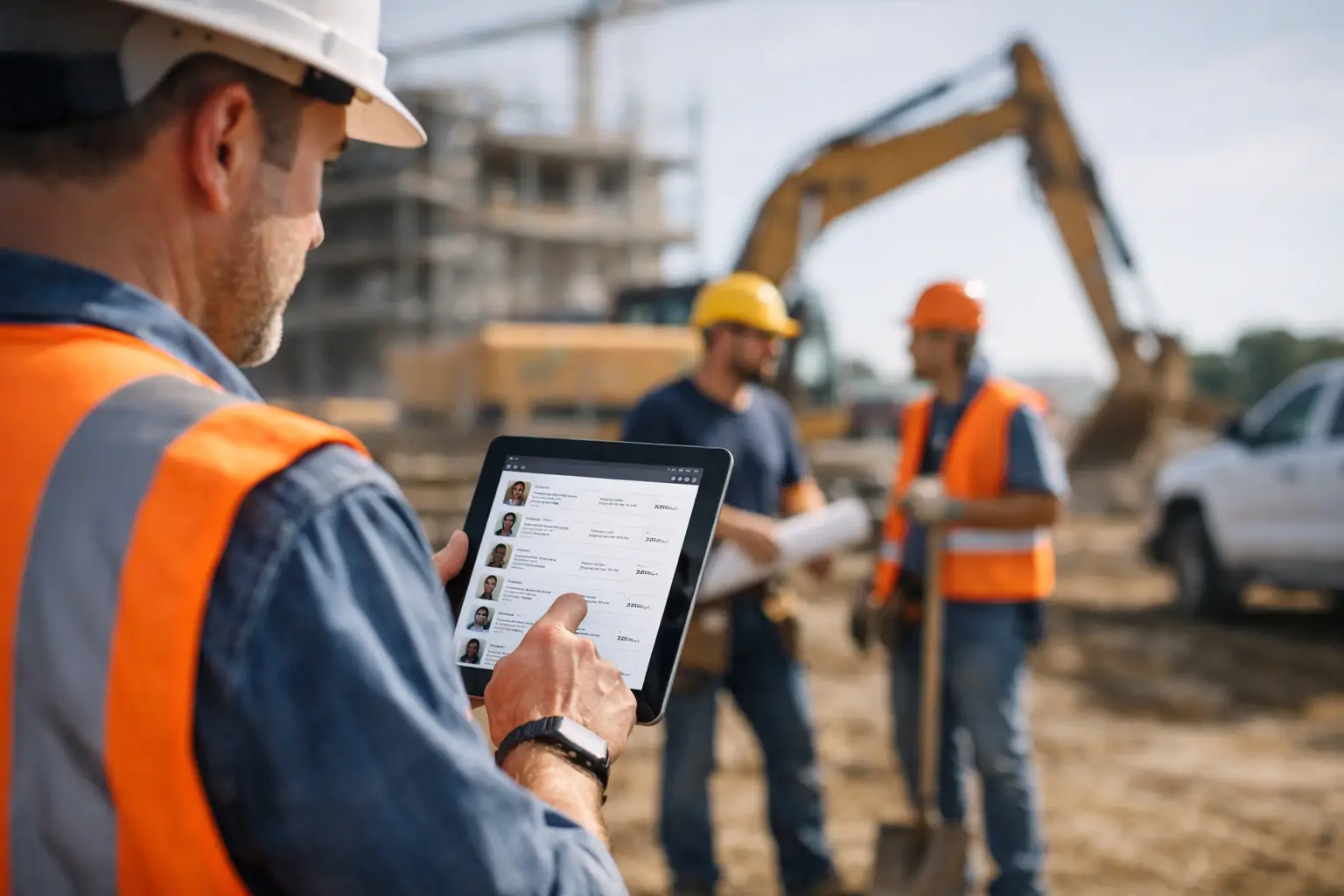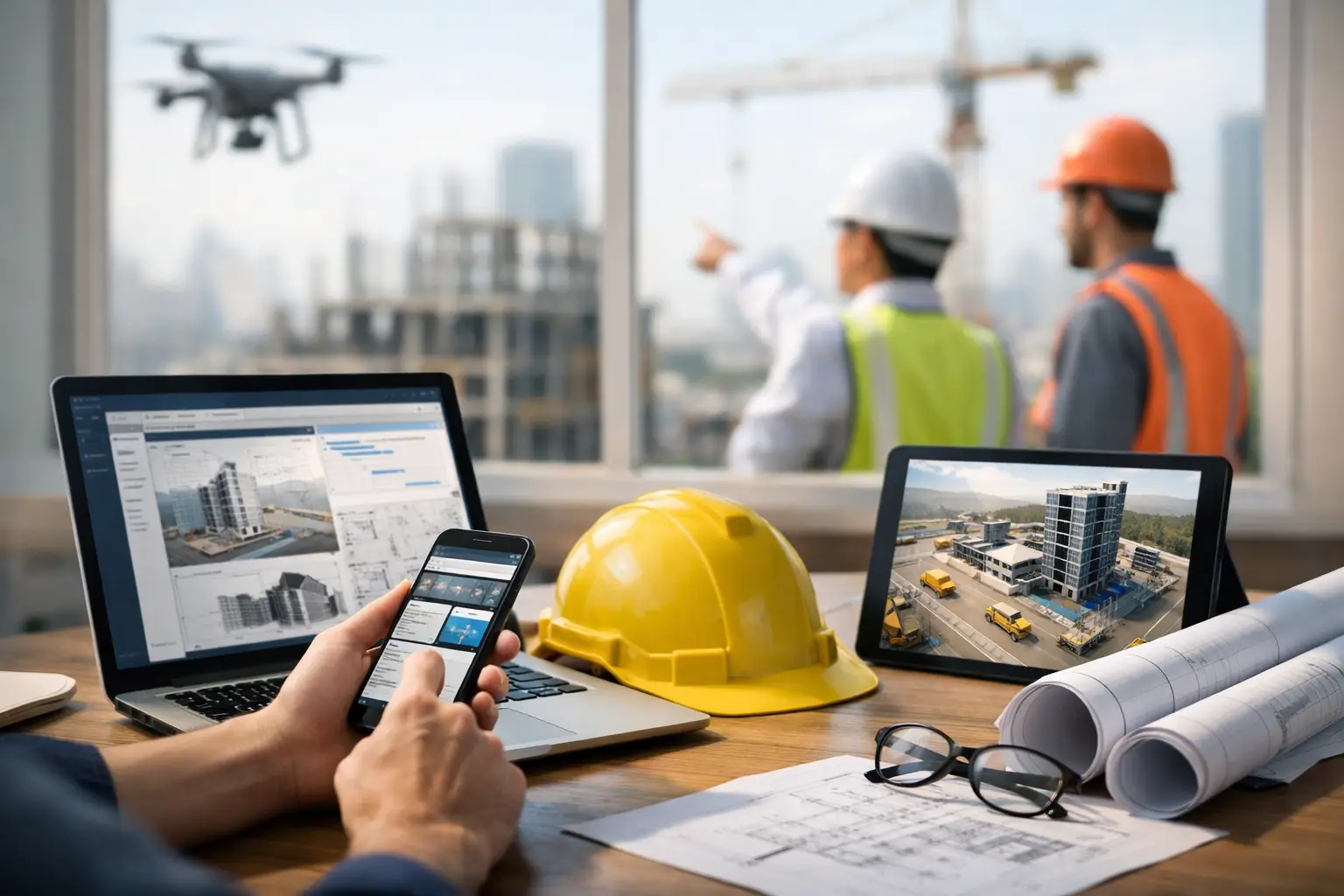
The gap between crews in the field and paperwork in the office used to be accepted as part of the job. It is not anymore. The biggest construction admin software trends are all pushing in the same direction: less double entry, fewer delays, and better visibility for subcontractors who need answers fast.
That matters because most trade contractors are not asking for more software. They are asking for fewer headaches. If your foreman is texting photos, your office is retyping timecards, and your invoices depend on someone chasing down signed tickets, the problem is not effort. The problem is admin systems that were never built for the way subcontractors actually work.
Why construction admin software trends are shifting
For years, a lot of construction software was designed around the general contractor view of the project. That left subs piecing together spreadsheets, accounting software, messaging apps, paper logs, and whatever a superintendent happened to require on a given job.
Now the pressure is different. Labor is expensive. Margins are tighter. Owners want quicker billing. Crews are spread across more jobs. And office teams need clean records without spending half the week fixing bad data. That is why construction admin software trends are moving away from bloated systems and toward practical tools that help field and office teams work from the same information.
The key shift is simple: admin software is no longer just about storing records. It is becoming the daily operating system for time, materials, documentation, job costing, and billing.
1. Mobile-first tools are replacing office-first systems
This is probably the clearest trend in the market. If software still feels like it was made for someone sitting at a desk all day, adoption will stall. Subcontractors need systems that work from a truck, a trailer, or the middle of a jobsite.
That does not just mean having an app. It means the most common tasks have to be fast on a phone: clocking in, logging quantities, uploading job photos, recording issues, and checking what happened on a site yesterday. If it takes ten taps and a training session, crews will avoid it.
The trade-off is that mobile simplicity often requires tighter software design. Some systems try to do everything and end up making basic field tasks harder. The better direction is software that handles the daily work clearly and keeps the screen clutter down.
2. Daily logs are turning into real-time job records
Daily logs used to be something people filled out later, if they filled them out at all. That is changing. More subcontractors want daily records captured as the day happens, because those records affect billing, schedule conversations, back charges, and claims.
This trend is not really about nicer forms. It is about faster accountability. If labor hours, weather, site conditions, completed work, deliveries, and photos are all tied to the same day and the same job, office teams do not have to reconstruct the story at the end of the month.
For a concrete crew, that might mean matching labor and pour photos to a specific date. For a landscape contractor, it might mean tying material deliveries and completed areas to a daily report. The value is not just documentation. It is having a usable record when someone asks what happened and when.
3. Time tracking is getting tied directly to job costing
One of the most important construction admin software trends is the push to connect labor data to actual job performance, not just payroll. Subcontractors already know labor is where jobs are won or lost. The issue is that too many teams still find out they are over budget after the damage is done.
Modern admin platforms are starting to close that gap by tying crew time, cost codes, and job progress together. Instead of timecards living in one place and job costing in another, owners and project managers can see where labor hours are going while the job is still active.
This is especially useful for companies running multiple crews across multiple sites. If one framing job is burning hours faster than estimated, you want to know this week, not when payroll reports are finalized. That does depend on field input being accurate, though. If crews are still entering time loosely or the cost code structure is a mess, software alone will not fix it.
4. Billing is moving closer to the field
When job documentation is disconnected from invoicing, billing slows down. That is why another major trend is tighter coordination between field activity and office billing.
Subcontractors are looking for systems where completed work, signed tickets, quantities, labor records, and supporting photos can feed the invoicing process without a lot of manual chasing. The payoff is simple: invoices go out faster, and they go out with better backup.
This matters even more for progress billing and T&M work. If your team has to hunt through texts, paper notes, and email attachments to justify an invoice, you are losing time and inviting disputes. Cleaner admin workflows reduce that friction.
There is an important difference here, though. Faster billing only works if the software fits your actual process. Some companies need tight QuickBooks syncing. Others need flexible invoice backup by job or customer. The right fit depends on how your office already runs.
5. Simpler systems are beating bigger systems
A few years ago, many contractors assumed more features meant better software. The market is correcting that idea. One of the strongest construction admin software trends is a move toward simpler platforms that crews will actually use.
This is good news for subcontractors. Most do not need an enterprise platform loaded with tools for every stakeholder on a major commercial project. They need one place to track jobs, labor, materials, photos, docs, invoices, and field activity without turning onboarding into a months-long project.
The hard truth is that unused features are not a benefit. They are a cost. They slow training, create confusion, and make teams fall back to old habits. For many trade contractors, the better software choice is the one that covers the real day-to-day work well and gets adopted quickly.
That is exactly why contractor-first systems are gaining ground. A platform like SimplySub fits this trend because it is built around subcontractor operations, not enterprise complexity.
6. Better documentation is becoming a profit tool
Documentation used to be treated as defensive admin work. Keep the records in case something goes wrong. That is still part of it, but the role of documentation is getting bigger.
Photos, notes, delivery records, equipment usage, and signed forms now support more than claims protection. They help with faster approvals, cleaner communication, and better internal control. Good documentation can speed up billing, support change discussions, reduce rework, and show exactly what a crew completed.
For roofing, this might mean before-and-after photos tied to work dates. For plumbing or electrical, it might mean documenting rough-in progress before walls are closed. For fencing or grading, it might mean clear production records tied to labor and materials. The software trend here is not flashy. It is practical: make documentation easy enough that it actually gets done.
7. Software decisions are being judged by adoption speed
Contractors are getting more skeptical about long rollouts and heavy training requirements. That is a healthy change. Admin software only helps if the office uses it consistently and the field does not fight it.
As a result, more buyers are asking different questions. Can crews learn it fast? Can the office start using it without rebuilding everything? Can a foreman submit what is needed in under a minute or two? Can owners get visibility without waiting for someone to clean up the data later?
This trend favors software that is straightforward from day one. It also puts pressure on vendors that sell complexity as sophistication. In the subcontractor world, speed matters. If setup drags on or adoption stalls, the software is costing you before it ever saves you money.
What subcontractors should watch next
The next phase of construction admin software trends will likely focus less on flashy promises and more on tighter execution. Better syncing with accounting systems, cleaner mobile workflows, smarter alerts around missing field data, and clearer job-level reporting are all heading in the right direction.
But the real question is not which trend sounds impressive. It is which one solves a problem your team deals with every week. If your bottleneck is payroll cleanup, start there. If it is billing delays, focus on documentation and invoice flow. If it is not knowing where labor hours are going, look at job costing visibility.
The best software trend for a subcontractor is the one that removes admin drag without slowing down the field. That usually means choosing tools that are simple to learn, built for real jobsites, and focused on the work your crews and office teams already do every day.
The market will keep changing, but the standard is pretty clear now: if software cannot help you run cleaner jobs, protect your margins, and get paid faster, it is just another layer of admin. To see how that looks in practice, schedule a demo or review pricing.