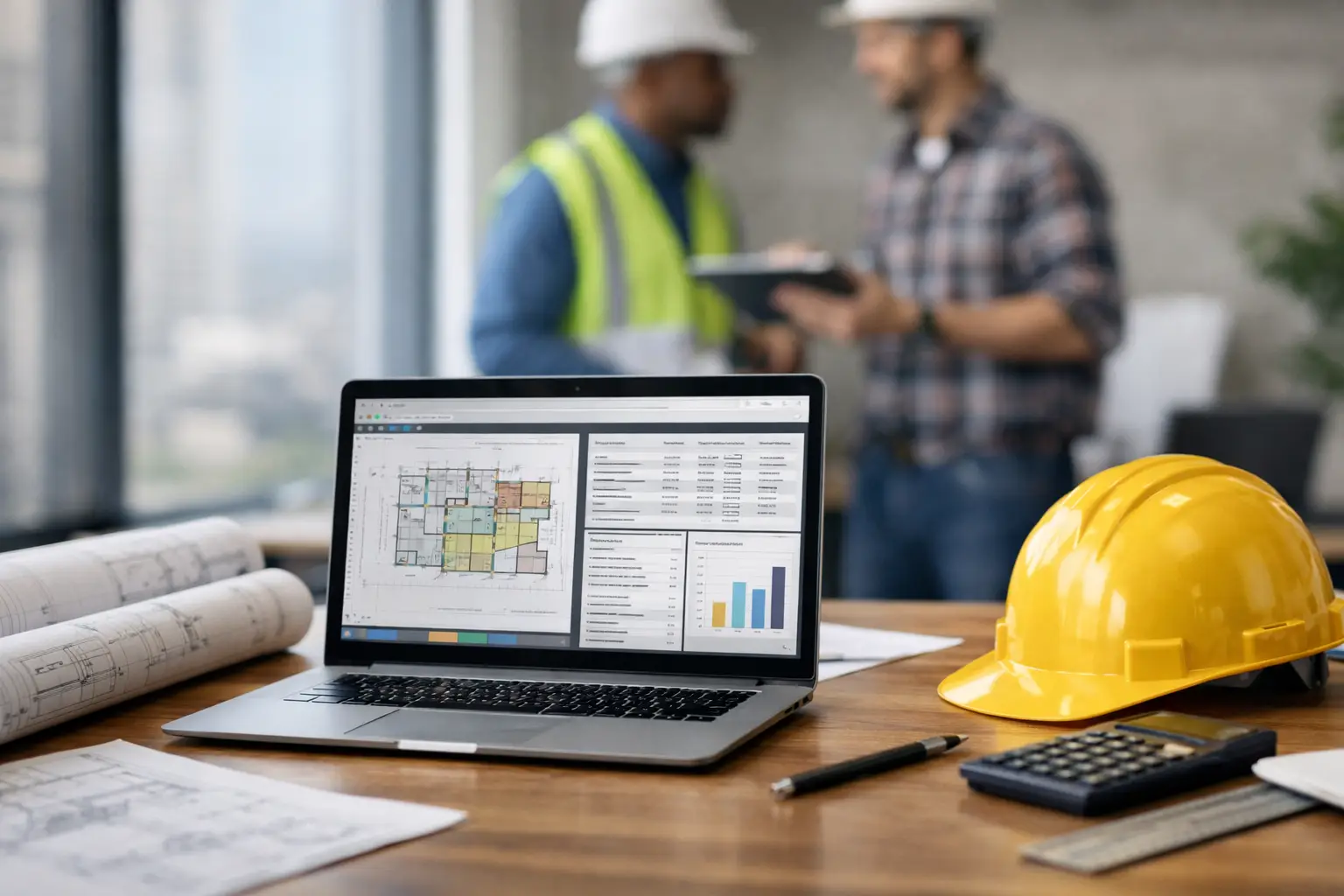
A bad estimate usually does not look bad at first. It looks like a number you rushed out between calls, a material price you meant to double-check, or labor hours based on last job instead of this one. That is why any honest construction estimating software review has to start with the real issue - speed matters, but accuracy matters more, and neither helps much if your team will not actually use the system.
For subcontractors, that last point is where a lot of software falls apart. Plenty of estimating tools were built for general contractors, large preconstruction teams, or office-heavy workflows. They can look impressive in a demo and still create more work once your foreman, estimator, and office manager try to use them in the middle of a busy week. If you are comparing options, the right question is not which platform has the longest feature list. It is which one helps you bid faster, track job costs more clearly, and keep the office and field on the same page.
What a construction estimating software review should actually cover
Too many reviews focus on screens, buttons, and feature grids. That is useful up to a point, but subcontractors need a more practical standard. Estimating software should help you build numbers you trust, reduce missed items, and tie your estimate back to real job performance.
That means the review process should look at five things. First, how fast can someone set up and start pricing work? Second, how easy is it to reuse assemblies, labor rates, and material costs across similar jobs? Third, can the software connect estimating with daily operations, or does the estimate live on an island? Fourth, will field and office staff actually use it without a training project? And fifth, does the price make sense for a small to midsize subcontractor?
If a platform is strong on takeoff tools but weak on job tracking, that may be fine for some companies. If you already have a solid operations system and only need estimating, that trade-off can work. But for many subs, disconnected software becomes the next spreadsheet problem. You finish the bid in one place, track labor somewhere else, invoice from another system, and lose visibility the moment the job starts.
The features that matter most to subcontractors
Estimating for a GC is not the same as estimating for a concrete crew, a fencing company, or an electrical subcontractor. The best systems for subs tend to keep the workflow simple and close to how real jobs are managed.
Fast estimate building
You should be able to create an estimate without fighting the software. That includes clear cost categories, reusable line items, labor and material templates, and pricing that is easy to update. If every bid starts from scratch, the system is slowing you down.
This matters even more when your team is bidding similar work over and over. A masonry contractor bidding retaining walls or a landscaper bidding common install packages should be able to duplicate proven estimate structures and adjust from there. Consistency saves time and helps protect margins.
Real job cost visibility
A good estimate is only half the job. Once work starts, you need to see whether labor, materials, and equipment are tracking against what you bid. This is where many estimating tools come up short.
If the estimate does not connect to time tracking, material logs, equipment usage, invoices, or daily job reporting, it becomes harder to learn from past work. You may know the bid was off, but not exactly where or why. For a subcontractor trying to tighten margins, that is a problem.
Mobile usability for the field
Field adoption matters more than many software companies admit. If crew leaders cannot enter time, quantities, photos, or notes from a phone without frustration, office visibility breaks down fast. Then the estimator is still guessing on future labor and production rates.
That does not mean every estimator needs a field app packed with options. It means the software should support a simple handoff from estimate to execution. Crews should be able to report what is actually happening on the job so the next bid is better than the last one.
Simple setup and low training burden
Most subcontractors do not have time for a six-week rollout. If a platform requires heavy implementation, complex permissions setup, or a lot of office cleanup before you can use it, that cost is real even if it is not on the invoice.
Simple to learn beats feature-heavy for many growing subcontractors. Especially if you have mixed tech comfort across your team, software should fit the pace of the business, not the other way around.
Where many estimating platforms miss the mark
In a practical construction estimating software review, the biggest misses usually come down to complexity and disconnect.
Some systems are too focused on preconstruction and not built for the realities of subcontractor operations. They may do a solid job with estimate detail but leave you patching together time tracking, material management, photos, job notes, and invoicing somewhere else. Others are packed with enterprise features that look good on paper but are too slow to use day to day.
There is also the issue of audience fit. Software built for large GCs often assumes a different approval chain, different reporting needs, and a different office structure than what a subcontractor actually has. A roofing company with a lean office and multiple field crews does not need more software layers. It needs clear numbers, fast entry, and better control.
Price can be another trap. A low starting price can rise quickly once you add users, jobs, modules, or support. Subcontractors should look closely at what is included. If every crew member needs access, unlimited users and jobs can matter more than a flashy takeoff screen.
How to compare options without wasting time
The fastest way to compare estimating software is to use your own workflow as the test. Start with a recent bid and walk it through each platform. Can you build the estimate quickly? Can you save templates for future jobs? Can you track actual labor and materials after the award? Can your field team feed useful data back into the system?
You should also test for daily friction. How many clicks does it take to update a labor rate? How easy is it to revise an estimate after a scope change? Can someone in the office and someone in the field understand the same job record without extra explanation? Those details matter more than polished marketing language.
It also helps to be honest about what stage your company is in. If you are a larger subcontractor with a dedicated estimating department, you may need deeper bid detail and integrations. If you are a small to midsize trade contractor trying to get out of spreadsheets and paper timecards, ease of use may be the deciding factor. It depends on whether your biggest problem is bid complexity or operational follow-through.
What good software should do after the bid is won
This is where the strongest platforms separate themselves. Estimating should not stop helping once the proposal is sent.
The best-fit systems let you carry estimate data into job tracking, labor monitoring, daily logs, materials, documentation, and billing. That gives owners and office staff a clearer view of job health without chasing paperwork. It also helps foremen and crew leaders document production in real time instead of trying to remember it later.
For subcontractors, that link between estimate and execution is where profit control improves. You can spot labor overruns earlier, catch missing documentation faster, and compare actuals against the original bid with fewer gaps. That is more useful than a software package that wins the estimate and disappears when the job starts.
This is also why contractor-first systems can stand out. A platform like SimplySub, built around subcontractor operations rather than general contractor workflows, makes more sense for teams that need estimating connected to field reporting, crew time, materials, invoices, and QuickBooks without a complicated rollout. Everything you need, nothing you do not, is not just a slogan in this category. It is often the difference between software that gets used and software that gets sidelined.
Our take on this construction estimating software review
If you are reading a construction estimating software review because your current process feels patched together, trust that instinct. Spreadsheets, manual updates, and disconnected apps usually cost more than they save, especially once your crew count and job volume grow.
The right software for a subcontractor is not the one with the most advanced language or the deepest enterprise stack. It is the one that helps you bid quickly, price work accurately, connect the estimate to the job, and give both field and office a clean system they can use right away. That will look different for every company, but the pattern is consistent: simple systems with real operational follow-through tend to outperform complicated systems that only solve one piece of the job.
Before you commit, test the software the way your business actually runs. Use a real estimate. Involve both office and field. Ask how fast it works on a Monday morning, not just how it looks in a demo. The best choice is usually the one your team can trust by the second job, not the one they are still trying to figure out by the tenth. To learn more, schedule a demo or review pricing and start your 100 day risk free account.