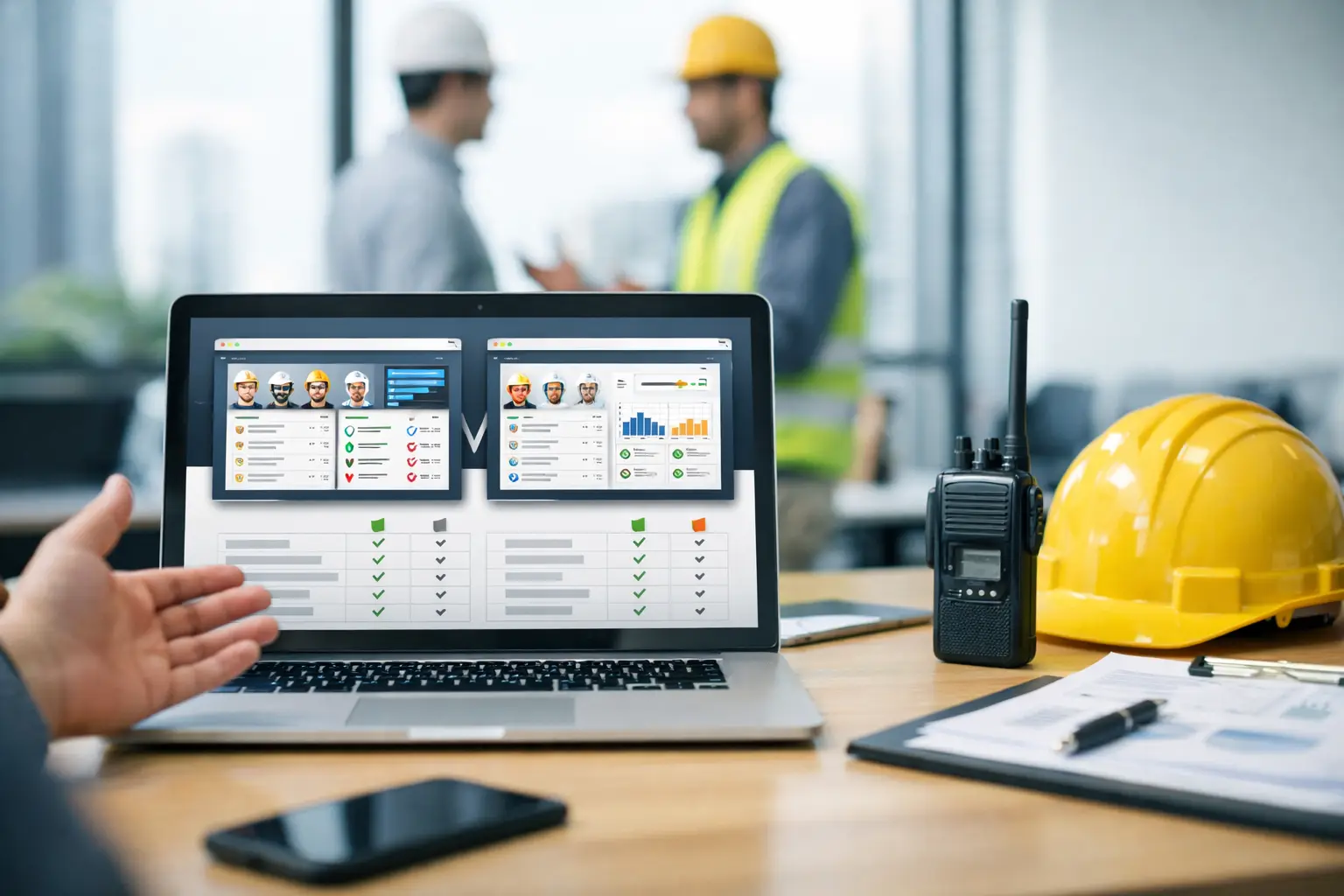
A missed punch, an unlogged material delivery, and a foreman texting job updates from memory at 6:30 p.m. - that is usually when software problems show up. A good crew accountability software comparison is not about who has the longest feature list. It is about which system helps your crews do the work, helps your office trust the numbers, and does not create more cleanup at the end of the day.
For subcontractors, accountability is practical. You need to know who was on site, what got done, what equipment moved, what issues came up, and whether labor is tracking the way the estimate said it should. If the software makes that harder, it does not matter how polished the dashboard looks.
What crew accountability software should actually solve
Most subcontractors are not shopping for software because they want more technology. They are shopping because the current process is costing them time and money. Paper timecards come in late. Spreadsheets get edited three different ways. Job photos live on personal phones. Daily reports are inconsistent. The office spends hours chasing basic information that should already be captured.
That is the real standard for a crew accountability software comparison. The question is not just, "Does it track crews?" The question is, "Does it reduce confusion between the field and the office without slowing the crew down?"
The best tools usually solve five daily problems at once. They make time tracking easy in the field, tie labor to the right job and cost code, document what happened with photos and logs, give managers real-time visibility, and help the office turn that information into payroll, billing, and job costing. If one of those pieces is missing, accountability starts to break down.
Crew accountability software comparison: what matters most
Start with field adoption. If your crew leaders and field employees will not use the app consistently, the rest of the system does not matter. This is where many products miss the mark. They are designed for office teams first, with field use treated like an add-on. That usually means too many steps, too much setup, or screens that do not make sense on a phone.
For subcontractors, simple mobile use is not a nice extra. It is the whole game. Can a foreman clock a crew in fast? Can he attach photos without hunting through menus? Can he log production, notes, and issues while standing on a muddy site with one hand free? If not, data quality will drop fast. (If you want a practical benchmark, compare against the best apps for foremen and how quickly they work on-site.)
The next thing to compare is real-time visibility. Some systems collect information well enough, but office teams still have to wait until the end of the day or week to see it in a useful format. That defeats the point. Owners and managers need to know now if a crew is on the wrong job, if labor hours are climbing, or if materials showed up short.
You should also look at how the platform handles documentation. Accountability is not just about hours. It is about proof. Daily logs, jobsite photos, notes, equipment usage, and material records all help explain where time went and what actually happened. This becomes even more valuable when there is a billing dispute, change in scope, weather delay, or callback.
Then there is integration. A system might work well in the field but still create office headaches if payroll, invoicing, or accounting data has to be re-entered manually. For many subcontractors, that is where software projects start losing value. Saving a foreman five minutes means less if the office adds three more hours of admin each week. (Look for clean reporting and exports so the office is not rebuilding data by hand.)
Finally, compare setup and training requirements. This gets overlooked because sales demos make every system look easy. But ease of purchase and ease of use are not the same thing. If software needs a long implementation, heavy customization, or constant admin oversight, smaller trade contractors often end up paying for complexity they never use.
Where many software options fall short
Some platforms are built for general contractors and try to stretch down into subcontractor use. On paper, they can look impressive. In practice, they often come with workflows built around broad project management instead of daily crew control. That can mean too many modules, too many permissions, and too much process for a trade contractor that just needs clean field-to-office accountability. (If you are evaluating a GC-style platform, it helps to review comparisons like SimplySub vs Knowify to see where complexity shows up.)
Other tools are strong in one area and weak everywhere else. A time tracking app may handle punches well but offer little for job photos, material tracking, or daily reports. A project management system may organize documents but make crew use clunky. A payroll-focused platform may get hours into payroll but not give operations teams enough visibility into job performance.
That trade-off matters. When you patch together multiple apps, the gaps usually show up in the handoffs. The field thinks something was recorded. The office cannot find it. Managers have partial information. No one fully trusts the data, so they go back to calling, texting, and updating spreadsheets anyway. This is where having one shared job record and workflow can stop the back-and-forth.
How subcontractors should compare options
The smartest way to run a crew accountability software comparison is to start from your daily workflow, not from a feature grid. Think through a real day. A foreman arrives on site, clocks in the crew, tracks labor to the right job, notes a delay, uploads photos, records delivered material, and sends the day back to the office. Then the office reviews hours, checks progress, handles payroll, and keeps billing moving.
Now ask each software option to show that exact process. Not a polished version with a sales engineer driving. Your version. Your crews. Your jobs. Your office process.
When you do that, a few things become obvious fast. You see where users have to tap too many times. You see whether cost codes are practical or a burden. You see whether job information is updated in real time or buried in reports. You also see whether the product is helping accountability or just collecting data.
It also helps to compare software by role. Owners need visibility into labor and profitability. Office admins need clean records, payroll support, and billing support. Foremen need speed. Crew members need simple actions with almost no training. If a tool works for one role and frustrates the others, adoption usually stalls.
A practical way to score a crew accountability software comparison
If you are evaluating a few systems, keep the scorecard simple. Rate each option on field ease of use, time and attendance accuracy, photo and daily log capture, job cost visibility, office workflow fit, and setup speed. Those categories usually tell you more than a giant checklist ever will. (If you want a side-by-side starting point, use a shortlist like best crew time tracking apps and test them against your real workflow.)
Be honest about trade-offs. A larger platform may offer deeper reporting, but if your crews hate using it, the reports will not be reliable. A cheaper app may look attractive, but if it only solves time tracking and leaves everything else disconnected, the total cost stays high in labor and rework. A simple system may not have every advanced feature on the market, but if it gets used every day and keeps the office current, it often delivers more value.
This is where subcontractors should be careful not to buy software for the company they might be five years from now while ignoring the company they are running this Monday morning. The best choice is usually the one your team will actually use right away.
What good accountability looks like on a real job
On a well-run system, the office does not need to chase timesheets. The owner can see labor by job without waiting for Friday. A foreman can document progress as it happens instead of rebuilding the day from memory. Photos are tied to the right project. Material and equipment usage are not scattered across notebooks and text chains. If a customer asks what happened on site Tuesday, there is a clear answer.
That kind of control improves more than administration. It helps profitability. When labor is tracked correctly and field reporting is consistent, estimating gets tighter, billing gets cleaner, and small problems get caught before they turn into expensive ones. Cleaner equipment usage tracking and connected job cost records make that easier.
For trade contractors, that is the point of software. Not more screens. Not more reports nobody reads. Better control of the work, with less friction.
A platform like SimplySub fits that approach because it is built around subcontractor workflows, not enterprise complexity. That matters when you need crews to adopt the system fast and office staff to trust what comes back from the field.
If you are comparing options right now, keep the standard simple. Choose the system that your foremen can use without a long explanation, your office can rely on without cleanup, and your business can grow with without adding another layer of chaos. The right software should make accountability feel easier by the end of the first week, not someday after a long rollout. To learn more, you can schedule a demo or review pricing and start your 100 day risk free account.