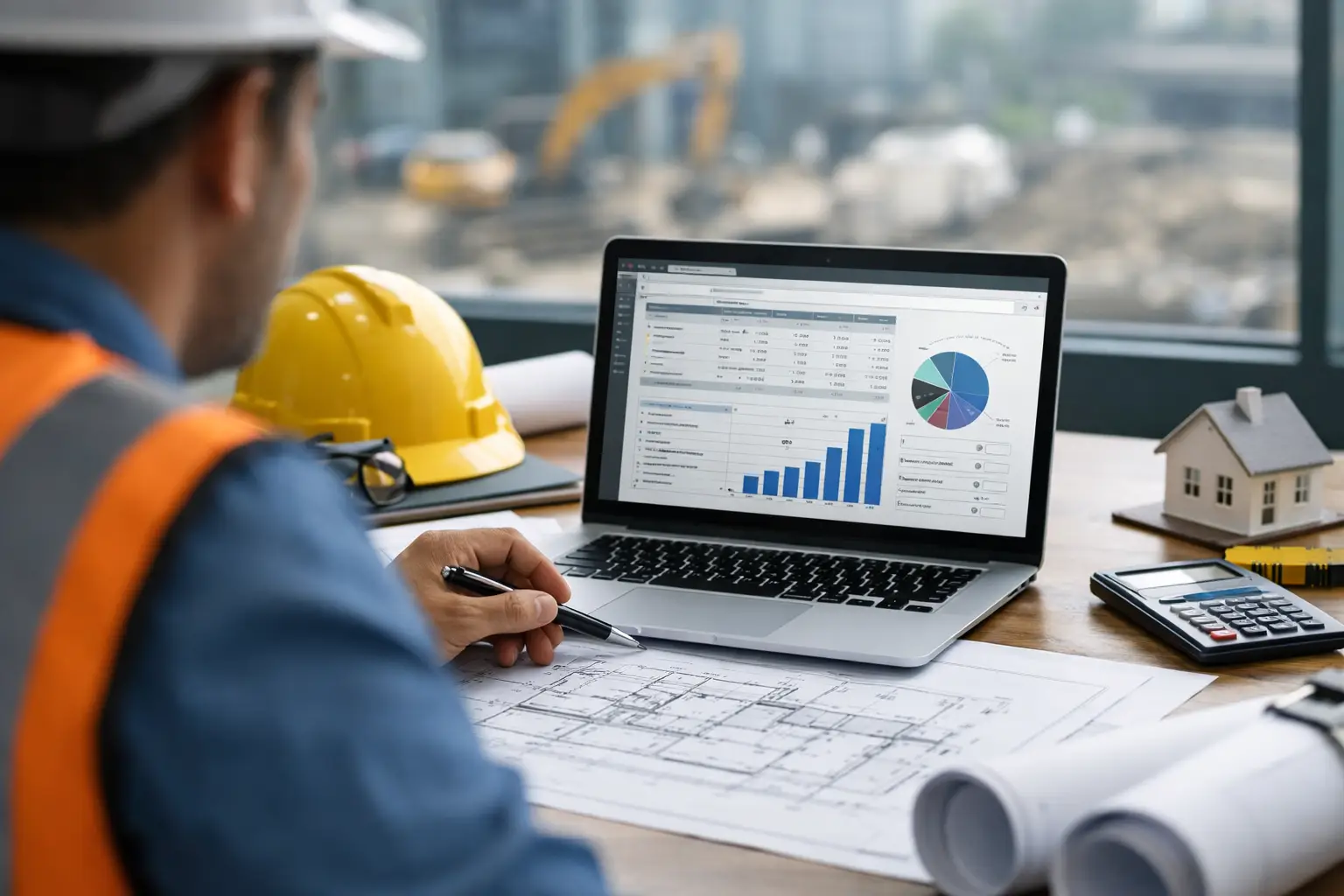
A foreman does not need another app that looks good in a demo and falls apart at 6:15 a.m. when trucks are rolling, crews are calling, and the office wants updates. The best apps for foremen earn their place fast. They save time, cut down phone calls, and make it easier to keep labor, materials, photos, and job progress organized without adding extra work.
That is the real standard. Not flashy dashboards. Not endless setup. Just tools that help a foreman run a tighter job.
What makes the best apps for foremen worth using
Foremen work in the middle of everything. They are managing labor, answering questions, keeping production moving, dealing with missing materials, documenting issues, and feeding information back to the office. If an app slows that down, nobody uses it for long.
The best apps for foremen usually get four things right. First, they are easy to use from a phone in the field. Second, they solve a real daily problem like time tracking, daily logs, site documentation, or crew communication. Third, they do not require a full-time admin just to keep them running. Fourth, they give the office something useful without forcing the foreman to do double entry.
That last part matters more than most software companies admit. A tool can be powerful on paper, but if the foreman has to enter the same info in three places, it becomes another task nobody wants.
10 best apps for foremen to consider
1. SimplySub
If you are a subcontractor looking for one system instead of a stack of disconnected apps, SimplySub stands out because it is built around real field and office coordination. A foreman can track crew time, attendance, materials, equipment, job photos, and daily activity from the field, while the office gets real-time visibility without chasing paperwork.
That matters for trades running multiple crews across jobsites. Instead of using one app for timecards, another for photos, another for notes, and a spreadsheet for job tracking, you can keep daily operations in one place. The biggest advantage is simplicity. It is built for subcontractors, not general contractors trying to manage everyone on site, so the workflows feel more practical for actual crew management.
2. Procore
Procore is widely known in construction, and for some foremen it can be useful, especially on larger commercial jobs where the GC already lives in that system. It is strong for documentation, drawings, RFIs, punch items, and project coordination.
The trade-off is complexity. For a subcontractor foreman, Procore is often something you have to use because the project requires it, not because it is the easiest daily field tool. If your job mostly revolves around GC coordination and project documents, it has value. If you need simple crew-level control for your own business, it may be more software than you want.
3. Buildertrend
Buildertrend is more common in residential construction and remodeling, but some foremen and field managers use it for scheduling, communication, updates, and customer-facing visibility. If your work is residential and client communication is a big part of the process, it can help keep things organized.
For trade contractors focused on labor, production, and internal crew management, it may not be the best fit. It is stronger for broader project workflow than day-to-day subcontractor field control.
4. Raken
Raken is known for daily reports, time tracking, production data, and safety documentation. For foremen who need to capture what happened on site each day without writing everything out manually, it is a solid option.
Its biggest strength is field reporting. If that is your main pain point, it can save time. But if you also need estimating, invoicing, material tracking, or deeper job cost visibility, you may still need other tools around it.
5. Fieldwire
Fieldwire is strong when the foreman needs task management tied closely to plans and punch work. It helps with assigning work, tracking issues, and keeping field teams aligned on drawings and status updates.
This makes it useful on jobs where layout, coordination, and issue tracking drive the day. On the other hand, it is not an all-in-one subcontractor operations platform. A foreman can use it well, but the business may still need separate systems for payroll inputs, billing, and job tracking.
6. CompanyCam
For foremen who take a lot of jobsite photos, CompanyCam is popular for a reason. It makes photo documentation fast, organized, and easy to share. If your team regularly needs before-and-after photos, progress records, or proof of completed work, it solves that problem well.
The limitation is obvious. It is mainly a photo tool. That can be enough for some crews, but many foremen need photos tied to labor, materials, notes, and daily job records, not stored in another standalone app.
7. ClockShark
ClockShark focuses on time tracking for construction and field service crews. For foremen responsible for getting accurate crew hours by job and cost code, it can make time collection easier than paper cards or text-message reporting.
If payroll accuracy is the main issue in your company, this type of app can pay off quickly. But if your foreman also needs to manage production, track materials, log photos, and push updates to the office, time tracking alone only solves part of the problem.
8. PlanGrid
PlanGrid built its reputation around drawings, markups, and field access to current plans. For foremen working on document-heavy projects, that can be a major advantage. Nobody wants crews building from old sheets.
Even so, drawing access is just one part of a foreman’s day. If your biggest headache is not plan management but labor tracking and daily operations, it may not be the first app to prioritize.
9. QuickBooks Time
QuickBooks Time can work well for businesses already centered on QuickBooks and needing a cleaner path from field time entry into payroll or accounting. Foremen can use it to help collect labor hours and reduce paper-based payroll headaches.
The catch is that it is mainly a time tool, not a field operations system. It handles one lane well, but foremen often need more than one lane covered.
10. WhatsApp or group messaging apps
This one is not fancy, but it is real. A lot of foremen rely on group texts or messaging apps because they are fast and everybody already has them. For quick updates, crew coordination, and sending photos, they can work.
The problem shows up later. Messages get buried, nobody can find the right photo, and there is no clean record tied to a job. It is easy in the moment and messy by the end of the week.
How to choose the best app for your foremen
Start with the problem that is costing you the most time or money right now. If your foremen are chasing down timecards every Friday, fix time tracking first. If the office has no idea what happened on site each day, focus on daily logs and documentation. If jobs are running on phone calls, texts, and memory, you need a more complete system.
It also helps to think about who has to use the app. Owners often shop for software based on reporting, but adoption usually comes down to whether the foreman can use it in under a minute without calling for help. If your field leaders are not highly technical, simple matters more than feature depth.
That is why all-in-one sounds good but does not always work. Some platforms try to do everything and end up slow, bloated, or built for a different type of contractor. The better question is whether the app fits subcontractor workflows, supports fast field entry, and gives the office usable information without extra admin work.
When one app is better than a stack of apps
A lot of companies build their own system over time. One app for time. One for photos. One for scheduling. One spreadsheet for materials. One accounting tool in the office. It works until jobs scale up and information starts slipping through the cracks.
Foremen feel that first. They get asked for updates they already sent, photos they cannot find, and material details that never made it back to the office. At that point, the problem is not effort. It is fragmentation.
For many subcontractors, one simple field-friendly platform is better than five specialized apps that do not talk to each other. Not because every business needs fewer options, but because foremen need less friction. The more separate tools you pile on, the more likely the field team goes back to paper, texts, and memory.
The right app should make the foreman’s day easier
The best apps for foremen do not turn a foreman into a data-entry clerk. They help him or her run labor, document the job, communicate clearly, and give the office what it needs with less back-and-forth. That is the standard worth holding.
If you are evaluating software, skip the sales language and look at what happens on a real Tuesday morning. Can the foreman clock the crew in fast, add photos, note material usage, and move on with the day? Can the office see what is happening without making six calls? If the answer is yes, you are probably looking at a tool that will actually get used.
The right app should feel less like software and more like one less problem to deal with before the concrete truck shows up. To learn more, schedule a demo or review pricing and start your 100 day risk free account.