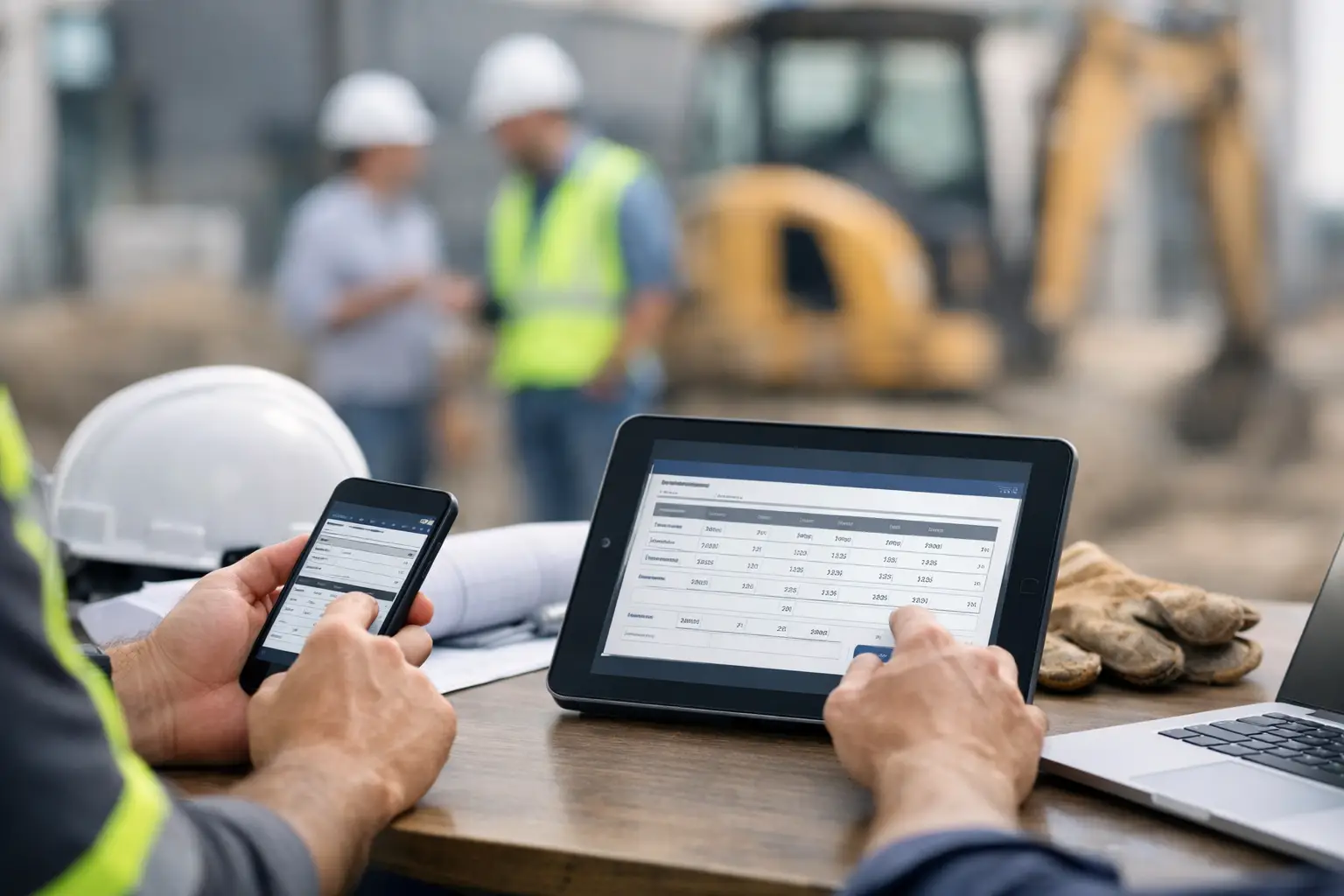
Monday payroll starts with a stack of paper timecards, three texts from foremen, and one crew member swearing he was on the site by 6:30. That is exactly why a digital timecard rollout example matters. If you run a subcontracting business, the goal is not to install another system your crews hate. The goal is to get accurate hours from the field, faster approvals in the office, and fewer payroll surprises by the end of the week.
For most subcontractors, the rollout is where things go right or wrong. Not the software demo. Not the feature list. The rollout. If the first week creates confusion, guys go back to paper. If the setup takes too long, the office keeps double-entering hours. If foremen do not trust the app, they work around it. A good rollout keeps things simple, field-friendly, and tied to real jobs your crews are already working.
A practical digital timecard rollout example
Let’s use a realistic example. A 28-person concrete subcontractor has four active crews, one office admin handling payroll support, and two foremen who are comfortable with apps while the other two are not. The company wants to stop chasing handwritten cards, reduce missed hours, and see labor by job before payroll day.
Instead of pushing digital timecards to the whole company on day one, they roll it out in two phases over three weeks. That matters because speed is good, but chaos is expensive.
In week one, the owner and office admin set up active jobs, employee names, and crew leads. They do not overbuild the system. They only enter what crews need to clock in and what the office needs to review time by job. Then they choose one foreman with a steady crew and one active project as the pilot.
That pilot crew uses digital timecards for five working days. The office still keeps paper as backup, but only for that first week. Every afternoon, the office admin checks submitted hours against what the foreman expected. If something is off, they fix it that day, not Friday afternoon when everyone is trying to go home.
By week two, the company adds a second crew. At this point, the first foreman helps explain the process to the second. That peer-to-peer handoff is usually more effective than a long training session from the office. The company also stops using paper for the pilot crew, because a half-digital, half-paper process tends to drag on forever.
By week three, all four crews are on digital timecards. Payroll is reviewed from one system, foremen approve hours daily, and the office only calls when something truly needs attention.
Why this digital timecard rollout example works
The reason this works is simple. It respects how subcontractors actually operate.
Crews are busy. Foremen do not want a 90-minute training meeting. Owners do not want a six-week implementation. Office staff do not want to babysit two systems. A phased rollout gives you control without slowing the business down.
It also catches the real problems early. Maybe one job name is confusing. Maybe a crew lead forgets to submit at the end of the day. Maybe an employee works across two jobs and needs a cleaner way to split time. Those are normal rollout issues. They are easy to solve when one crew is testing the process. They become a payroll mess when twenty-eight people are all doing something different.
What to set up before day one
Most rollout problems start before the first clock-in. The system is either overcomplicated or missing basic structure.
Keep the setup tight. Start with active jobs, employee lists, crew leads, and approval flow. Decide who can enter time, who reviews it, and when it has to be submitted each day. If you want job costing, make sure your job names and cost codes are clear enough that the field can use them without guessing.
This is also the point to set one company rule for missed punches, edits, and late submissions. If that rule changes by foreman, your rollout will feel inconsistent from the start.
For mixed-tech crews, use the simplest workflow available. If a laborer only needs to clock in and out, do not give him five extra steps. If a foreman needs to assign time by job and crew, make that his lane. Good rollout design keeps each person doing only what the job requires.
How to introduce it to the field
The wrong message is, “We’re implementing a new timekeeping solution.” Nobody on a jobsite wants to hear that.
The right message is more direct: starting Monday, everyone clocks in on the phone so hours are accurate, jobs are tracked correctly, and payroll gets cleaned up. Show them what to tap, when to do it, and who to call if something is wrong. That is enough for most crews.
Keep the kickoff short. Five to ten minutes at the truck or in the trailer is usually plenty. Foremen need the most context because they are the bridge between the field and the office. Crews need a fast, repeatable routine.
It helps to explain what is changing and what is not. The time entry method changes. Expectations do not. Start time is still start time. Lunch is still lunch. The foreman still owns the crew log. When workers understand that digital timecards are replacing paperwork, not adding more of it, resistance tends to drop.
The trade-offs to watch during rollout
There is no perfect rollout plan for every subcontractor. It depends on crew size, job complexity, and how disciplined your field processes already are.
If you roll out to everyone at once, you may get faster adoption, but you also increase the chance of confusion and office cleanup. If you phase it in, you reduce risk, but you need enough follow-through to avoid getting stuck in pilot mode.
Device access is another real-world issue. If every employee has a smartphone and uses apps comfortably, adoption is usually faster. If some workers do not, you may need a foreman-led process at first. That is not a failure. It is a practical way to get accurate time in the system while the crew builds the habit.
Internet access can matter too, depending on the jobs you run. Rural sites, new developments, and basements can create gaps. Your rollout needs a field-ready process, not one that assumes perfect signal all day.
What success looks like after 30 days
A successful rollout does not mean nobody asked a question. It means the questions got smaller each week.
By day 30, your office should no longer be retyping hours from paper. Foremen should know how to review and submit time without reminders. Employees should understand how to clock in, clock out, and correct an error before payroll closes. Most important, you should be able to look at labor by job while the work is still happening, not after payroll has already gone out.
That visibility changes more than payroll. It helps you catch a crew running heavy on one project, compare planned versus actual labor, and spot attendance issues before they become a pattern. For growing subcontractors, that is where digital timecards start paying off.
One simple rollout standard to keep
If you only keep one rule from this digital timecard rollout example, make it this: review time daily during the first two weeks.
Daily review prevents small mistakes from stacking up. It gives foremen fast feedback, helps the office spot process gaps, and builds confidence that the system is working. Waiting until Friday to audit a new timecard process is how small errors turn into long payroll afternoons.
This is also where simple software matters. If your crews can use it without training manuals and your office can trust what they see in real time, the rollout gets easier fast. That is one reason subcontractors look for tools built for field use instead of bloated systems designed around general contractors. Platforms like SimplySub focus on getting crews in, hours tracked, and jobs visible without adding another layer of office work.
A digital timecard rollout does not need to be complicated to work. It needs clear setup, a short pilot, consistent field expectations, and daily follow-up while the habit takes hold. If your current process depends on paper cards, memory, and Friday guesswork, the best time to fix it is before the next payroll headache shows up.