A skid steer shows up on the wrong site. A saw goes missing for three days. A foreman swears the trencher was returned, but nobody can prove it. That is how small equipment problems turn into schedule delays, extra rentals, and thin margins. Equipment tracking for subcontractors is not about adding more admin work. It is about knowing what you own, where it is, who has it, and whether it is actually helping the job move.
For subcontractors, that visibility matters more than most software companies admit. You are not managing a single warehouse with fixed crews. You are moving tools, trailers, attachments, and machines between jobs, often fast, often with limited office support, and usually while trying to keep production on track. If your tracking process still lives in text messages, whiteboards, and somebody's memory, you are paying for it one mistake at a time.
Why equipment tracking breaks down for subs
Subcontractors have a different equipment problem than general contractors. The issue is not just inventory. It is movement. A concrete crew may shift forms, saws, and compactors across three jobs in a week. A landscaping company may have mowers, trailers, handheld tools, and irrigation equipment assigned to different crews every day. An electrical subcontractor might keep gang boxes on one site while moving specialty tools wherever the next phase needs them.
That kind of movement makes casual tracking fail quickly. What worked when you had two crews and one yard stops working when you have six crews, multiple foremen, and jobs spread across a region. Equipment gets borrowed without being logged. Small tools disappear into trucks. Rentals overlap with owned assets because nobody is sure what is available. The office finds out after the fact, usually when a project is already behind or a replacement has already been rented.
The cost is not only theft or loss. It is idle time. Crews wait for the right equipment. Supervisors make extra trips. Admin staff chase down answers. Owners buy duplicates because the original item cannot be found fast enough. That is why equipment tracking needs to be simple enough for the field and clear enough for the office.
What good equipment tracking for subcontractors looks like
The best system is not the most advanced one. It is the one your crews will actually use. For most subcontractors, good equipment tracking for subcontractors comes down to a few basics done consistently: every asset has an identifiable record, every assignment is visible, and every move between jobs is easy to log from the field.
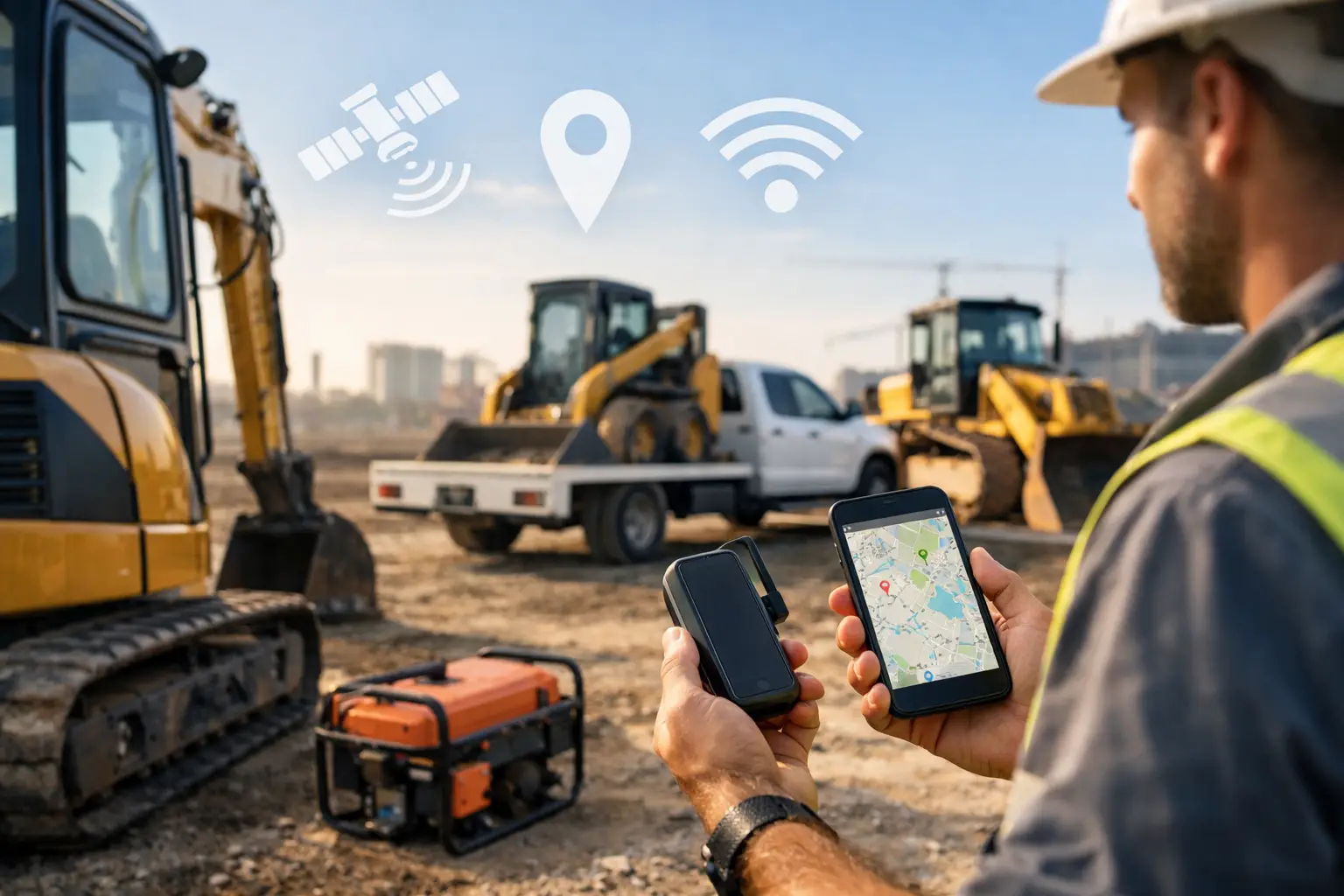
That record should show the equipment name, type, serial number or internal ID, current location, assigned crew or employee, status, and service history if maintenance matters. For a mini excavator, that might include the current project, operator, hours, and next service date. For smaller tools, it might simply mean knowing which truck, gang box, or foreman has them today.
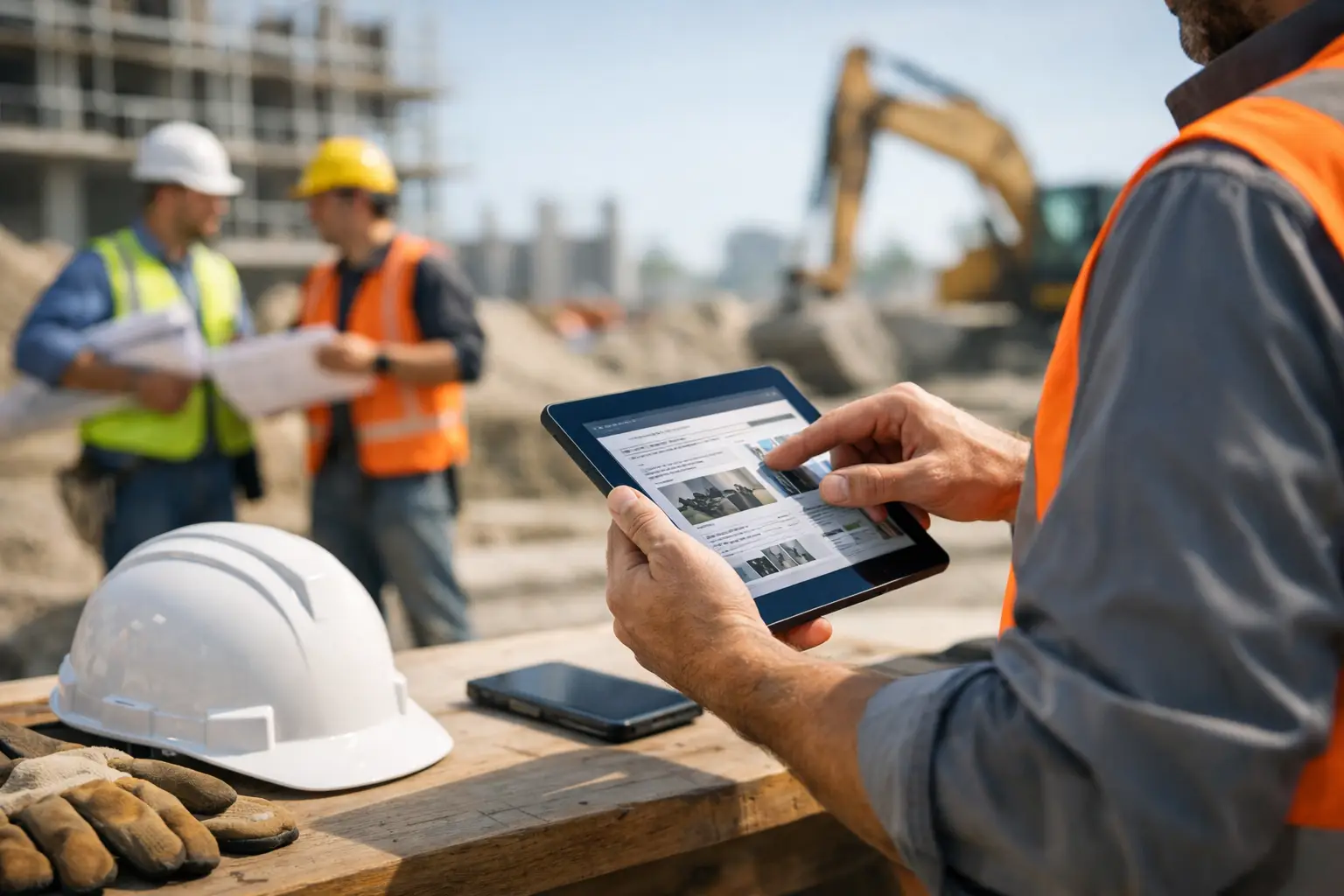
The key is speed. If logging a transfer takes too many taps or requires a call back to the office, people will skip it. If the office cannot see updates in real time, they will keep using side spreadsheets anyway. A practical system gives field leaders a quick way to check equipment in and out, assign it to a job, and flag issues with notes and photos without stopping work.
The real payoff is operational, not just administrative
When owners think about equipment tracking, they often start with loss prevention. That matters, but it is only one part of the return. Better tracking improves scheduling, purchasing, accountability, maintenance, and billing decisions.
Start with utilization. When you know which equipment is active and where it is sitting idle, you can make smarter use of what you already own. Instead of renting another plate compactor because one crew thinks all of them are in use, you can reassign an idle unit from a nearby job. That saves cash immediately.
It also helps with maintenance. Equipment that is never tracked tends to get serviced late because no one has a clean usage record. Then it breaks in the field, which is always more expensive than planned downtime. Even a basic tracking process can help you spot overused assets, missed inspections, and equipment that keeps creating problems on certain crews or job types.
There is also a labor side to this. Every minute spent hunting down tools is paid time. Every extra supply run or equipment pickup burns fuel and management attention. Those are hard costs, even if they do not show up on the same line item as a missing asset. This is why many teams pair equipment visibility with time and attendance tracking to see where hours are getting burned.
Where most subcontractors overcomplicate it
A lot of teams know they need better visibility, then go too far too fast. They try to barcode every hand tool, build a detailed checkout process for every drill bit, or buy software that was clearly designed for enterprise fleets. Six weeks later, the field stops using it because it slows them down.
The smarter approach is to track what actually impacts production and cost first. That usually means machines, trailers, high-value tools, shared crew equipment, rentals, and anything that frequently moves between jobs. Once that process is working, you can decide whether smaller assets are worth adding.
There is a trade-off here. If you track too little, you still have blind spots. If you track too much, adoption falls apart. The right level depends on your trade, crew size, theft risk, and how often equipment changes hands. A masonry contractor may focus heavily on mixers, saws, scaffolding, and forklifts. A plumbing company may care more about camera equipment, threaders, trenching tools, and specialty diagnostic gear.
How to set up a system crews will actually follow
Start with a clean equipment list. Not perfect, just usable. Record what you own, what you rent regularly, and what causes the most headaches when it goes missing or lands on the wrong job. Give each item a clear name that your field team would actually recognize.
Next, decide what actions need to be recorded. For most subcontractors, the essentials are assignment to a job, transfer between jobs, return to yard, and out-of-service status. Keep it simple. If a foreman can update those items from a phone in seconds, you are far more likely to get compliance than with a process built around forms and back-office follow-up.
Then make ownership clear. Someone should be responsible for the record on each move. In many companies, that is the foreman or crew leader. Not because they need more paperwork, but because they are closest to the movement. The office can review, but the field has to capture the event when it happens.
It also helps to tie equipment tracking into the rest of daily operations instead of treating it as a separate task. When crews are already entering time, daily logs, photos, or job updates, equipment activity should live in that same workflow. That is one reason platforms built specifically for field teams tend to work better than disconnected point tools. The fewer systems your team has to open, the better the odds they use them consistently.
Common jobsite situations where tracking pays off fast
The value becomes obvious in everyday moments. A roofing crew needs a trailer and compressor first thing in the morning, and the office can see exactly which job released them yesterday. A concrete foreman reports a saw down for repair, so the next crew does not waste time driving across town to pick up equipment that is unavailable. A project manager can verify that a rented lift stayed on-site for three extra days and bill accordingly or catch the overage before it repeats.
It also helps when disputes come up. If a customer claims your team damaged or removed equipment, clear records and photos matter. If an employee says a tool was returned, timestamps and assignment history reduce the guesswork. You may still have gray areas, but you have a better starting point than memory and verbal handoffs.
Choosing software for equipment tracking for subcontractors
If you are evaluating software, keep the standard practical. The goal is not to buy the system with the longest feature list. It is to find one your office and field can use right away. Mobile use matters. Fast setup matters. Real-time visibility matters. If your crews need heavy training just to assign a tool to a job, it is probably the wrong fit.
Subcontractors also benefit when equipment tracking sits alongside labor, job progress, materials, and documentation. That gives owners and admins a clearer picture of what is happening on each project without bouncing between apps. SimplySub is one example of that kind of contractor-first setup, where equipment tracking works as part of day-to-day job management instead of another disconnected layer.
The best test is simple: can a foreman on a live job use it correctly in the first few minutes without calling the office? If the answer is no, the rollout will be harder than it should be.
Getting control of your equipment does not require a huge process change. It requires a system your team can stick with when the schedule is tight and the day gets messy. Start with the assets that affect production most, make updates easy from the field, and build from there. If you are comparing options, this subcontractor management software review can help you narrow the field.
When your crews know where the equipment is, your office knows what is available, and your jobs stop losing time to avoidable confusion, the whole operation runs tighter. If you want to see what that workflow looks like in practice, book a demo (and review pricing when you are ready to compare plans).