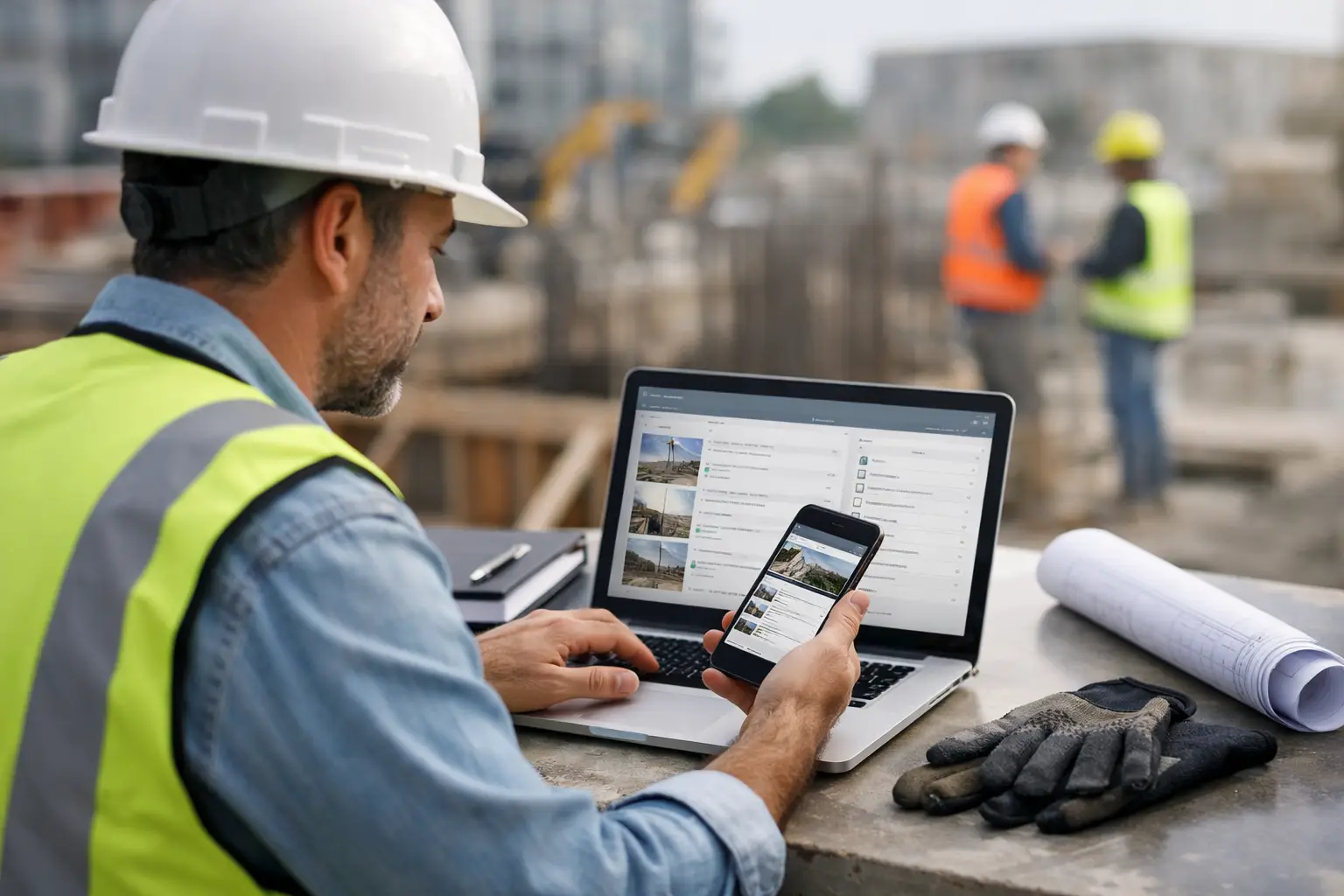
Most software demos look good for ten minutes. Then the real questions show up. Can a foreman clock in a crew without calling the office? Can you see labor, materials, photos, and daily progress for each job without chasing three apps and a stack of paper? That is what a real subcontractor management software review should answer.
For subcontractors, the wrong system does more than waste money. It slows down payroll, muddies job costing, and creates gaps between the field and the office. A platform can have every feature on paper and still be a bad fit if your crew will not use it, your office cannot trust the data, or setup takes months. That is why the best review is not about who has the longest feature list. It is about who helps you run work cleanly, quickly, and with fewer headaches.
What matters most in a subcontractor management software review
If you are a concrete contractor, landscaper, framer, electrician, roofer, or plumber, your needs are different from a general contractor's. You are not trying to manage the entire project team. You are trying to keep your crews productive, track labor and materials by job, document work, invoice on time, and know where each job stands without making ten phone calls.
That changes how software should be judged. A subcontractor-first system needs to work on jobsites with mixed tech comfort levels. It should be simple enough for crews to use immediately and strong enough for owners and office staff to trust for decisions. If a product feels like it was built for enterprise reporting first and field use second, that usually shows up fast.
Ease of use is not a soft benefit. It affects adoption, which affects data quality, which affects payroll, billing, and job profitability. If your team avoids the app, the software is not helping. It is just another subscription.
The core categories to compare
Field usability
This is the first filter. Can crew leaders clock time, update progress, upload job photos, and record daily activity from a phone without training sessions and cheat sheets? If the answer is no, everything else starts to break.
A lot of construction software is technically mobile, but not truly field-friendly. Menus are buried. Screens are cluttered. Basic tasks take too many taps. For subcontractors, simple screens matter because work is happening in trucks, on lifts, in mud, in heat, and between tasks. If your foreman can open the app and get it done in under a minute, that is a real advantage.
Job tracking that matches how subs work
Subcontractors need job visibility at the production level. You need to know which jobs are active, what labor is being spent, what materials or equipment are tied to that work, what was completed today, and what still needs attention. That sounds obvious, but many systems scatter this information across modules that do not feel connected.
Good job tracking should let the office and field see the same picture. A superintendent or owner should not have to piece together status from texts, paper timecards, and separate photo folders. If the software gives one clean job record with labor, notes, documentation, and cost-related activity in one place, that saves time every day.
Time, attendance, and labor visibility
For most subcontractors, labor is the biggest cost and the biggest source of confusion if tracking is weak. You need accurate crew time by job, not rough estimates after the fact. You also need something your field team will actually use.
The best systems make daily time entry quick and tie it directly to the job. Better ones also make payroll and job costing easier because the office is not cleaning up handwritten cards at the end of the week. If your current process involves guessing who was where for part of the day, that is where software should earn its keep.
Materials, equipment, and documentation
Subcontractors lose money in small leaks. Missing material records. Equipment moved without visibility. Job photos stored on personal phones. Daily logs that never get written until there is a dispute.
This is where software can move from helpful to necessary. If your team can log materials, track equipment use, attach photos, and record daily notes while work is happening, you get cleaner records and fewer surprises later. That matters for billing, back-up documentation, and claims protection. It also matters for simple accountability inside your own company.
Estimating, invoicing, and accounting fit
Some subcontractors want an all-in-one platform. Others want a field operations tool that works well with their accounting system. There is no single right answer. It depends on how your office runs.
Still, your software should reduce double entry, not create more of it. If estimates, invoices, and accounting handoff are clunky, the office absorbs the pain. For many subcontractors, QuickBooks integration is a practical checkpoint because it affects how fast you can move from field activity to billing and financial tracking.
Where many software options fall short
A fair subcontractor management software review has to acknowledge the trade-offs. Some platforms are powerful but overloaded. They can support every workflow imaginable, yet that flexibility often means more setup, more admin work, and slower adoption in the field.
Others are good at one thing and weak everywhere else. You might find a solid time-tracking app, a separate photo app, another tool for estimating, and spreadsheets holding the rest together. That can work for a while, but disconnected systems usually push the coordination burden back onto the office.
There is also the GC-first problem. Many construction platforms are designed around general contractor workflows, then sold to subcontractors as if the fit is close enough. Usually it is not. Subs need speed, visibility, and simple execution at the crew level. They do not need to pay for layers of complexity built for a different role on the job.
How to tell if a platform is actually built for subcontractors
Start with the demo, but do not stop there. Ask the vendor to show the exact workflows your team will use every day. Have them show how a foreman clocks in a crew, adds job photos, logs material use, and submits daily updates. Then ask how the office sees that information and turns it into payroll, job costing, or invoicing.
If the answer involves workarounds, exports, or extra modules, pay attention. If the setup depends on heavy customization before the system becomes useful, that is another sign. Subcontractors usually need something that works fast, not a long software project.
You should also ask who the product is really built for. That sounds simple, but it matters. A system designed for subcontractors will usually show it in the workflow, pricing model, and support process. It will feel like it understands crew-based operations instead of forcing you into a process designed for someone else.
What a strong fit looks like in practice
A strong fit is simple to learn, easy to use in the field, and useful to the office on day one. Crews can handle time, photos, logs, and updates from their phones. The office gets real-time visibility into jobs without chasing paperwork. Owners can see where labor and activity are going without waiting for the week to end.
That is the difference between software that gets used and software that gets ignored. It is also where a subcontractor-focused platform can separate itself. SimplySub, for example, is built around the day-to-day needs of trade contractors rather than broad construction management. The value is not in adding more layers. It is in giving subcontractors one clean system for jobs, crews, materials, equipment, estimating, photos, documentation, invoices, and QuickBooks-connected workflows without the enterprise software headaches.
That kind of approach is especially useful for small to mid-sized subcontractors who need better control but do not have time for months of implementation. If your field team needs zero-drama mobile use and your office needs dependable visibility, simplicity is not a compromise. It is the point.
The best choice depends on your bottleneck
If your biggest issue is payroll accuracy, focus hard on time and attendance. If your problem is job visibility, look at daily logs, photos, and labor reporting. If billing is slow, pay attention to how field data moves into invoicing and accounting. The right software is the one that fixes the bottleneck that is costing you the most time or money right now.
Price matters too, but not in isolation. A cheaper system that your crew will not use is expensive. A broader platform with a long rollout can also be expensive if it drags down adoption. For most subcontractors, the best value comes from software that gets used immediately, cuts admin work, and gives real visibility across all active jobs.
A good review should leave you with one clear standard: if the software does not make the field easier and the office more organized at the same time, keep looking. The best systems are built for real jobsites, real crews, and real deadlines - and you can feel that difference within the first week. If you want to compare options clearly, check pricing and then book a demo when you are ready.