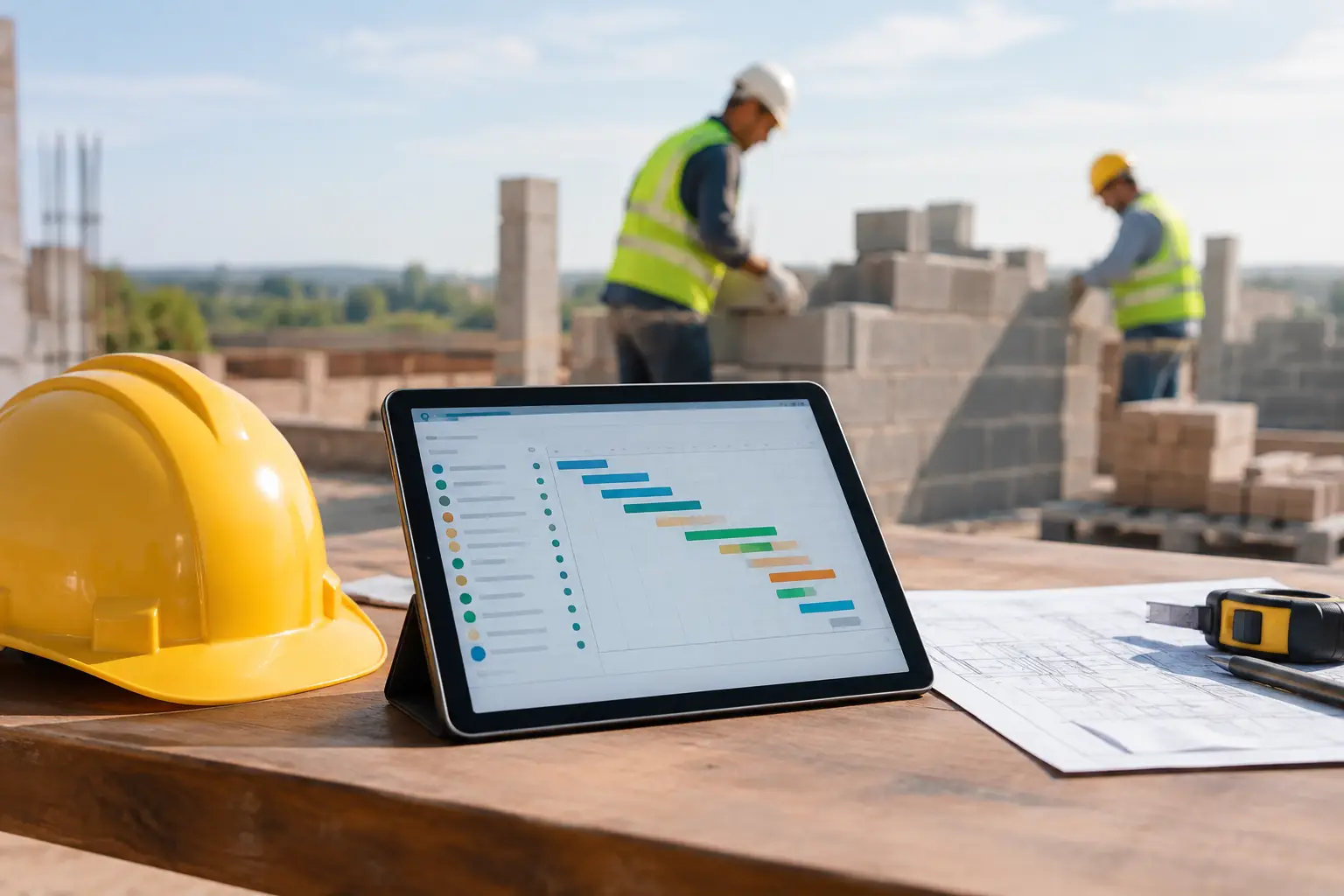
A missed material delivery, an unapproved change, or a crew timecard filled out two days late can turn a profitable masonry job into a guessing game. A masonry project tracking system gives your office and field crews one place to see what happened, what is next, and where the job stands before problems become expensive.
For masonry subcontractors, tracking is not about adding more paperwork. It is about knowing whether the crew has the right block, brick, mortar, equipment, and labor hours to keep moving. It is about having job photos when a GC questions progress, daily records when weather delays work, and accurate information when it is time to bill.
Why Masonry Jobs Need Better Tracking
Masonry work has a lot of moving pieces, even on a straightforward project. Crews may be working across several elevations or buildings. Material needs change as walls go up. Scaffolding, mixers, telehandlers, and saws move between jobs. Rain, wind, inspections, and other trades can stop production without much warning.
When those details live in text messages, paper timecards, spreadsheets, and one foreman's memory, the office gets the story late. By then, labor hours may already be over budget, materials may be missing, or a change order may be hard to prove.
A practical system keeps the field and office on the same page without asking crews to become software experts. The goal is simple: capture job information once, from the jobsite, while it is still accurate.
What a Masonry Project Tracking System Should Track
The right system should fit the way your crews actually work. It should not force a small subcontractor into a general contractor process built around dozens of unrelated trades. Focus on the information that protects production, documentation, and cash flow.
Labor by Job, Crew, and Cost Code
Labor is usually the biggest variable on a masonry job. If you cannot see where hours are going, you cannot correct a job that is slipping.
Your system should let crew members clock in from the field and assign their time to the correct job and activity. For example, you may want separate tracking for layout, footing work, CMU installation, brick veneer, grout, cleanup, punch work, or repair work.
This does not mean every mason needs to spend ten minutes entering detailed notes. The best workflow is quick enough for daily use. A foreman can review crew time, confirm the job, and send it to the office while the day is still fresh. That gives managers a current view of labor instead of waiting until payroll is processed. A time and attendance system can keep those hours tied directly to the job.
Daily Progress and Jobsite Conditions
A daily log creates a record of what was completed, who was on site, and what affected production. It is useful when everything goes right, but it matters even more when something does not.
A good masonry daily record can capture the work area, crew count, completed quantities, weather, delivery issues, inspection status, site access problems, and delays caused by other trades. A short note such as “Crew could not begin north elevation until scaffold was released at 10:30 a.m.” can save a lot of debate later.
Keep these entries simple. If a daily log takes too long, it will be skipped. Field-friendly daily work logs, photos, and short notes are more valuable than a perfect report nobody completes.
Materials and Equipment
Material tracking helps prevent the common jobsite scramble: the crew is ready, but the right product is not there. For masonry contractors, that might mean block, brick, mortar, reinforcing steel, anchors, flashing, grout, sand, or color-matched repair materials.
You do not need an inventory warehouse system to get value from material tracking. Start by recording deliveries, shortages, damaged material, and urgent needs by job. That gives the office a better picture of what was received, what was used, and what could hold up the next phase. A consistent approach to field material tracking helps keep those details from getting lost between the jobsite and office.
Equipment deserves the same attention. If a mixer, forklift, saw, scaffold set, or telehandler is assigned to a job, record it. Knowing where equipment is and how long it has been in use helps avoid double-booking, unnecessary rentals, and downtime caused by missing tools. Equipment time tracking can also show how long assets are being used on each project.
Photos, Documents, and Change Work
Photos are one of the easiest ways to protect your company. A few organized photos each day can show progress before another trade covers the work, document site conditions, and support a request for payment.
Store photos under the correct job, not in a foreman's personal phone gallery. Add notes when needed, especially for damage, incomplete predecessor work, safety concerns, material issues, or extra work. Keeping photos, files, and notes attached to the job makes them much easier to retrieve later.
The same rule applies to plans, work orders, inspection reports, signed tickets, and change documentation. When records are connected to the job, the office can find them when a question comes up. No one has to scroll through old texts or call three people to locate proof.
How to Set Up a System Crews Will Actually Use
The best tracking process is not the one with the most fields. It is the one your team uses every day. Start with the essentials and build consistency before adding more detail.
First, create each active job with the basics: customer, job address, project contact, budget categories, expected start and finish dates, and assigned crew. Use job names your employees recognize right away. “Oak Ridge School - Building C” is better than an internal code nobody remembers.
Next, set up a small number of cost codes that match your estimating process. Too few codes make job costs vague. Too many codes lead to bad entries and frustrated crews. For many masonry contractors, a handful of clear labor categories is enough to spot whether the work is tracking to plan.
Then, make the daily field routine clear. Crews clock in, a foreman confirms time and job assignment, photos are added when work is completed or an issue appears, and a brief daily update is submitted before leaving the site. That is a realistic process. Asking for a long report after a ten-hour day is not.
Finally, give one person in the office responsibility for reviewing the information. They should look for missing time, unassigned costs, open material needs, and job notes that need a response. Software provides visibility, but somebody still has to act on what it shows.
Use Job Data Before the Job Is Over
Tracking only helps if you review it while there is still time to make a change. A masonry project can burn through budgeted labor long before the final invoice goes out.
Review labor against the estimate each week, and more often on tight or fast-moving jobs. If brick installation is taking longer than planned, find out why. The issue could be low crew productivity, poor material staging, unexpected wall conditions, rework, restricted access, or an estimate that missed the mark.
The answer is not always to push the crew harder. Sometimes the job needs a better laydown area, a delivery adjustment, a different equipment plan, or a conversation with the GC about a documented delay. Current job data helps you make the right call instead of relying on assumptions.
This information also improves future bids. If you consistently track actual hours and material issues by activity, your next estimate becomes more grounded in your own production history. That is a better foundation than copying the last bid and hoping the job behaves the same way. Good reporting and exports make it easier to review that history across completed jobs.
Avoid These Common Tracking Mistakes
The biggest mistake is treating tracking as an office-only task. The office needs the information, but the field is where it starts. If the workflow is not easy on a phone and practical for foremen, the data will arrive late or not at all.
Another mistake is waiting until the end of the week to enter everything. Details fade fast. Daily entries are more accurate and much easier to complete than reconstructing five days of work from memory.
It is also easy to overbuild the process. A large contractor may need complicated approval chains and dozens of reporting layers. A masonry subcontractor with several crews usually needs clear job status, accurate time, documented work, material visibility, and clean records for billing. Everything else should earn its place.
A subcontractor-focused platform such as SimplySub can bring time, job updates, photos, materials, equipment, documents, and invoices into one straightforward workflow. That matters when your team needs control without spending weeks learning software built for someone else's business. It is designed around the kind of masonry contractor workflows crews and offices manage every day.
Make Tracking Part of How You Build
A masonry project tracking system should make the workday easier, not add another task that gets ignored. Start with accurate crew time, short daily updates, organized photos, and clear material or equipment notes. Once those habits are in place, your office can see problems sooner, support the field faster, and protect the profit you worked hard to bid.
The best time to document a delay, delivery issue, or completed wall is when your crew is standing in front of it. Give them a simple way to do that, and your jobs will be easier to manage from the first course to the final punch list. To see how SimplySub can support your masonry jobs, schedule a demo or review SimplySub pricing.