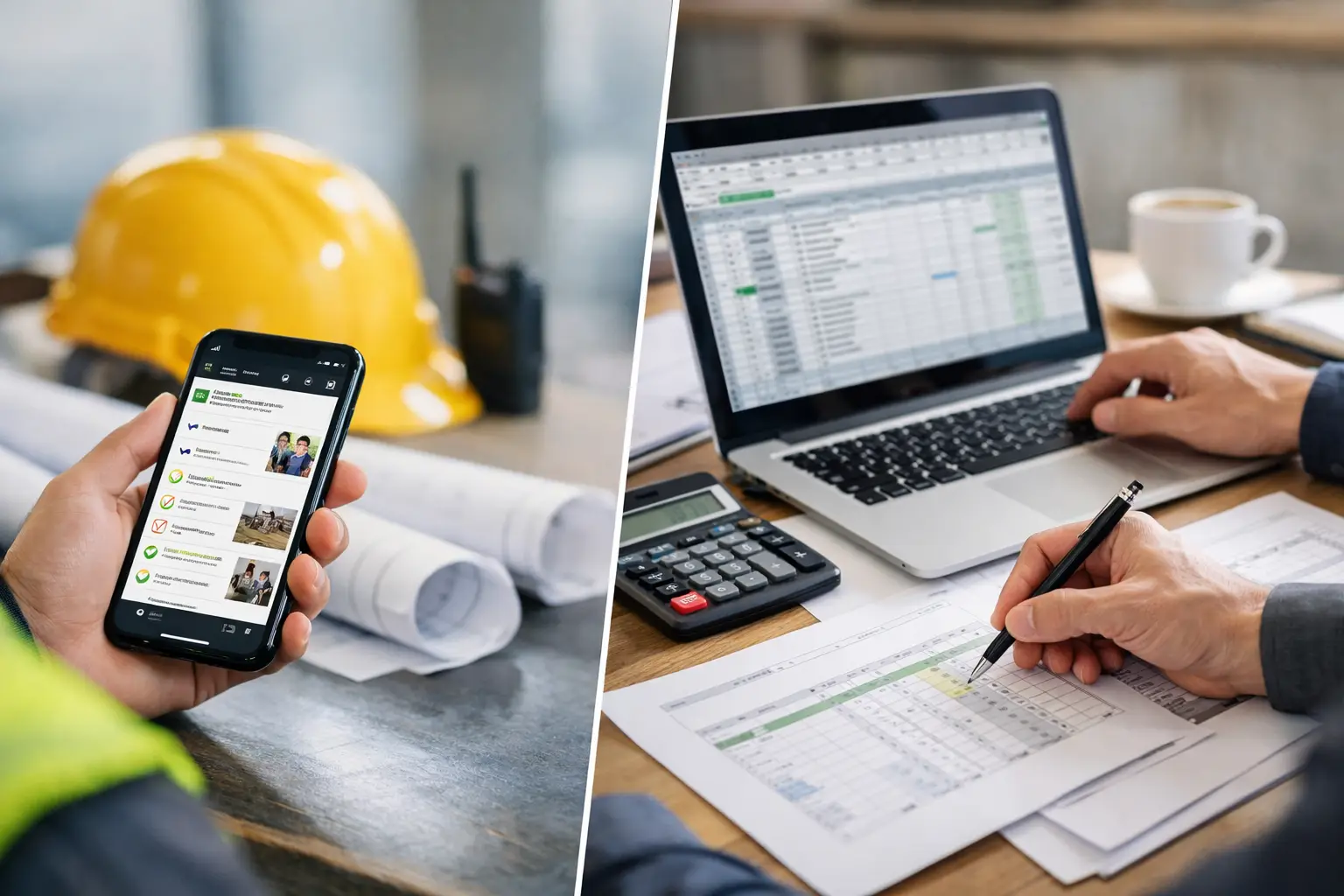
If your foreman is texting one update, handing in paper timecards on Friday, and trying to remember who moved to which job on Tuesday, you do not have accountability - you have guesswork. The best apps for crew accountability fix that by making labor, production, and jobsite activity visible while the work is still happening, not after payroll is already processed.
For subcontractors, that distinction matters. Accountability software is not just about catching mistakes. It is about knowing who is on site, what got done, what equipment was used, and whether the story from the field matches the hours on the report. When the app is right, crews use it without a fight and the office gets real-time answers instead of end-of-week surprises.
What the best apps for crew accountability actually do
A lot of software claims to improve accountability, but not all of it works on real jobsites. Some tools are strong at time tracking but weak on documentation. Others collect photos well but leave payroll and labor reporting disconnected. The best apps for crew accountability do more than log hours. They tie crew activity to jobs, tasks, and field records in a way that owners and supervisors can trust.
For most subcontractors, that means a few basics need to be non-negotiable. The app should make it easy for a foreman or crew lead to clock workers in by job, move labor between cost codes or tasks, and capture notes, photos, and progress from the field. It should also be simple enough that a mixed-tech crew can use it on day one. If the software needs a long rollout, it usually dies in the field.
There is also the office side of accountability. An app only helps if payroll, job costing, and reporting are clear. If time data comes in fast but still needs heavy cleanup, you are just moving the mess from paper to software.
How to judge crew accountability apps without wasting a month
Start with the daily problems you are trying to stop. If your issue is buddy punching, GPS and mobile time clock controls matter. If the bigger problem is labor drift across multiple jobs, job-based time tracking and live crew visibility matter more. If customers question progress or extra work, photos, notes, and daily logs should move higher on your list.
That is where many contractors get stuck. They shop for features instead of outcomes. More features do not always mean more control. In fact, the more complicated the app, the more likely your field team will avoid it, delay updates, or enter sloppy data just to get through the day.
A better test is simple: can a foreman open the app at 6:30 a.m., assign the crew, log the work, attach photos, and move on in a minute or two? If not, adoption will be a problem.
9 apps worth looking at
1. SimplySub
For subcontractors that want one system instead of a stack of disconnected apps, SimplySub stands out because it was built around day-to-day field and office control. Crew accountability is stronger when time, attendance, job tracking, photos, materials, equipment, daily logs, and invoices live in the same place. That cuts down on missing information and finger-pointing between the field and office.
The biggest advantage here is simplicity. Crews can use it without much training, and owners get real-time visibility without buying enterprise software meant for general contractors. That makes it a practical fit for small to mid-sized subs that need accountability but do not have time to babysit a software rollout.
2. ClockShark
ClockShark is a well-known option for construction time tracking and scheduling. It is especially useful for companies that want tighter control over mobile clock-ins, GPS verification, and crew timesheets. If your main problem is knowing who was where and when, it handles that well.
The trade-off is that it is more centered on labor tracking than full operational control. For some subcontractors, that is enough. For others, it means adding more tools for photos, field documentation, and broader job management.
3. busybusy
busybusy leans heavily into GPS time tracking, equipment tracking, and job costing support. It can be a good fit for field-heavy operations that need a closer read on labor and equipment movement across sites.
Where it depends is workflow. Some companies like the detail. Others find that crews need more structure and follow-through to keep records clean. If your team already struggles with consistent field updates, ease of use should be tested carefully.
4. Raken
Raken is strong in daily reports, production tracking, photos, and field communication. If accountability for you means documented proof of what happened on site each day, it deserves a look.
It is particularly helpful for contractors dealing with owner documentation, progress records, and field reporting. But if you also need stronger payroll flow or a more all-in-one subcontractor system, you may end up pairing it with separate tools.
5. ExakTime
ExakTime focuses on time tracking for field crews, often with solid support for payroll workflows. It can work well for contractors that want to replace paper timecards and tighten labor reporting without changing every other process at once.
That narrower focus is both its strength and its limitation. If your accountability issue starts and ends with time capture, it may be enough. If you want one platform to connect labor, documentation, and job progress, you may outgrow it.
6. Fieldwire
Fieldwire is more of a task management and field coordination platform. It helps with assignments, punch items, and communication between the office and field. For accountability around task completion, it can be useful.
Still, it is not primarily built as a crew accountability app for subcontractor labor tracking. If your goal is to know exactly who worked, where they worked, and what support records back it up, you will likely need another system for the labor side.
7. Contractor Foreman
Contractor Foreman packs in a lot for the price and covers a wide range of construction management needs. That breadth can appeal to growing companies trying to centralize operations.
The catch is the usual one with broader platforms: more capability can also mean more setup, more screens, and more training. Some subs are fine with that. Others just want a clean tool crews will actually use before the first pour, install, or service call.
8. Knowify
Knowify is often considered by trade contractors that want job costing, budgeting, invoicing, and project tracking tied together. It offers value on the financial and operational side, especially for service-oriented or smaller project workflows.
For pure crew accountability, though, you need to look closely at how well the field team can update records from the jobsite. Office strength does not always translate into field adoption.
9. QuickBooks Time
QuickBooks Time is a familiar option for businesses already tied closely to QuickBooks. It is convenient for time tracking and payroll sync, and that familiarity can lower resistance in the office.
But convenience is not the same as full accountability. It handles time well, yet many subcontractors still need separate tools for daily logs and jobsite documentation, production updates, photos, and jobsite records.
Which app is best for your crew?
The right answer depends on how accountability breaks down in your company today. If your issue is mostly payroll accuracy and attendance, a time-first app may solve enough of the problem. If your issue is bigger - labor drift, missing job records, unclear production, disputes over completed work, or no visibility between the field and office - you will get more value from a platform that combines tracking and documentation.
This is especially true for subcontractors running multiple crews across multiple jobs. Accountability falls apart when labor, materials, photos, notes, and invoices all sit in different systems. That is when hours get approved without context, extra work goes undocumented, and managers spend their evenings chasing answers by phone.
The best apps for crew accountability reduce that chase. They create one version of the truth that the office, PMs, and foremen can all see.
What crews will actually use
This part gets overlooked, but it should drive the decision. The best app on paper is worthless if your crew leaders avoid it. Field adoption comes down to a few practical things: the app has to be fast, clear, mobile-friendly, and forgiving on a busy morning. It should not require ten taps to move a worker to another job or add a quick photo with a note.
It also helps when the app matches how subcontractors actually work. Crews move. Equipment moves. Work gets split between jobs. Rain changes the day. Owners ask for backup. Software built for ideal conditions usually struggles on real jobsites.
Before you choose, test with your actual foremen, not just office staff. Have them use the app the way they would on a live day. If they hesitate, skip steps, or ask basic questions after a short test, take that seriously.
Crew accountability gets better when the system is simple enough to use under pressure and strong enough to give the office real answers. That is the standard worth holding, because once your field data gets clean, the rest of the business gets easier to control. If you want to see how it works in practice, schedule a demo or review pricing to get started.