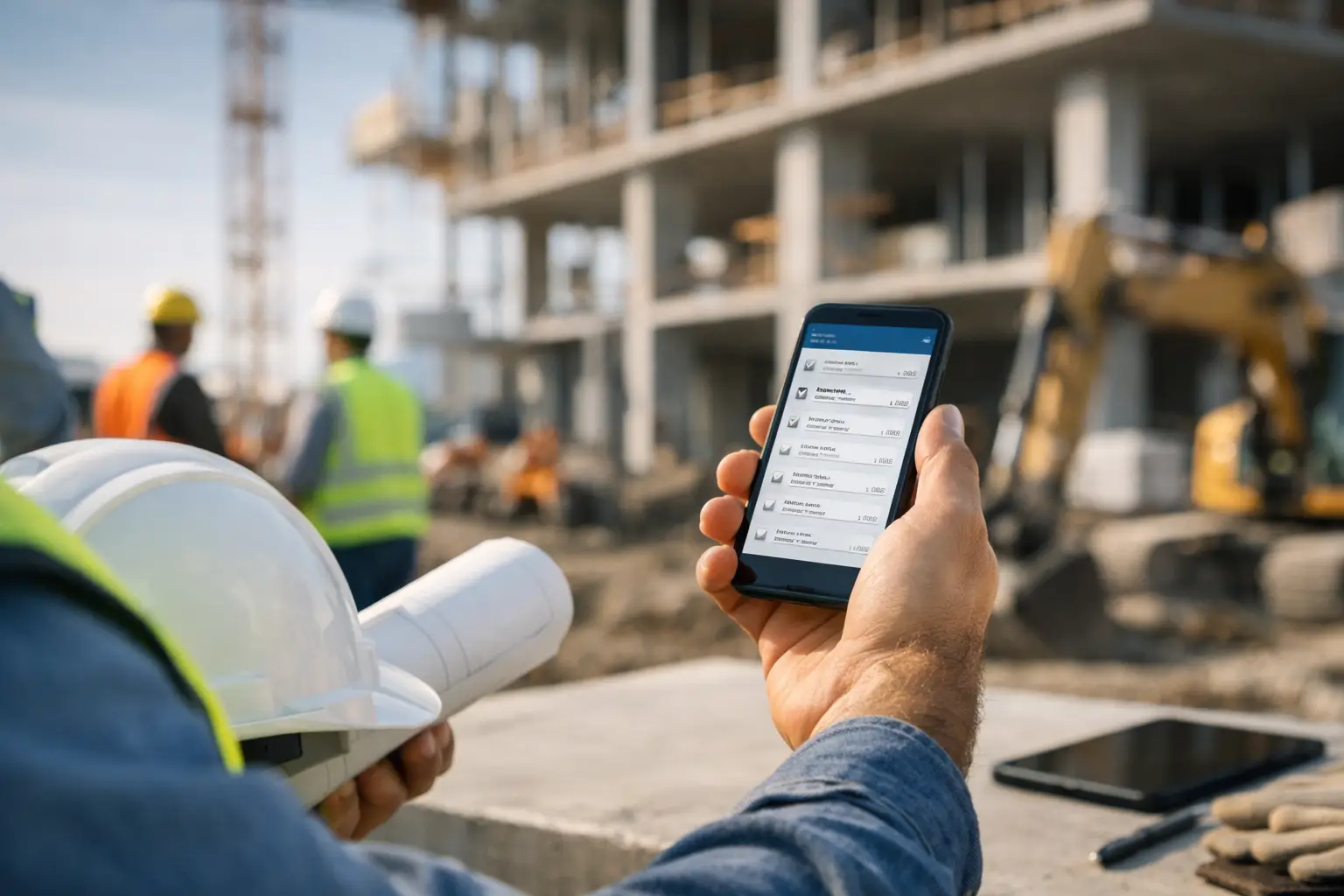
Monitoring construction work progress does not have to mean chasing people all day, digging through text messages, or trying to remember what happened on each job.
At its simplest, progress monitoring means answering a few important questions:
Is the work moving forward?
Is the crew where they need to be?
Are hours, materials, equipment, and costs being tracked?
Are delays, changes, and problems being documented before they turn into bigger issues?
For small contractors and subcontractors, the best way to monitor construction work progress is to build a simple daily system. You need a clear job record, daily updates from the field, photos, crew time, task status, cost tracking, and a regular review process.
That may sound like a lot, but it does not need to be complicated. The goal is not to create paperwork for the sake of paperwork. The goal is to know what is happening on each job without having to guess.
What does it mean to monitor construction work progress?
Monitoring construction work progress means keeping track of how a job is moving compared to the plan.
That includes things like:
- What work was completed today
- Who was on the job
- How many labor hours were used
- What equipment was used
- What materials were delivered or installed
- What photos or files were collected
- What problems came up
- What tasks still need to be finished
- Whether the job is on schedule
- Whether the job is staying within budget
A good construction project management system helps keep those details connected to the right job instead of scattered across notebooks, phone calls, spreadsheets, and text threads.
Why construction progress is hard to monitor
Construction work moves fast. Crews are in the field. Office staff may not be on site. Owners and project leaders are usually juggling multiple jobs at once.
That creates a few common problems.
First, information gets spread out. One person has the photos. Another person knows what material was used. Someone else has the crew hours. The foreman remembers the delay, but it never gets written down.
Second, progress can look better than it really is. A job may feel busy, but that does not always mean it is profitable or on schedule.
Third, small details get missed. A customer request, a change in scope, a missing material, or an equipment issue may seem minor at the time. Later, that missing detail can cause confusion, rework, billing problems, or a dispute.
That is why monitoring construction progress needs to be simple, consistent, and easy for the field team to use.
Start with a clear job record
Before you can monitor progress, you need one place where the job lives.
A job record should include the basic information your team needs to understand the work:
- Customer name
- Job name
- Job address
- Scope of work
- Schedule
- Assigned crew members
- Notes
- Files
- Photos
- Work history
- Costs
- Tasks or punch list items
When this information is organized in one place, it becomes much easier to understand where the job stands. SimplySub’s job records feature spotlight shows how keeping job details together helps subcontractors avoid scattered information and missed updates.
This is important because progress monitoring is not just about what happened today. It is about seeing today’s work in the context of the whole job.
Use daily work logs
Daily logs are one of the best ways to monitor construction work progress.
A daily log gives you a simple record of what happened on the job that day. It can include completed work, crew members, weather, delays, notes, materials, equipment, photos, and other job details.
For many subcontractors, daily logs are where progress becomes real. Instead of asking, “What happened out there?” you can look back and see the actual record.
A good daily work log system should answer questions like:
- What work was completed today?
- Who was on site?
- Were there any delays?
- Were materials delivered?
- Was equipment used?
- Were photos or notes added?
- Did anything happen that could affect the schedule or cost?
The key is consistency. A daily log does not need to be long. It just needs to be done regularly.
A short daily update is much better than a perfect report that nobody fills out.
Track crew time by job
Labor is one of the biggest costs on most construction jobs. If you are not tracking crew time by job, it is very hard to know whether work is really on track.
Crew time helps you compare the work being completed against the hours being used.
For example, if a job is only halfway done but has already used most of the estimated labor hours, that is a warning sign. It does not always mean something is wrong, but it does mean the job deserves a closer look.
Using time and attendance tracking gives owners, project leaders, and office admins a better view of labor activity. It also helps reduce the need to chase paper timecards at the end of the week.
When monitoring progress, labor tracking helps answer:
- Who worked on the job?
- When did they clock in and out?
- How many hours were spent?
- Are labor hours matching the amount of work completed?
- Are there jobs using more time than expected?
Progress is not just about whether a task got done. It is also about how much time it took to get it done.
Capture photos, files, and notes from the field
Photos are one of the easiest ways to monitor construction progress.
They show what words can miss. A photo can document completed work, site conditions, material deliveries, damage, delays, safety concerns, and customer requests.
The problem is that job photos often get trapped on someone’s phone. Then, when the office needs them, nobody knows where they are.
A better approach is to attach photos, files, and notes directly to the job. With photos, files, and notes tracking, the field team can document the job as work happens.
This helps with:
- Progress updates
- Billing support
- Customer communication
- Change order backup
- Dispute prevention
- Internal team communication
- Before-and-after documentation
Photos do not need to be fancy. They just need to be organized and connected to the right job.
Monitor tasks and punch list items
Progress can also be tracked through tasks.
Tasks help break a job into smaller pieces. Instead of only asking, “Is the job done?” you can ask, “What still needs to be finished?”
That is a much better question.
A simple task system helps you track:
- Work that needs to be completed
- Who is responsible
- Due dates
- Open items
- Completed items
- Punch list work
- Follow-ups
- Customer requests
SimplySub’s Task Management feature is designed to help subcontractors keep these details from falling through the cracks.
This is especially useful when jobs have multiple steps, multiple people involved, or several small items that are easy to forget.
For example, a concrete contractor may need to track form setup, pour schedule, cleanup, saw cutting, and final customer follow-up. A landscaping crew may need to track grading, plant delivery, irrigation, mulch, and cleanup. A framing crew may need to track materials, layout, inspections, and punch list items.
Tasks give you a clearer view of what is done, what is delayed, and what needs attention next.
Track equipment usage
Equipment can affect both progress and job cost.
If a machine is sitting on the wrong job, unavailable when needed, or being used longer than planned, it can slow work down and increase costs.
That is why equipment time tracking is helpful for monitoring construction progress. It gives you a better picture of where equipment is being used and how it connects to the job.
Equipment tracking can help answer:
- What equipment was used on the job?
- How long was it used?
- Was equipment sitting idle?
- Did equipment delays slow down the crew?
- Are equipment costs being captured correctly?
For subcontractors, this matters because equipment time is often part of the true cost of the job. If you only track labor, you may miss a big part of the picture.
Watch job expenses and materials
A job can look like it is moving along just fine and still be losing money.
That is why progress monitoring should include costs, not just completed work.
Tracking job expenses helps you understand what the job is actually costing as work happens. This can include materials, rentals, fuel, supplies, subcontracted work, and other job-related costs.
You do not need a complicated system to start. You just need a reliable way to connect expenses to the right job.
This helps you catch questions like:
- Are material costs higher than expected?
- Are receipts being captured?
- Are rentals staying on the job too long?
- Are extra costs being billed when appropriate?
- Is the job still profitable?
Progress without cost visibility can be misleading. A job may be moving quickly, but if costs are out of control, that progress may not be helping the business.
Use GPS tracking when location matters
For some contractors, job progress is tied closely to vehicles, equipment, and field movement.
This is especially true for crews working across multiple jobsites, hauling materials, moving equipment, or sending teams to different locations during the day.
A GPS tracking system can help owners and project leaders understand where vehicles or assets are, when they arrived, and how field movement lines up with the work being reported.
GPS tracking can help answer:
- Did the crew arrive at the jobsite?
- How long was the truck or asset near the job?
- Was equipment moved?
- Are field routes matching the plan?
- Were there delays between jobs?
SimplySub also includes route history, which can be useful when you need to review where a tracker was during a certain time period.
This is not about micromanaging good employees. It is about having better visibility when location matters to the job.
Review reports regularly
Monitoring progress only works if someone reviews the information.
That does not mean you need a two-hour meeting every day. It can be much simpler than that.
A weekly review can go a long way.
Using reporting and exports, you can review the information that matters most to your business. That may include labor hours, job costs, daily logs, equipment usage, expenses, and job activity.
A simple weekly progress review might include:
- Which jobs moved forward this week?
- Which jobs are behind?
- Which jobs need materials, equipment, or decisions?
- Which jobs used more labor than expected?
- Which jobs have missing photos, notes, or logs?
- Which tasks are overdue?
- Which jobs may need customer follow-up?
- Which jobs are ready for billing?
The point is not to create more meetings. The point is to create a rhythm where jobs get reviewed before problems get too far along.
Keep customer details connected
Construction progress is not only internal. Customers often want updates too.
If customer information is separate from the job, communication gets harder. The office may not know who to contact. The field may not know what was promised. Notes may be stored in someone’s phone instead of the job record.
A customer management system helps keep customer details, job history, and communication connected.
This helps when customers ask:
- What is the status of the job?
- When will the crew be back?
- Was the extra work completed?
- Did you get the photos?
- When will the invoice be sent?
- Who should I talk to about the next step?
When job progress and customer records are connected, it is easier to give clear answers.
Use one system instead of five
One of the biggest mistakes contractors make is trying to monitor progress across too many tools.
A little bit is in a spreadsheet. A little bit is in text messages. Some photos are on phones. Timecards are on paper. Expenses are in a pile of receipts. Tasks are in someone’s head.
That can work for a while, but it gets harder as the business grows.
The better approach is to use one simple system that field crews and office staff can actually use. SimplySub was built as software for subcontractors who need job tracking without the heavy setup and complexity of traditional construction software.
The system does not need to be perfect. It just needs to be consistent.
A simple construction progress monitoring checklist
If you want to monitor construction work progress better, start with this simple checklist:
- Create a clear job record before work begins.
- Assign the right crew members to the job.
- Track crew time by job.
- Add daily work logs from the field.
- Capture job photos, files, and notes.
- Track tasks and punch list items.
- Record equipment usage.
- Track job expenses and material costs.
- Review GPS or route history when location matters.
- Review job reports weekly.
- Follow up on delays, missing information, and overdue tasks.
- Keep customer updates connected to the job.
You do not have to do all of this perfectly on day one. Start with the biggest problem first.
If you are always chasing timecards, start with time tracking. If photos are always missing, start with job photo documentation. If owners never know what happened in the field, start with daily logs. If jobs are slipping through the cracks, start with tasks.
The best system is the one your team will actually use.
Final thoughts
So, how do you monitor construction work progress?
You monitor it by building a simple routine around the work your crews are already doing.
Create a job record. Track daily activity. Capture photos and notes. Record crew hours. Watch job costs. Track tasks. Review reports. Keep everything connected to the right customer and job.
When those pieces are in place, you do not have to rely on memory, scattered texts, or last-minute updates.
You can see what is happening, spot problems earlier, and keep jobs moving with a lot less guessing.
For subcontractors who want a simpler way to manage jobs, crews, photos, time, costs, and field updates, SimplySub keeps everything organized in one place. You can learn more about the platform on the SimplySub features page or schedule a SimplySub demo to see how it works.