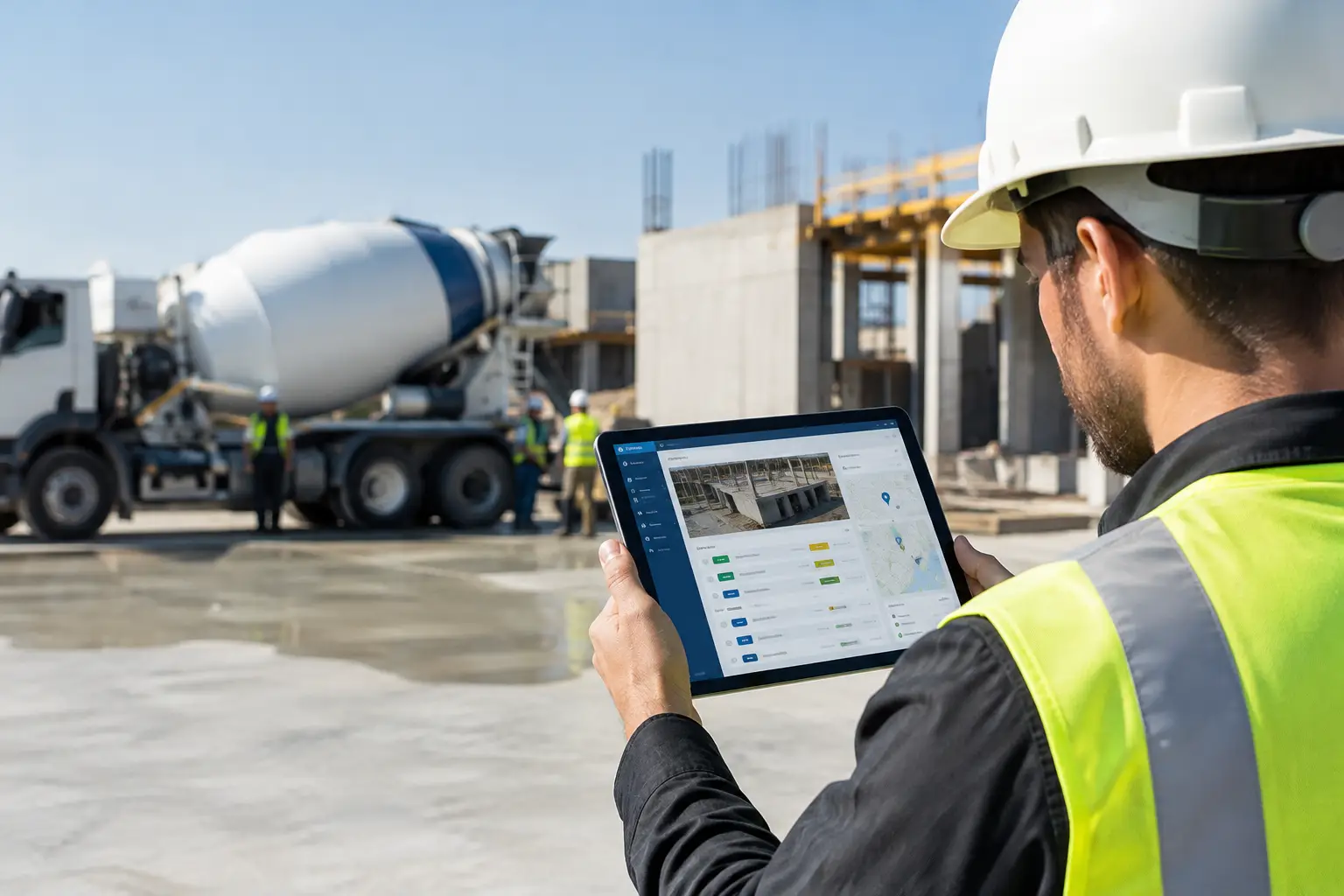
A crew can be working hard all day and still leave the office guessing. Did everyone make it to the right job? Was the concrete delivered? Did the foreman document the change the GC requested? Are labor hours already running past the estimate? The top tools for jobsite visibility answer those questions while the work is happening, not three days later when paper timecards finally show up.
For subcontractors, visibility is not about adding another dashboard nobody checks. It is about knowing what is happening across every active job without calling every foreman, chasing text messages, or sorting through photos on personal phones. The right tools give the field an easy way to report work and give the office a clear picture of labor, progress, costs, and issues.
What the top tools for jobsite visibility should show
A good visibility system starts with the information that affects your schedule and profit. For most subcontractors, that means crew location and attendance, labor hours by job and cost code, completed work, equipment and material activity, job photos, daily notes, and documentation tied to the right project.
The key is timing. A weekly report might tell you what happened, but it cannot help you correct a problem before it gets expensive. If a framing crew loses half a day waiting on material, or a landscaping crew has an equipment issue, the office needs to see it fast enough to respond.
The best setup also works for the people entering the information. If logging time requires five screens, a password reset, and a long list of fields, it will not happen consistently. Field adoption matters more than a long feature list. Crews need a tool they can open, understand, and use from the jobsite in a minute or two.
1. Mobile crew time and attendance tracking
Labor is usually the largest controllable job cost, which makes accurate time tracking the foundation of jobsite visibility. A mobile time and attendance tool lets crew members or foremen clock in, clock out, and assign hours to the correct job while they are in the field.
The office gets more than payroll hours. It can see who is on each project, whether the crew showed up as planned, and how many hours have been used against the budget. A concrete contractor, for example, can catch when a pour crew is spending extra time on site before those hours become a surprise at the end of the week.
Look for a system that makes job selection simple and gives foremen the ability to review crew time. The trade-off is control versus speed. Too little detail makes job costing weak; too much detail creates bad data because crews will rush through it. Start with the job, the crew, and the labor category information you actually use to manage work.
2. Daily logs that capture real field conditions
Daily logs turn jobsite activity into a usable record. A solid daily log tool should make it easy to record who was on site, what work was completed, weather conditions, delays, deliveries, visitors, safety notes, and anything else that could affect the job.
This record protects more than your schedule. When a GC questions why work took longer than expected, a complete log can show that the crew was blocked by another trade, waited on access, or dealt with a site condition outside its scope. That is a much stronger position than trying to reconstruct the day from memory weeks later.
Keep daily logs practical. A foreman should not need to write a long report at the end of a 10-hour day. Use short notes, standard fields, and photos when they tell the story faster. Consistent daily entries beat detailed reports that get skipped.
3. Job photos with clear project context
Photos are one of the fastest ways to see progress from the office, but only if they are organized. Random images buried in text threads do not provide visibility. They create another place to search when a customer, GC, or project manager asks for proof.
A job photo tool should attach images to the right project, date, and activity. That lets a roofing contractor document a completed section, an electrical contractor capture existing conditions before rough-in, or a masonry crew show completed work before another trade covers it.
Photos are especially useful for change conditions, damage, deliveries, and completed milestones. They reduce arguments because they provide a timestamped visual record. They also help owners and field managers spot issues early without driving to every jobsite.
4. Equipment and material tracking
A missing skid steer, a late delivery, or a material shortage can stop a crew faster than almost anything else. Equipment and materials tracking gives subcontractors a better view of what is available, where it is assigned, and what has been delivered or used.
For equipment-heavy trades such as grading, fencing, and landscaping, this can prevent expensive downtime. If the office can see that a machine is still assigned to another site, it can adjust the schedule before the crew arrives with nothing to run. For material-driven work, tracking deliveries and usage makes it easier to catch waste, shortages, and extra costs while there is still time to act.
You do not need to track every screw or hand tool to get value. Start with the equipment and materials that create real delays or meaningful costs. Visibility should make the work easier, not turn the foreman into a warehouse clerk.
5. Job costing and estimate-to-actual reporting
Time, photos, and daily logs are useful on their own. Their real value grows when they connect to job costs. A job costing tool compares actual labor, materials, equipment, and other expenses against the estimate so you can see whether a job is staying on track.
This is where visibility becomes profitability. A plumbing contractor may see that labor is trending high on a rough-in phase. A framing contractor may find that a certain scope consistently takes more hours than estimated. Those patterns help you make a correction on the current job and price the next one with better information.
The reporting does not need to be complicated. Most small and mid-sized subcontractors need quick answers: Which jobs are over budget? Where are labor hours climbing? What work has been completed but not billed? A clean report that answers those questions is more useful than a complicated analytics package built for a large general contractor.
6. Centralized documents, invoices, and job communication
Visibility disappears when critical information sits in too many places. Plans live in email, signed tickets stay in a truck, invoices wait on someone’s desk, and change details get buried in a group text. A central system keeps job documents, notes, photos, invoices, and records tied to the project where the team can find them.
This matters when the office needs to bill quickly and when the field needs the latest information. It also reduces the risk of working from an old drawing or missing a customer request. For subcontractors handling multiple jobs at once, simple organization is a major competitive advantage.
An all-in-one platform such as SimplySub can make this easier by combining job tracking, crew time, photos, daily logs, materials, equipment, estimating, invoices, and QuickBooks integration in one field-friendly system. The point is not to force every process into software. The point is to stop reentering the same information across spreadsheets, paper forms, and disconnected apps.
How to choose the right visibility tools for your crew
Before buying anything, identify the gaps that cost you the most time or money. If payroll takes two days of manual entry, start with mobile time tracking. If disputes are common, prioritize daily logs and photos. If jobs look profitable until the end, job costing should come first.
Then test the field experience. Ask a foreman to use the tool on a real job. Can they clock a crew in, upload a photo, and enter a short daily note without calling the office for help? If not, the system is probably too complicated for everyday use.
Your shortlist should meet four practical standards:
- It works well on a phone at the jobsite.
- It gives office staff current information without duplicate entry.
- It supports the way your trade tracks labor, work, and costs.
- It is simple enough that crews will use it every day.
Price matters, but wasted adoption is more expensive than a subscription. A low-cost app that creates more paperwork is not a bargain. Likewise, a large enterprise platform may have every feature imaginable but still be the wrong fit if your crews avoid it and your office spends weeks on setup.
The best visibility tool is the one that gives you a reliable picture of the job before small problems become expensive ones. Start with the workflow causing the most friction, make it easy for the field to participate, and build from there. Better decisions usually begin with something simple: knowing what happened on the job today, and you can schedule a demo or review pricing when you are ready to see how SimplySub fits that workflow.