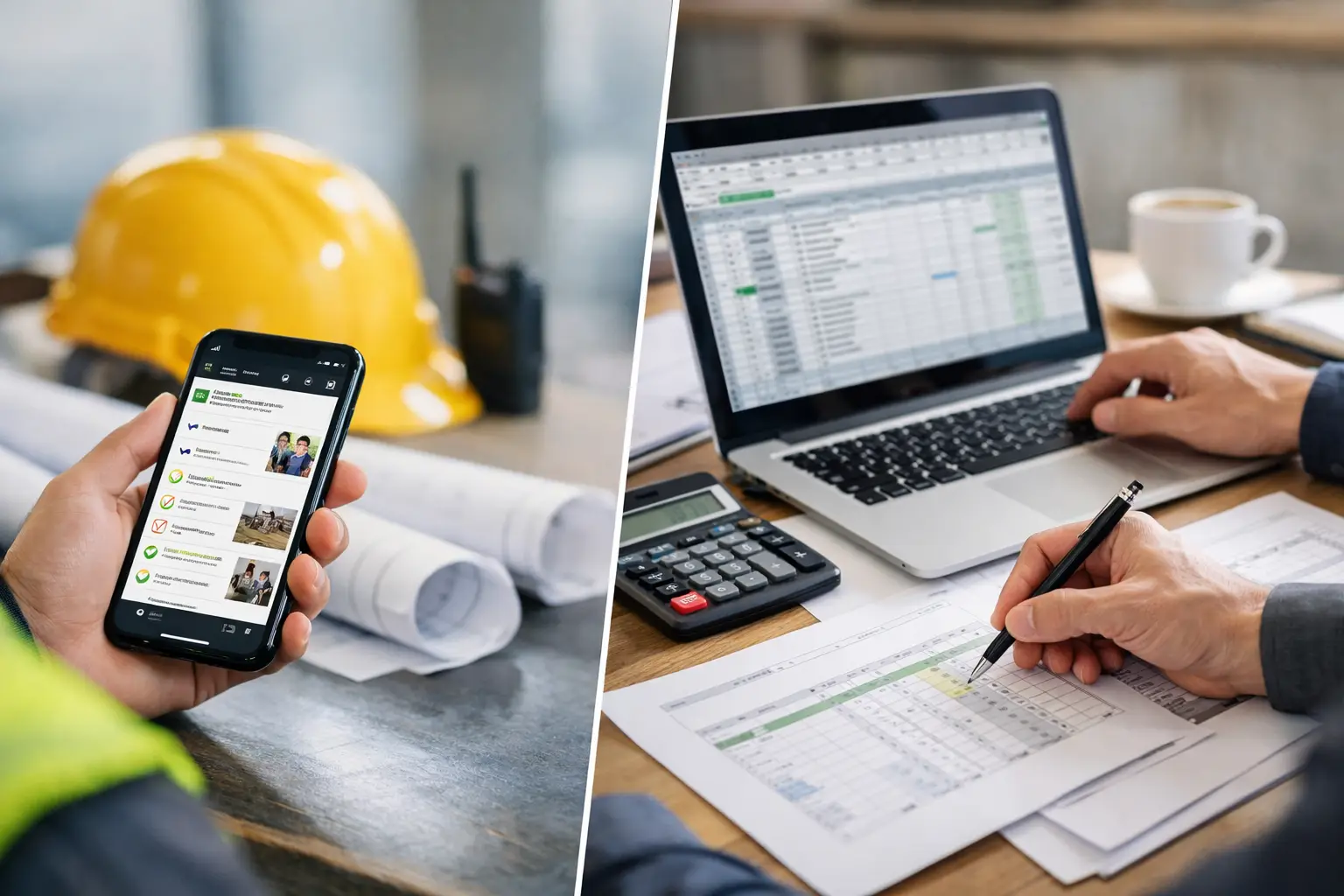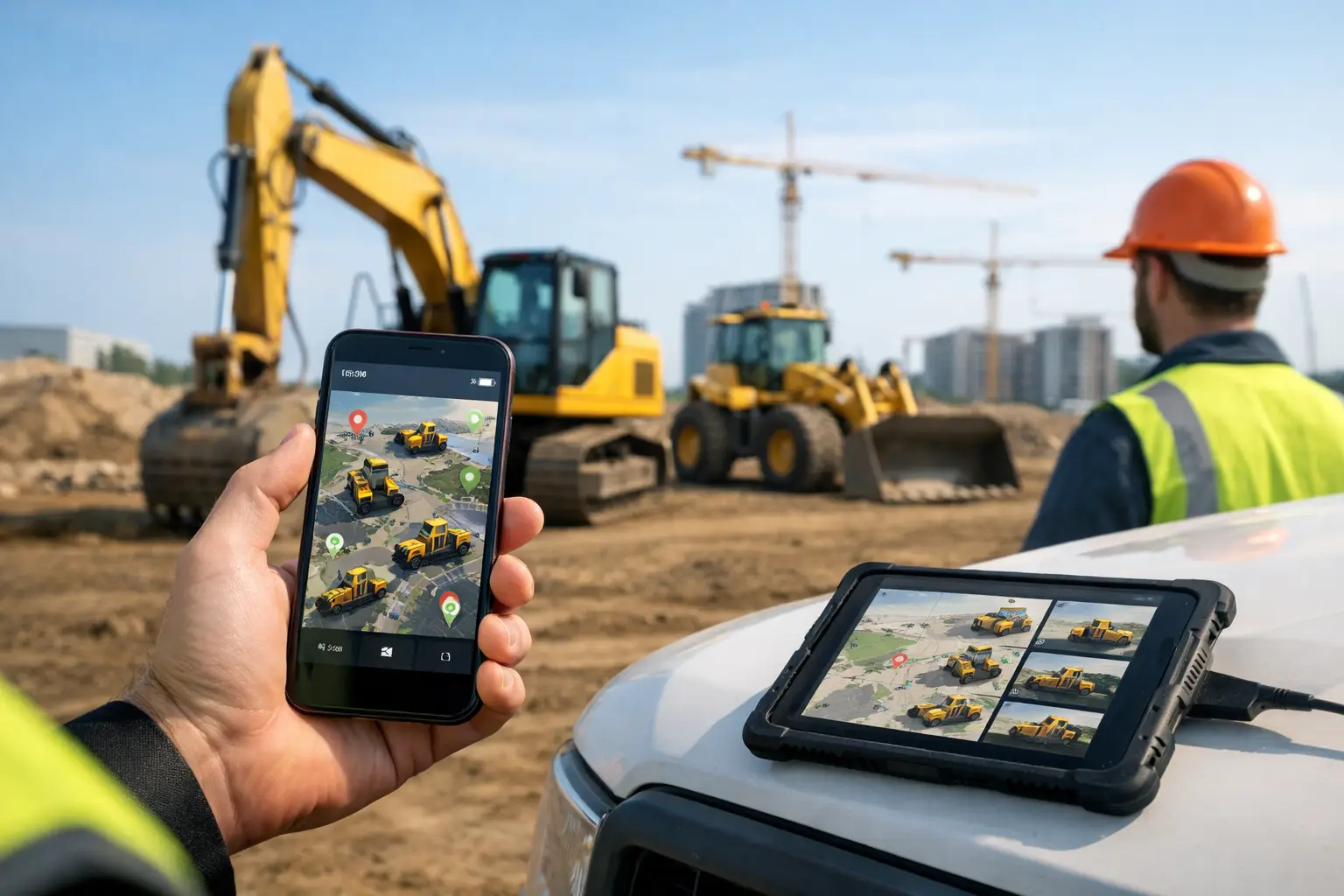
A skid steer goes missing for half a day, and suddenly the whole schedule shifts. The crew waits, the office starts making calls, and someone ends up renting a replacement because nobody knows where the machine was last used. That is exactly the kind of problem a construction equipment tracking app is supposed to prevent.
For subcontractors, equipment is not just an asset on a spreadsheet. It is what keeps crews moving, jobs on schedule, and margins intact. If you run grading crews, concrete teams, electricians, roofers, landscapers, or fencing installers across multiple jobsites, you already know the real issue is not only theft. It is lost time, weak accountability, duplicate rentals, missed maintenance, and field teams working with incomplete information.
What a construction equipment tracking app actually does
At a basic level, a construction equipment tracking app gives you a live record of what equipment you own, where it is assigned, who is using it, and what job it supports. That sounds simple, but simple is the point. Most subcontractors do not need a bloated fleet platform built for national contractors with full-time back-office analysts. They need a clean system their foremen and office staff will actually use.
The best apps organize both heavy equipment and smaller field assets. That can include excavators, lifts, trailers, generators, compactors, saws, laser levels, and specialty trade tools. Instead of chasing updates through texts, whiteboards, and memory, your team can check one place and see what is available, what is already assigned, and what needs attention.
That visibility changes day-to-day operations fast. Office staff can stop interrupting supers for status updates. Foremen can confirm whether a machine is heading to their site before the crew arrives. Owners can see whether they are underusing assets they already paid for.
Why subcontractors feel the pain more than anyone
General contractor software often treats equipment tracking like a side module. For subcontractors, it is tied directly to production. If a concrete crew is missing a saw, or a plumbing team cannot find a trench box, the cost shows up immediately in labor hours and job delays.
Subcontractors also move faster than many office-built systems assume. Crews shift between jobs. Equipment gets loaned from one site to another. A foreman grabs a trailer at 5:30 a.m. because the day changed overnight. If your system cannot keep up with that pace, people go back to phone calls and handwritten notes.
That is why ease of use matters as much as features. A complicated app with ten setup screens and constant admin work will fail in the field. A useful app makes it easy to assign equipment, attach it to a job, update status, and check history without slowing anyone down.
What to look for in a construction equipment tracking app
The right app should help you answer a few basic questions in seconds. Where is the equipment now? Which job is it on? Who last used it? Is it available tomorrow? Does it need service soon?
If those answers are hard to find, the software is not helping.
Jobsite assignment and location history
For most subcontractors, the biggest win is simply knowing what is assigned where. A good system should let you tie equipment to a specific job and keep a clear history of transfers. That matters when crews are sharing machines across sites or when billing depends on proving which job used what.
GPS can be useful for some fleets, especially high-value mobile equipment. But not every contractor needs real-time maps on every asset. Sometimes a reliable assignment log and crew-level accountability solve most of the problem at a much lower cost. It depends on your mix of heavy equipment, tools, and theft risk.
Maintenance visibility
Equipment tracking is not only about location. It should help you stay ahead of maintenance before breakdowns hit a job. If your team can see service intervals, reported issues, and repair status in the same system where they manage daily work, it becomes much easier to keep equipment available.
This is where many companies lose money quietly. A missed service does not just create a repair bill. It can idle a crew, trigger a rental, and put a deadline at risk.
Field-friendly updates
If foremen and crew leaders cannot update equipment status from a phone in under a minute, adoption drops fast. The app should be easy enough for mixed-skill teams to use without training sessions and cheat sheets.
That means plain labels, simple screens, and as few steps as possible. Field software should work like jobsite communication works - quick, clear, and direct.
Connection to time, jobs, and costs
Standalone equipment tracking can help, but it gets more useful when connected to the rest of operations. When equipment assignments tie into daily logs and materials used, labor tracking, notes and photos, and job records, the office gets a more complete picture of what happened on each site.
That matters for more than organization. It supports better costing, cleaner documentation, and fewer arguments about who had what equipment and when.
The trade-off between simple and overbuilt
There is a reason many subcontractors stick with spreadsheets longer than they should. They know they have a tracking problem, but they also know some software creates a new problem: too much setup, too many fields, and too many features nobody uses.
A construction equipment tracking app should reduce admin, not add another layer of it. If your team has to maintain a separate equipment database, a separate dispatch workflow, and a separate reporting process just to know where a trailer is, that system is working for itself instead of for you.
On the other hand, going too basic can create blind spots. If your app only shows an inventory list without job assignments, service records, or usage history, you may still be guessing when it counts. The right balance usually depends on company size, how often equipment moves, and whether you manage mostly heavy machines, small tools, or both.
How this improves profit, not just organization
Owners do not buy software because they want cleaner screens. They buy it because they want fewer delays, better control, and more profit.
When equipment is tracked properly, crews spend less time waiting and searching. You reduce avoidable rentals because you know what is already available. You make better purchasing decisions because you can see actual utilization instead of relying on gut feel. You also improve accountability, which tends to cut down on careless handling and missing tools.
There is a billing side too. On T&M work or jobs where equipment usage affects cost tracking, clear records matter. The more accurate your job-level equipment data is, the easier it is to defend charges and understand real job performance.
Why adoption matters more than feature count
A lot of software looks good in a demo and falls apart on Monday morning. The issue is usually not the concept. It is that the field never fully adopts it.
For subcontractors, adoption comes down to one question: will foremen and office staff use this without being pushed every day? If the answer is no, reporting becomes incomplete and trust in the system disappears.
That is why software built for subcontractors tends to perform better than software built for the entire construction industry. Subcontractors need speed, clarity, and mobile usability. They do not need enterprise complexity dressed up as flexibility.
A platform like SimplySub fits that approach because it connects equipment tracking with the rest of everyday subcontractor work - jobs, crews, time, materials, logs, and documentation - without turning setup into a project of its own. That kind of simplicity is not a bonus. It is what makes the system usable in the first place.
When it is time to make the switch
If your team still tracks equipment through spreadsheets, text messages, whiteboards, and memory, you are already paying for the gap. You pay in downtime, rentals, missed maintenance, and office time spent hunting for answers.
The right construction equipment tracking app will not fix every operational problem overnight. It also will not replace good field leadership or clear processes. But it gives your team one shared source of truth, and that alone can remove a lot of daily friction.
Start with the basics that matter most to your business. Know what equipment you have. Know where it is. Know which job is using it. Know when it needs service. If your software can do that simply and consistently, it will earn its place fast.
The best system is usually not the one with the longest feature list. It is the one your crews use before the first truck leaves the yard.