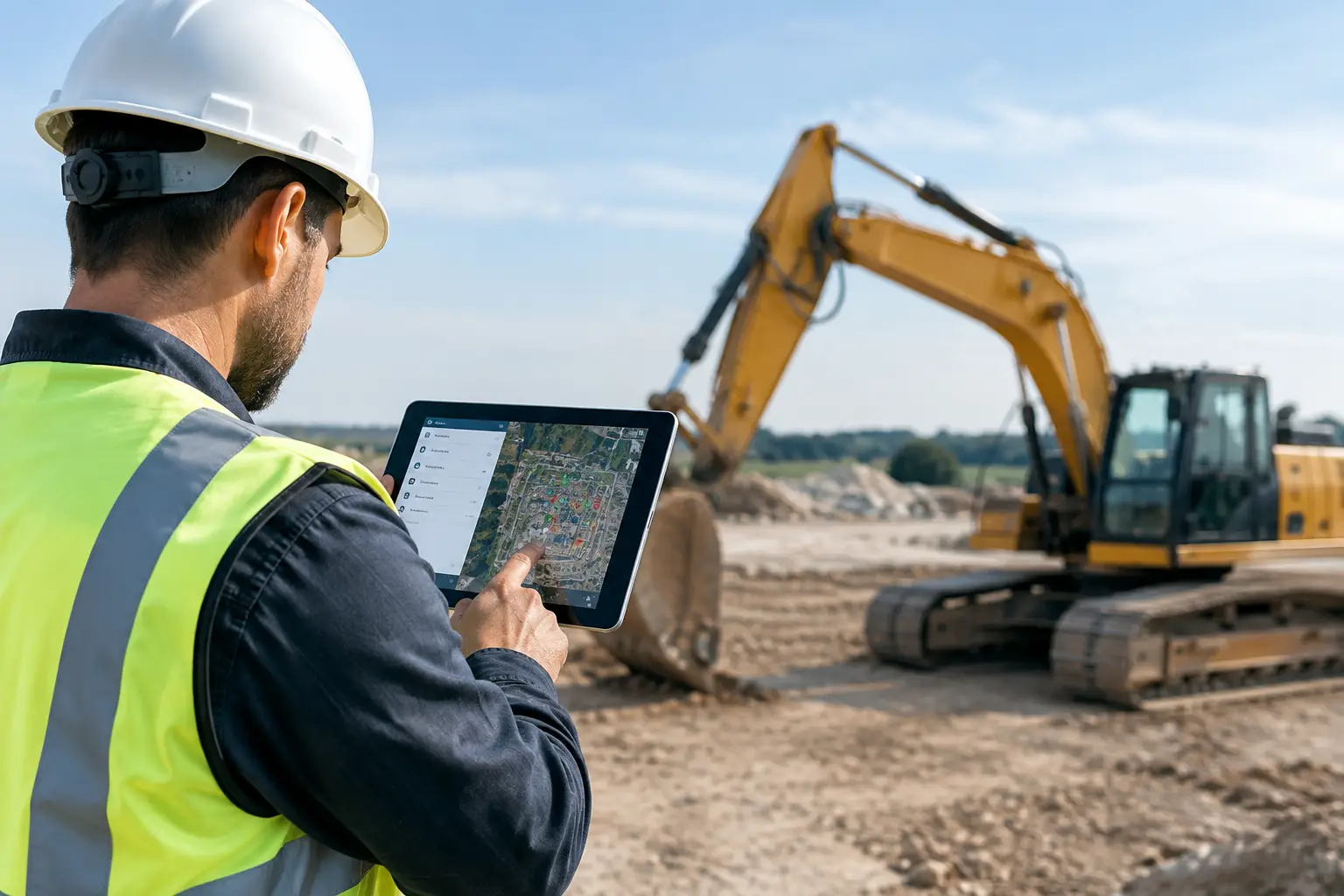
A missing plate compactor, a trailer left at the wrong yard, or a skid steer that arrives without an operator can throw off a full day before the crew even starts. For subcontractors, equipment tracking is not about collecting more data. It is about knowing what you own, where it is, who has it, and whether it is ready to make money. This equipment tracking review breaks down what a useful system should do and what to watch for before adding another app to your crew’s phones.
Why Equipment Tracking Matters on Real Jobsites
Equipment has a way of disappearing in plain sight. It may be sitting behind a job trailer, checked out to a crew that moved to another project, waiting on a repair, or buried in a spreadsheet nobody has updated since last week. The office thinks it is available. The foreman thinks another crew has it. By the time someone finds the answer, the crew is standing around.
That lost time adds up fast. So do unnecessary rentals, duplicate purchases, rushed deliveries, and repairs that get missed because there was no clear maintenance record. A good tracking process gives the office and field team the same answer without a string of calls and texts.
For a concrete contractor, that may mean confirming where forms, saws, and compactors are before mobilizing. For a landscaping crew, it may mean knowing which trailer has the mower, trenchers, and hand tools needed for tomorrow morning. The trade changes, but the problem is the same: equipment needs to be assigned, accounted for, and available when the job needs it.
What an Equipment Tracking Review Should Measure
Not every system fits a subcontractor. Some are built for large fleets with dedicated asset managers. Others are little more than a digital inventory list. The right choice depends on how many crews, jobs, vehicles, and high-value assets you manage, but the basics should be clear.
Can the field actually use it?
A tracking tool only works if foremen and crew leaders update it. If logging an item takes six screens, a long asset code, and a training session, it will get skipped when the crew is loading out at 5:30 a.m.
Look for simple mobile actions: assign equipment to a job, move it to another location, record a condition issue, and attach a photo when needed. Crews should not have to understand accounting categories or fleet-management terminology to tell the office where a tool went.
The best workflow is usually the one that fits into work already being done. If a foreman is submitting time, daily progress, and job photos in the same place, equipment updates are far more likely to happen. Separate systems can work, but they create another login, another habit, and another gap where information gets lost.
Does it show job-level accountability?
A basic inventory list can tell you that you own three generators. That is not enough when two are on active jobs and the third is in the repair shop. You need to see the current job, responsible crew or employee, status, and last known location.
Job-level visibility makes decisions faster. When a project manager asks for a trencher, the office can see whether one is available or whether moving it will delay another job. When an item comes back damaged, there is a record of where it was assigned and who was responsible for reporting issues.
This is not about blaming the field for every broken tool. Equipment gets used hard. It is about eliminating guesswork and catching problems while there is still time to act.
Does it handle maintenance without becoming a maintenance department?
Maintenance tracking is valuable, especially for vehicles, larger equipment, and tools that create downtime when they fail. But there is a trade-off. A system with deep inspection checklists, telematics data, and complex service workflows may be right for a large fleet. It can be too much for a growing subcontractor that simply needs reminders and a clean repair history.
At a minimum, your system should let you record maintenance needs, note when work was completed, and keep equipment from being marked available when it is out of service. If your crews use hour meters or mileage-based schedules, those may be worth tracking as well. Start with the maintenance details your team will consistently enter, then build from there.
Can the office connect equipment to labor and job progress?
The real value is not just knowing where a machine is parked. It is understanding how equipment affects the job. If a crew is waiting on a lift, a concrete saw, or a trailer, that delay affects labor cost, schedule commitments, and customer communication.
Equipment tracking works best when it sits alongside job tracking, daily logs, time records, materials, and documentation. That gives owners a clearer picture of what happened on a job without chasing information across spreadsheets, text threads, and standalone apps.
A platform such as SimplySub is built around that connected workflow for subcontractors. The point is not to turn every foreman into an equipment manager. The point is to give the field a simple way to record what matters and give the office current information before a small equipment issue turns into a costly job delay.
Features Worth Paying For, and Features to Question
GPS tracking can be useful for trucks, trailers, heavy equipment, and assets that move frequently between jobsites. It can help recover stolen equipment and reduce the back-and-forth over where something was last seen. But GPS tags, subscriptions, battery replacement, and installation all carry a cost. Tag the equipment that creates real risk or operational value first instead of trying to tag every shovel and extension cord.
Barcodes and QR codes are often a practical middle ground. They are inexpensive, easy to label, and useful for checkout or job transfers. Their limitation is simple: someone still has to scan them. If crews are not already using their phones for daily job tasks, the labels may become decoration.
Photo documentation is another feature that earns its place. A quick photo at checkout or return can show condition, missing attachments, or damage. This is especially helpful for trailers, larger machines, and specialty tools shared between crews. Keep the process reasonable. Requiring ten photos for every small hand tool will slow people down and reduce adoption.
Be careful with reports that look impressive but do not answer a daily operating question. A subcontractor usually needs to know what is available, what is assigned, what is down, what is missing, and what needs attention. If a dashboard cannot answer those questions quickly, it may be more software than you need.
Common Gaps That Create Expensive Problems
The biggest failure is treating equipment tracking as an office-only task. The office can create the asset list, but the field sees the moves, breakdowns, and job transfers in real time. A workable process needs clear ownership: crew leaders update assignments, employees report issues, and the office reviews exceptions and keeps records organized.
Another common problem is tracking only high-dollar assets. A lost excavator gets attention, but repeated losses of small tools and attachments can quietly drain profit. You do not need to track every item at the same level. Create a sensible threshold based on replacement cost, theft risk, frequency of movement, and impact on a crew’s ability to work.
Finally, do not confuse a clean asset list with control. If the list says a tool is available but it is actually broken, buried in a truck, or missing a required attachment, it is not available. Status matters as much as location.
How to Roll Out a Better Process Without Slowing Crews Down
Start with the equipment that causes the most disruption when it is missing or down. Add core details for each item: a clear name, asset number if you use one, ownership status, current job or yard, condition, and maintenance notes. Avoid loading the system with fields nobody needs.
Then set one simple rule for the field: equipment gets updated when it moves, breaks, or changes jobs. Make that update part of existing end-of-day or job-transfer routines, not a separate paperwork project. For the first few weeks, have the office check the exceptions daily and fix gaps quickly.
Measure results in jobsite terms. Are crews spending less time calling around? Are you renting less equipment you already own? Are repairs getting reported sooner? Are fewer tools going missing? Those answers matter more than how many assets you entered into the system.
The right equipment tracking setup should make a Monday morning dispatch easier, not give your team one more thing to manage. Start with the assets that affect production, keep the field workflow simple, and let accurate information do its job before the crew ever leaves the yard. If you want to see how SimplySub connects equipment tracking with your daily operations, explore a demo.