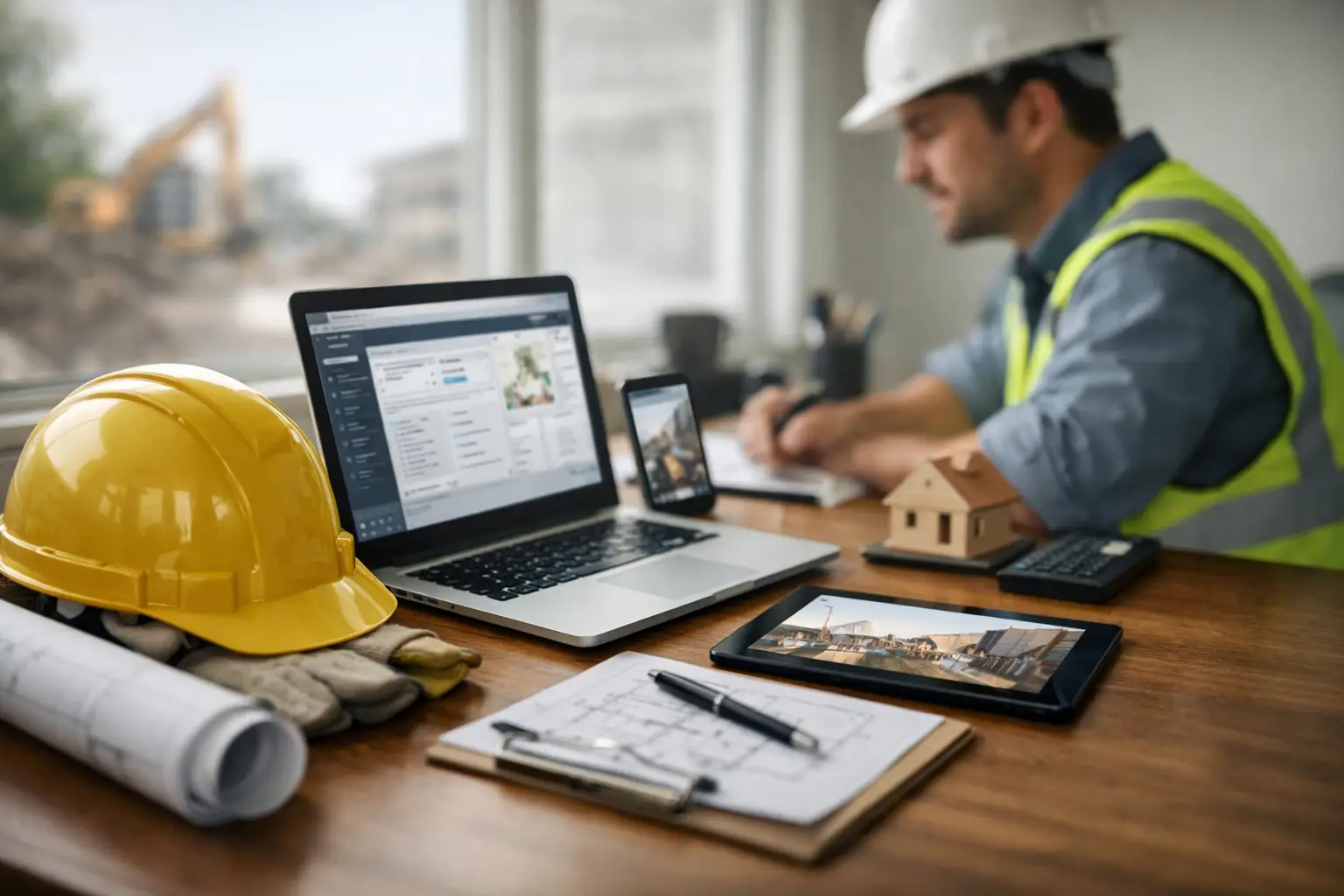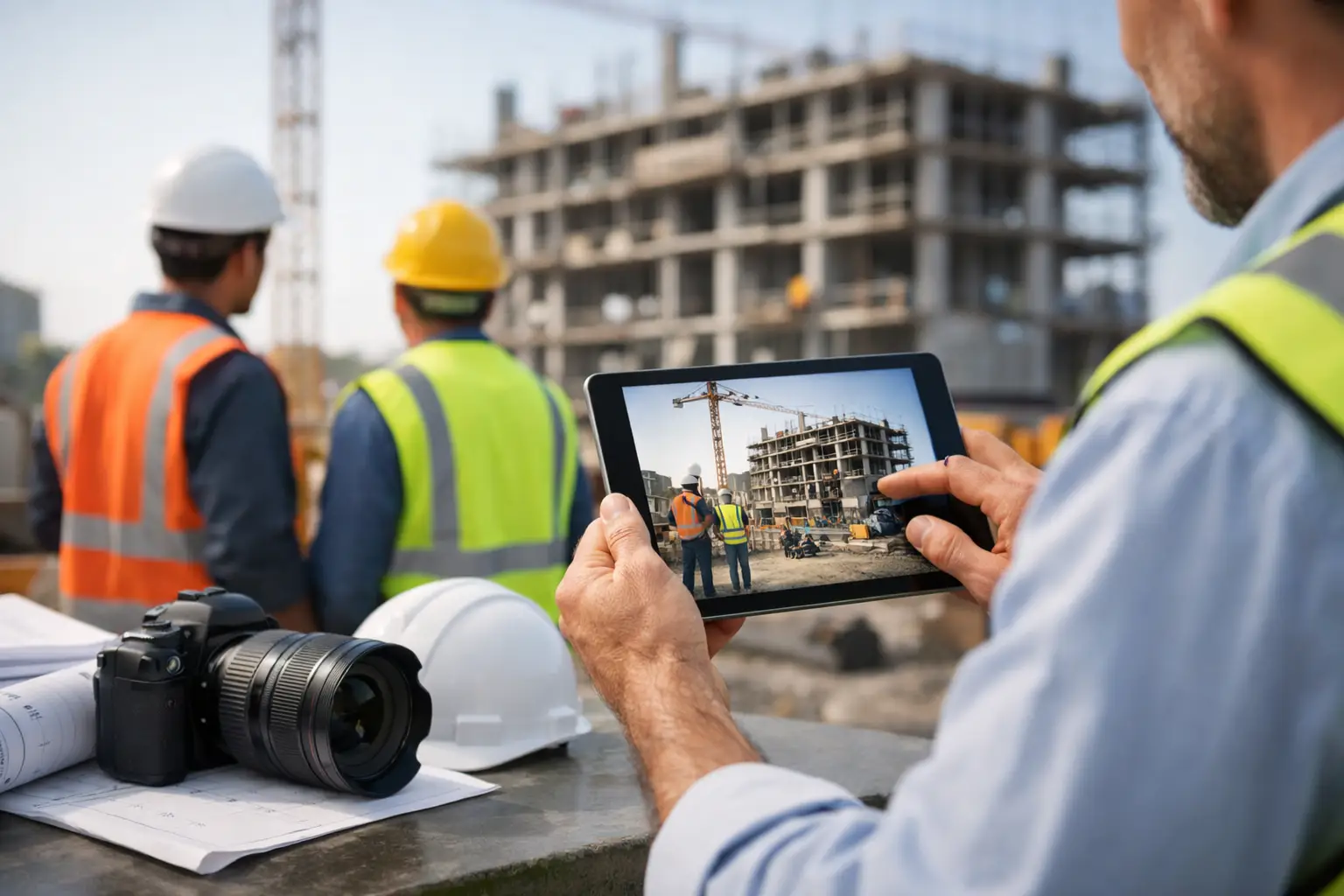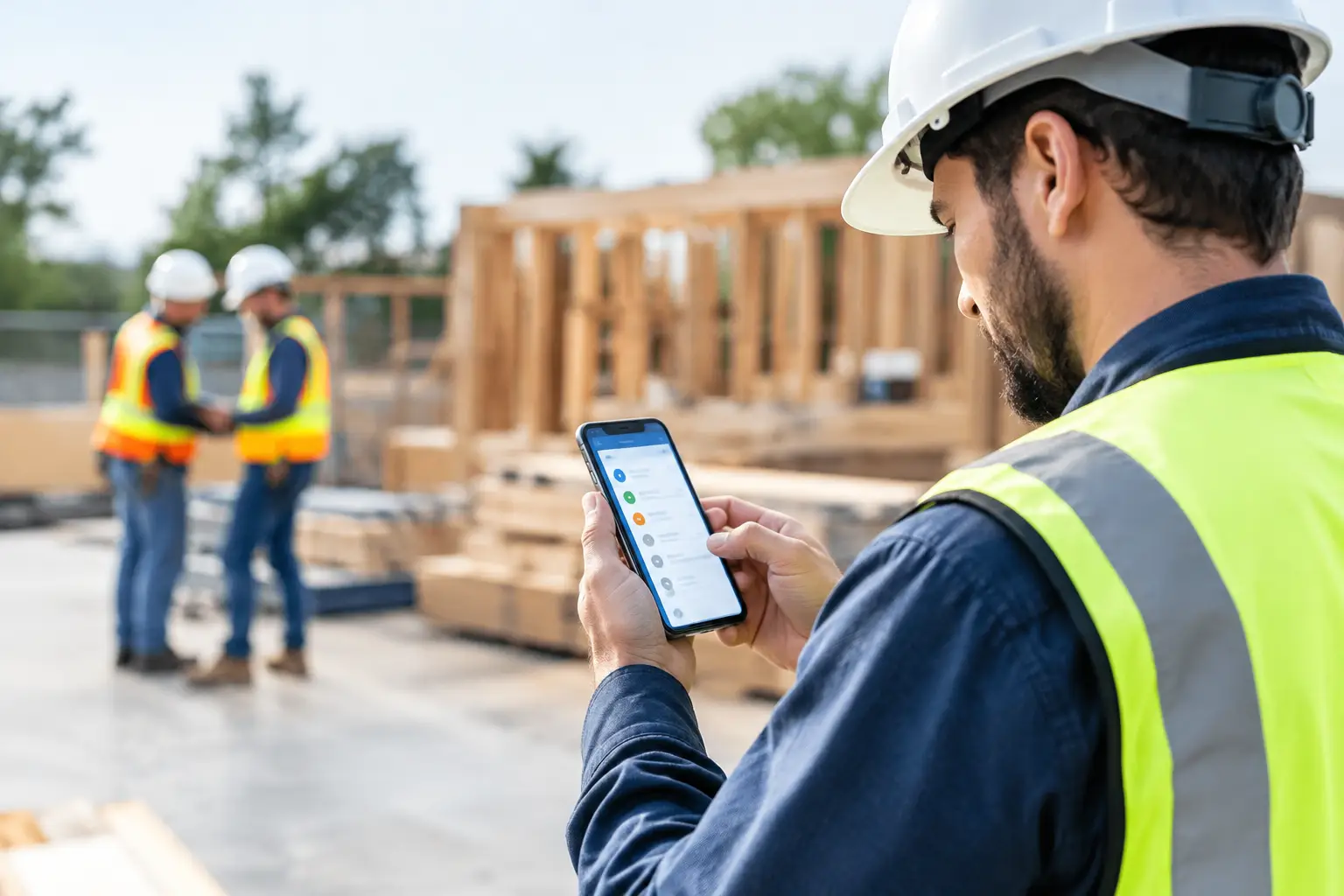
A foreman should not have to call the office three times to confirm where the crew worked, what material was used, and whether the job is on schedule. The right subcontractor app features put that information in one place while the work is happening - not days later when someone is sorting through texts, paper timecards, and photos on personal phones.
For subcontractors, the best software is not the one with the longest feature list. It is the one your crew will actually use at 6:30 a.m. from a jobsite. It should make the field faster, give the office clean information, and help owners see problems before they become expensive.
The Subcontractor App Features That Matter Most
A subcontractor manages a different set of pressures than a general contractor. You are tracking labor by crew, moving equipment between jobs, waiting on material, documenting work for payment, and trying to keep change work from disappearing. Your app needs to support that reality without burying the team in extra steps.
Mobile time tracking tied to the right job
Labor is usually the biggest number on the job, which makes time tracking one of the first places to look. A useful app lets crew members clock in from the field, select the correct job, and record their hours without filling out paper cards.
The important part is job-level detail. It is not enough to know that Carlos worked eight hours Tuesday. You need to know whether those hours went to the school masonry project, the warehouse repair, or a service call. When time is tied to the job from the start, the office spends less time correcting payroll and more time reviewing actual labor costs.
For some trades, labor tracking also needs to reflect crews and cost codes. A concrete contractor may need to separate formwork, placement, and cleanup. A plumbing contractor may want service hours kept apart from new construction. The right level of detail depends on how you estimate and bill work, but the process still has to be simple enough for a busy crew to complete every day.
Real-time job status for the office and field
Jobs rarely go off track because nobody cared. They go off track because the owner did not see the problem soon enough. A delayed delivery, missing crew member, failed inspection, or extra scope can become a major issue when it sits in a text thread for two days.
Job tracking gives the office a current view of what is happening across every active project. Field leaders can see their assigned work, update progress, and record what happened that day. Owners and project managers can check labor, notes, photos, and open items without chasing down every foreman.
This does not mean every job needs a complicated dashboard. Small and mid-sized subcontractors often need a clear answer to a few practical questions: Are we on schedule? Are we making money? What happened today? What needs attention tomorrow? Good software makes those answers easy to find.
Daily logs that document the work
A daily log is one of the most valuable records a subcontractor can keep, especially when a dispute starts months after the work was completed. It creates a running record of crew activity, weather, delays, visitors, deliveries, inspections, and site conditions.
The value is in consistency. If daily logs take 20 minutes of typing at the end of a long day, they will get skipped. If a foreman can add a short note, select job conditions, and attach photos from a phone, the record is much more likely to exist when you need it.
For example, a grading contractor may document rain that shut down earthwork. A framing crew may note that another trade blocked access to a work area. A roofing crew may record unsafe wind conditions. These details protect your position when schedule questions or backcharges show up later.
Job photos organized by project
Job photos are easy to take and easy to lose. They end up in camera rolls, group texts, and personal devices with no clear connection to the project. Then the office needs proof of a condition, completed work, or material delivery and nobody can find it.
A field-friendly app should attach photos directly to the job. The best setup also makes it simple to add a note or connect an image to a daily log. That turns a random photo into usable documentation.
Photos help with more than disputes. They let a project manager review progress without driving to every site. They give estimators a record of existing conditions. They also help crews communicate when the person asking the question is not standing at the same jobsite.
Materials and equipment tracking
Materials and equipment affect job profitability just as much as labor. If crews cannot record a delivery, equipment use, or unexpected purchase while it happens, those costs often get entered late or missed altogether.
Look for a system that lets the field track materials against a specific job. A landscaping crew should be able to record stone, mulch, plants, or irrigation supplies. An electrical contractor should be able to note wire, fixtures, and panels. The goal is not to create more data entry. It is to capture the information already being discussed on the job before it gets forgotten.
Equipment tracking matters for subcontractors that move machines, trailers, tools, or specialized gear between jobs. Knowing where equipment is assigned helps prevent double-booking and gives the office a clearer picture of job costs. The level of tracking should match the operation. A company with two skid steers has different needs than a large excavation contractor with a full fleet.
Estimates that carry through to job costing
Estimating and job tracking should not live in separate worlds. When the estimate is disconnected from the work, it becomes harder to compare what you planned with what actually happened.
An effective app helps you build estimates, convert approved work into jobs, and compare labor, materials, and other costs against the original budget. That gives owners a chance to spot problems early. If labor is climbing faster than production, you can adjust the crew, schedule, or approach before the margin disappears.
No software can fix a rushed estimate or an unclear scope. But it can make the gap between estimated and actual costs visible while there is still time to act.
Invoicing and accounting connection
Finished work does not help cash flow until it gets billed. Subcontractor software should make it easier to turn completed work, tracked costs, and approved changes into invoices without re-entering the same information in multiple systems.
For many companies, accounting integration is a practical requirement. When invoice and customer information can move into QuickBooks, the office avoids duplicate entry and reduces the chance of mismatched records. The exact workflow depends on how your bookkeeper handles accounting, so ask whether the software fits your current process before switching.
The goal is straightforward: field activity should support accurate billing, and billing should not create another pile of paperwork for the office.
Features Are Only Useful If Crews Use Them
A feature can look great in a demo and still fail in the field. The difference usually comes down to how many steps the app adds to a crew member's day. If workers need long passwords, complicated menus, or extensive training to submit time and photos, adoption will stall.
That is why ease of use is not a minor feature. It is the foundation for every other feature. A simple mobile workflow gets better data because people use it. Better data gives the office better visibility. Better visibility leads to faster decisions and fewer surprises.
When evaluating an app, test it with the people who will use it most. Have a foreman clock in, enter a daily log, upload a photo, and record a material delivery. If those tasks feel natural in a few minutes, you are on the right track. If they require a manual and a help desk call, the system may be built for someone else.
What to Look for Before You Buy
Start with the work that currently creates the most friction. For one company, that may be collecting paper timecards every Friday. For another, it may be proving completed work before sending an invoice. Do not pay for a massive system because it has features your team will never touch.
Ask practical questions during a demo. Can every employee use the mobile app? Can you run unlimited jobs without adding costs every time the business grows? Can the office see job activity in real time? Can you get set up without weeks of implementation? And can your crews use it with little or no training?
SimplySub is built around those everyday subcontractor needs: simple job tracking, field time, photos, daily logs, materials, equipment, estimates, invoices, and QuickBooks connection in one system. The point is not to make your business feel like a software company. It is to make running jobs easier.
The best app should feel less like another task and more like a reliable part of the workday. When the field can report what happened in real time and the office can trust the information, you have more control over the jobs that determine your profit. To see how SimplySub can support your business, schedule a demo or review pricing.